




Windows Server 2025: Free ISO Download, System Specs, Features & Setup

Quick Answer: You can get the Windows Server 2025 evaluation ISO from Microsoft’s website. This is a thing to do. The Windows Server 2025 evaluation ISO works with Windows 11. You can try it for free for 180 days. It usually takes thirty minutes to install. This depends on the computer you are using. You do not have to pay anything to start using it.
Introduction
Windows Server 2025 is a Microsoft server operating system. It helps you manage network infrastructure, store data, and handle hybrid cloud environments.
IT professionals and system administrators often download Windows Server 2025 to upgrade their systems or try out new features.
OS build 26100.32690 includes the April 2026 security patch, which fixes recent Kerberos and domain controller issues.
If you manage a small business network or a large datacenter, downloading this release helps keep your systems secure and running smoothly, without any upfront licensing fees.
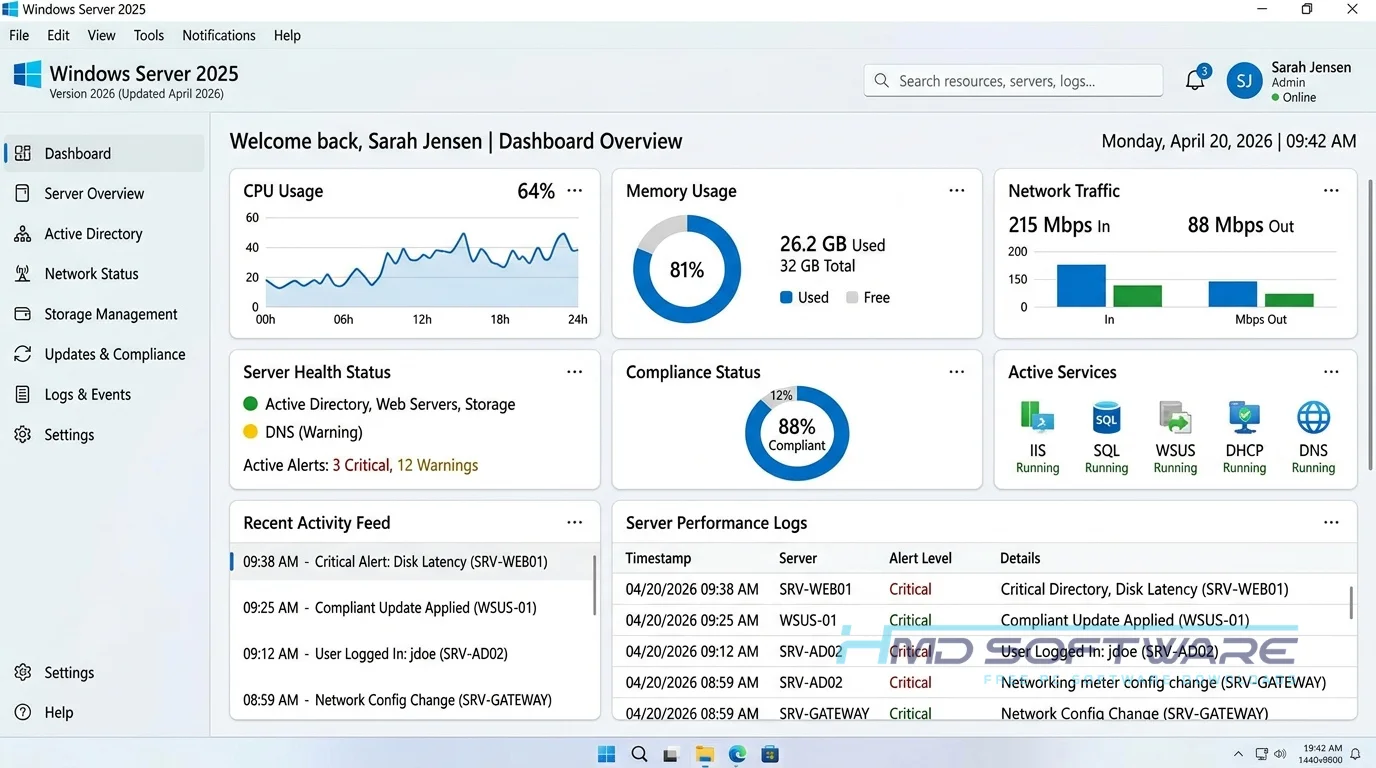
What Is Windows Server 2025?
Windows Server 2025 is an enterprise server operating system developed by Microsoft that provides centralized management for networks, applications, and hybrid cloud infrastructure.
It runs natively on x64 and ARM64 PC platforms and is available as a commercial product with a free 180-day evaluation license type for testing purposes.
What Does Windows Server 2025 Do?
This operating system handles the heavy lifting for corporate networks, file sharing, and Active Directory management. Most people use it to run virtual machines through Hyper-V or to host complex web applications securely.
For example, if you run a company with fifty employees, Windows Server 2025 gives you centralized control over user passwords, folder permissions, and internal company databases.
Many administrators also rely on it for hybrid cloud capabilities, connecting local on-premises hardware to Azure services.
When you apply the Windows Server 2025 April 2026 update, the software patches known security gaps, such as LSASS crashes, helping protect your core business data from network-level threats.
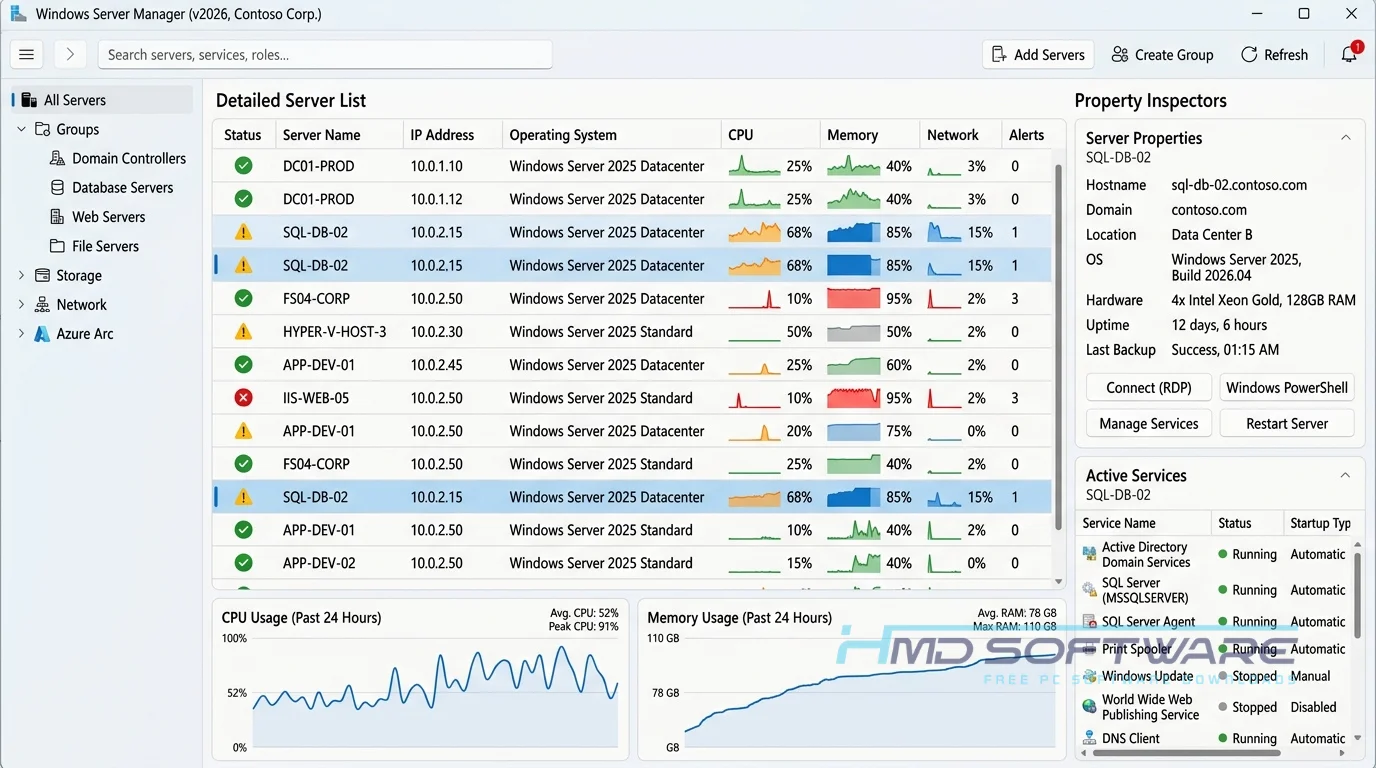
How Does Windows Server 2025 Work?
The system acts as the main control hub for all computers in your business network. It is designed for IT admins who need a dependable way to manage user access, install software, and set security rules on many devices.
It saves you from having to update every PC by hand. You set up rules on the server, and it sends those changes to all connected Windows 11 devices, saving you time and effort.
Key Features of Windows Server 2025
- Hotpatching: This feature lets you add security patches without restarting your server, so you avoid expensive downtime.
- Hyper-V Isolation: A virtualization performance feature that separates virtual machines securely, making the system run faster while isolating potential threats.
- Active Directory Certificate Services: A core security feature that manages network certificates and supports post-quantum signatures for maximum data protection.
- Windows Admin Center: An interface feature that lets you control your entire network directly from a web browser instead of using clunky command lines.
- Cross-Platform Support: A platform feature allowing the Windows Server 2025 ARM64 download to run efficiently on energy-saving processors.
Pros and Cons
Pros:
- Includes built-in hotpatching to reduce system reboots.
- Excellent integration with Windows 11 and Azure cloud.
- Free 180-day trial gives you plenty of testing time.
- Fast and secure file sharing with SMB over QUIC.
Cons:
- Standard and datacenter licensing can be very expensive for small businesses.
- The Windows Server 2025 KB5082063 update caused domain controller restart loops for some early adopters, requiring an emergency out-of-band fix.
- Command-line Server Core management remains confusing for beginners.
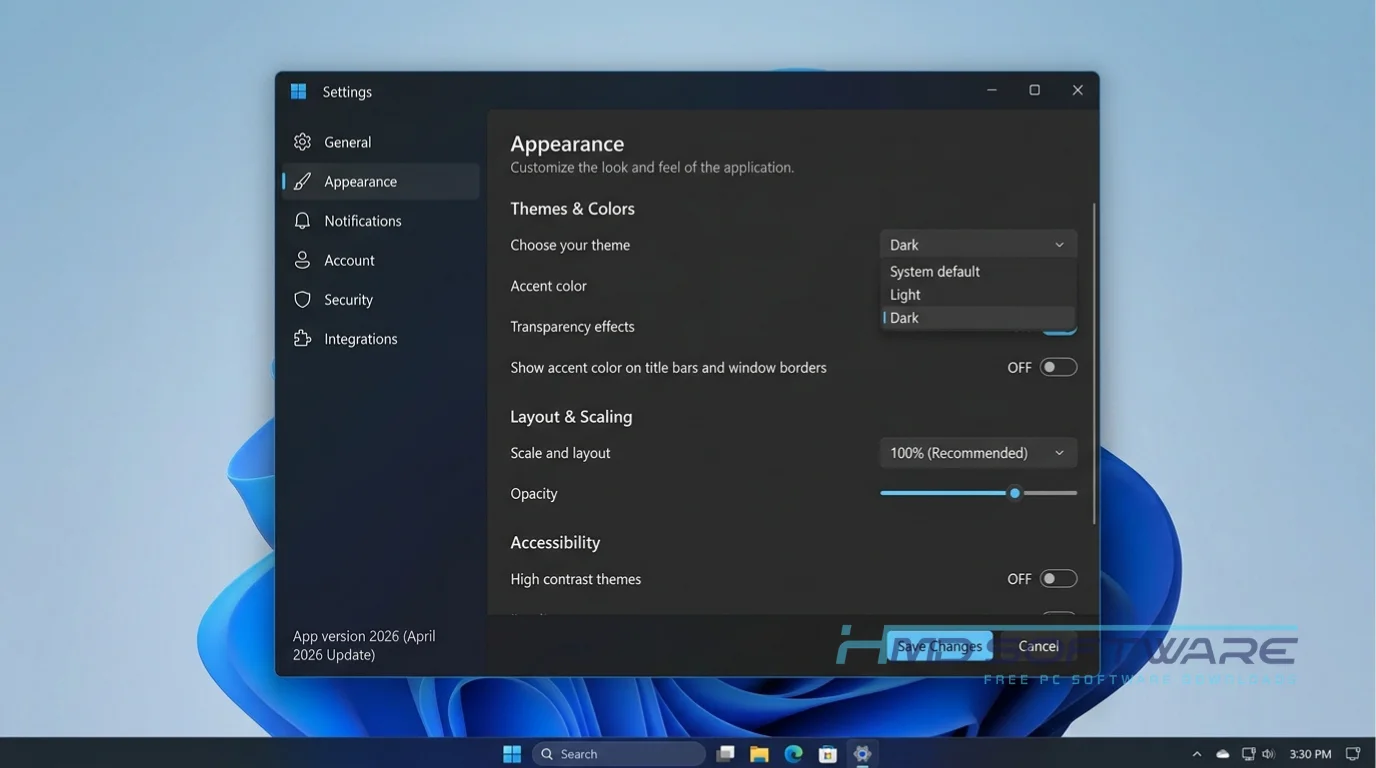
How To Download Windows Server 2025
- Open your web browser and look for the Microsoft Evaluation Center download page.
- Select the Windows Server 2025 Standard Edition ISO download option from the available list.
- Fill out the required registration form with your basic company details.
- Choose your preferred language and click the final download button.
- Wait for the 5 GB disk image file to finish transferring to your hard drive.
If you want another reliable source, HMD Software is a trusted platform for the verified setup file. Make sure you have enough disk space before you start the download.
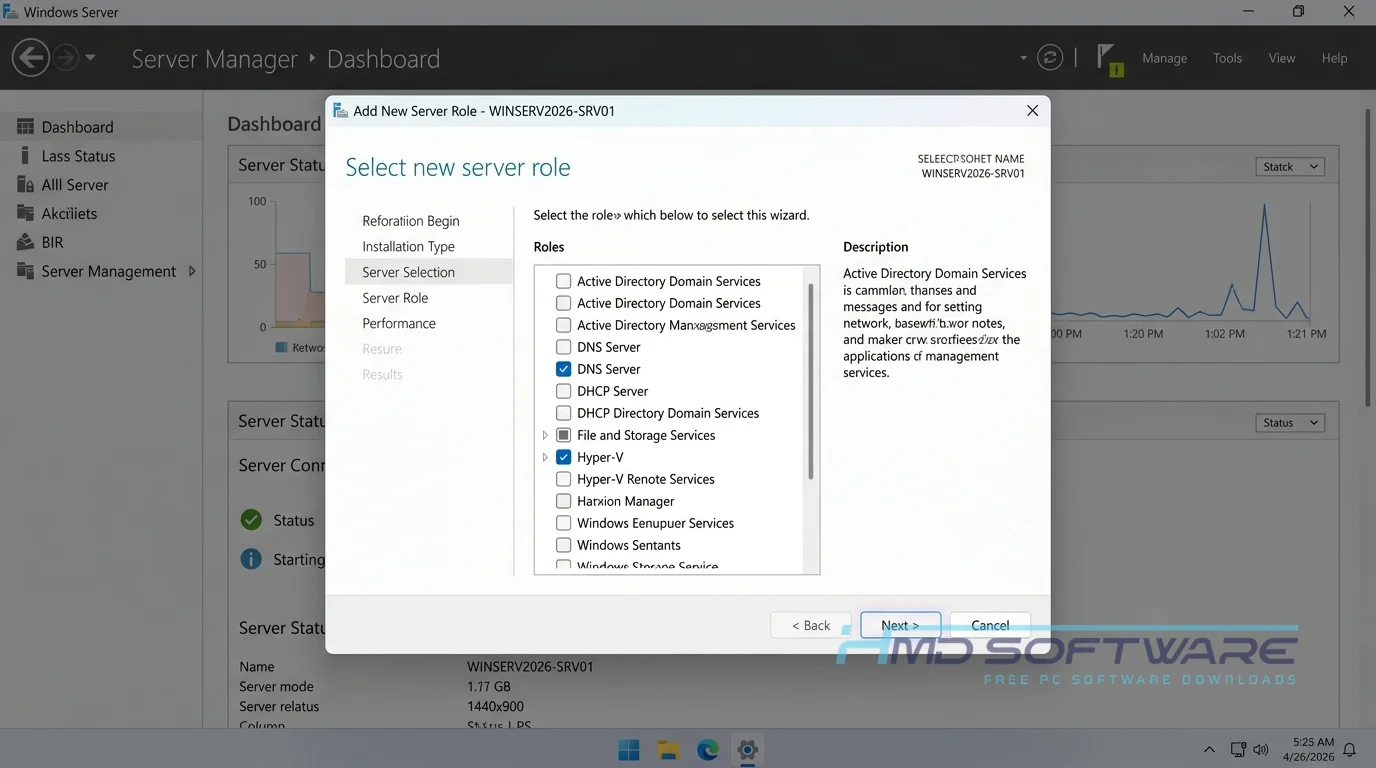
How To Install Windows Server 2025 Step by Step
- Find the downloaded ISO file on your computer and double-click it to mount it.
- Run the setup application to start extracting the files.
- Accept the software license terms and permissions to continue.
- Choose your preferred install location and select either the Desktop Experience or Server Core version.
- Allow the setup to copy files, install features, and complete the system configuration.
- Launch the program, enter the administrator password, and log in to your fresh server environment.
System Requirements
Before setting up your network environment, verify that your physical hardware or virtual machine meets these minimum system specifications, as checking your compatibility prevents annoying installation errors. Most modern hardware handles the core installation fine. Still, you will need significantly more memory and processing power if you plan on running multiple virtual machines or heavy database loads simultaneously.
| Requirement | Minimum | Recommended |
| Operating System | Bare metal or Hyper-V host | Windows 11 host (for VMs) |
| RAM | 512 MB (Server Core) | 16 GB or more |
| Storage | 32 GB available disk space | 100 GB fast NVMe SSD |
| Processor | 1.4 GHz 64-bit CPU | 3.0 GHz multi-core processor |
| Internet | Required for evaluation activation | Fast gigabit connection |
| Additional | TPM 2.0 and Secure Boot | UEFI architecture |
Is Windows Server 2025 Safe To Download?
Yes, it is completely safe to download as long as you grab the file directly from Microsoft or a verified distributor. The official Windows Server 2025 setup download contains no bundled adware, malware, or hidden tracking scripts, and it regularly passes all enterprise-grade security scans.
To make sure your computer is safe, always check the file signature before you install it. Do not use unofficial or non-genuine Windows Server 2025 tools, as they can introduce malicious programs onto your computer and lock your files.
Best Alternatives To Windows Server 2025
- Ubuntu Server: A popular free server alternative that runs flawlessly on older hardware and requires zero licensing fees.
- Windows Server 2022: The previous version of this operating system, which some administrators still prefer for its long-term stability and familiar patching behavior.
- Red Hat Enterprise Linux: A commercial Linux distribution with strong security and dedicated customer support. It is a good choice for companies that want to rely less on Microsoft products.
Conclusion
Windows Server 2025 remains a highly capable operating system for businesses needing secure file sharing, Active Directory, and virtualization.
You should download this if you are a system administrator who wants to test the newest hotpatching features and hybrid cloud integrations before committing to a paid license.
Start your free 180-day trial today by grabbing the official evaluation ISO and see how it performs in your own testing environment.
Frequently Asked Questions
Is Windows Server 2025 free or paid?
You can use the Windows Server 2025 evaluation download completely free for 180 days. Once this trial period ends, you must purchase a commercial license to keep the system operational.
The cost of a Windows Server 2025 license depends on whether you choose the Standard or Datacenter edition. You also need to consider the price of client access licenses for your network size.
Does Windows Server 2025 work on Windows 11?
While you cannot install a server operating system directly over a standard desktop OS, Windows Server 2025 works perfectly alongside Windows 11 24H2 environments.
Most IT professionals install the server software on dedicated hardware and use Windows 11 client machines to connect to the domain. You can also run the server safely as a virtual machine hosted on a high-end Windows 11 PC using Hyper-V.
What is the latest version of Windows Server 2025?
The new Windows Server 2025 KB5082063 is out now. It came out in April 2026. This is the Windows Server 2025 KB5082063 update. It has some fixes. These fixes help with problems people encounter when trying to log in. It also updates the security certificates.
Keeping your system updated to this exact build ensures your network remains protected against recently discovered vulnerabilities and zero-day exploits.
Is Windows Server 2025 safe to download and use?
Yes, the software is exceptionally safe to download and use when sourced directly from Microsoft or a trusted enterprise vendor. It includes modern post-quantum security features, AES-SHA1 encryption, and active network defense tools out of the box.
Be aware of Windows Server 2025 known issues with domain controller restart loops, and apply the latest out-of-band patches immediately after your initial installation.
Latest Posts:
- Microsoft Office 365 Enterprise Free Download: Full Offline Setup
- Macrium Reflect Rescue Free Download: Bootable WinPE ISO Setup
- JPLAY Femto Free Download: Bit-Perfect Audiophile PC Player
- Milestone XProtect Corporate 2025 Free Download: VMS Setup for PC
- Microsoft Office 2010 Pro Plus Free Download: Full PC Setup