




JPLAY Femto Free Download: Bit-Perfect Audiophile PC Player


Quick Answer: You can safely download JPLAY Femto as an installer for your PC. To unlock all the features of this PC software, you will need a paid license. It works with Windows 11. It installs in under five minutes. JPLAY Femto also improves the sound by skipping the Windows audio mixers.
Introduction
JPLAY Femto is an audiophile music player software developed by Marcin Ostapowicz that optimizes PC audio playback. Hardware enthusiasts usually look for a free download of JPLAY Femto to test its bit-perfect playback engine before buying the lifetime license.
I recently set up the JPLAY Femto 7.0.0 release on a dedicated listening PC. It forces the operating system to prioritize audio processing above everything else.
If you use a high-end DAC and want to squeeze the best possible sound from your local FLAC files or streaming accounts, this network music player makes a noticeable difference.
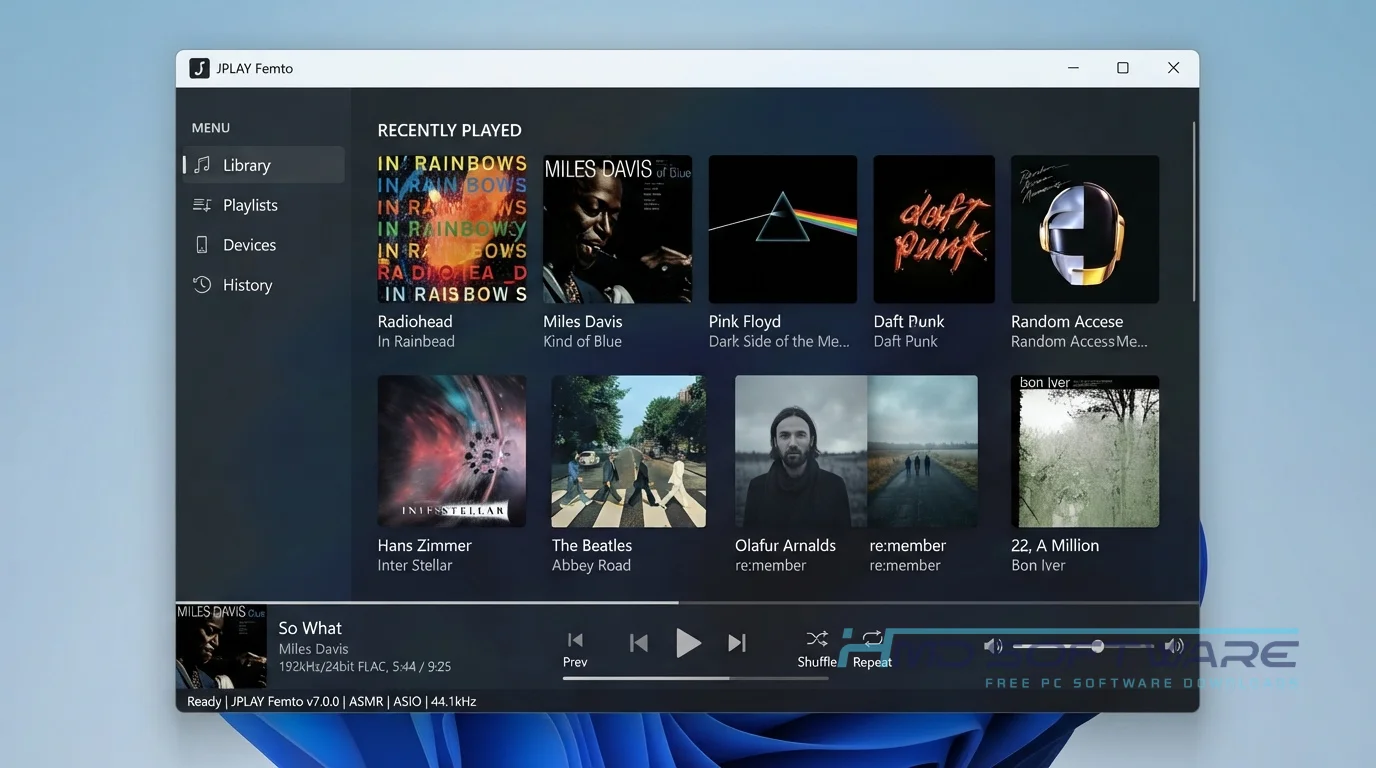
What Is JPLAY Femto?
JPLAY Femto is a music player for audiophiles, made by Marcin Ostapowicz and designed for top-quality PC audio. It only works on Windows and requires a paid license. Its main job is to skip the usual system audio mixers and send bit-perfect sound straight to your DAC.
What Does JPLAY Femto Do?
This software turns a standard computer into a dedicated hi-res audio player for PC listening. Most people use it alongside a control app, such as Bubble UPnP, on their phone. You select a track on your phone, and the JPLAY femtoServer pulls the file and sends it to your DAC without altering the original sample rate.
It also handles lossless music streaming directly from Qobuz and TIDAL. The JPLAY Femto TIDAL integration is incredibly useful because it streams high-resolution files straight to the audio hardware.
It prevents Windows from resampling your music, preserving the original sound quality.
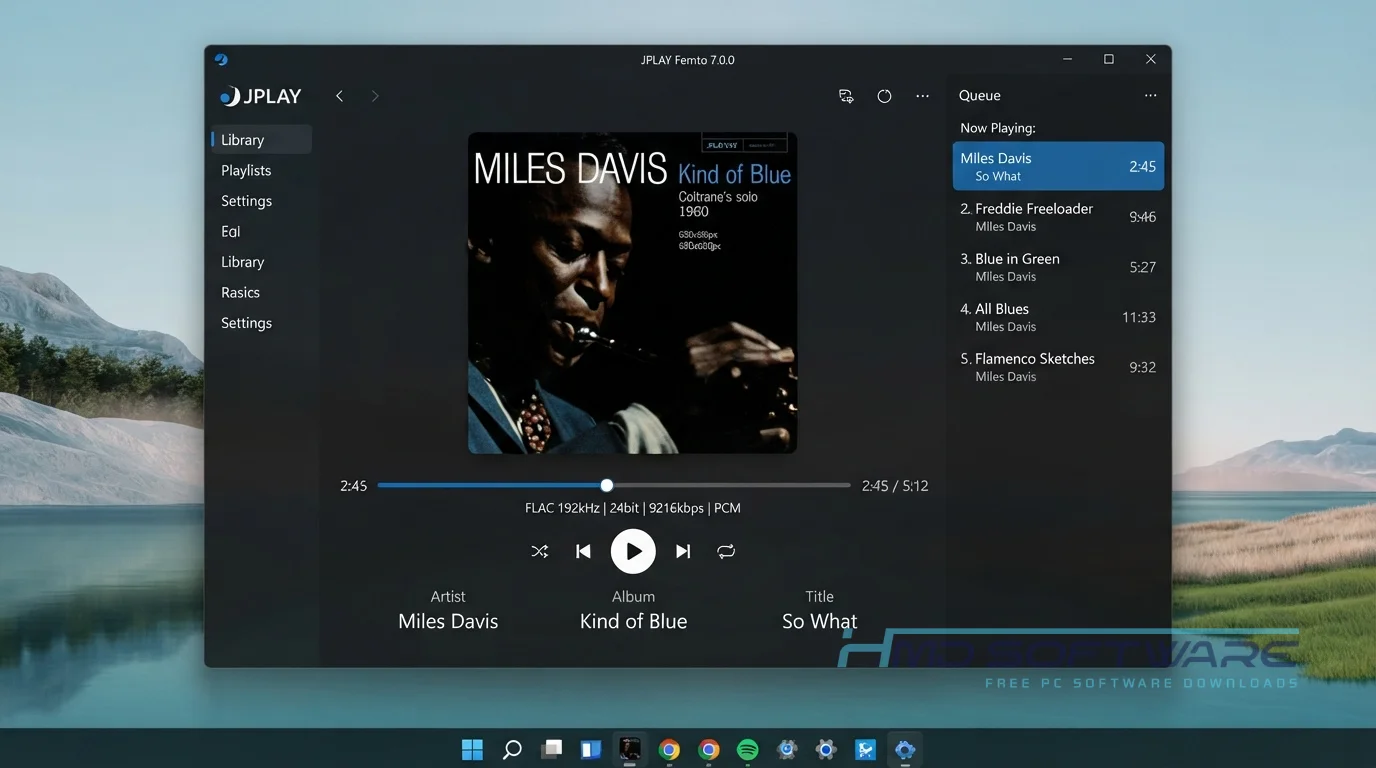
How Does JPLAY Femto Work?
The application installs a custom JPLAY Driver that intercepts audio signals at the kernel level. It is built for audiophiles frustrated by audio degradation caused by standard Windows mixers. It mainly solves background system latency.
It literally suspends unnecessary background computer processes during playback. You install the software, select your audio output method (such as ASIO or WASAPI), and let it run in the background. It functions entirely as an invisible network renderer.
Key Features of JPLAY Femto
- Kernel Streaming: A core performance feature that sends audio data straight to the hardware driver to bypass the Windows audio stack.
- Hibernation Mode: A processing feature that turns off dozens of non-essential Windows background tasks to reduce electrical noise inside the PC.
- UPnP Renderer: An interface usability feature allowing you to control playback from your smartphone using any compatible UPnP application.
- Native DSD Support: A file format compatibility feature that pushes DSD256 files directly to your DAC without converting them to PCM first.
- Version 7 Engine: An updated version management feature that drastically reduces the memory footprint compared to the older JPLAY Classic releases.
Pros and Cons
Pros
- It delivers genuine bit-perfect audio to high-end DACs.
- The memory playback feature loads entire tracks into RAM to prevent hard drive noise.
- It supports gapless playback flawlessly on live albums.
- The Qobuz and TIDAL integration is built directly into the server component.
Cons
- The PC has no graphical user interface.
- Hibernation mode freezes the rest of your computer while music is playing.
How To Download JPLAY Femto
- Verify that your digital-to-analog converter is securely connected to your computer via USB.
- You can find a safe, verified download link on HMD Software, a reliable platform for PC software downloads.
- Click the button to grab the JPLAY Femto Windows 64-bit download setup file.
- Wait for the small 15 MB offline installer to finish saving to your local drive.
- Don’t look for a JPLAY Femto crack online, because these files can include miners that run in the background and harm your computer.
- Keep your 2026 license key ready in your email inbox to unlock the full version after setup.
How To Install JPLAY Femto Step by Step
- Find the downloaded setup .exe file in your Downloads folder and open it.
- Click Yes on the User Account Control prompt to allow the installer to run.
- Accept the standard end-user license agreement on the first screen.
- Choose the default installation folder on your primary Windows drive.
- Enter your registration key when the setup wizard asks for activation details.
- Shut down your computer completely so the new kernel-level audio drivers can start working.
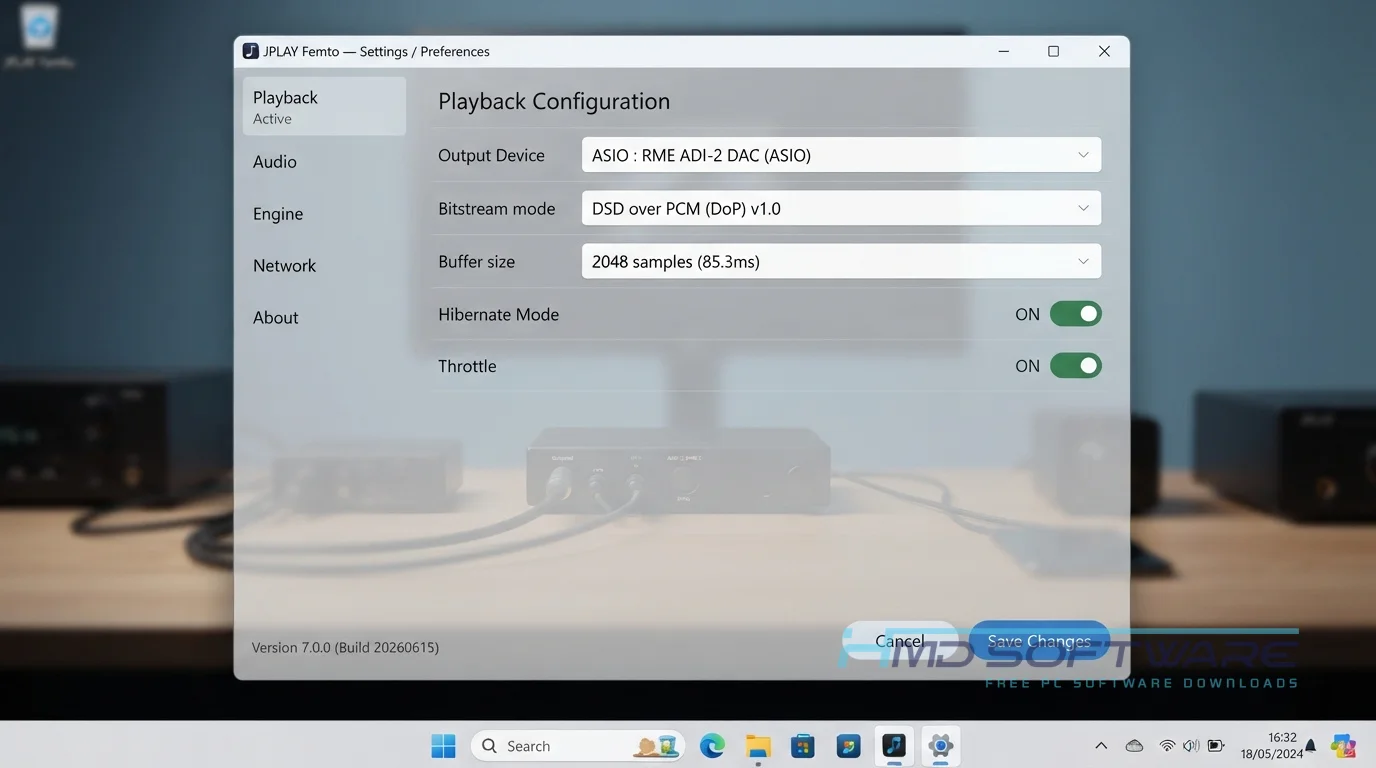
- Open the settings panel from your Start menu to select your specific DAC.
System Requirements
This software is incredibly lightweight, but it requires specific hardware to function correctly. You do not need a fast processor. Instead, you need a stable USB connection and a compatible external DAC. Review the JPLAY Femto system requirements before installing the software to ensure your audio chain is fully supported.
| Requirement | Minimum | Recommended |
| Operating System | Windows 10 (64-bit) | Windows 11 (64-bit) |
| RAM | 2 GB | 4 GB or more |
| Storage | 50 MB | 100 MB free space |
| Processor | Intel Core i3 or equivalent | Intel Core i5 or higher |
| Internet | Required for license check | Required for TIDAL streaming |
| Additional | Standard USB DAC | ASIO compatible audio interface |
Is JPLAY Femto Safe To Download?
Yes, the official application is safe to download and use. It is a niche, premium audio tool developed by a known audio engineer. There is no bundled adware, and virus scans confirm the executable is safe. However, the JPLAY Driver modifies how Windows handles hardware interrupts.
To keep your PC secure and stable, never download modified torrents. Always download the latest official version and keep your motherboard BIOS fully up to date.
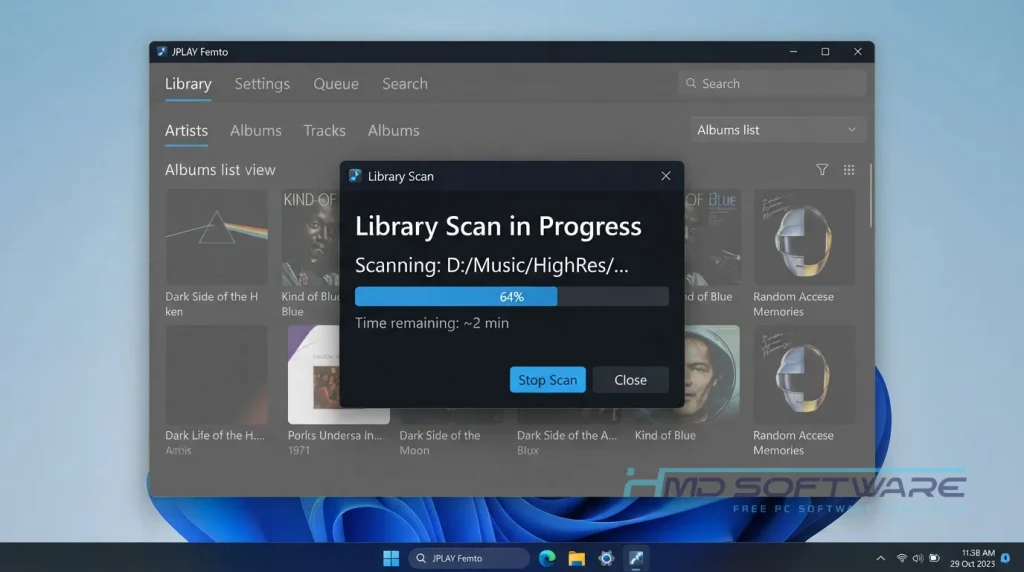
Best Alternatives To JPLAY Femto
- Audirvana: A highly visual audiophile music player that includes a beautiful desktop interface for managing your local library and streaming accounts.
- Roon: An expensive but brilliant network music player that provides deep metadata, artist biographies, and multi-room audio synchronization across different devices.
- HQPlayer: A highly technical audio player specifically designed for users who want to upscale standard files into heavy DSD formats before sending them to a DAC.
Conclusion
JPLAY Femto 7.0 is dedicated software for those who prioritize sound quality. If you have a high-quality stereo system and want to get the computer completely out of the equation when it comes to sound, this program delivers on its promise.
It takes a little patience to configure the network settings initially. Download JPLAY Femto from the link above and hear the difference for yourself.
Frequently Asked Questions
Is JPLAY Femto free or paid?
JPLAY Femto is a paid software product that requires a commercial license. You can usually find a 21-day free trial on the official site to test the bit-perfect playback on your specific DAC.
After the trial expires, you must buy a JPLAY Femto lifetime license to continue using the software. The developers do not offer a permanent free version.
Does JPLAY Femto work on Windows 11?
The new JPLAY Femto 2026 build works well with Windows 11. It works well with the new operating system and keeps your music playing without problems.
I tested it on a fresh Windows 11 installation using a USB DAC, and kernel streaming mode works perfectly without causing any blue screen errors.
What is the latest version of JPLAY Femto?
The latest version of JPLAY Femto is JPLAY Femto 7.0.0. This new version includes a femtoServer UPnP component and works much better with music streaming services like Qobuz and TIDAL.
If you are still using the older JPLAY Classic application, upgrading to the latest build will noticeably reduce your audio PC’s resource consumption.
Is JPLAY Femto safe to download and use?
Downloading the official software is completely safe. It contains no malware, spyware, or unwanted browser extensions.
The program aggressively consumes PC resources during hibernation mode to prioritize audio quality, which might leave your computer unresponsive until the music stops. As long as you understand this hardware behavior, the software is entirely safe to run.
Latest Posts:
- Microsoft Office 365 Enterprise Free Download: Full Offline Setup
- Macrium Reflect Rescue Free Download: Bootable WinPE ISO Setup
- JPLAY Femto Free Download: Bit-Perfect Audiophile PC Player
- Milestone XProtect Corporate 2025 Free Download: VMS Setup for PC
- Microsoft Office 2010 Pro Plus Free Download: Full PC Setup