




Windows Server 2022 Complete Overview: ISO Download, Specs & Review

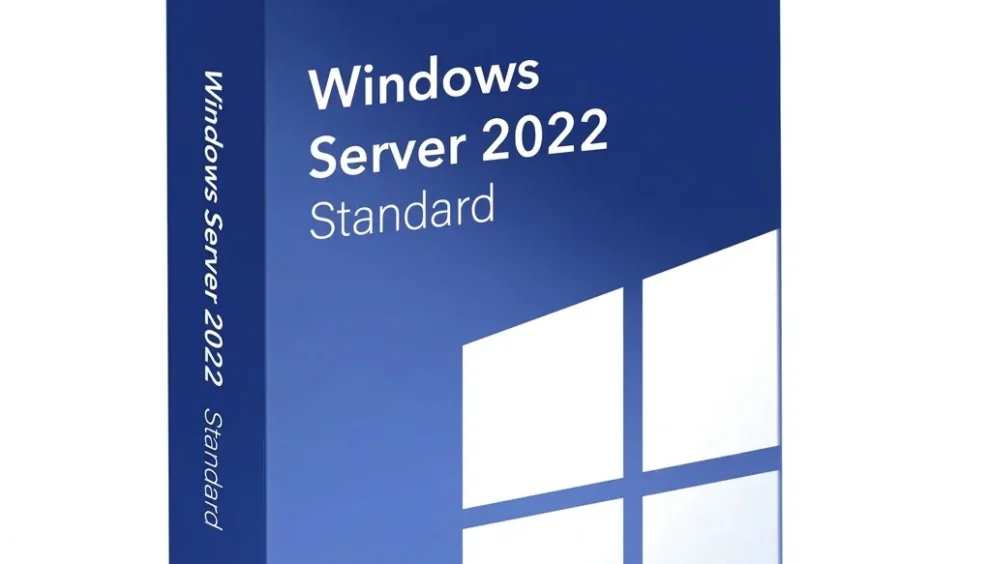
Quick Answer: You can get the Windows Server 2022 evaluation ISO from Microsoft’s website. This is a thing to do. The Windows Server 2022 evaluation ISO includes a 180-day trial. It only works on computers with 64-bit hardware. It takes 30 minutes to set up Windows Server 2022. After that, you will have a server that is ready for your business to use.
Introduction
Windows Server 2022 is an operating system that businesses employ. It enables them to manage their networks and run applications, and it also helps protect their data. Those who work with computers prefer to have Windows Server 2022 installed so they can set up systems that function well.
The newest version includes the April 2026 update, KB5082142 (OS Build 20348.5020), which adds important security fixes and improves performance.
I recently set up a testing environment with it, and the process was incredibly straightforward. Whether you are building a domain controller or setting up file storage, this release delivers unmatched stability.
What Is Windows Server 2022?
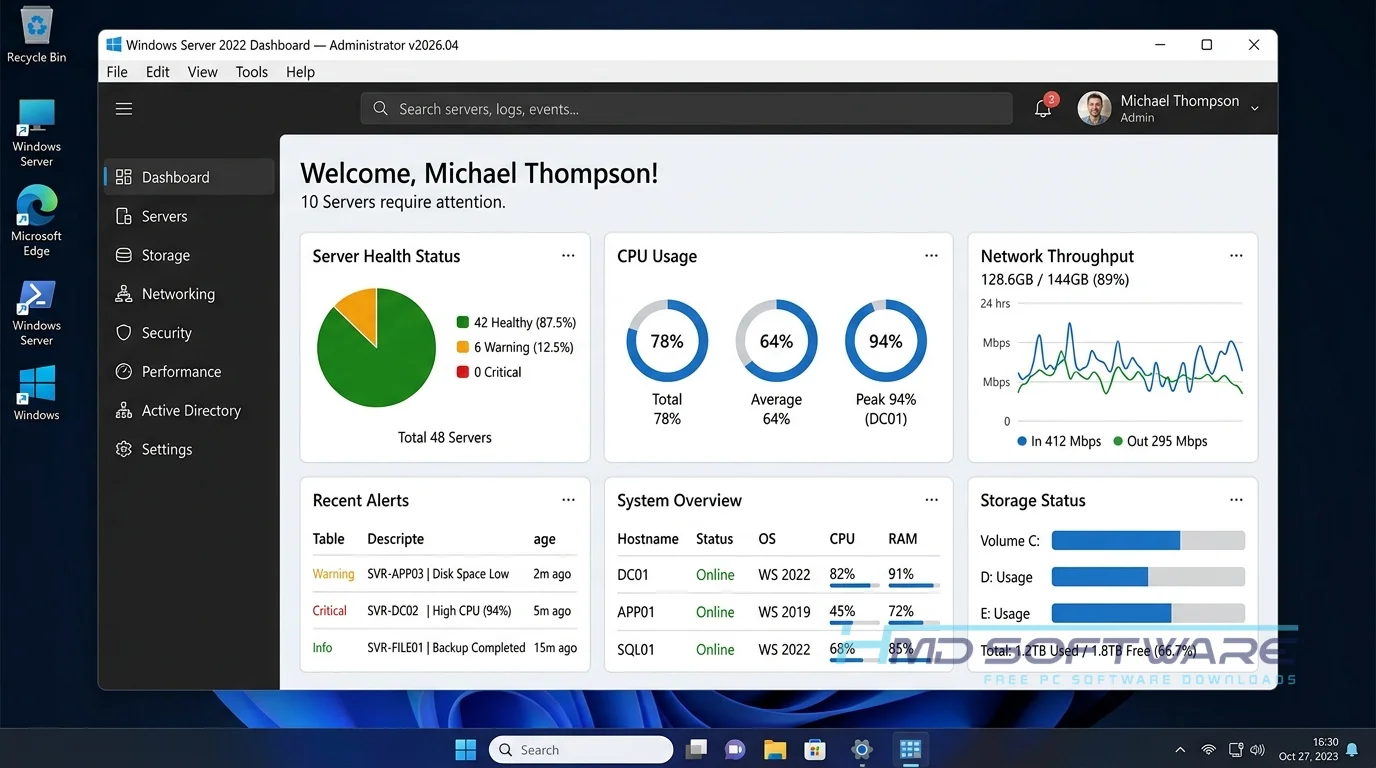
Windows Server 2022 is an enterprise server operating system developed by Microsoft that provides secure infrastructure for hybrid and local networks. Available as a commercial license or a free 180-day evaluation, this platform runs strictly on 64-bit architectures.
It serves as the backbone of corporate IT environments, offering advanced multilayer security and enhanced container integration.
What Does Windows Server 2022 Do?
This platform handles the heavy lifting for corporate networks, acting as the central hub for data and user management. Many system administrators use the Windows Server 2022 Standard download to set up Active Directory, enabling them to manage employee credentials and enforce Group Policy across hundreds of devices.
You might also use it as a dedicated file server with SMB compression and QUIC, which drastically speeds up secure file transfers over wide-area networks.
If you prefer a minimal footprint, deploying a server core installation reduces hardware overhead while keeping your infrastructure secure against threats such as ransomware and unauthorized access.
How Does Windows Server 2022 Work?
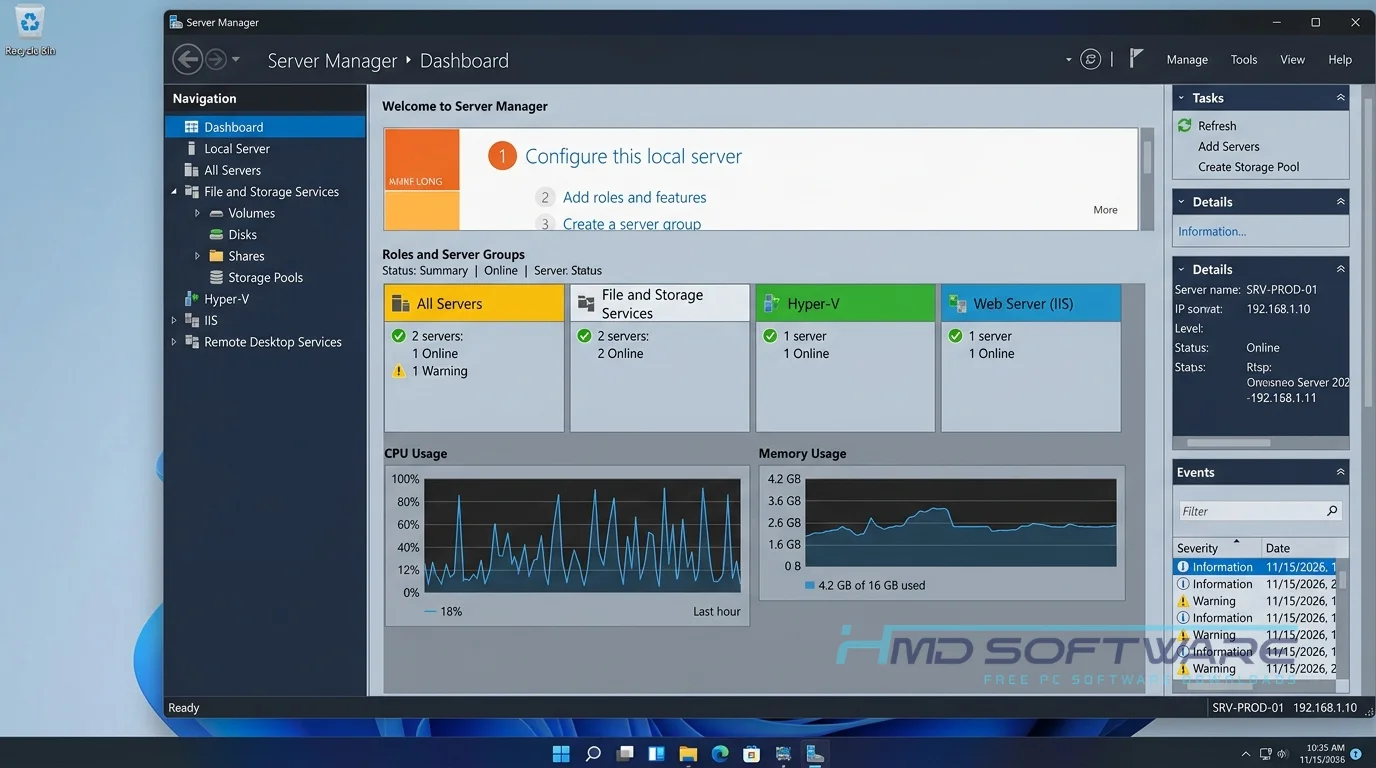
The system allocates hardware resources to background services rather than to desktop applications. When you install the Windows Server build update download, it runs silently in a server rack or a virtual machine, continuously listening for client requests.
It has been designed for IT teams that need to manage large networks without constantly performing manual intervention. Centralizing management functions addresses the major issues of updating, securing, and monitoring dozens of separate computers.
Key Features of Windows Server 2022
- Performance Improvements: The system speeds up data transfers by reducing network delays. It does this by improving the way UDP and TCP protocols work. This means that Performance Improvements are a deal for the system.
- Hardware Root of Trust: It requires Secure Boot certificates and TPM 2.0 to protect against advanced firmware attacks.
- Simplified Management: The Windows Admin Center provides a clean interface for managing local and Azure hybrid environments.
- Hyper-V Enhancements: With Hyper-V enhancements, virtual machines become more efficient, enabling you to run multiple operating systems on a single physical machine.
- AES-SHA1 Encryption: The Kerberos KDC now uses stronger encryption by default, helping protect domain credentials against modern brute-force attacks.
- Hotpatching Support: Apply the latest Windows Server security patch without restarting, keeping your uptime at maximum.
Pros and Cons
Pros:
- Offers excellent protection against modern malware with built-in multi-layer security.
- The 180-day free trial period for Windows Server gives you plenty of time to test configurations.
- SMB compression helps you move large files across remote networks much faster.
- Integrating with Microsoft Azure for hybrid cloud setups is surprisingly simple.
Cons:
- The hardware requirements are strict, so it does not work with older legacy processors.
- The April 2026 update (KB5082142) caused restart loops for some domain controllers, which needed the KB5091575 out-of-band fix.
How Do I Download Windows Server 2022 Safely?
- Navigate to a reliable software directory or the official Microsoft Evaluation Center.
- You can find a safe, verified setup file on HMD Software, a reliable platform for PC software downloads.
- Choose either the standard desktop experience or the Windows Server 2022 Server Core download depending on your needs.
- Click the link to grab the 64-bit ISO, which requires about 5 GB of local storage space.
- Save the image file to an external USB drive using a tool like Rufus to create bootable media.
- Always verify the checksum of your offline installer to ensure the download finished without any file corruption.
How To Install Windows Server 2022 Step by Step
- Insert your bootable USB drive and restart your computer to enter the BIOS menu.
- Select the USB drive as your primary boot device to launch the installer.
- Choose your preferred language, time zone, and keyboard layout, then click Next.
- Select whether you want the Desktop Experience or the command-line Server Core installation.
- Accept the licensing terms and choose the custom installation option to format your drive.
- Pick the partition where you want the OS to live and wait for the files to copy.
- Set a strong administrator password when the system restarts to finish the setup.
System Requirements
Before you install Windows Server 2022 21h2, check that your server meets the hardware requirements. If it doesn’t, the installation might fail or your server could run very slowly during busy times.
| Requirement | Minimum | Recommended |
| Operating System | Bare Metal or Hypervisor | Bare Metal or Hypervisor |
| RAM | 512 MB (Server Core) | 16 GB or more |
| Storage | 32 GB | 100 GB SSD free space |
| Processor | 1.4 GHz 64-bit processor | 3.0 GHz multi-core processor |
| Internet | Required for activation | Required for updates |
| Additional | TPM 2.0 | UEFI with Secure Boot |
Is Windows Server 2022 Safe To Download?
You can download Windows Server 2022 from the internet without any problems if you use trusted sources. If you download the Windows Server 2022 evaluation ISO from Microsoft or from your vendor, you will get software that’s clean and free of hidden servers. If you handle sensitive corporate data, you must never download modified ISOs from random torrent sites. Always verify the file’s digital signature before mounting it.
Once installed, the system actually improves your security posture by enforcing AES-SHA1 encryption and protecting against Remote Desktop RDP phishing attacks.
Best Alternatives To Windows Server 2022
- Windows Server 2019: Administrators who have legacy applications that conflict with newer security protocols often prefer this older, highly stable release.
- Ubuntu Server: This free Linux distribution is an excellent option for businesses looking to run web servers without paying ongoing Microsoft licensing fees.
- Windows Server 2025: If you want the absolute latest features and do not mind early-stage bugs, this upcoming release offers advanced AI integration and deeper Azure management.
Conclusion
Deploying the latest Windows Server 2022 update brings incredible stability and security to any corporate network. It handles heavy virtualization, file sharing, and Active Directory tasks without missing a beat.
Both small businesses and large IT teams should try the evaluation copy to test their workloads. You can download the Windows Server 2022 ISO now and start building a safer, more efficient IT setup.
Frequently Asked Questions
Is Windows Server 2022 free or paid?
The full version requires a commercial license, but Microsoft offers a Windows Server 2022 180-day trial download completely free. This evaluation edition gives IT teams unrestricted access to all Datacenter and Standard features.
Once the six months expire, the server will begin shutting down automatically every hour until you purchase and enter a valid product key to convert it.
Does Windows Server 2022 work on Windows 11?
You cannot install a server operating system directly on top of Windows 11 as an application. However, you can easily run the Windows Server 2022 Datacenter Edition ISO download inside a virtual machine on a Windows 11 host.
Using Hyper-V or VirtualBox allows you to test network configurations and Group Policies locally without needing a dedicated physical server rack.
What is the latest version of Windows Server 2022?
The latest stable version is OS Build 20348.5020, released in April 2026. You should download KB5082142 from the Microsoft Update Catalog to get the newest fixes.
This update resolves Secure Boot certificate expirations and patches critical security vulnerabilities, so it’s a must for anyone running public-facing networks.
Is it safe to download and use Windows Server 2022?
It is safe to use if you download the offline installer. The April 2026 release improves security by turning off WDS hands-on deployment and, when configured correctly, preventing LSASS crashes.
Always avoid using third-party sites that offer -activated copies of the software because they often contain hidden backdoors that can harm the domain controller. Using the official channels to download software helps protect the domain controller against modern network threats.
Latest Posts:
- Microsoft Office 365 Enterprise Free Download: Full Offline Setup
- Macrium Reflect Rescue Free Download: Bootable WinPE ISO Setup
- JPLAY Femto Free Download: Bit-Perfect Audiophile PC Player
- Milestone XProtect Corporate 2025 Free Download: VMS Setup for PC
- Microsoft Office 2010 Pro Plus Free Download: Full PC Setup