




Windows 95 Electron App Setup: Play Classic 90s Games on PC

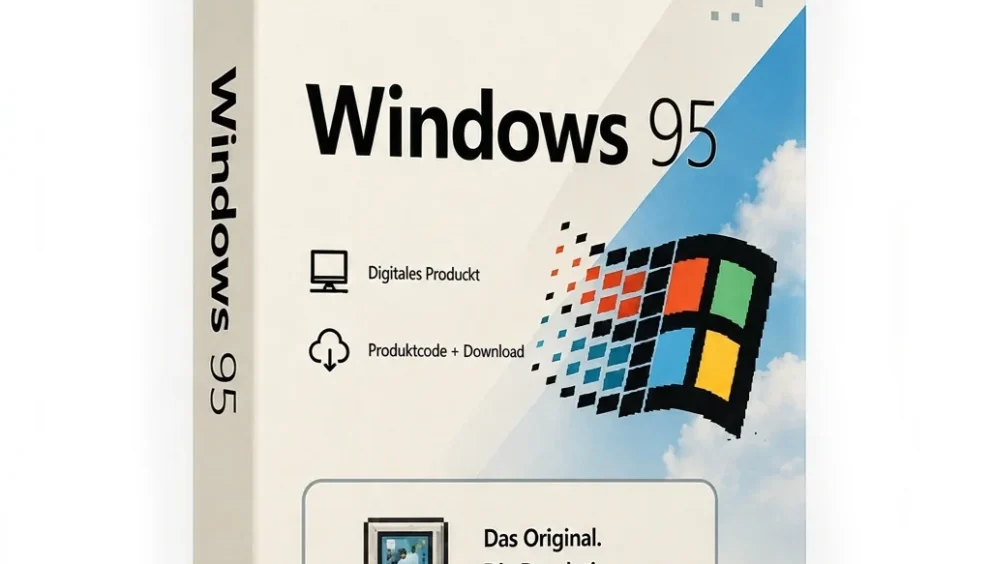
Quick Answer: Yes, you can download the Windows 95 Electron app for free. The offline installer works well on Windows 11 and is easy to set up. It takes less than two minutes to get started, so you can quickly use a safe, fully working retro OS emulator without a virtual machine.
Introduction
Windows 95 5.0.1 is a program made by Felix Rieseberg. It lets you use Microsoft Windows 95 on new computers. Many people who like computers like to download it. They want to play games or look at the old desktop. They do not need to use a machine to do this.
If you download the latest Windows 95 version, you get an app that is simple to use and works right away. I sometimes use it to play Space Cadet Pinball or to try out MS Paint without having to deal with any complicated steps.
What Is Windows 95 Electron App?
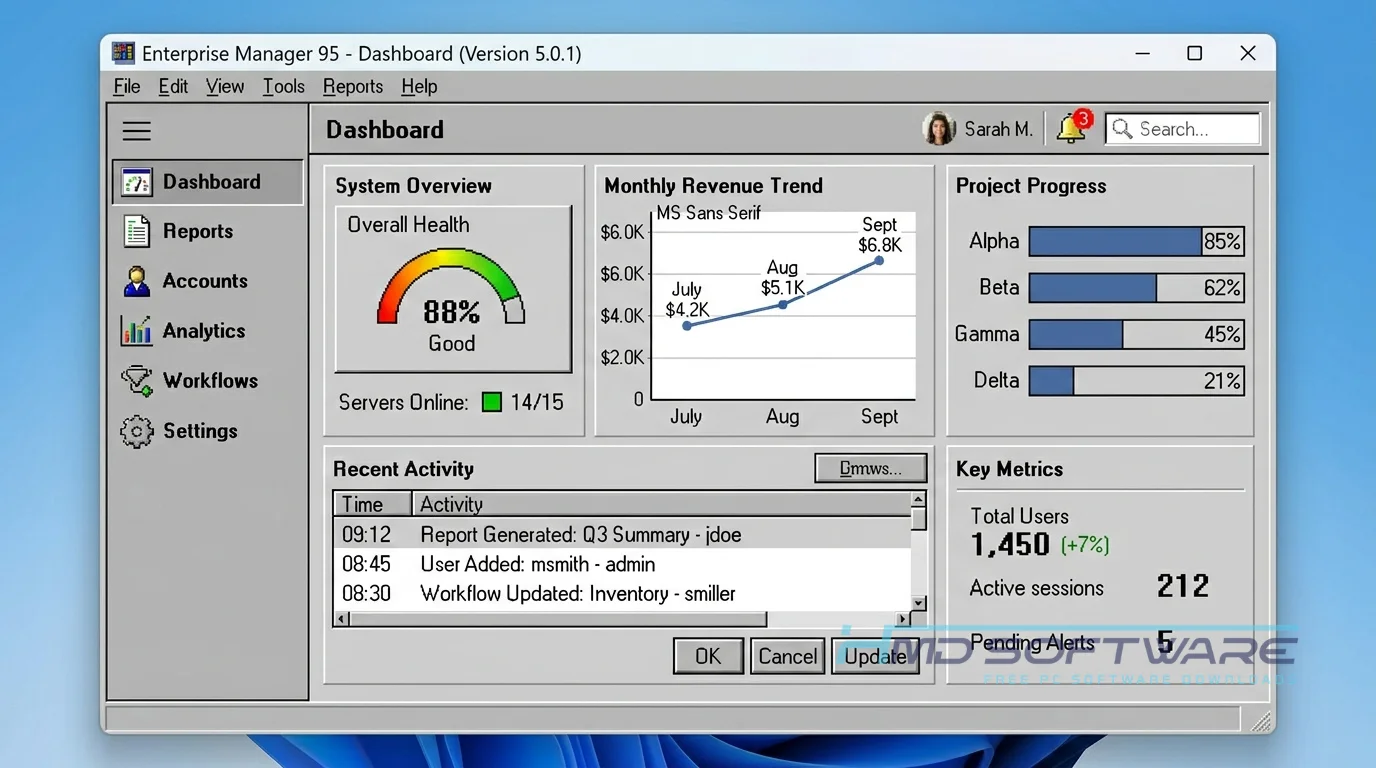
The Windows 95 Electron app is a free retro OS emulator developed by Felix Rieseberg. It packages a fully functional Windows 95 x86 emulation environment into a standalone application. Released under an open-source MIT license, this vintage OS simulation software allows users to run classic 90s desktop applications natively on modern Windows, macOS, and Linux.
What Does Windows 95 Electron App Do?
This app lets you run Windows 95 on a modern PC just like any standard desktop program. When you open it, you get the exact 90s computer emulator app experience, complete with the original Start menu and File Explorer.
Many users download it specifically to run old Windows games that refuse to boot on current systems. For example, you can load up Solitaire or play around with legacy software like Microsoft Office 95.
Developers also use it as a classic os preservation app to test how ancient web pages look in Internet Explorer 5.5. It basically traps an entire vintage computer inside a single, easy-to-launch window.
How Does Windows 95 Electron App Work?
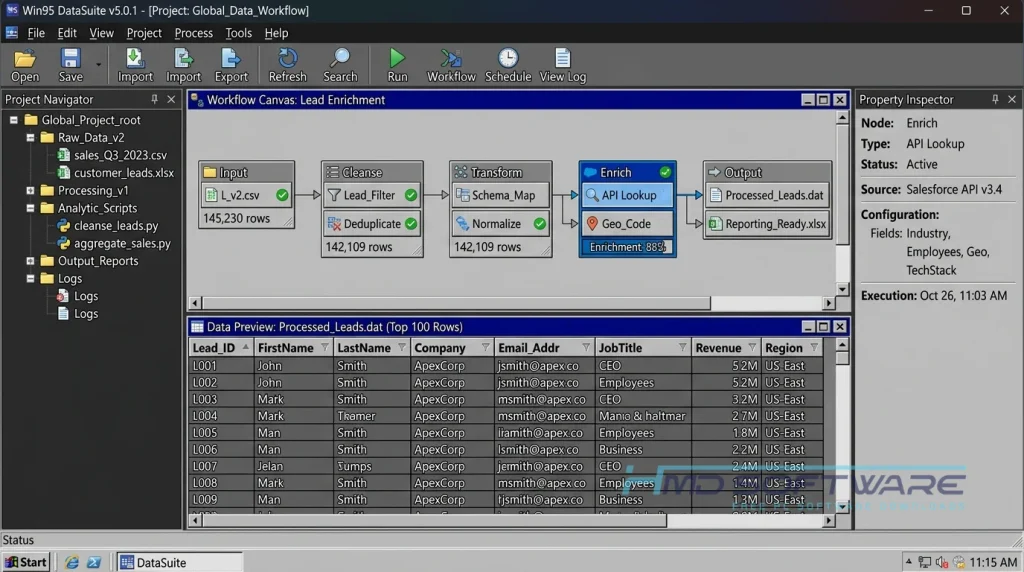
The application works by combining the Electron framework with a v86 emulator written in WebAssembly. Instead of requiring you to partition your hard drive or install complex hypervisors, the developer packaged everything in a single executable file.
You double-click the icon, and the BIOS emulation boots up the classic desktop in seconds. It is built for anyone who wants a vintage desktop emulator free download without the massive headache of mounting ISOs, tracking down old driver files, or configuring network bridging.
Key Features of Windows 95 Electron App
- Instant Booting: The v86 emulator loads the desktop in memory so the operating system starts fast, in just a few seconds.
- Isolated Environment: The v86 emulator keeps your computer safe by preventing it from messing with the files on your main computer.
- Pre-installed Software: The app comes loaded with MS Paint, WordPad, and classic games for an authentic desktop experience.
- Disk Image Support: You can easily mount .img files directly through the interface to load vintage software.
- State Saving: The software remembers your exact desktop layout and saved files when you close it.
- Cross-Platform Support: You can use the Windows 95 Win x64 download, or run it perfectly on macOS and Linux.
Pros and Cons
Pros:
- This software is totally free. You can do whatever you want with it because it is under the MIT license.
- No complicated virtual machine setup required.
- Runs surprisingly well on older or low-end hardware.
- The Space Cadet Pinball is pre-installed.
Cons:
- Network connectivity is mostly unreliable, making real internet browsing almost impossible.
- Audio can sometimes stutter if you run heavy background applications on your host machine.
- Lacks the advanced hardware passthrough options found in dedicated hypervisors.
How Do I Download Windows 95 Electron App for PC?
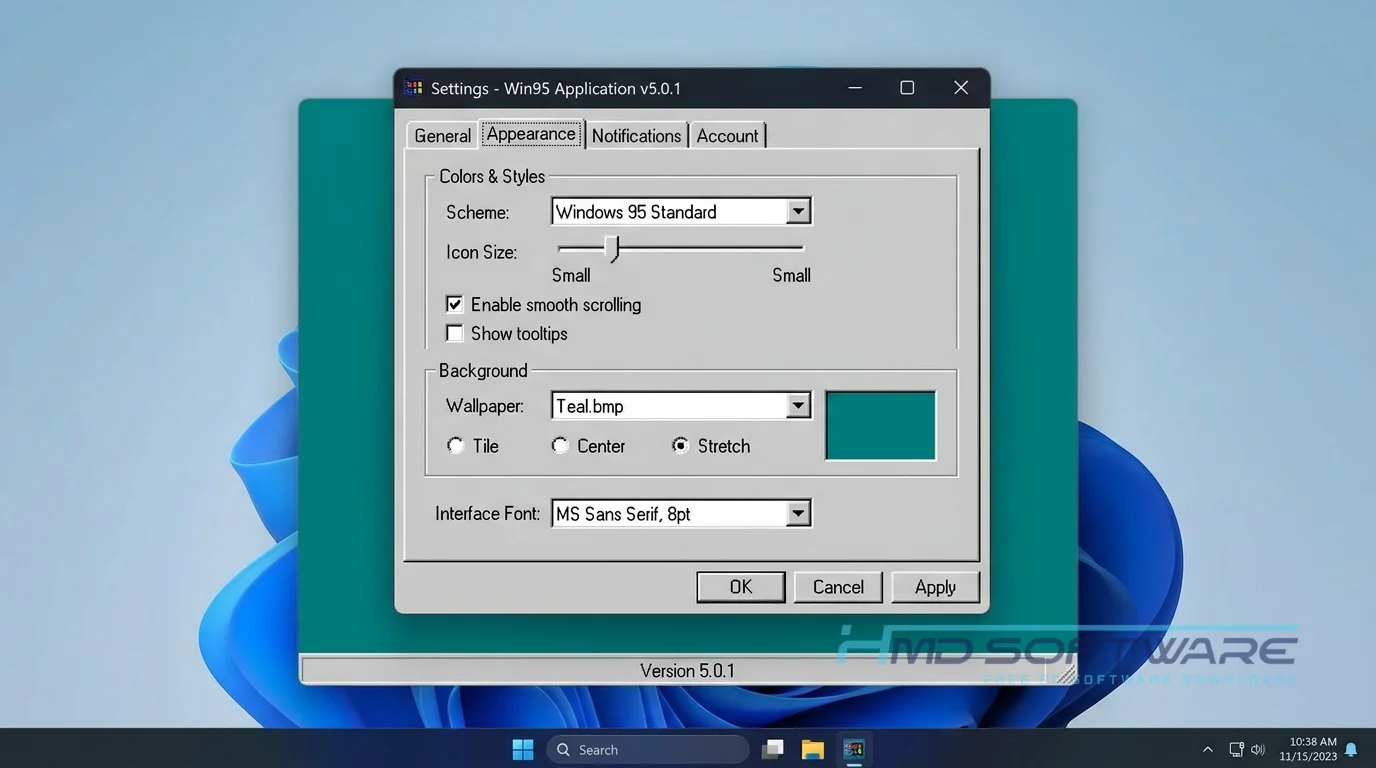
- Open your browser and search for the Felix Rieseberg GitHub page or a trusted software directory.
- You can find a safe, verified download link on HMD Software, a reliable platform for PC software downloads.
- Choose the Windows 95 standalone zip download or the standard installer depending on your preference.
- Click the link to download Windows 95 64-bit, which usually takes about 300 MB of space.
- Save the installer to your local downloads folder.
- Always scan the setup file with Windows Defender before running it, just to be sure your download is safe.
How To Install Windows 95 Step by Step
- Locate the downloaded Windows 95 install file in your default downloads folder.
- Double-click the offline installer package to launch the setup process.
- Grant the necessary administrative permissions if your computer displays a security prompt.
- Choose your preferred installation directory, or accept the default folder path.
- Wait about thirty seconds for the program to unpack the necessary emulation files.
- Launch the application from your new desktop shortcut to experience the classic computing simulator immediately.
System Requirements
Before you install the app, check your computer against these basic hardware specifications. Even though you are running a 30-year-old operating system, the underlying Electron framework requires modern hardware to process the x86 emulation overhead smoothly.
If you fall below the minimum requirements, the vintage desktop will feel sluggish, and audio might stutter.
| Requirement | Minimum | Recommended |
| Operating System | Windows 10 (64-bit) | Windows 11 (64-bit) |
| RAM | 4 GB | 8 GB or more |
| Storage | 500 MB free space | 1 GB free space |
| Processor | Intel Core i3 or AMD equivalent | Intel Core i5 / Ryzen 5 or higher |
| Internet | Not required | Not required |
| Additional | 64-bit architecture | Modern GPU for smoother UI rendering |
Is Windows 95 Safe To Download?
Yes, downloading Windows 95 is safe if you use official sources. The real app by Felix Rieseberg is open source so that anyone can check the code. It does not have adware, crypto miners, or hidden tracking tools.
Because it runs isolated from your main system, it cannot infect your computer. To stay safe, always download directly from the developer’s GitHub repository or verified software libraries.
Secondly, avoid third-party sites offering “pre-hacked” classic Windows emulator apps with massive game bundles attached.
Best Alternatives To Windows 95 Electron App
- DOSBox: This free vintage computer simulator is the best option if you strictly want to run 80s and 90s MS-DOS games without a full graphical desktop.
- VirtualBox: Users who need to install the original setup CDs or require actual networking should choose this hypervisor rather than a basic emulator.
- 86Box: 86Box is really good at copying computer parts, like motherboards and video cards, so that people can reuse them in old computer projects. This is great for people who want to keep computers working. 86Box does a good job of making these old parts work like they used to.
Conclusion
I still think the Windows 95 Electron app is the way to remember old computers without having to deal with complicated virtual machines. If you want to use software, play old games, or feel like it is old times, you should try it.
The program runs beautifully on modern hardware and takes almost no space. You can grab the free download from the link above to get your retro desktop running today.
Frequently Asked Questions
Is the Windows 95 Electron app free or paid?
The Windows 95 Electron app is free to download and use. You do not have to pay anything to use the Windows 95 app. The Windows 95 app is an open-source project. It is free.
You can download the full nostalgia operating system app directly from the developer without ever needing to enter a credit card or deal with software activation keys.
Does the Windows 95 Electron App work on Windows 11?
Yes, the Windows 95 Electron App works on Windows 11. The person who made the Windows 95 app used a tool to make sure it works on Windows 11. The Windows 95 app runs on Windows 11 because it was built with the Electron framework.
The Windows 95 app works on large screens and knows what to do when you use your mouse and keyboard. You can download the Windows 95 app. It will work just fine on your computer.
What is the latest version of Windows 95 Electron App?
The newest version of the Windows 95 Electron App is Windows 95 5.0.1. This version is better than the previous version. It makes the Windows 95 app run faster. It fixes some sound issues.
You should always use the Windows 95 5.0.1 download rather than older v4.0.0 releases to get the most stable performance when running legacy software like MS Paint or older games.
Is Windows 95 safe to download and use?
Downloading this retro desktop emulator free download is very safe, provided you stick to official or verified software repositories. The program simulates an older operating system in an isolated container, so any legacy viruses trapped in the virtual environment cannot escape to harm your actual Windows PC. Just run a quick antivirus scan on the offline installer to verify that you did not download a modified copy.
Latest Posts:
- Microsoft Office 365 Enterprise Free Download: Full Offline Setup
- Macrium Reflect Rescue Free Download: Bootable WinPE ISO Setup
- JPLAY Femto Free Download: Bit-Perfect Audiophile PC Player
- Milestone XProtect Corporate 2025 Free Download: VMS Setup for PC
- Microsoft Office 2010 Pro Plus Free Download: Full PC Setup