




Trellix Endpoint Security: Download, Features & Setup Guide


Quick Answer: You can safely request a Trellix Endpoint Security trial download from official sources or trusted enterprise partners. This is a premium business solution, not a free antivirus for home use. The endpoint agent works well on Windows 11 and Windows Server, and usually takes about ten minutes to deploy using ePolicy Orchestrator.
Introduction
Trellix Endpoint Security is an enterprise endpoint protection software developed by Musarubra US LLC that actively blocks malware, ransomware, and zero-day threats on company networks.
People often search for a Trellix vs McAfee endpoint security comparison, but they are actually the same evolving product following a major corporate rebrand.
IT administrators typically look for the Trellix Endpoint Security 10.7.20.16072 release to secure their remote workforces. Most corporate teams need this specific setup because it stops attacks before they spread across network drives, catching breaches early.
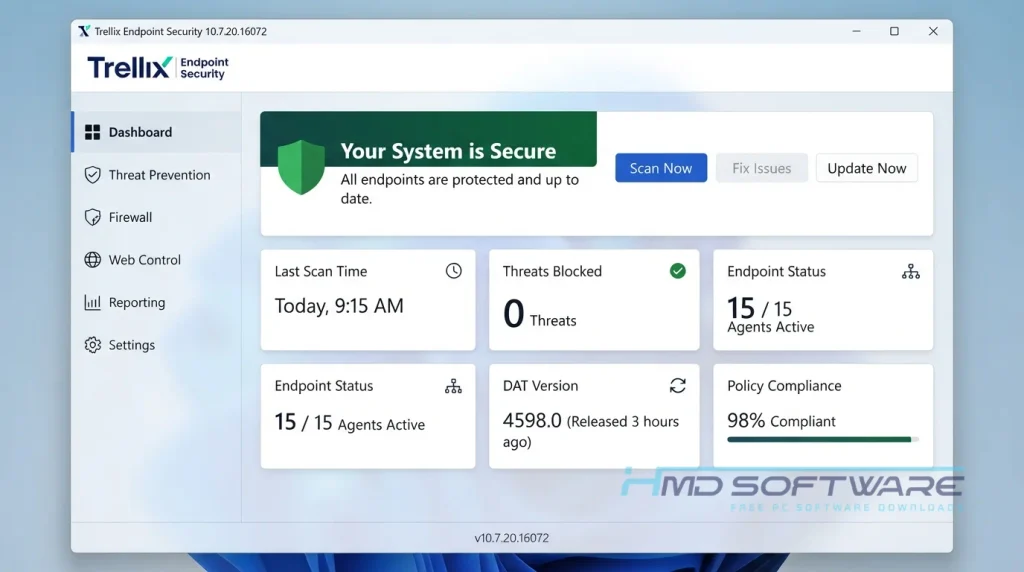
What is Trellix Endpoint Security?
Trellix Endpoint Security is a business antivirus and XDR solution developed by Musarubra US LLC, designed to protect corporate devices from advanced cyber threats.
If you are wondering why McAfee became Trellix, it happened after McAfee Enterprise merged with FireEye to form a dedicated commercial security brand. Built for Windows, macOS, and Linux platforms, this premium enterprise software requires a paid license.
What Does Trellix Endpoint Security Do?
This corporate malware protection actively monitors every file and script running on your company’s computers. If a remote worker accidentally clicks a bad email attachment, the Trellix endpoint security agent instantly isolates that specific laptop from your main network. You might use it to enforce USB drive blocking policies across a financial services sector office.
Many healthcare compliance teams also deploy the Trellix ENS setup to prevent patient data theft during ransomware attempts. Unlike basic consumer antivirus scanners, it uses adaptive scanning to detect suspicious behavior rather than just checking a list of known viruses. You get real-time alerts the second something weird happens on any connected machine.
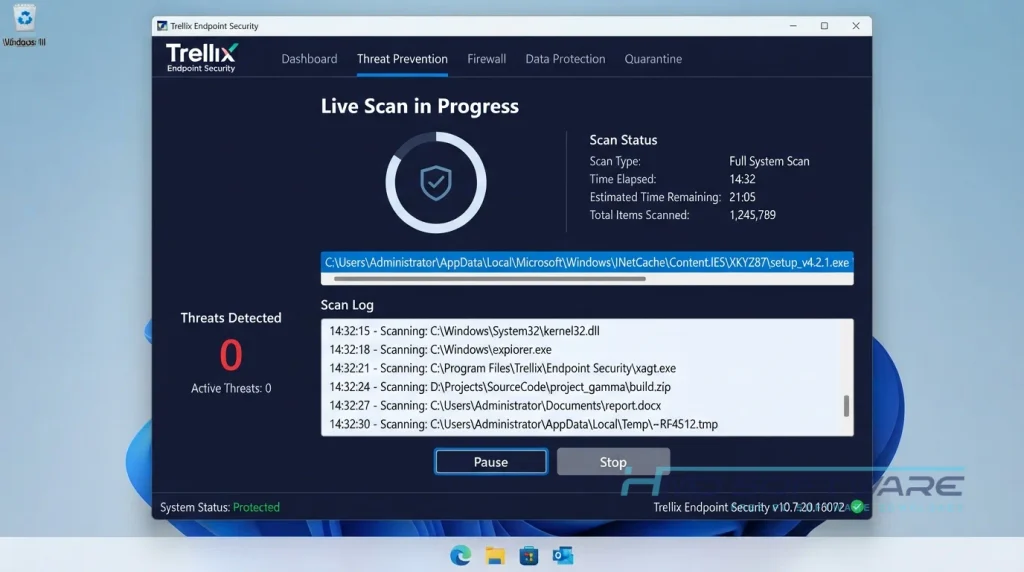
How Does Trellix Endpoint Security Work?
The system works by placing a silent security agent on every employee’s computer. These agents constantly communicate with a central management hub called the ePolicy Orchestrator (ePO). It is built specifically for IT professionals and system administrators managing dozens or hundreds of devices.
Trellix helps eliminate blind spots in your network. Instead of guessing whether a remote laptop is infected, the console provides a live dashboard showing threat levels across your business.
Key Features of Trellix Endpoint Security
- Trellix Wise AI Integration: Identifies completely new zero-day threats by analyzing abnormal file behavior rather than waiting for manual database updates.
- Adaptive Scanning Engine: Skips scanning trusted corporate applications to keep CPU usage incredibly low during active work hours.
- Centralized ePO Management: Lets administrators push a single policy update to thousands of machines simultaneously without interrupting users.
- Dynamic Threat Isolation: Instantly cuts network access to any device that shows signs of active ransomware encryption.
- Offline Deployment Package: Allows secure installations on air-gapped networks that cannot connect directly to the internet.
- Broad Platform Support: The agent installer download works perfectly across Windows 10, Windows 11, and Windows Server 2025.
Pros and Cons
Pros
- This security system detects tough threats that regular antivirus programs often miss.
- The central console makes it easy to manage a large remote workforce.
- Scans run quietly in the background and do not freeze employee computers.
- Integrates smoothly with existing Active Directory environments.
Cons
- The initial setup guide for the Trellix endpoint security console is highly technical and takes time to learn.
- Small businesses might find the enterprise license pricing too expensive for just a few computers.
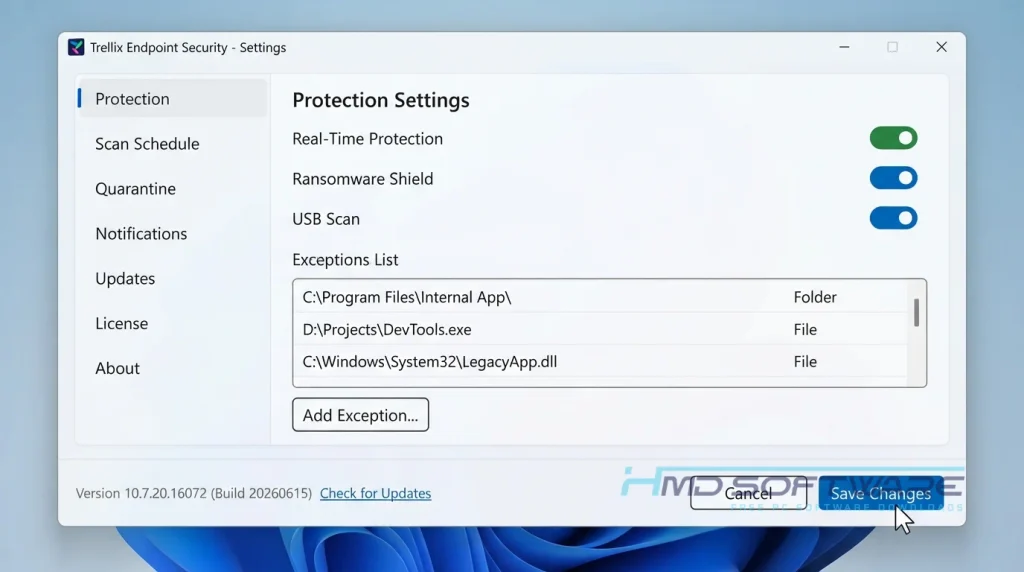
How To Download Trellix Endpoint Security
Getting the proper offline installer for your business network requires avoiding shady cracked-software sites. You can find a safe, verified download link on HMD Software, a reliable platform for PC software downloads.
- Open your browser and navigate to the verified business software directory.
- Fill out the official enterprise trial request form using your actual corporate email address.
- Wait for the direct download link to arrive in your company inbox.
- Save the main deployment package to your local IT admin drive.
- Never download a free, fully activated setup file from file-sharing forums, as these files always contain backdoors designed to compromise corporate networks.
How To Install Trellix Endpoint Security Step by Step
- Locate the downloaded agent installer file on your main server or admin machine.
- Run the executable as an administrator to launch the deployment wizard.
- Accept the Musarubra enterprise license agreement to continue the setup.
- Choose whether you want a standalone installation or managed deployment via ePO.
- Let the setup copy the necessary anti-malware core files to your local system drive.
- Restart the machine and launch the dashboard to configure your initial scanning policies.
System Requirements
You need decent hardware on your host server to manage the central console, though the individual endpoint agents remain quite lightweight. Always verify that your active network environment meets these base specifications before rolling out the Trellix ENS setup across your company to avoid any deployment errors. Running an outdated operating system often causes the agent to stop connecting properly.
| Requirement | Minimum | Recommended |
| Operating System | Windows 10 / Server 2016 | Windows 11 / Server 2022+ |
| RAM | 2 GB | 4 GB or higher |
| Storage | 500 MB free space | 1.5 GB SSD space |
| Processor | Intel Core i3 (1.5 GHz) | Intel Core i5 or faster |
| Internet | For license validation | Persistent for ePO sync |
| Additional | Local Admin Rights | Latest Windows Updates |
Is Trellix Endpoint Security Safe To Download?
Yes, it is safe to use the software if you get it from the official company websites or vendors you trust. Legitimate packages are digitally signed and do not contain hidden adware.
Because this is high-level corporate security software, downloading cracked versions from third-party blogs is incredibly dangerous and usually results in immediate network infections.
Always use a corporate email for your trial signup and verify the file signature in the installer properties before you push the agent to your company laptops.
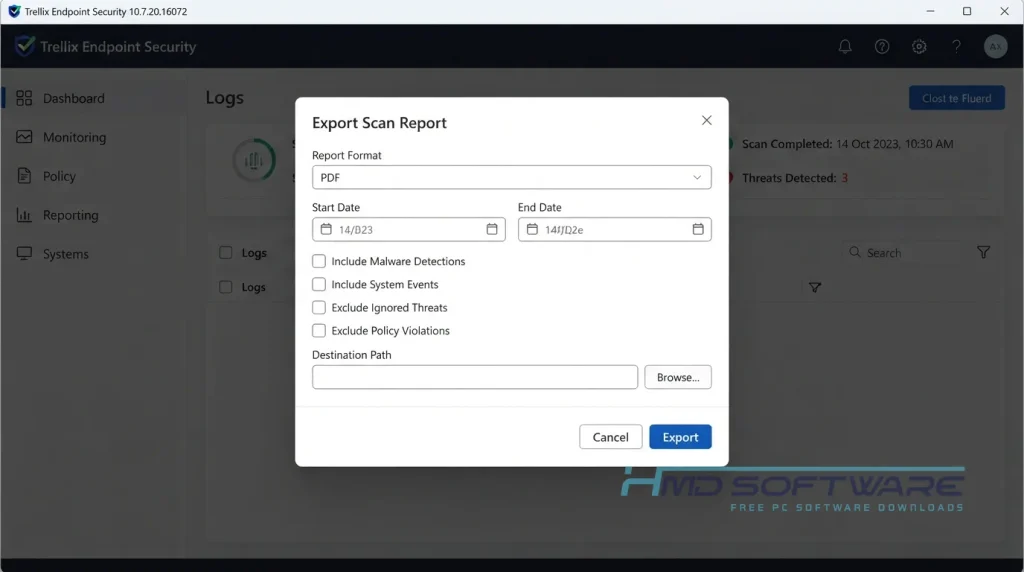
Best Alternatives To Trellix Endpoint Security
- CrowdStrike Falcon: A fully cloud-native endpoint solution that focuses heavily on behavior-based XDR but typically comes with a higher price tag per user.
- SentinelOne Singularity: Excellent for IT teams wanting completely autonomous threat hunting without constantly writing complex manual security rules.
- Microsoft Defender for Endpoint: A great option that integrates natively into Microsoft environments, making it highly appealing for businesses already holding premium Microsoft E5 enterprise licenses.
Conclusion
Trellix Endpoint Security 2026 is really good at keeping businesses from ransomware. For IT administrators managing remote teams, the central console makes it easy to update policies.
If you are tired of blind spots in your corporate network, grab the free trial download today and run it on a small test group to see the difference.
Frequently Asked Questions
Is Trellix Endpoint Security free or paid?
It is a strictly paid commercial product designed for enterprise environments. There is no permanent free version for individual consumers. However, IT departments can easily download a free trial of Trellix Endpoint Security directly from the official vendor to test the deployment process.
You must purchase a volume-based enterprise license once the trial period ends to keep the zero-day threat detection engines active.
Does Trellix Endpoint Security work on Windows 11?
Yes, the latest Trellix ENS agent runs perfectly on the 64-bit version of Windows 11 and on modern server environments such as Windows Server 2022 and 2025.
It is particularly designed to respect native Microsoft security features by incorporating its own adaptive scanning layers. Before you start the rollout of the offline deployment package, make sure that the remote workstations have the most up-to-date Windows security patches installed.
What is the latest version of Trellix Endpoint Security?
The latest stable version of Trellix Endpoint Security is 10.7.20.16072. It was released in 2026. This version makes Trellix Wise AI work better. It also fixes problems that caused old laptops to freeze due to CPU usage.
Keeping your corporate devices updated to this exact build ensures you maintain active defense against the newest ransomware variants.
Is Trellix Endpoint Security safe to download and use?
It is absolutely safe when obtained through a verified enterprise trial request or a trusted software distributor. Legitimate setup files are strictly signed by Musarubra US LLC and undergo heavy security audits.
You only run into major network risks if you attempt to use a pirated installer from a random forum, which completely defeats the purpose of installing business antivirus software in the first place.
Latest Posts:
- Microsoft Office 365 Enterprise Free Download: Full Offline Setup
- Macrium Reflect Rescue Free Download: Bootable WinPE ISO Setup
- JPLAY Femto Free Download: Bit-Perfect Audiophile PC Player
- Milestone XProtect Corporate 2025 Free Download: VMS Setup for PC
- Microsoft Office 2010 Pro Plus Free Download: Full PC Setup