




Suprow Browser 2026: Free Download, Features & Review

Quick Answer: You can download the suprow browser 2026 for free to organize your web apps and block trackers. It works on Windows 11, macOS, and Linux, and you do not need to create a user account. Setup takes about two minutes, and the installer is small enough to download even on a slow hotel Wi-Fi connection.
Introduction
Suprow browser 2026 is a desktop browser that helps you get your tabs in order with organized workspaces. When you have many tabs open in a browser, it uses a lot of memory, making it hard to find what you are looking for. This is why many people use Suprow to keep their browsing separate from their client work.
The latest Suprow 0.9.8.25 release runs noticeably faster on ARM processors and handles heavy web apps without lagging. It does not try to do everything Chrome does, but if you want a clean setup that actually keeps your data private, this gets the job done.
What is a Suprow Browser?
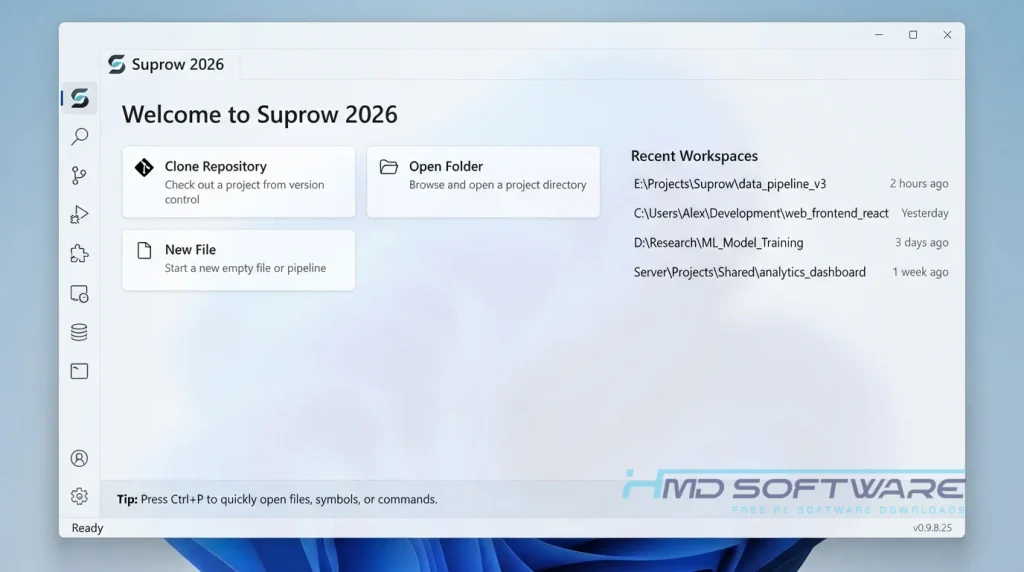
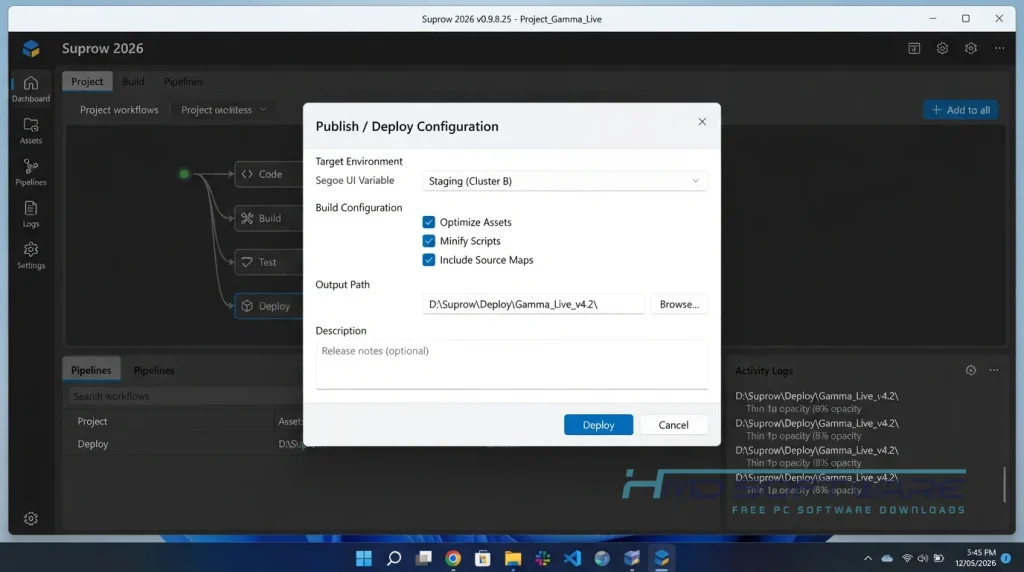
Suprow is a privacy-focused web app launcher browser made by Superentwickler. It is free to use on Windows, macOS, and Linux. Instead of using regular tabs, it organizes your websites into separate spaces.
It includes strict zero-telemetry and AES-256 encryption, meaning your browsing habits stay on your own machine.
What Does Suprow Do?
This browser stops you from drowning in digital clutter. Instead of opening a new window for every project, you create dedicated Suprow Spaces. Freelancers use this constantly. You can put your personal social media in one space and a client’s WordPress login in another, and the tracking cookies never mix.
It also acts as a secure password vault. Rather than syncing your passwords to a random cloud server, it saves them directly to your local Windows DPAPI or macOS Keychain. Nobody else can see your credentials. If you juggle multiple client accounts daily, it helps keep your workflow separate.
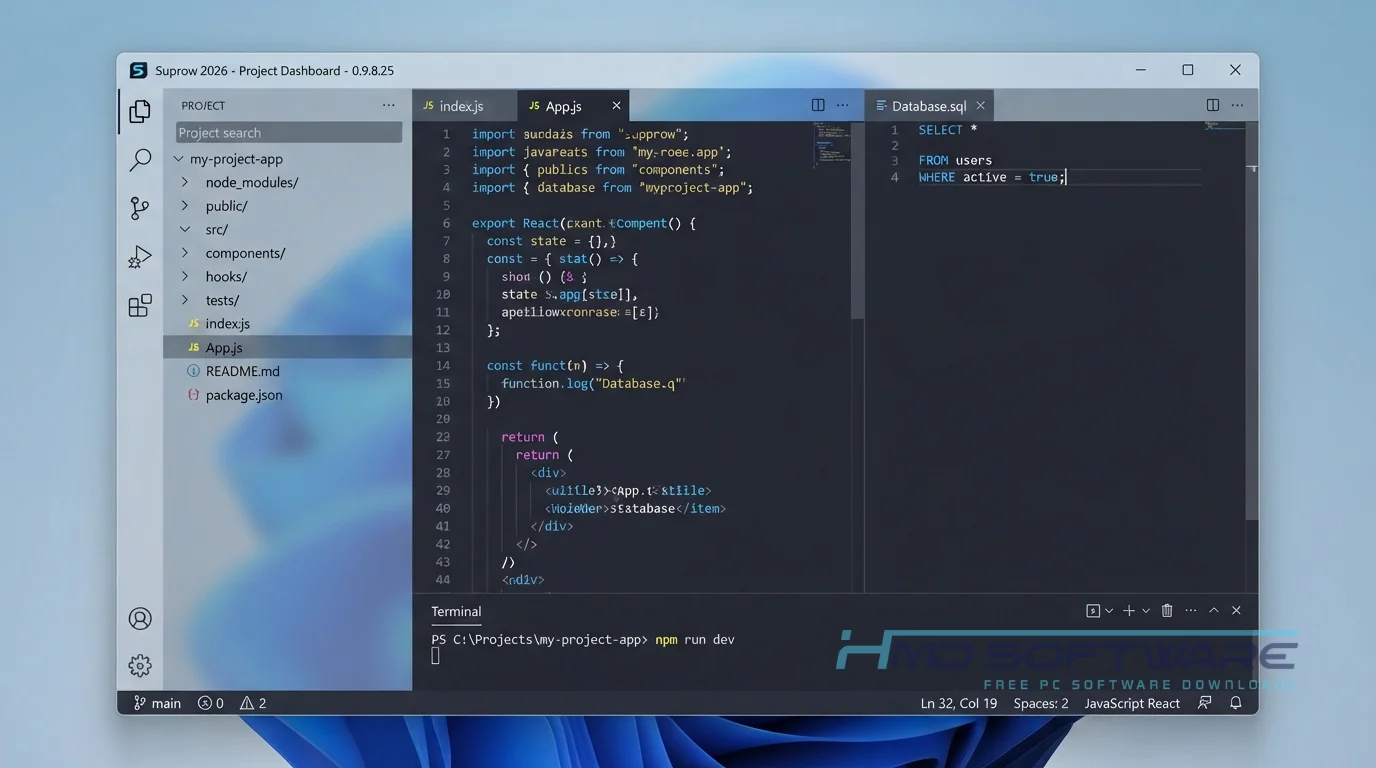
You just hit a keyboard shortcut, type what you need into the command palette, and jump straight to that specific work area.
How Does Suprow Work?
The browser treats your regular websites like individual desktop apps. When you open it, you don’t see a blank search bar. You see your customized workspace. It is built for privacy-conscious users who hate how standard browsers track every single click to serve ads.
The main problem it solves is distraction. You only see the tools you need for the task you are working on right now, and the built-in blocker prevents background-tracking scripts from loading.
Key Features of Suprow Browser 2026
Here is what you get when you install this browser.
- Suprow Spaces: Replaces standard tabs with isolated work areas so your different logins never overlap.
- Zero Telemetry: The code physically cannot send your browsing history back to the developers.
- Built-in Password Vault: Locks your saved logins locally with AES-256 encryption, not cloud-syncing.
- Command Palette: Lets you switch between client sessions instantly with just your keyboard.
- Native Ad Blocker: Uses uBlock Origin at the core level to stop trackers before the page even renders.
- Cross-Platform Support: The program is compatible across platforms and runs natively on Windows x64, Debian Linux, and Macs with Apple Silicon.
Pros and Cons
Pros
- Arranging tabs into spaces actually eliminates screen clutter.
- Pages load incredibly fast because the native ad blocker stops heavy scripts.
- You never have to create an account to use the password vault.
- The dark mode is easy on the eyes during late-night shifts.
Cons
- The Suprow beta currently lacks support for standard Chrome extensions.
- It overrides your default browser settings on Linux, which is a known bug they are still patching.
How To Download Suprow Browser 2026
You can get the installer in just a few clicks.
- Go to the official GitHub releases page or a verified software directory.
- You can find a safe, verified download link on HMD Software, a reliable platform for PC software downloads.
- Choose the Suprow 0.9.8.25 free download that matches your operating system.
- Save the offline installer or the Suprow portable version to your desktop.
- The file is roughly 80 MB, about the size of a short podcast.
- Skip any random forum offering a compiled version to ensure you get clean code.
How To Install Suprow Step by Step
Here is how to get it running on your machine.
- Open your downloads folder and double-click the setup file.
- Accept the standard security permissions when prompted by Windows.
- Choose where you want it installed, or leave the default folder selected.
- Wait about ten seconds for the extraction process to finish.
- Open the browser and skip the welcome screen to jump right in.
- Set up your first workspace and start browsing securely.
System Requirements
You don’t need a high-end machine for this, but checking your hardware helps avoid random crashes. It runs perfectly on older laptops and the newest Snapdragon Copilot PCs. Check the Suprow system requirements below before you install.
| Requirement | Minimum | Recommended |
| Operating System | Windows 10 (64-bit) | Windows 11 (64-bit) |
| RAM | 4 GB | 8 GB or more |
| Storage | 200 MB | 500 MB free space |
| Processor | Intel Core i3 or AMD equivalent | Intel Core i5 or Apple M1/M2 |
| Internet | Required to download | Required for browsing |
| Additional | 1080p display resolution | Hardware acceleration enabled |
Is Suprow Browser Safe To Download?
Yes, the Suprow browser is completely safe to download. It comes directly from the developer, superentwickler, and the code is open for anyone to inspect. Because it includes no telemetry, it does not track your IP address or share your search history with third-party advertisers.
Your passwords stay encrypted on your actual hard drive. To keep your machine secure, make sure you grab the official release file rather than downloading random forks from unknown users on Reddit.
Best Alternatives To Suprow Browser 2026
If spaces and command palettes feel too complicated, try these instead.
- Google Chrome: The obvious choice if you rely heavily on thousands of third-party extensions, though it tracks far more of your personal data.
- Brave Browser: A solid middle ground that looks exactly like Chrome but includes aggressive built-in tracking protection.
- Arc Browser: Another workspace-focused option with excellent design, but it forces you to create an account before you can even open it.
Conclusion
Suprow browser 2026 is a good choice if you are tired of losing track of your work among many tabs. Freelancers and privacy-focused users can use it to keep client sessions fully separate.
It may take a day or two to get used to the keyboard shortcuts, but the speed boost is worth it. Scroll up to find the direct download link and try it out.
Frequently Asked Questions
Is the Suprow Browser 2026 free or paid?
The Suprow browser 2026 is free to download and use on any operating system. You do not have to pay anything extra. There are no fees or features that you have to pay for.
You get the built-in password vault, the native ad blocker, and the spaces feature immediately after installation. You do not even need to hand over an email address to start using it.
Does Suprow support Windows 11?
Yes, it runs natively on Windows 11, including the newer ARM64 Copilot PCs. The Windows installer is optimized to minimize battery drain when running multiple workspaces.
If you run into the rare issue of Suprow not opening after a major Windows update, running the program as an administrator usually clears the error immediately.
What is the latest version of Suprow?
The latest version is Suprow 0.9.8.25. It was recently released for Windows, macOS, and Linux. This update makes heavy web apps load faster. It also fixes a bug in the default Linux browser.
Staying on this beta version ensures your local password vault syncs correctly, and you have the latest security patches against web trackers.
Which is better, Suprow or Chrome?
Choosing between Suprow and Chrome depends heavily on your daily habits. Chrome is better if you absolutely need specific third-party extensions and rely on Google syncing across your phone and laptop.
Suprow is the better choice if you want strict privacy, zero telemetry, and prefer to separate your websites into dedicated work areas rather than clicking through tiny tabs.
Latest Posts:
- Microsoft Office 365 Enterprise Free Download: Full Offline Setup
- Macrium Reflect Rescue Free Download: Bootable WinPE ISO Setup
- JPLAY Femto Free Download: Bit-Perfect Audiophile PC Player
- Milestone XProtect Corporate 2025 Free Download: VMS Setup for PC
- Microsoft Office 2010 Pro Plus Free Download: Full PC Setup