




Ikki Boot 2024 Download: Open-Source PC Diagnostics & Recovery Suite


Quick Answer: You can download the Ikki Boot 2024 24.05 ISO for free. It is a safe and reliable live USB recovery tool for fixing Windows 11 computers. Creating a bootable drive takes about five minutes with a standard USB tool. You can quickly start repairing your system.
Introduction
Ikki Boot is a rescue tool made by the open-source community. It combines key recovery utilities into a single package. Both PC technicians and home users often download Ikki Boot when their computer crashes and won’t start up.
This live disk environment gives you direct access to a broken operating system. The Ikki Boot 24.05 release includes updated versions of familiar utilities so you can fix boot errors, salvage personal files, or check your hardware for failing components. It is a lifesaver when you are staring at a blue screen.
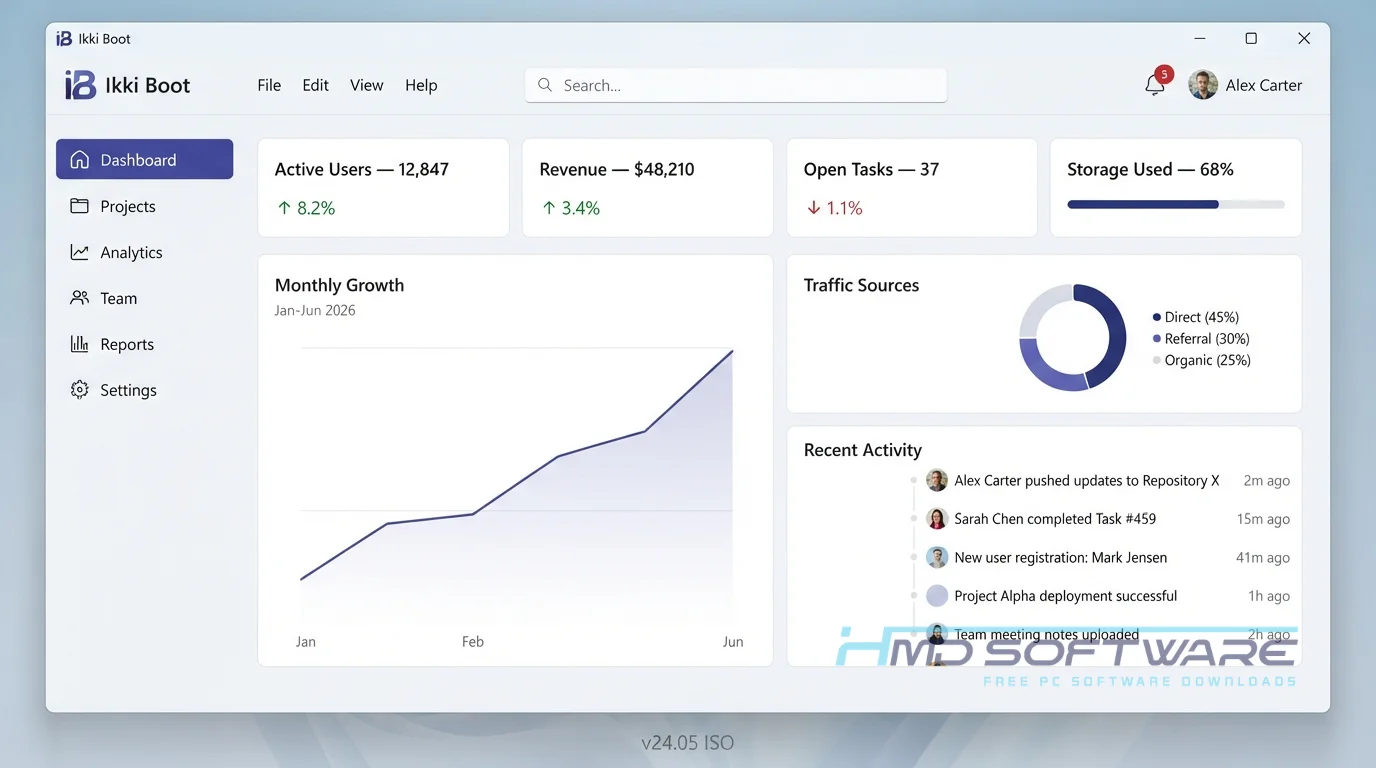
What Is Ikki Boot 2024?
Ikki Boot 2024 is a rescue tool you can run from a CD or USB drive. It’s free to download. It’s under the Public License, and it works.
It provides an independent Linux-based workspace for troubleshooting hardware, managing disk partitions, and recovering lost data on PC platforms.
What Does Ikki Boot Do?
This software serves as a digital first-aid kit for unbootable computers. If your laptop suddenly refuses to load its operating system, you boot from this drive to figure out why. Many people use it as a clear Windows password tool when they forget their local login credentials.
You can also use it to clone a failing hard drive to a new solid-state drive before it completely dies. It serves as a live data recovery environment, allowing you to copy family photos from a corrupted drive to an external backup disk.
Technicians frequently rely on the hardware detection tool to determine whether a faulty RAM stick is causing random system freezes.
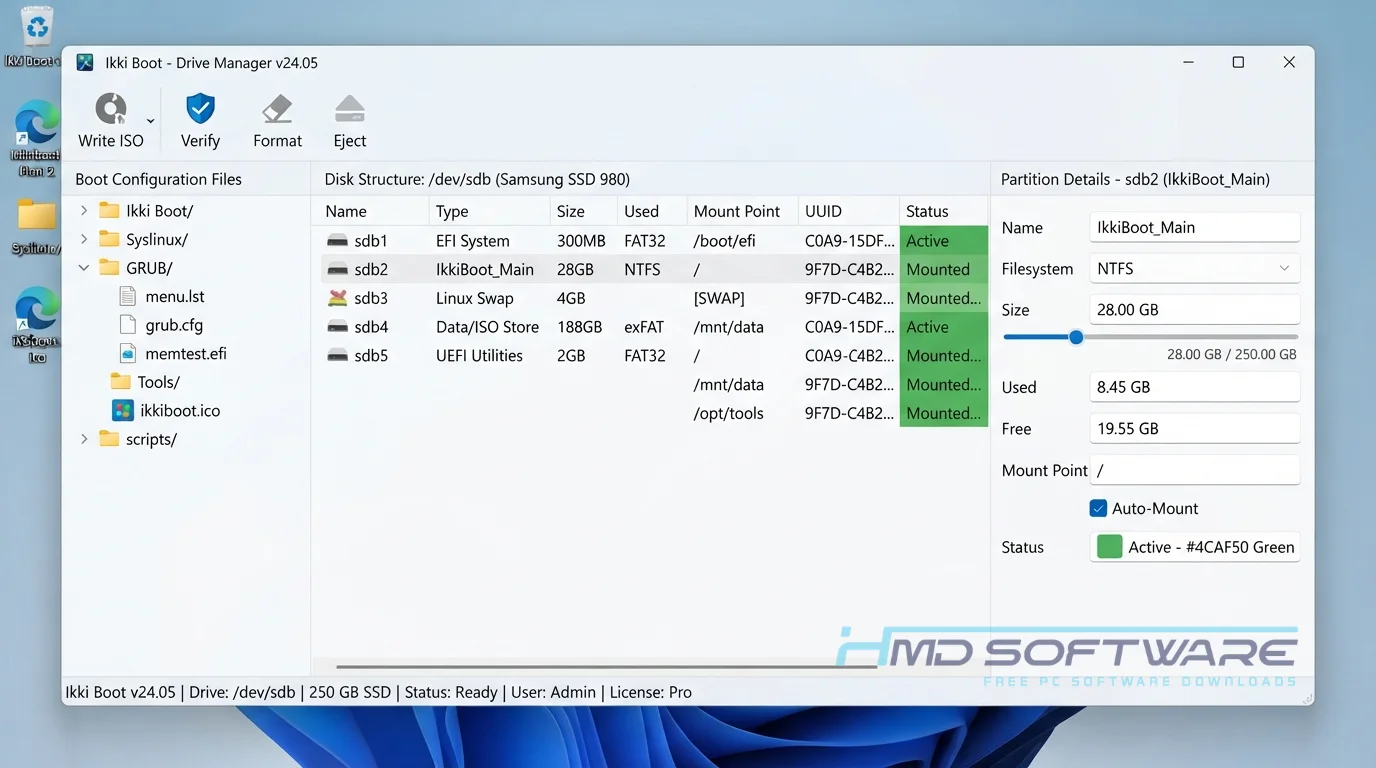
How Does Ikki Boot Work?
The program completely bypasses your broken Windows installation. You flash the downloaded image file onto a flash drive and tell your computer’s motherboard to load that drive first.
It then presents a simple menu where you pick which specialized tool you want to run. It is built for anyone dealing with a dead PC who wants to avoid paying high repair shop fees.
This solves the incredibly frustrating problem of being locked out of your own files just because a single system file got corrupted during a routine update.
Key Features of Ikki Boot 2024
- BIOS and UEFI Support: This feature makes sure the software boots smoothly on both older laptops and new desktop motherboards.
- Clonezilla Integration: A core performance feature that lets you create exact copies of your hard drives for safe backups.
- Nwipe Data Erasure: A security and privacy feature that permanently wipes your hard drive to military standards before you sell your old computer.
- GParted Interface: A usability feature that provides a visual disk partition management tool for resizing drives without losing data.
- Porteus Linux Base: A processing speed feature that loads the entire recovery desktop into your system RAM in seconds.
- Memtest86+ Module: An update management feature providing the newest memory testing algorithms to catch faulty hardware immediately.
Pros and Cons
Pros
- It’s completely free, with no hidden fees or trial limits.
- It loads very quickly, even on older or low-spec computers.
- Includes tools to retrieve Windows product key data from dead drives.
- Bypasses standard operating system permission blocks easily.
Cons
- The text-heavy boot menu looks intimidating if you have never used Linux.
- You need a secondary working computer to actually create the bootable drive.
- Making a mistake in the disk partitioning tool can accidentally erase everything.
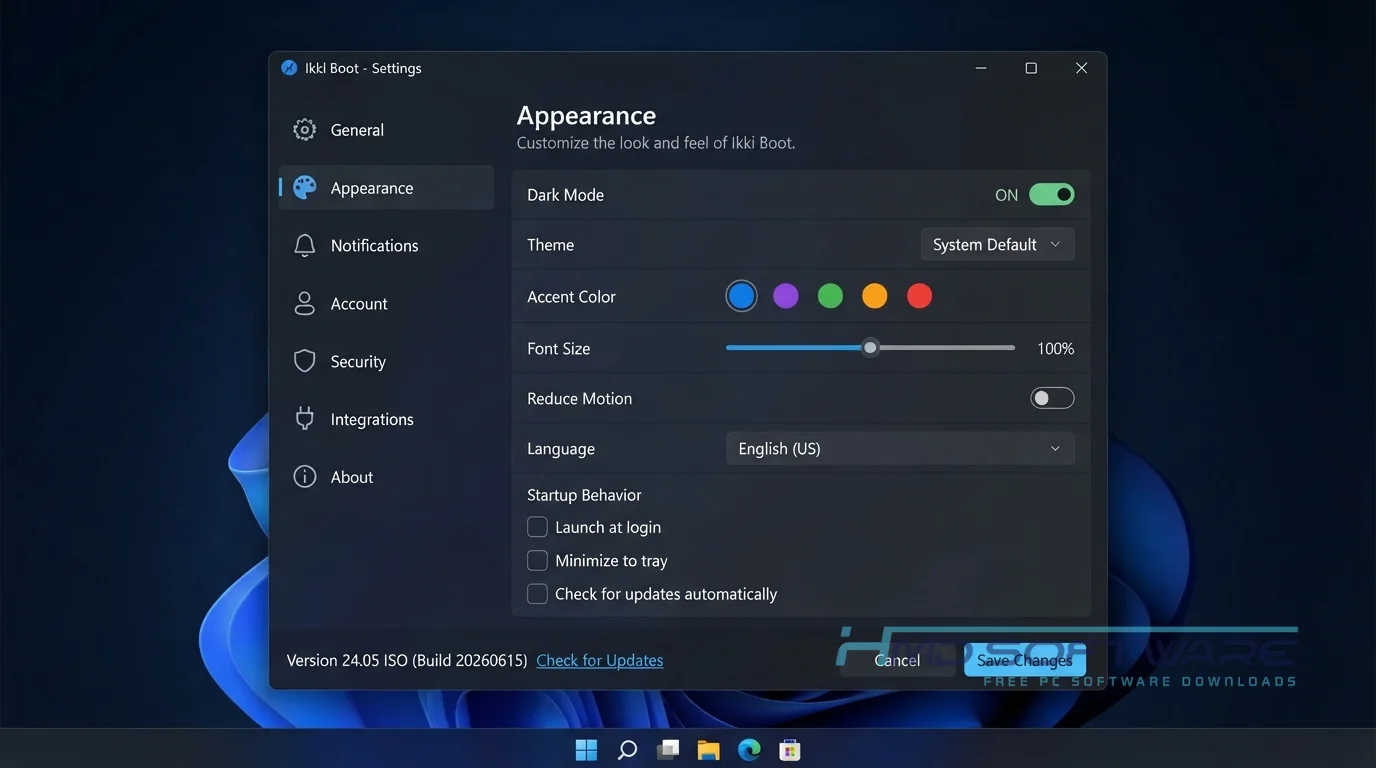
How To Download Ikki Boot 2024
Getting the file ready for your rescue mission only takes a few steps.
- Find a working PC with a reliable internet connection to grab the main file.
- You can find a safe, verified download link on HMD Software, a reliable platform for PC software downloads.
- Click the provided button to start the free download of the Ikki Boot 24.05 ISO, which is roughly 2 GB.
- Save the ISO file to your desktop so you can find it easily for the next phase.
Always double-check that your flash drive does not contain any important files, as the creation process will completely erase it.
How To Install Ikki Boot Step by Step
Since this is a live environment, you do not install it directly on Windows.
- Download a free Ikki Boot USB creator utility, such as Rufus, to your working computer.
- Plug in an empty flash drive with at least 4 GB of storage space.
- Open Rufus, select your flash drive, and locate the downloaded ISO file.
- Click the Start button and accept the prompt about erasing the drive.
- Wait a few minutes for the copying process to finish.
- Plug this drive into your broken PC and turn it on to boot up.
System Requirements
Because this is a lightweight rescue environment, it runs beautifully on hardware that would otherwise struggle with modern operating systems. You do not need a dedicated graphics card or a massive amount of memory. Here are the exact system requirements needed to run the live disk smoothly. Check these before creating your media.
| Requirement | Minimum | Recommended |
| Operating System | Any OS (Boots independently) | Windows 10 / Windows 11 target |
| RAM | 1 GB | 2 GB or more |
| Storage | 4 GB USB Flash Drive | 8 GB USB 3.0 Flash Drive |
| Processor | Any 64-bit Intel or AMD | Multi-core 64-bit processor |
| Internet | Not required | Not required |
| Additional | Legacy BIOS support | UEFI boot support |
Is Ikki Boot Safe To Download?
Yes, the Ikki Boot ISO download is completely safe for your computer. It is an open-source project built on verified Linux distributions, meaning it contains absolutely no spyware, adware, or background-tracking scripts.
The file loads trusted tools into your system memory without secretly modifying your hard drive. To keep your recovery process secure, only download the file from trusted software libraries.
Additionally, always verify the integrity of your downloaded ISO file by checking the website’s checksum before flashing it to a drive.
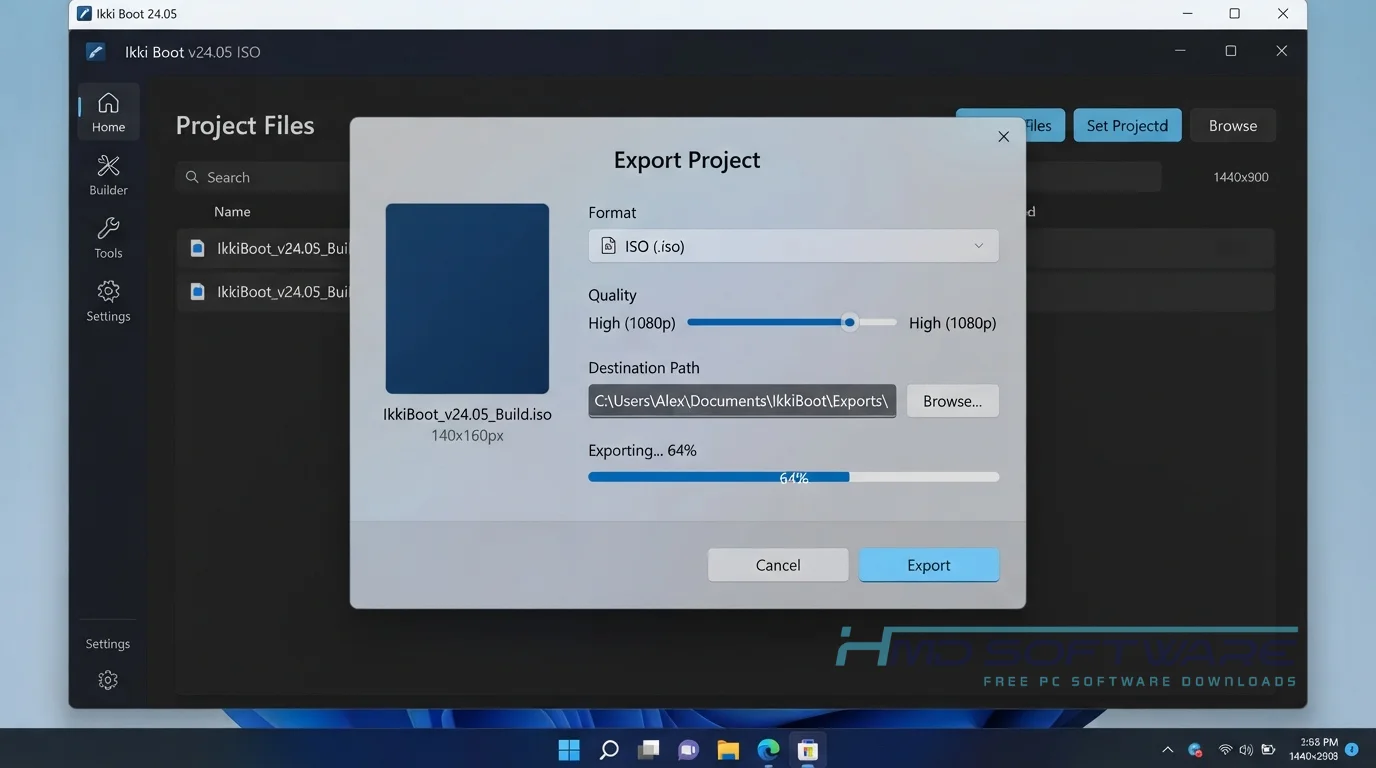
Best Alternatives To Ikki Boot 2024
If this specific environment lacks the exact driver you need, several other live recovery options exist.
- Hiren’s BootCD PE: A very popular alternative built on a Windows preinstallation environment, making it much easier to navigate for standard PC users.
- SystemRescue: A purely text-based Linux recovery tool that offers advanced disk partitioning features for highly technical system administrators.
- Rescuezilla: An easy-to-use alternative specifically focused on hard drive cloning and image restoration rather than general system repair.
Conclusion
Ikki Boot 2024 24.05 is a great safety net if you have a sudden computer crash or a failing hard drive. It gives you all the diagnostic and repair tools you need in one place.
If you handle family tech support or want to be prepared for an emergency, keeping a copy of this on a flash drive is a smart move. Grab the free download above to build your own recovery disk today.
Frequently Asked Questions
Is Ikki Boot 2024 free or paid?
The software is completely free to download, use, and share. Since it’s built on open-source Linux and freeware, there are no licenses, trial periods, or paid upgrades.
You will never be asked to pay to unlock a specific recovery tool. Anyone can grab the full ISO file and use every single utility without spending a dime.
Does Ikki Boot 2024 work on Windows 11?
Yes, this live environment works perfectly on computers running Windows 11. Even though the rescue tools run on a Linux base, utilities like GParted and Clonezilla can read, resize, and back up the NTFS file systems used by Windows 11.
It also fully supports modern UEFI motherboard firmware and Secure Boot, which are standard requirements for newer Microsoft operating systems.
What is the latest version of Ikki Boot 2024?
The current stable release is Ikki Boot 24.05, a major update to the project that was recently launched. This specific version updated the underlying Porteus Linux core to improve hardware compatibility with newer laptop Wi-Fi cards and NVMe storage drives.
It also updated the bundled Memtest86+ and Super Grub2 Disk utilities to their most recent secure builds for better diagnostic accuracy.
Is Ikki Boot 2024 safe to download and use?
Yes, it is remarkably safe to download and use on any computer. The verified ISO file contains no malicious code or bundled promotional software.
However, because it includes advanced disk management utilities, you must use it carefully. If you select the wrong hard drive while using the wiping or partitioning tools, you can accidentally delete all of your personal data permanently.
Latest Posts:
- Microsoft Office 365 Enterprise Free Download: Full Offline Setup
- Macrium Reflect Rescue Free Download: Bootable WinPE ISO Setup
- JPLAY Femto Free Download: Bit-Perfect Audiophile PC Player
- Milestone XProtect Corporate 2025 Free Download: VMS Setup for PC
- Microsoft Office 2010 Pro Plus Free Download: Full PC Setup