




GoodbyeDPI 2026 PC Setup: Download Open-Source DPI Bypass Utility


Quick Answer: You can safely download GoodbyeDPI 2026 for free to get around internet censorship on Windows 11. Setup is quick and easy because it is a portable tool that doesn’t require installation. Extract the files and run the command script to unblock restricted websites right away.
Introduction
GoodbyeDPI is an open-source program created by ValdikSS that helps you get around online restrictions and ISP speed limits. It changes your network traffic as it happens, so your ISP’s Deep Packet Inspection systems cannot look inside your data or stop your activities.
The GoodbyeDPI 2026 update allows users to reach websites that were once blocked without the slow speeds that come with regular VPNs. For example, GoodbyeDPI 0.2.2 works quietly in the background and helps people reach blocked content.
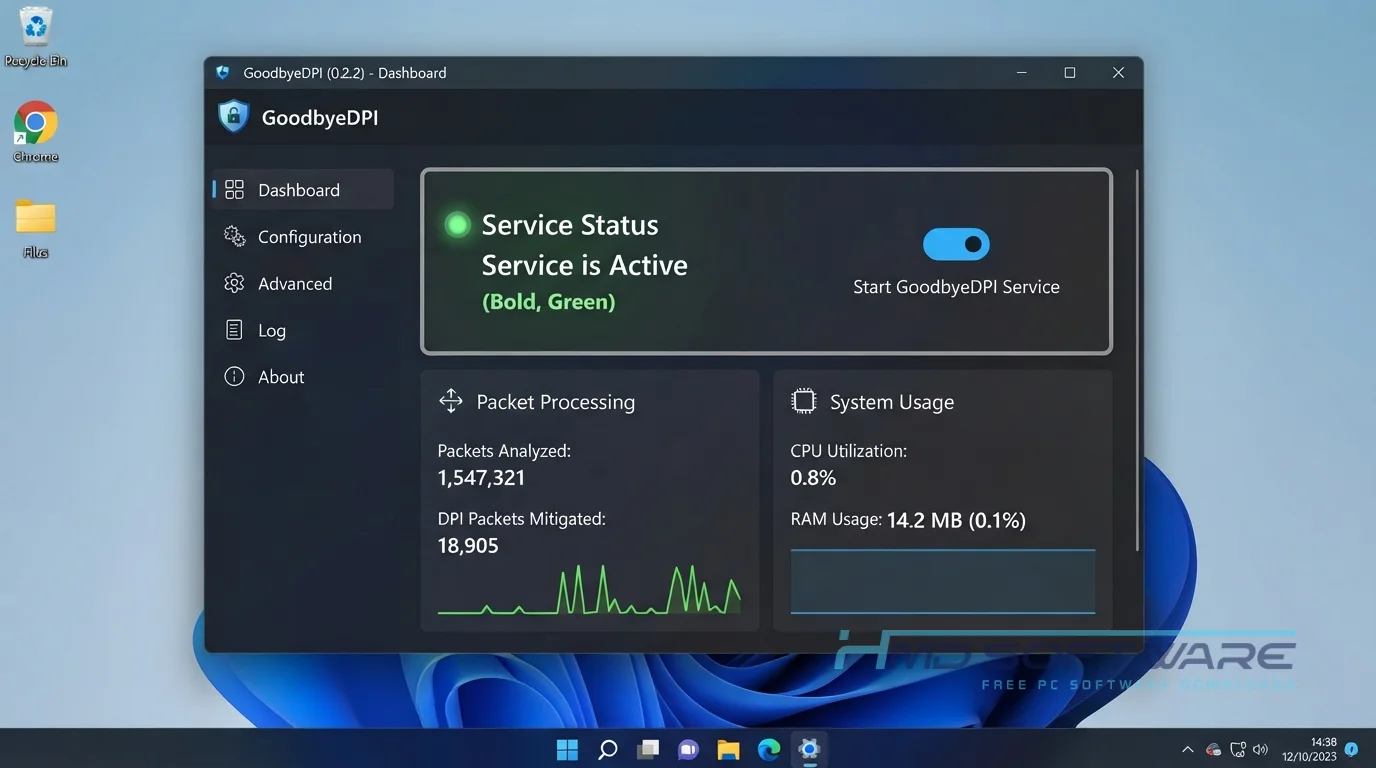
What Is GoodbyeDPI 2026?
GoodbyeDPI 2026 is a network filtering evasion tool developed by ValdikSS. Built exclusively for Windows, it operates under a free open-source license.
This DPI circumvention tool manipulates TCP/IP packets to bypass deep packet inspection systems, allowing users to access blocked internet content without relying on a virtual private network.
What Does GoodbyeDPI Do?
This software directly attacks how your internet provider monitors and restricts your traffic. Instead of hiding your IP address, it tricks the blocking systems into ignoring your connection. Most people use this internet censorship-bypass software to unblock websites their government or ISP has banned.
You might run it to watch blocked streaming services or read censored news articles. It is also excellent for evading ISP throttling on specific platforms.
Because it only alters the fragmented packets that trigger blocks, your overall internet speed stays incredibly fast. You get full access to the open web without the high latency standard proxies typically cause.
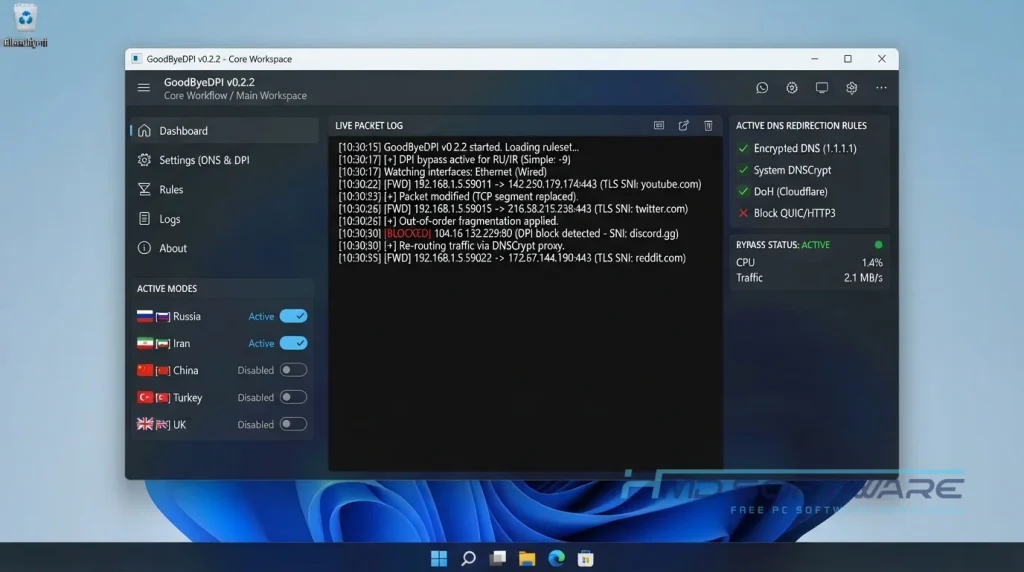
How Does GoodbyeDPI Work?
The utility alters data packets right before they leave your computer. It uses the Windows Filtering Platform to intercept network requests and modifies them just enough to confuse deep packet inspection hardware.
It is built for regular internet users who need a fast, lightweight way to bypass website blocking. It mainly solves heavy-handed network censorship.
By fragmenting initial connection requests or modifying HTTP host headers, the software ensures your ISP cannot see which website you are trying to visit, allowing the connection to pass through normally.
Key Features of GoodbyeDPI 2026
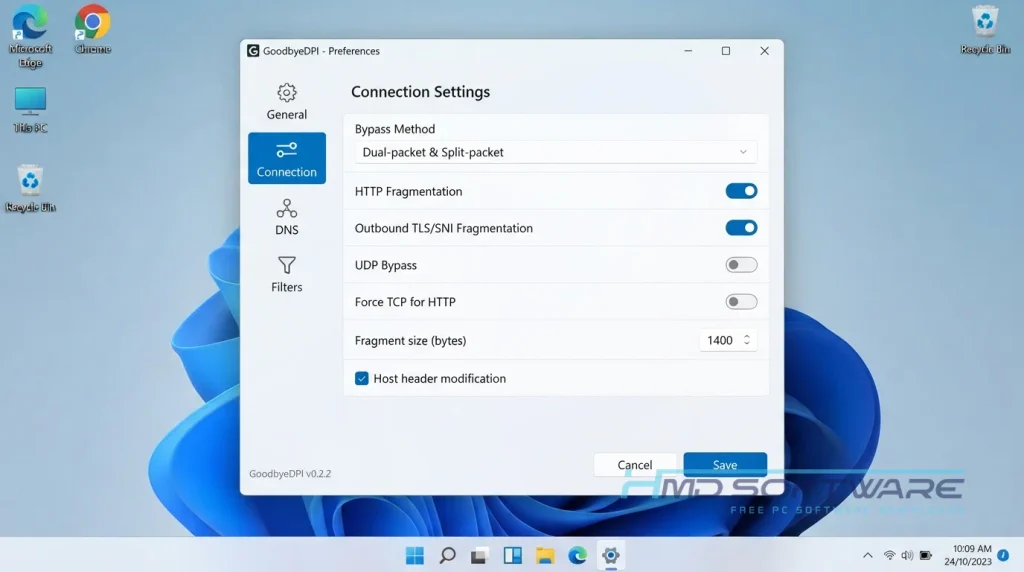
- Packet Fragmentation: This feature breaks up your data requests so censorship hardware cannot read where you are trying to go.
- No Speed Loss: This feature lets you bypass blocks without sending your traffic through slow outside servers.
- Host Header Modification: A security and privacy feature that alters your HTTP headers to trick basic ISP blocking systems.
- Command Line Control: An interface usability feature that lets you customize exactly how the network traffic manipulation tool operates.
- DNS over HTTPS: A file format compatibility feature that encrypts your domain requests when paired with a secure browser.
- Background Service: A platform support feature that allows you to run a GoodbyeDPI service installation so it starts automatically with Windows.
Pros and Cons
Pros
- It completely unblocks censored websites without slowing down your internet speed.
- The software is entirely free and open-source with no hidden ads.
- You do not need to create an account or log in to use it.
- It uses almost no RAM or CPU while running.
Cons
- The lack of a graphical interface can intimidate absolute beginners.
- It doesn’t hide your real IP address like a standard VPN does.
How To Download GoodbyeDPI 2026
- Open your web browser and search for the latest software release.
- You can find a safe, verified download link on HMD Software, a reliable platform for PC software downloads.
- Look for the official GoodbyeDPI 0.2.2 ZIP download for Windows.
- Save the compressed archive file directly to your desktop so you can find it easily.
- Always verify the digital signature or download from GitHub to ensure you get the original, untampered release.
Getting the right setup file takes just a few seconds. Avoid sketchy third-party sites offering a “premium” version, since the real network driver utility is always completely free.
How To Install GoodbyeDPI Step by Step
- Right-click the zip file you downloaded and select Extract All.
- Open the newly extracted folder to view the application files.
- Right-click the specific command file named 1_russia_blacklist.cmd (or your preferred region script).
- Select Run as Administrator so the program can modify your network rules.
- Click Yes on the Windows Security prompt to allow the application to make changes.
- Leave the black command line window open in the background to keep your connection unblocked.
System Requirements
You do not need a new computer to use this DPI bypass tool. It is lightweight and works well even on older devices. Check the basic system requirements to make sure your PC can run it without losing your internet connection.
| Requirement | Minimum | Recommended |
| Operating System | Windows 7 (64-bit) | Windows 11 (64-bit) |
| RAM | 512 MB | 2 GB or more |
| Storage | 10 MB | 50 MB free space |
| Processor | Intel Core i3 or equivalent | Intel Core i5 or higher |
| Internet | Active broadband connection | High-speed fiber or cable |
| Additional | Administrator privileges | Latest network drivers |
Is GoodbyeDPI Safe To Download?
Yes, it is extremely safe to download and use daily. The original application contains zero spyware, tracking scripts, or bundled adware. Because the code is fully open-source, thousands of developers have verified that it works only as local ISP-blocking bypass software.
To keep your computer safe, only download the official releases, not random repacks. I also recommend running a quick antivirus scan before you extract the files to make sure your download is clean.
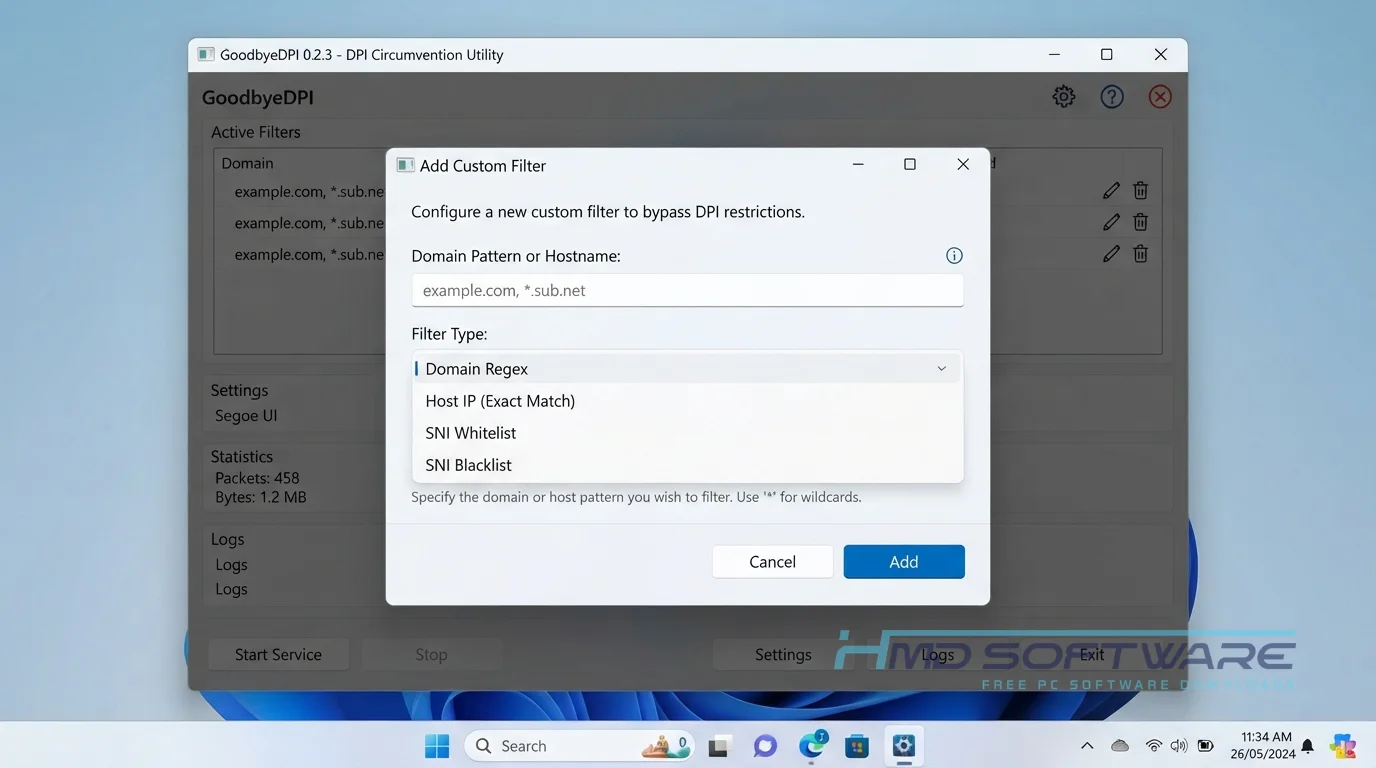
Best Alternatives To GoodbyeDPI 2026
If you want a different approach to bypassing network restrictions, try these alternatives.
- GreenTunnel: A great open-source tool that offers a friendlier graphical interface for bypassing DPI systems on multiple operating systems.
- PowerTunnel: A highly customizable local proxy server that easily unblocks websites without requiring administrative privileges to run.
- ProtonVPN: A highly respected free VPN option if you actually need to hide your IP address, along with unblocking restricted content.
Conclusion
GoodbyeDPI 0.2 is a great option if you are tired of strict internet censorship. It is a fast, free way to unblock websites without paying for a premium VPN.
It gets the job done quietly and efficiently straight from your command line. Scroll back up to start your free download and take back control of your internet access today.
Frequently Asked Questions
Is GoodbyeDPI 2026 free or paid?
GoodbyeDPI 2026 is free to download and use. ValdikSS made this. It is an open-source project. You don’t have to pay to use it. No fees or paid versions.
You get full access to all the packet manipulation features right out of the box. Unlike sketchy free VPNs, it never tries to monetize your browsing data or inject advertisements into your web traffic.
Does GoodbyeDPI 2026 work on Windows 11?
Yes, the latest version of the utility works perfectly on Windows 11. Even though it is a command-line tool, it fully supports modern Microsoft operating systems and their updated network security protocols. You need to run the GoodbyeDPI 64-bit executable as an administrator.
It integrates natively with the Windows Filtering Platform, keeping your browsing unblocked without compatibility errors or system crashes.
What is the latest version of GoodbyeDPI 2026?
The latest stable version is GoodbyeDPI 0.2.2, which handles fragmented packets better and works with newer DPI hardware. Keep your software updated because internet providers often change how they block websites.
The developer often releases small updates on GitHub to keep up with new censorship methods. If you use an older version, you might have trouble connecting to some blocked sites.
Is GoodbyeDPI 2026 safe to download and use?
Yes, this censorship-circumvention software is very safe to run on your PC. It functions locally on your machine and never routes your personal data through unknown third-party servers. Because the source code is public, independent security researchers regularly audit it for vulnerabilities.
As long as you grab the official GoodbyeDPI latest version from a trusted source, you do not have to worry about malware or unauthorized tracking scripts.
Latest Posts:
- Microsoft Office 365 Enterprise Free Download: Full Offline Setup
- Macrium Reflect Rescue Free Download: Bootable WinPE ISO Setup
- JPLAY Femto Free Download: Bit-Perfect Audiophile PC Player
- Milestone XProtect Corporate 2025 Free Download: VMS Setup for PC
- Microsoft Office 2010 Pro Plus Free Download: Full PC Setup