




Executor App Free Download: How to Install & Configure


Quick Answer: It is safe to download Executor 2.3.8 for free, as it works well on Windows 11. This lightweight alternative to Windows Run installs quickly. There are no paid versions or any hidden charges. All you have to do is get the offline installer, and you’ll be ready to go.
Introduction
Clicking through the Start menu every time you want to open a program can get tiring. That is why many people started using Executor 2.3.8. It is a text-based application launcher for Windows that lets you skip all the clicking.
You type a few letters, hit Enter, and your app opens. Most power users look for an Executor download because it completely changes how they navigate their PC. We are looking at version 2.3.8 here, which runs incredibly light in the background.
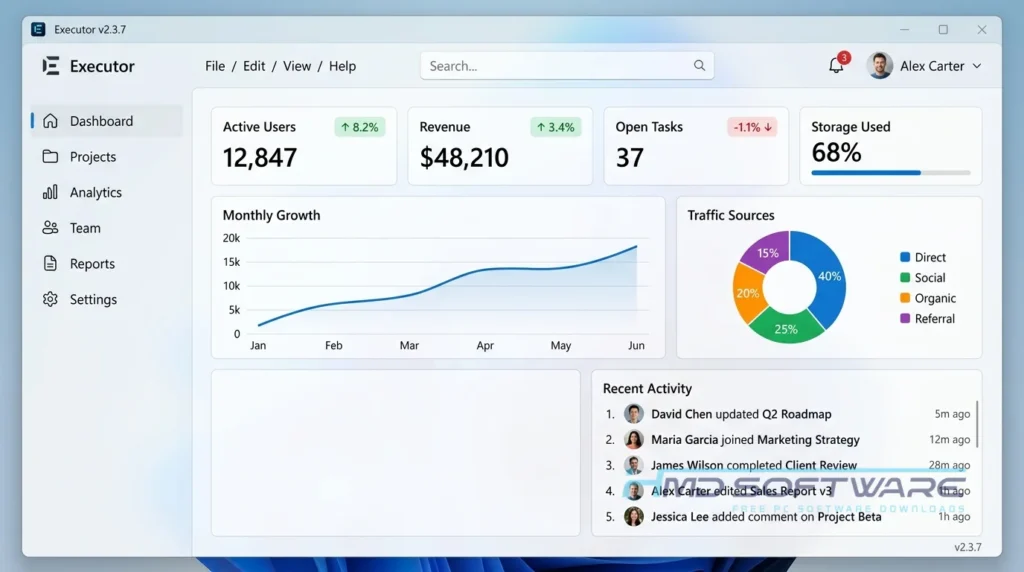
What Is an Executor?
Executor app is a free desktop application launcher and Windows Run replacement made by Martin Bresson. It serves as a central command-line tool for Windows PCs, letting you open files, launch programs, or search the web with short text keywords. The software is open-source and released under the MIT license.
What Does Executor App Do?
With the Executor app, you use your keyboard instead of your mouse to control your computer. You can assign short text abbreviations to your daily tasks. For example, to open the calculator, type “calc” in the search box. You can also set it up to open websites, launch games, or paste text you use often.
Executor gives you a custom shortcut for almost everything on your computer. Many people use it to replace the default Windows search, which can sometimes be slow. With Executor, you get instant results without waiting for Windows to index the web.
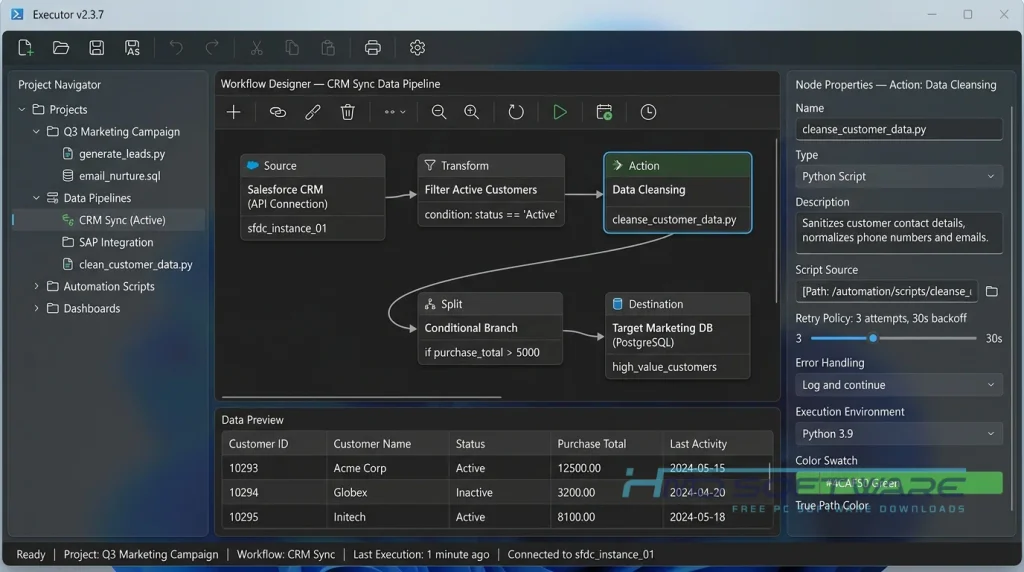
How Does Executor App Work?
The program stays completely hidden until you trigger it with a custom hotkey. Once you press that combination, a tiny text box pops up in the middle of your screen. As you type, the software guesses what you want based on an internal index of your PC.
You press Enter when the right app shows up. It is built strictly for people who want to move fast. It solves the frustration of digging through endless desktop folders to find a simple file.
Key Features of Executor App
- Custom Keyword Editor: Map out exact text commands to launch anything from a single program to deep system settings.
- High DPI Scaling: The Executor high-DPI version download ensures text looks crisp and clear on modern 4K monitors.
- Fast Indexing: It scans your Start menu and Control Panel instantly, so search results appear the second you start typing.
- Clipboard Manager: This built-in hotkey manager tracks your recent copy-paste history natively so you never lose a link or paragraph.
- Portable Setup: Grab the portable download to run it directly from a USB flash drive without editing the Windows registry.
Pros and Cons
Pros:
- 100% free with absolutely no ads or pop-ups.
- Barely uses any RAM, usually under 15 MB.
- Incredibly fast response times compared to the native start menu.
- Highly customizable visual skins to match your desktop.
Cons:
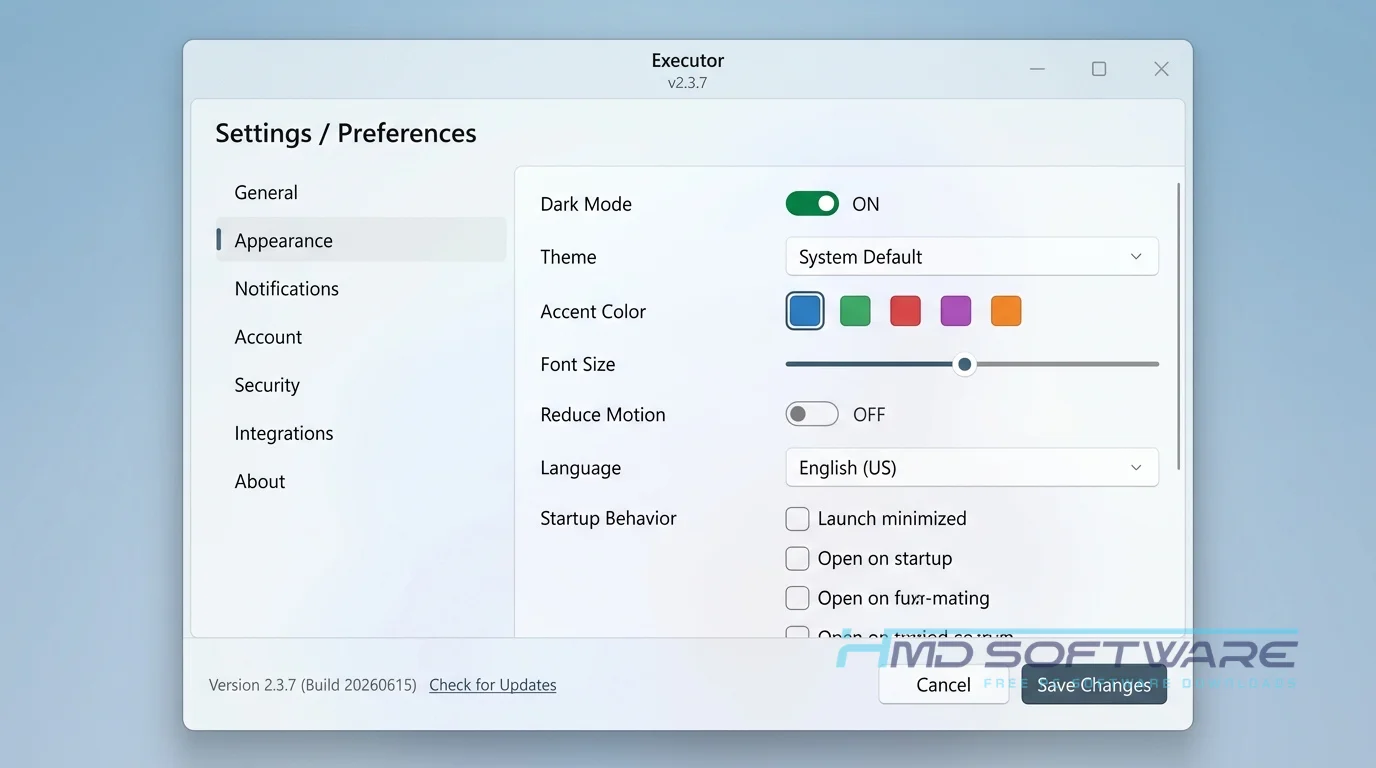
- The settings interface is quite cluttered and can be intimidating for new users.
- Windows often throws an “Unknown Publisher” warning during setup simply because the developer does not pay for a code signing certificate.
How To Download Executor
- Open your web browser and search for the Executor offline installer.
- HMD Software is a great, reliable platform where you can easily find the verified setup file.
- Pick either the standard 64-bit installer or the zip file based on how you prefer to run your apps.
- Click the download Executor link and wait for the tiny file to finish transferring to your drive.
- Always double-check that you are getting an actual .exe or .zip file before opening it to stay secure.
Stay away from shady mirror sites that try to bundle extra toolbars with the install file.
How To Install Executor App Step by Step
- Open your downloads folder and find the newly downloaded setup file.
- Double-click the file to start the installation wizard.
- If Windows shows a SmartScreen warning, click “More info” and select “Run anyway”.
- Accept the MIT open-source license agreement.
- Pick exactly where you want the software installed on your hard drive.
- Let the setup finish extracting the core files and building the search index.
- Launch the app and assign your favorite hotkey to get started.
System Requirements
You don’t need a new PC to run this. It is designed to work smoothly on almost any hardware built in the last decade.
| Requirement | Minimum | Recommended |
| Operating System | Windows 7 (32-bit) | Windows 11 (64-bit) |
| RAM | 512 MB | 1 GB or more |
| Storage | 10 MB | 20 MB free space |
| Processor | 1.0 GHz single-core | 2.0 GHz multi-core |
| Internet | Not needed | Optional for web searches |
| Additional | Keyboard | Standard layout |
Is Executor App Safe To Download?
Yes, downloading Executor is completely safe. It is an open-source tool with a long history, and it does not sneak adware onto your computer. The only catch is the SmartScreen warning you might see.
Because the developer is just one person, he does not pay for an expensive digital signature. Windows flags it as unknown because of that, not because it has a virus. To stay secure, make sure you download it directly from a trusted software library.
Best Alternatives To Executor App
- PowerToys Run: Microsoft’s own application launcher that looks very modern and integrates beautifully with Windows 11 right out of the box.
- Keypirinha: A super-fast alternative that focuses heavily on keyboard-only navigation, aimed mostly at coders and advanced power users.
- Wox: A great free Windows search alternative if you want to use community-made plugins for extra features and web integrations.
Conclusion
Executor app is a fantastic utility that genuinely saves you time once you get the hang of it. If you hate clicking through menus and prefer using your keyboard, you need this on your PC. It takes a few minutes to set up your custom keywords, but the daily speed boost is absolutely worth it. Grab the free download and give your mouse a break.
Frequently Asked Questions
Is the Executor app free or paid?
The software can be downloaded and used at no cost forever. Since it is covered by the open-source MIT license, you will never encounter a paywall, have to see an advertisement, or be required to pay for a premium subscription.
You can even install it on your work computers without worrying about commercial licensing fees. The developer does accept optional donations if you want to support the project.
Does the Executor app work on Windows 11?
Yes, it runs flawlessly on Windows 11. If you are using a modern high-resolution monitor, I highly recommend downloading the Executor high DPI version. This specific version fixes text scaling issues, so the interface will not look blurry on your screen. It functions nicely alongside the default Windows 11 search bar without causing any background conflicts.
What is the latest version of the Executor app?
The most recent stable release is version 2.3.8. This update tackled several minor bugs related to multi-monitor setups and polished the keyword editor interface. You should always aim to download the latest version to ensure it remains compatible with the latest Windows updates and to get the most accurate Start menu indexing.
Is the Executor app safe to download and use?
It is perfectly safe as long as you get it from a legitimate source. The application does not contain tracking malware or bundled junk software. You might run into a Windows “Unknown Publisher” warning during setup. This happens simply because the solo developer does not buy annual code signing certificates, not because the file is dangerous. Just bypass the warning.
Latest Posts:
- Microsoft Office 365 Enterprise Free Download: Full Offline Setup
- Macrium Reflect Rescue Free Download: Bootable WinPE ISO Setup
- JPLAY Femto Free Download: Bit-Perfect Audiophile PC Player
- Milestone XProtect Corporate 2025 Free Download: VMS Setup for PC
- Microsoft Office 2010 Pro Plus Free Download: Full PC Setup