




Electron JS Free Download for PC: Setup Guide & Features


Quick Answer: Yes, you can download Electron 41.2.2 completely free. It is an open-source framework that runs perfectly on Windows 11, macOS, and Linux. Getting the offline installer or running npm install takes just a few minutes, giving you a safe way to build desktop apps with JavaScript.
Introduction
Electron JS is a cross-platform desktop app framework developed by the OpenJS Foundation that lets you build native apps using web technologies like HTML, CSS, and JavaScript.
Web developers usually look for the Electron download to turn their web applications into standalone desktop software without learning new languages. If you are starting a new project, grabbing electron JS 41.2.2 is your best move.
Most people appreciate how it combines Chromium and Node.js into a single runtime environment. You get the familiar web development experience wrapped in a native app package.
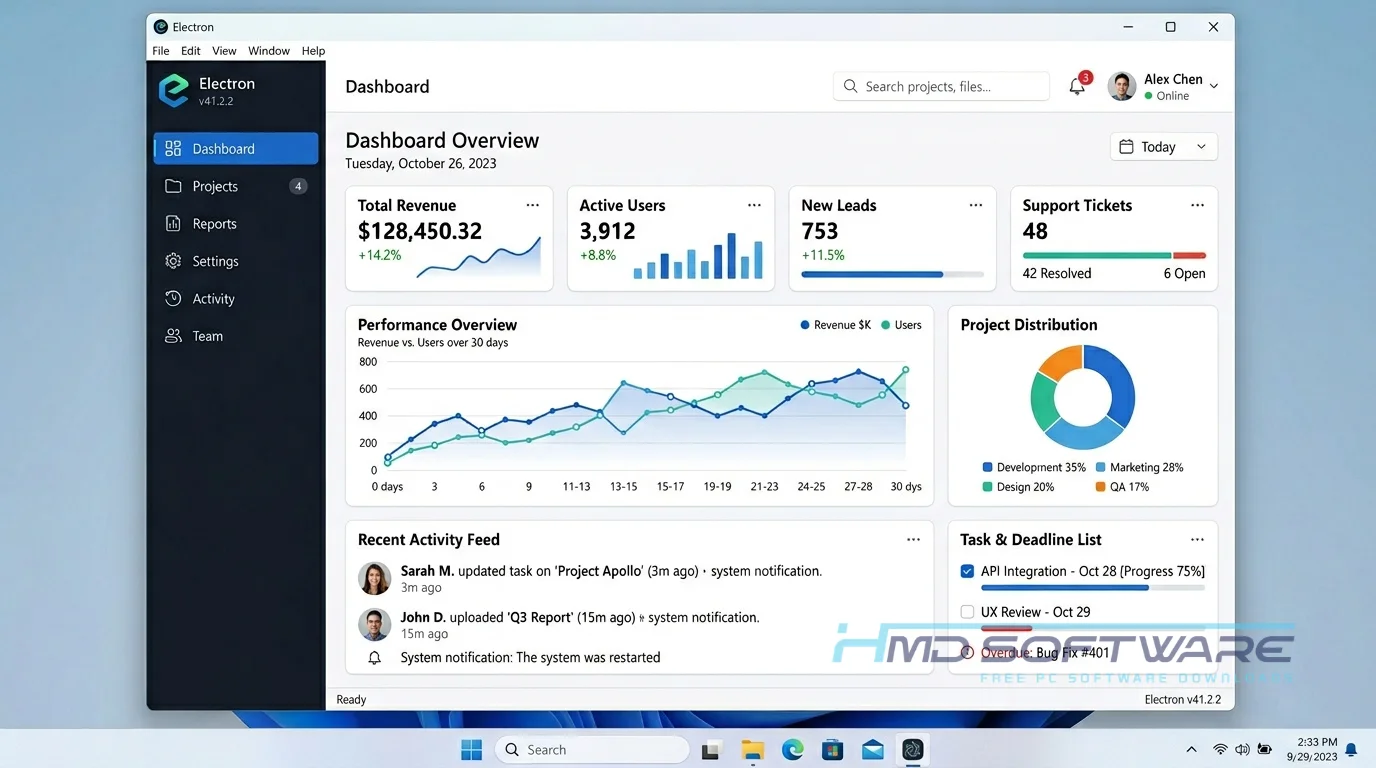
What Is Electron?
Electron JS is an open-source desktop app framework created by the OpenJS Foundation, initially released in 2013 as Atom Shell. It allows developers to build cross-platform desktop applications for Windows, Mac, and Linux using Node.js and Chromium. Distributed under the MIT License, this JavaScript desktop app builder packages web code into native executables.
What Does Electron Do?
The Electron JS framework gives your web application a dedicated web browser to run inside, completely separated from the user’s default browser. This means you can build a user interface with standard web tech while still accessing the local computer’s file system through Node.js.
You see this in action every day. If you use Slack, Discord, or Visual Studio Code, you are already using an Electron app.
Developers use it to convert internal web dashboards into installable programs for their teams. Startups often use this Chromium-based desktop framework to quickly launch a Windows 11 app alongside their web platform without hiring a dedicated C++ or C# developer.
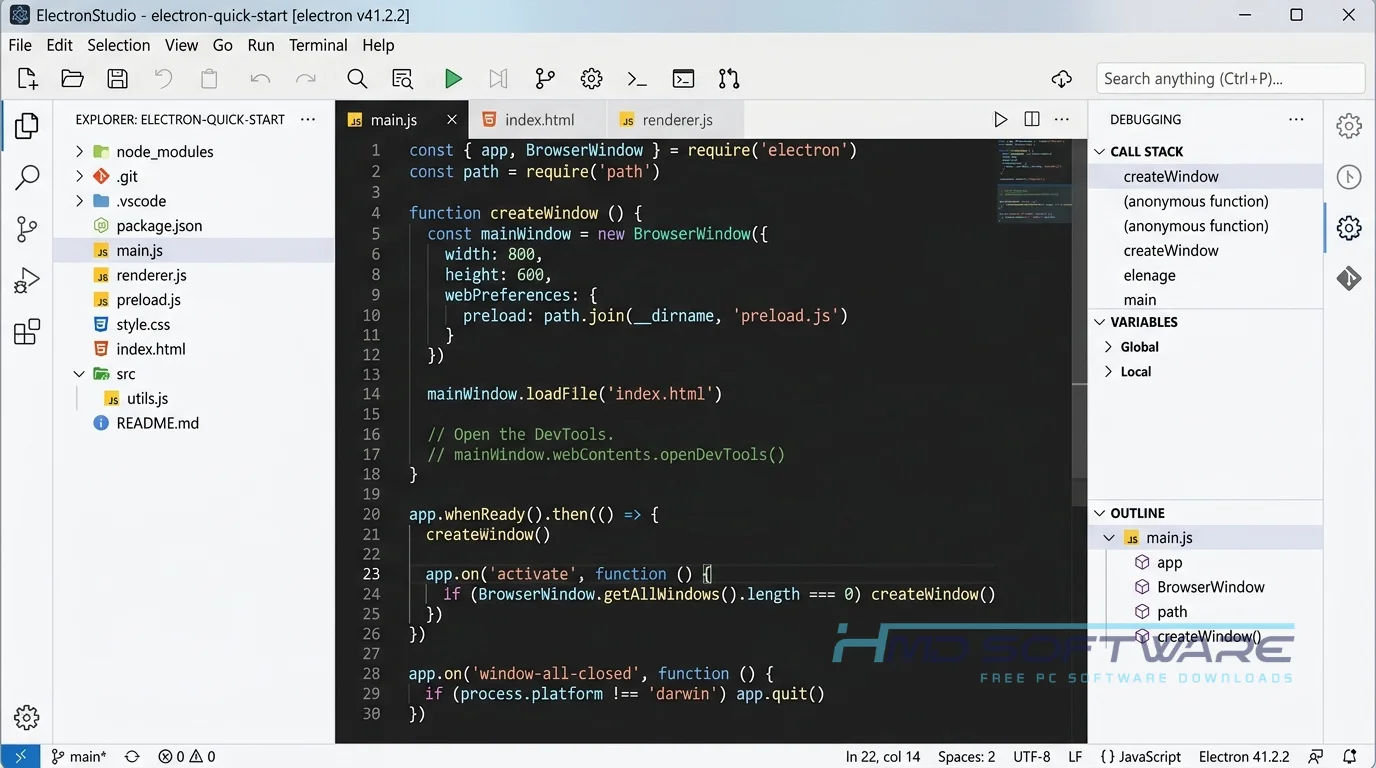
How Does Electron JS Work?
At its core, Electron JS runs two separate processes to make your app function safely. The main process handles the native operating system elements, like app windows and system menus. Then, the renderer process takes care of displaying your HTML and CSS, much like a regular webpage.
It solves the massive headache of rewriting code for different operating systems. You write your JavaScript once, and Electron translates it so the V8 engine can execute it correctly whether the end user is on a PC or a Mac.
Key Features of Electron
- Chromium Engine: Renders the interface quickly using the same engine as Google Chrome.
- Context Isolation: Electron JS improves security by keeping your app’s internal logic separate from outside web content. This helps protect your app from harmful code.
- Cross-Platform Builds: The electron-builder package lets you generate setup exes for Windows, DMG files for Mac, and AppImages for Linux.
- Auto-Update Support: The built-in electron-updater feature makes it incredibly simple to push security patches and new versions directly to your users.
- Native API Access: You can connect directly with the operating system to show notifications, use the system tray, and manage hardware all without extra add-ons.
Pros and Cons
Pros
- Builds applications using familiar HTML, CSS, and JavaScript.
- Massive community support and an easy npm install for Electron JS setup.
- Simplifies the creation of an offline installer for PC users.
- Excellent documentation and tutorial availability for beginners.
- Runs identically across all major operating systems.
Cons
- Uses a lot of memory because each app runs its own Chromium instance.
- Significantly larger file sizes compared to native C++ or Rust programs.
- Requires careful configuration to keep contextIsolation enabled for security.
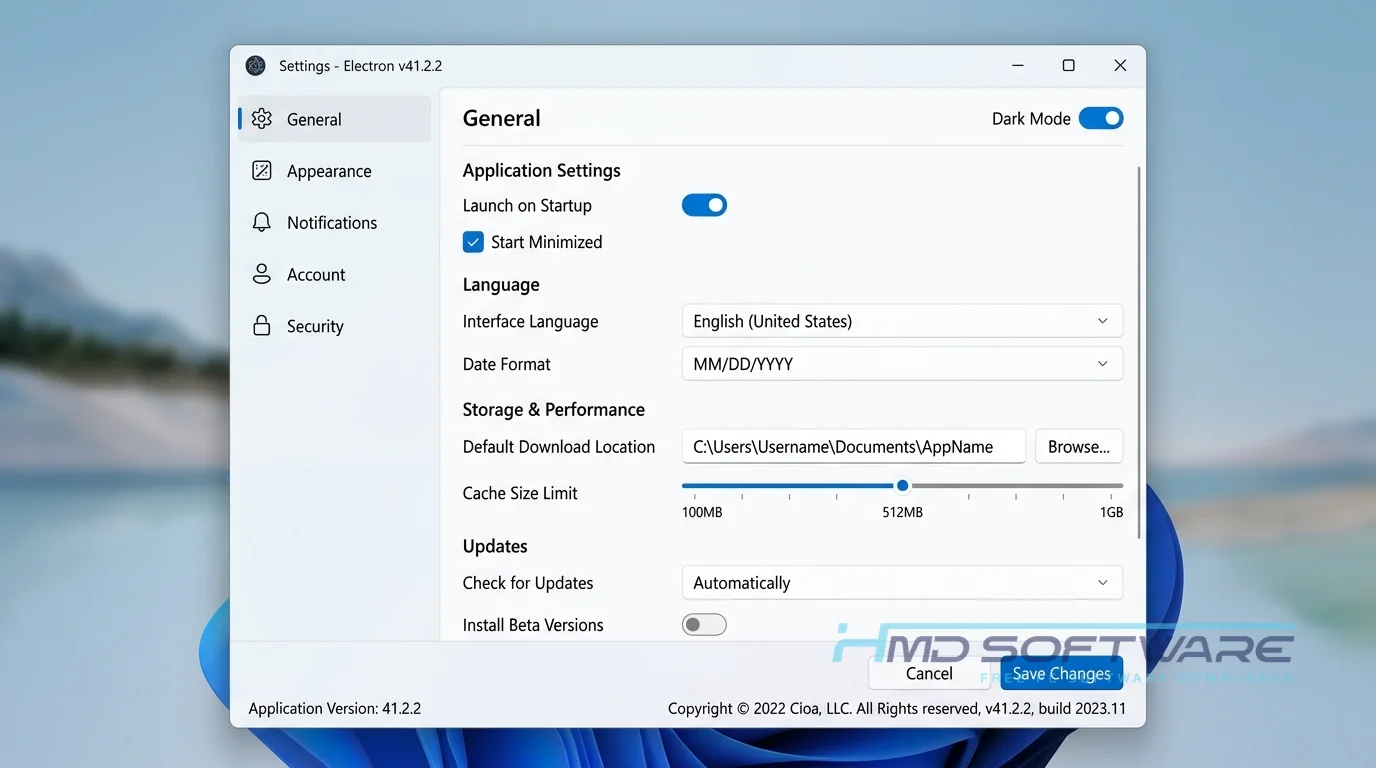
How To Download Electron JS
Getting the files is straightforward. Most developers pull the framework via command line, but you can also get the binaries directly.
- Determine if your project requires a specific Electron Chromium version or the newest release.
- Open your terminal or command prompt in your project folder.
- For a quick start, HMD Software is a trusted platform where you can find a verified setup file for an offline Electron js installer.
- Alternatively, type npm install electron to grab the roughly 80 MB package from the registry.
- Verify the download by checking the package.json file in your directory.
Always pull official packages to avoid installing tampered code or unauthorized security patches.
How To Install Electron JS Step by Step
Setting up the environment on your Windows 11 machine takes just a few commands.
- Install Node.js on your computer before attempting to install Electron js.
- Locate your specific project directory and open a terminal window there.
- Run the command npm init to create your initial configuration file.
- Execute npm install electron –save-dev to download the core framework.
- Accept any firewall permissions prompts if Windows appears during installation.
- Open your main script file to configure your application window.
- Launch the program by running npm start in your terminal.
System Requirements
Before you build a desktop app with Electron js, make sure your development environment can handle it. The framework itself is relatively lightweight, but compiling applications and running local servers will consume more resources. Most modern PCs will handle the development process perfectly fine.
| Requirement | Minimum | Recommended |
| Operating System | Windows 10 (64-bit) | Windows 11 (64-bit) |
| RAM | 4 GB | 8 GB or more |
| Storage | 1 GB free space | 5 GB SSD free space |
| Processor | Intel Core i3 or equivalent | Intel Core i5 or higher |
| Internet | Required for npm packages | Broadband connection |
| Additional | Node.js v18.x | Node.js v20.x or higher |
Is Electron Safe To Download?
Yes, the Electron JS framework is completely safe to download and use. It is an open-source project maintained by the OpenJS Foundation and backed by thousands of developers, meaning its code is constantly audited for security flaws. The official releases do not contain any adware, spyware, or bundled junk.
To stay safe, download Electron only from the official npm registry or trusted sites like HMD Software. Avoid random third-party forums and keep your projects updated with the latest security fixes.
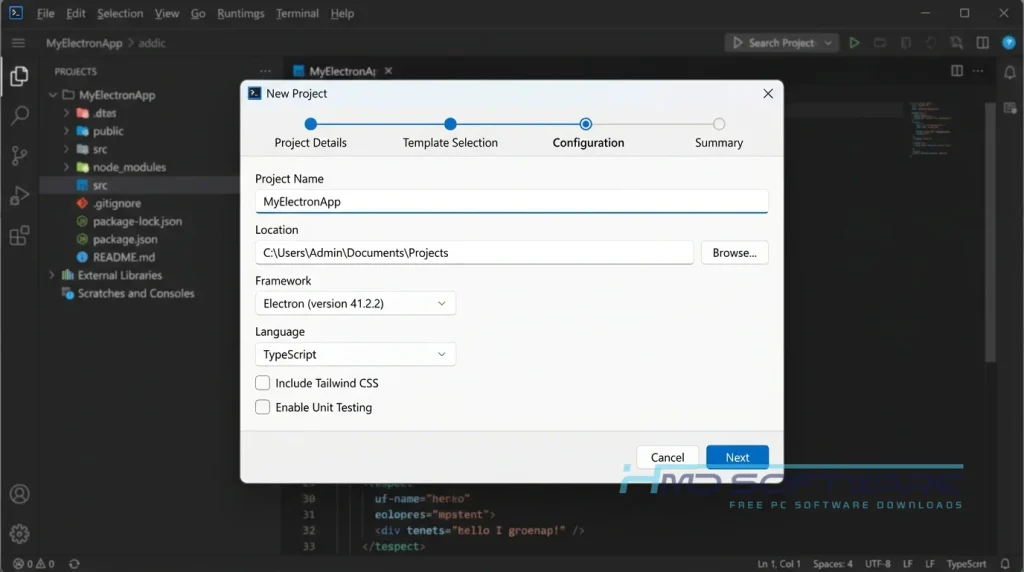
Best Alternatives To Electron JS
- Tauri: A much lighter alternative that uses the operating system’s native web view instead of bundling Chromium, resulting in tiny file sizes.
- NW.js: Previously known as node-webkit, this framework allows you to call Node.js modules directly from the DOM without a strict separation between main and renderer processes.
- Flutter: Developed by Google, this UI toolkit uses the Dart language rather than standard JavaScript to compile fast, native applications for desktops and mobile devices.
Conclusion
Electron JS 41.2.2 remains the most reliable way to turn a web project into a real desktop application. If you already know JavaScript and want to quickly get a program running on Windows, Mac, and Linux, this is the tool you need.
Electron has a large user base and is updated frequently, so you can count on it to work well. You can get Electron from your computer terminal or from a website you trust. Then you can start making your application with Electron.
Frequently Asked Questions
Is Electron free or paid?
Electron JS is entirely free for both personal and commercial use. It is licensed under the permissive MIT License, which means you do not have to pay royalties, subscribe, or purchase enterprise support to build and sell your applications.
You can distribute your finished software freely without worrying about hidden licensing fees.
Does Electron work on Windows 11?
Yes, the latest stable Electron version runs flawlessly on Windows 11. It fully supports modern Windows architecture, including both 64-bit and ARM64 processors.
Developers can turn their code into standard .exe or MSI setup files that Windows 11 users can easily install. The framework also works well with native Windows features like taskbar notifications and window controls.
What is the latest version of Electron?
The current stable release is Electron 41.2.2, but updates are released often. The team regularly updates the Chromium engine and Node.js components.
When starting a new project, you should always check the official release notes and pull the latest stable build to ensure optimal performance and the latest security fixes.
Is Electron safe to download and use?
Downloading Electron is incredibly safe as long as you pull it from official sources like the npm registry or verified developer platforms. Because the OpenJS Foundation backs it, the code is continuously checked for vulnerabilities.
As a developer, keeping your app safe requires updating to the latest versions and keeping context isolation enabled in your code.
Latest Posts:
- Microsoft Office 365 Enterprise Free Download: Full Offline Setup
- Macrium Reflect Rescue Free Download: Bootable WinPE ISO Setup
- JPLAY Femto Free Download: Bit-Perfect Audiophile PC Player
- Milestone XProtect Corporate 2025 Free Download: VMS Setup for PC
- Microsoft Office 2010 Pro Plus Free Download: Full PC Setup