




Easy Code 2026 Free Download: Visual Assembly IDE for PC

Quick Answer: You can get the Easy Code 2026 assembly IDE for free. This visual programming tool works on Windows 11 and older versions of Windows. The installer is small, so setup usually takes less than a minute. Once you have installed Easy Code, you can start making 32-bit and 64-bit applications.
Introduction
Easy Code is a programming tool made by Ramon Sala that gives you a visual way to work with assembly language. Many computer science students and independent developers use Easy Code to build applications without working only in a text console.
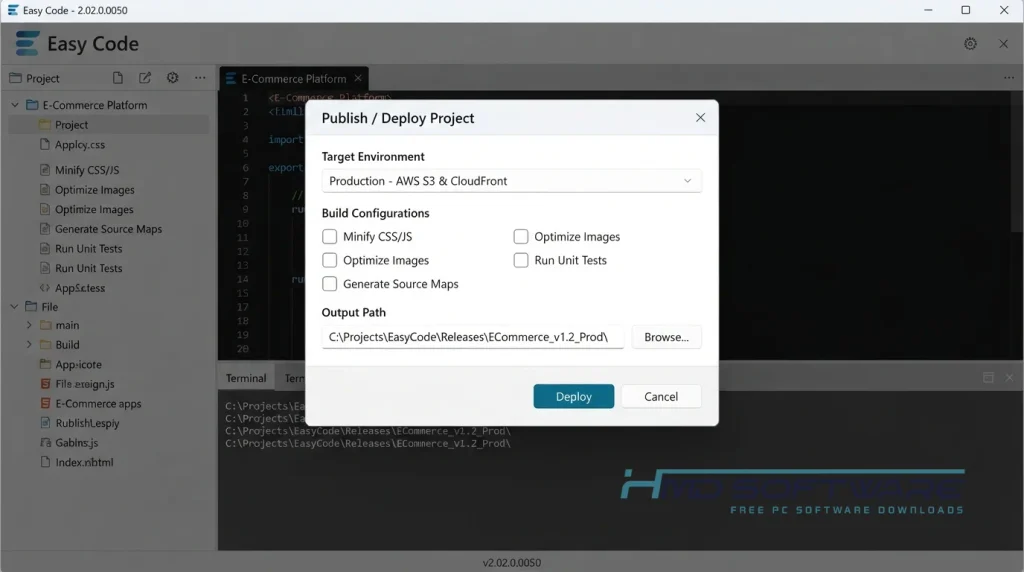
If you grab Easy Code 2026, you get an interface that looks incredibly similar to classic Visual Basic, but writes raw assembly code in the background. Easy Code 2.02 makes writing COFF object files much less frustrating. You drag and drop your windows and buttons, then focus on the actual logic.
What Is Easy Code 2026?
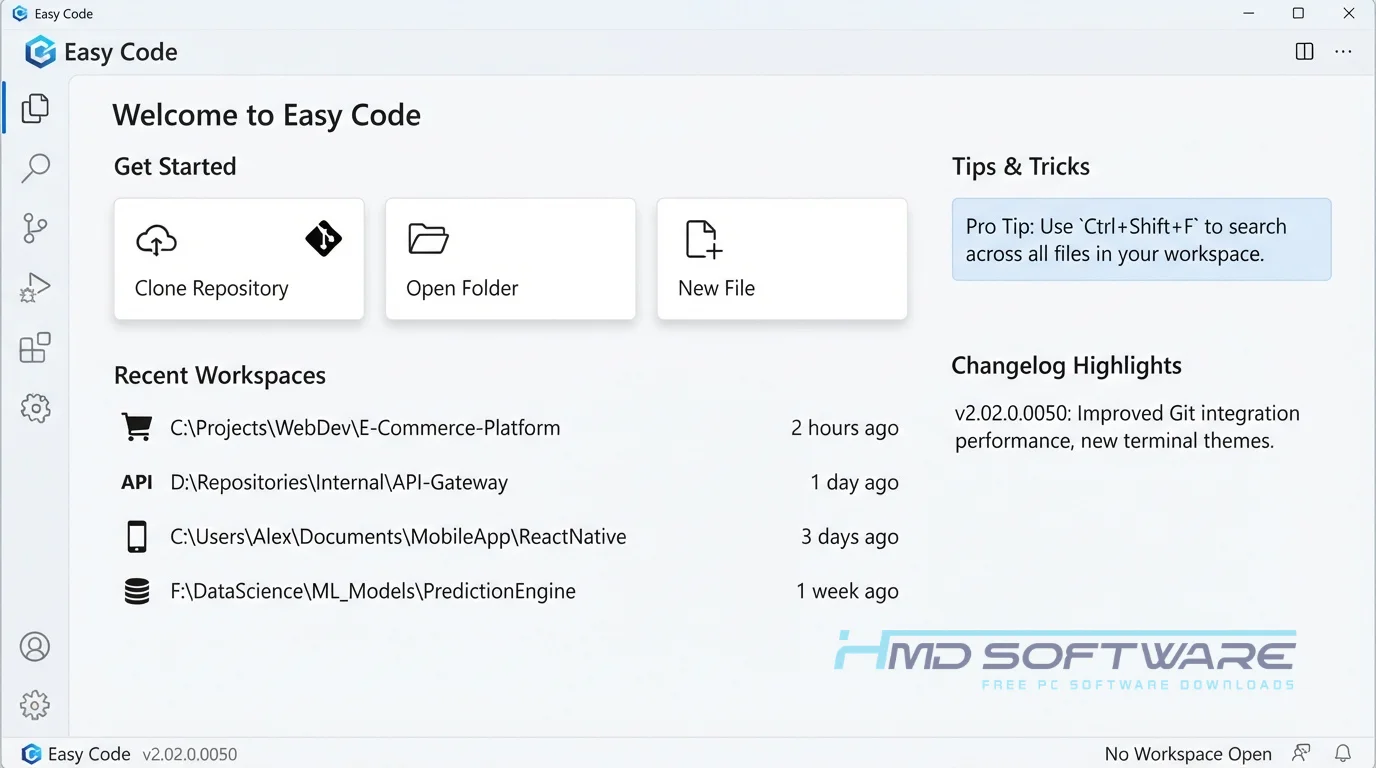
Easy Code 2026 is a visual assembly language IDE developed by Ramon Sala. Built exclusively for Windows, it operates under a freeware license.
This Windows assembler development tool helps programmers create 32-bit and 64-bit applications, dynamic and static libraries, and NT drivers using a highly visual drag-and-drop interface.
What Does Easy Code Do?
This software takes the pain out of creating graphical user interfaces in pure assembly. Instead of manually typing hundreds of lines to generate a single application window, you draw your interface using standard buttons, sliders, and text boxes.
Most programmers use it to build Windows assembler applications that are incredibly fast and lightweight. You might use it to create highly optimized executable files without the heavy overhead of modern frameworks.
It also works beautifully for writing NT drivers where you absolutely need direct hardware access. By acting as a visual assembly programming environment, it saves you from tedious window layout math while maintaining complete low-level control over your final program.
How Does Easy Code Work?
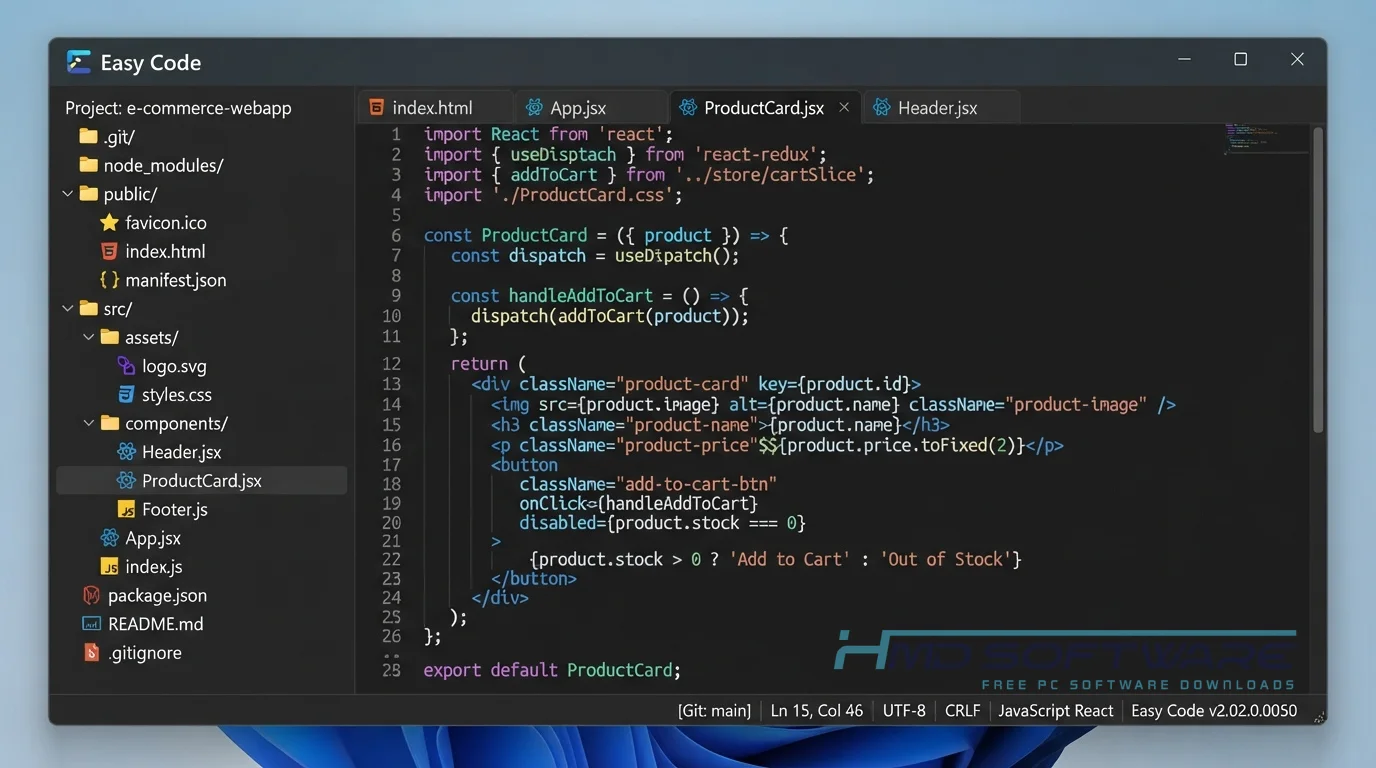
The application lets you design a program visually while automatically generating the underlying assembly code structure. It is built for developers who already know how to write assembly language but hate coding visual window elements by hand.
The main problem it solves is the massive time sink of GUI creation in low-level languages. You open a blank project, place your interface elements, and double-click a button to write the specific code for that event. It compiles everything perfectly in the background using your preferred assembler.
Key Features of Easy Code 2026
- Multiple Assembler Support: A core performance feature that lets you compile using MASM, FASM, GoAsm, JWasm, PoAsm, SolAsm, or UAsm, depending on your project needs.
- Visual Form Designer: An interface usability feature giving you a Visual Basic interface to drag and drop your application windows quickly.
- Fast Compilation: A speed processing feature that links your resources and generates executable files in just a few milliseconds.
- COFF Object Integration: A file format compatibility feature allowing you to link external C object files directly into your pure assembly project.
- Dual Architecture Ready: A platform support feature that fully supports both 32-bit and 64-bit assembler project development out of the box.
Pros and Cons
Pros
- It eliminates the need to manually code GUI elements.
- The visual layout feels instantly familiar if you have used earlier versions of Visual Basic.
- You can easily switch between your favorite assemblers, such as MASM or FASM.
- The installer is tiny and uses very few system resources.
Cons
- It doesn’t teach assembly language, so that absolute beginners may feel lost.
- The interface looks quite dated compared to modern programming environments.
How To Download The Easy Code 2026 Setup File
- Open your browser and search for the latest version of Easy Code 2026.
- You can find a safe, verified download link on HMD Software, a reliable platform for PC software downloads.
- Look for the specific Easy Code 2.02 offline installer that matches whether you want to build 32-bit or 64-bit apps.
- Save the zip file, which is usually under 5 megabytes, directly to your desktop or a dedicated programming folder.
- Run a quick scan with your daily antivirus program before unzipping the archive to guarantee you received the official, untampered tool.
How To Install Easy Code Step by Step
- Locate the downloaded zip file in your downloads folder and extract its contents.
- Double-click the extracted setup file to start the installation.
- Accept the User Account Control prompt to allow the installer to write to your drive.
- Choose a destination folder, preferably directly on your C drive, to avoid pathing issues with external assemblers.
- Click Next to complete the setup and create a desktop shortcut.
- Launch the program from your Start menu to begin setting up your preferred compiler paths.
System Requirements
You don’t need an expensive computer to run this visual assembler. Because assembly language is incredibly close to the metal, the IDE itself runs flawlessly on hardware from over fifteen years ago. Check these minimal hardware specifications before you begin your console application development to ensure a smooth setup.
| Requirement | Minimum | Recommended |
| Operating System | Windows 7 (32-bit) | Windows 11 (64-bit) |
| RAM | 512 MB | 2 GB or more |
| Storage | 20 MB for IDE | 100 MB free space |
| Processor | Intel Pentium 4 | Intel Core i3 or higher |
| Internet | Not required | Optional for updates |
| Additional | An installed assembler | MASM or FASM installed |
Is Easy Code Safe To Download?
Yes, the official Easy Code IDE is entirely safe to download and use. Ramon Sala has maintained this project for years without ever bundling adware, tracking scripts, or malicious code into the installer. Because it is an open-source tool, security scanners consistently flag the setup file as clean.
For safety, do not download the software from forums that provide modified versions. Copy the installer into a new folder and always get assembler tools from their sources.
Best Alternatives To Easy Code 2026
If this environment does not fit your workflow, check out these alternatives for low-level development.
- RadASM: A very popular alternative visual IDE that offers fantastic syntax highlighting and project management for multiple assemblers.
- WinAsm Studio: A lightweight development environment specifically tailored for creating 32-bit Windows applications using MASM.
- Visual Studio: A massive environment from Microsoft that supports assembly language natively if you want to integrate your low-level code directly with C++.
Conclusion
Easy Code 2.02.0.0050 changes how developers work with Windows assembly programming. If you know assembly basics but do not want to spend time typing GUI coordinates, this tool is for you.
It gives you the speed of raw machine code with the comfort of a visual designer. Scroll up to grab the free download and start building your custom executables today.
Frequently Asked Questions
Is Easy Code 2026 free or paid?
The Easy Code assembly IDE is completely free for everyone to download and use. You don’t need to pay for a commercial license, and there are no hidden subscription fees or locked features.
The developer offers it as a freeware project for the programming community. You can build, compile, and even sell the applications you create with it without owing any royalties.
Does Easy Code 2026 work on Windows 11?
Yes, this software works well on Windows 11 computers. The interface looks like classic Visual Basic, but the core engine supports 64-bit architecture and new Windows APIs without problems.
Whether you use the 32-bit or 64-bit version of the IDE, it generates modern executables that run smoothly on Microsoft’s latest operating systems.
What is the latest version of Easy Code 2026?
The latest stable version you can download is Easy Code 2.02.0.0050, and this update includes better integration with newer assemblers, as well as fixes for several minor bugs related to resource compilation.
Keeping your IDE updated ensures optimal compatibility when linking your projects to modern COFF object files or newer versions of MASM and FASM.
Is Easy Code 2026 safe to download and use?
Yes, this visual assembler is incredibly safe to install on your PC. It is a highly respected tool in the low-level programming community and contains no hidden malware or adware.
The file is small, clean, and transparent in what it does. Just make sure you always grab the setup file from reliable, established software directories to avoid tampered versions.
Latest Posts:
- Microsoft Office 365 Enterprise Free Download: Full Offline Setup
- Macrium Reflect Rescue Free Download: Bootable WinPE ISO Setup
- JPLAY Femto Free Download: Bit-Perfect Audiophile PC Player
- Milestone XProtect Corporate 2025 Free Download: VMS Setup for PC
- Microsoft Office 2010 Pro Plus Free Download: Full PC Setup