




Cavalry Professional Free Download: Best 2D Motion Graphics Software

Quick Answer: You can safely download Cavalry Professional 2.7.0 directly to your PC. It is now completely free since Canva acquired it. Setup takes just a few minutes and runs smoothly on both Windows 10 and Windows 11. Most people choose the offline installer because it is the fastest way to get started.
Introduction
Cavalry is a 2D animation tool developed by Scene Group (now acquired by Canva) that creates data-driven procedural animations. Motion designers and advertising agencies usually look for this software when they need a faster alternative to traditional keyframing.
If you want a reliable free download of motion graphics software, this is one of the best options available today. The Cavalry Professional 2.7.0 download brings advanced features like Rig Control and Forge Dynamics without the old subscription costs. Let’s look at exactly what you get with the latest version.
What Is Cavalry Professional?
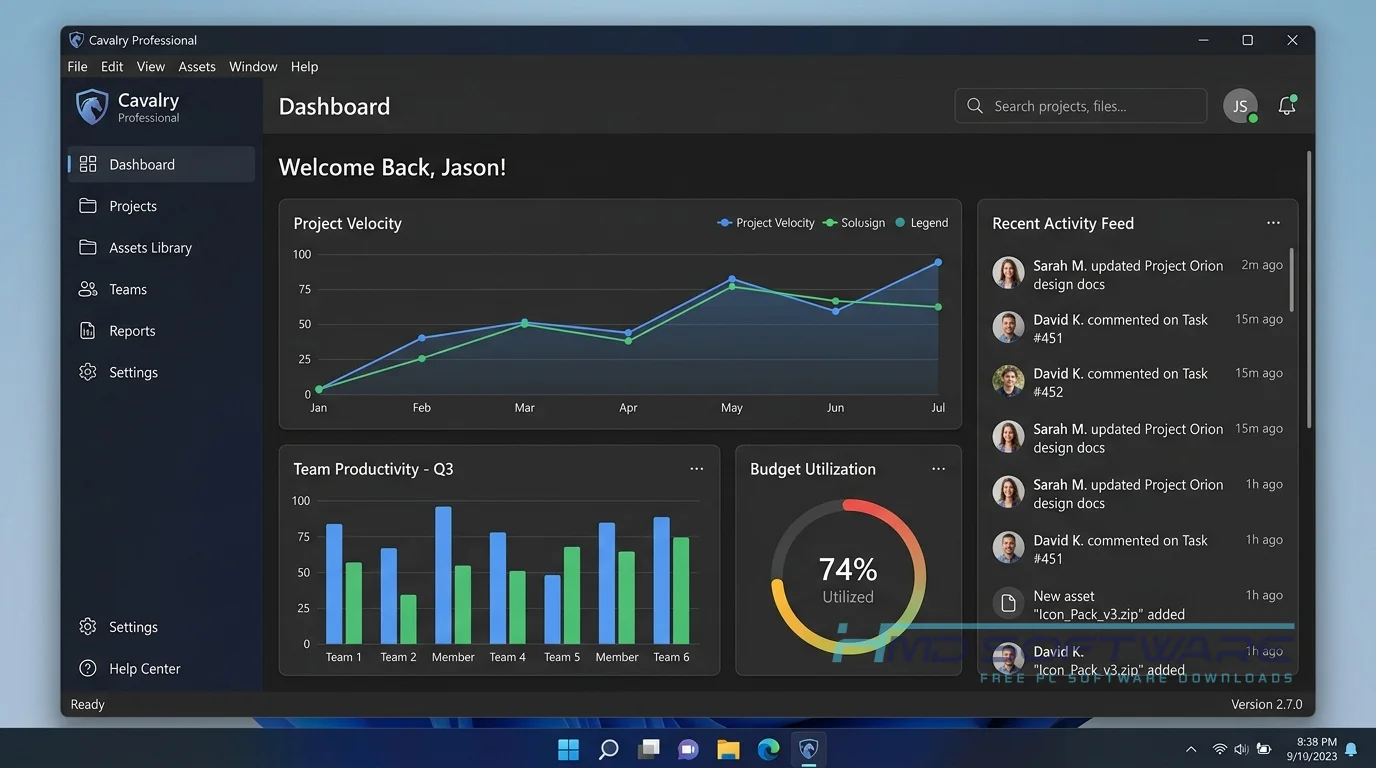
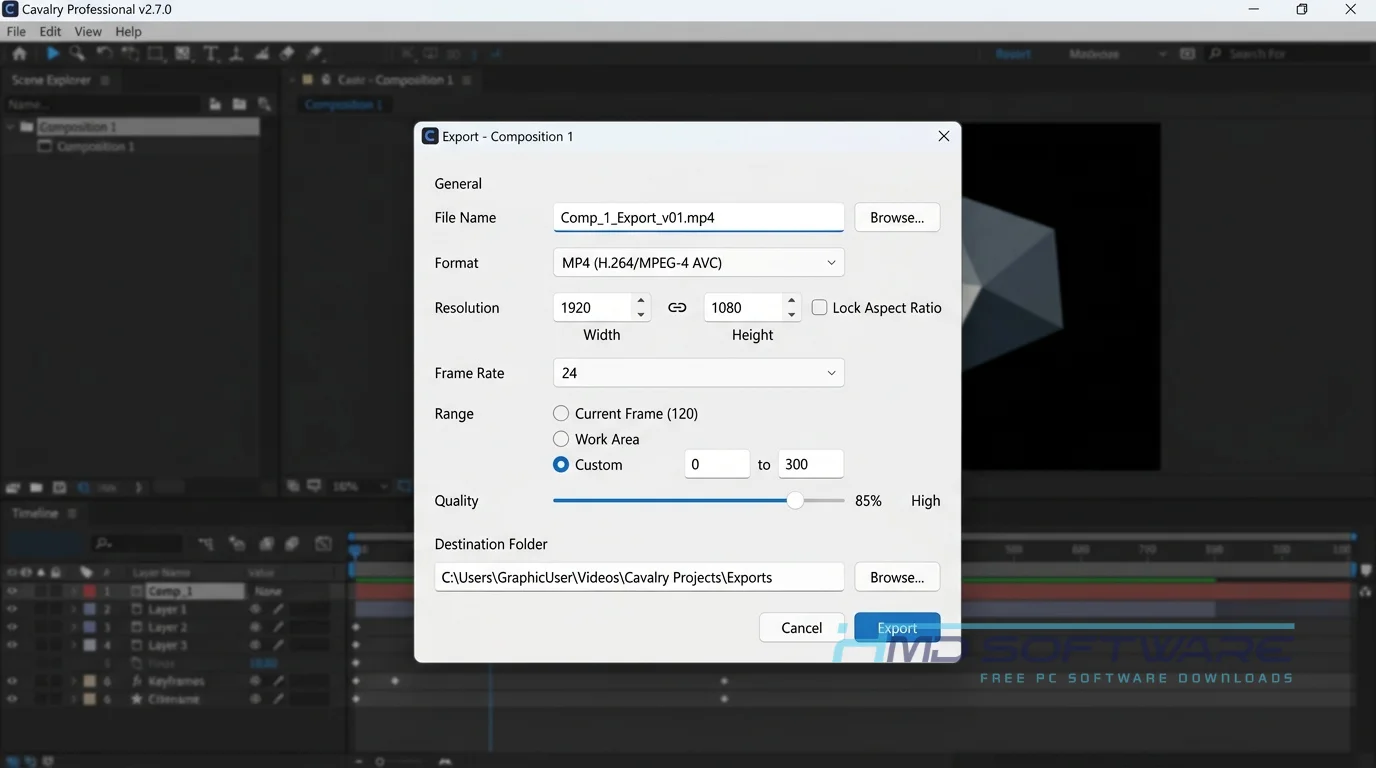
Cavalry Professional 2.7.0 is a node-based 2D animation and motion design software developed by Scene Group. Originally released as a paid subscription, Canva acquired the platform and made it a completely free download for Windows and Mac users in 2026. It focuses on procedural rigging, vector animation, and data-driven graphics for broadcast and web use.
What Does Cavalry Do?
This motion design software lets you create complex animations using node-based logic rather than manual keyframes. You can link shapes, apply falloffs, and drive animations using external data like Google Sheets.
Many freelance motion designers use it for explainer videos, UI animation, and broadcast graphics because it handles repetitive tasks automatically. For example, if you need to create a hundred floating particles, the Duplicator and Quad Tree features handle it instantly.
People often search for an Adobe After Effects alternative, and Cavalry fills that gap perfectly for 2D vector work. It even supports Lottie export for web designers.
How Does Cavalry Work?
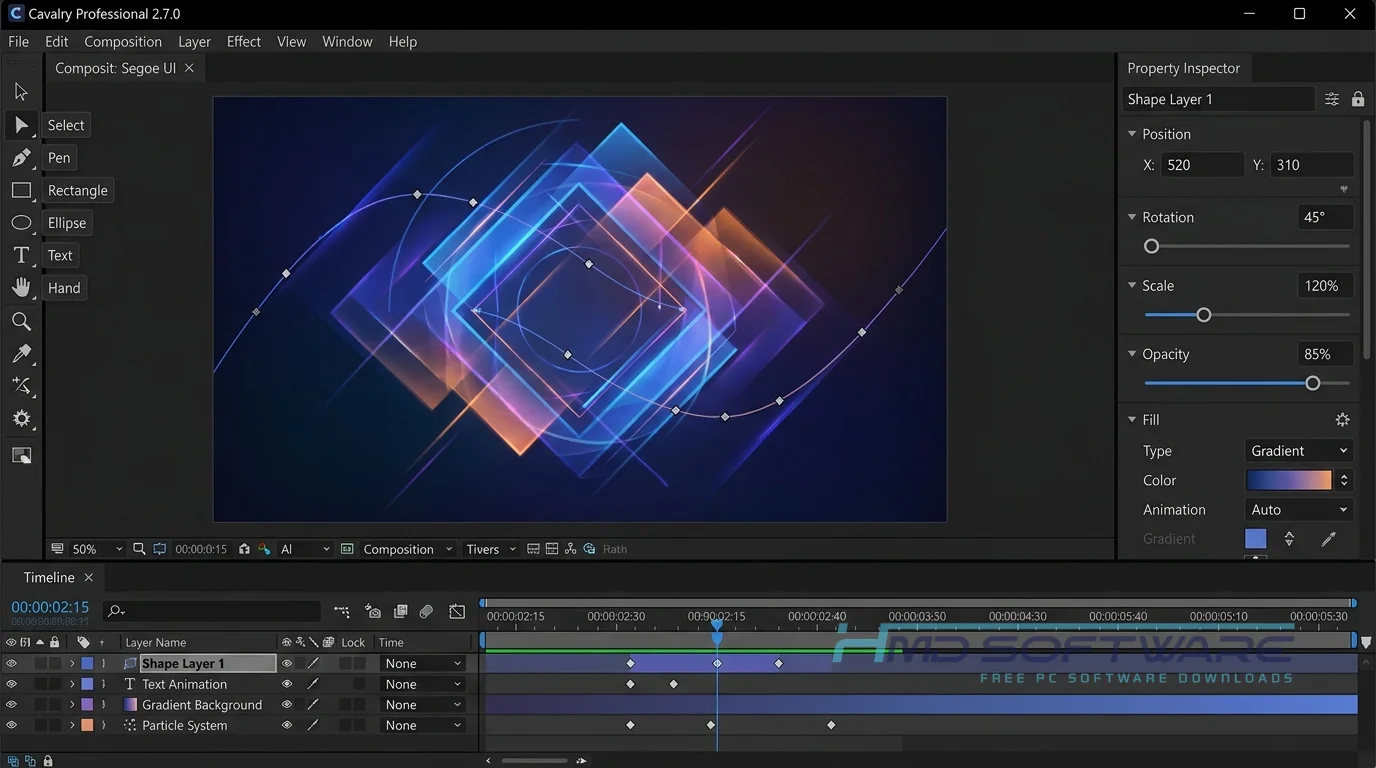
The software operates on a procedural workflow, meaning you set up rules and behaviors rather than animating every single frame. You drop a shape into the real-time viewport, connect it to a modifier, and watch it animate automatically.
It is built specifically for designers who want to work smarter, not harder. The main problem it solves is the tedious nature of versioning. If a client wants to change a color or a text string across fifty different animated banners, you update the source data, and the software updates everything instantly.
Key Features of Cavalry Professional
- Procedural Rigs: Make character animations and machine movements without using regular bone structures.
- Real-Time Viewport: See your vector animation in real time, without waiting for long preview renders.
- Data Import: Connect your scenes to live spreadsheets or JSON files to automatically generate hundreds of video variations.
- Forge Dynamics: Apply real physics and gravity to 2D shapes for natural, fluid motion.
- Lottie Export: Render lightweight animations directly for web and mobile app design.
- Cross-Platform Support: The Cavalry app download is fully optimized for Windows 11 and recent macOS versions.
- Advanced 3D Renderer: Use the new 2.5D camera and depth-of-field tools to add cinematic realism to flat vector graphics.
Pros and Cons
Pros
- Now entirely free for individuals and commercial studios worldwide.
- Data-driven animation saves hours of repetitive work.
- Excellent Lottie export capabilities for web developers.
- Real-time playback speeds up the design process.
Cons
- The node-based system is hard for beginners to learn.
- Lacks the extensive third-party plugin ecosystem found in After Effects.
- Raster image manipulation is limited compared to traditional compositing tools.
How Can I Download Cavalry Professional Safely?
Finding a safe download link for the Cavalry professional offline installer is easy if you know where to look.
- Open your browser and search for a verified source to download the Cavalry installer.
- HMD Software is a trusted platform where you can find the verified setup file for Cavalry without worrying about bundled adware.
- Click the download button for your specific operating system (choose the Windows MSI or Mac DMG file).
- Wait for the 250 MB file to finish downloading to your local drive.
Always verify that the file size matches the official specifications before running it to ensure you have the untampered version.
How To Install Cavalry Step by Step
- Find the setup file you downloaded. It is probably in your Downloads folder.
- Double-click the installer to launch the setup wizard.
- Accept the user agreement and grant administrator permissions when prompted.
- Choose your preferred installation directory or leave it at the default C: drive path.
- Click Install and wait a few moments for the process to complete.
- Launch the program from your desktop shortcut and sign in.
Most people find that installing Cavalry is quick and easy. You can usually start animating just five minutes after downloading.
System Requirements
Before you grab the free download, check if your computer can handle the software. Procedural animation relies heavily on your CPU and memory, so having a capable CPU will make your real-time viewport run much more smoothly. Here are the official requirements for version 2.7.0 to ensure stable performance.
| Requirement | Minimum | Recommended |
| Operating System | Windows 10 (64-bit) | Windows 11 (64-bit) |
| RAM | 8 GB | 16 GB or more |
| Storage | 500 MB | 2 GB free SSD space |
| Processor | Intel Core i5 or AMD equivalent | Intel Core i7 / Apple M-series |
| Internet | Required for initial sign-in | Broadband for cloud features |
| Graphics | OpenGL 4.1 compatible | Dedicated GPU with 4GB VRAM |
Is Cavalry Safe To Download?
Yes, Cavalry is completely safe to download and install on your PC. Because it is now backed by Canva, the official releases are strictly monitored and free of malware, spyware, or bundled junkware.
To stay secure, always avoid third-party sites that offer a “Cavalry professional crack download”; the software is already free, and these cracked files often contain viruses.
Stick to reputable sources, run a quick Windows Defender scan after downloading, and keep your software up to date with the latest build to avoid security vulnerabilities.
Best Alternatives To Cavalry
- Adobe After Effects: The industry standard for motion graphics, perfect if you need heavy video compositing and third-party plugins.
- Synfig Studio: An open-source 2D animation tool that is great if you want a completely free vector animation tool without creating an account.
- Blender: A fantastic free procedural animation tool that handles both 2D (Grease Pencil) and high-end 3D motion design.
If you are still comparing animation software in 2026, these three cover almost any use case.
Conclusion
Cavalry Professional 2.7.0 helps designers streamline automated workflows. If you do a lot of work with data-based animation or user interface designs, or you have to do social media projects over and over, Cavalry Professional can save you a lot of time.
Now that the pro features are free, there is absolutely no reason not to try it. Grab the download today and see how quickly you can speed up your daily animation tasks.
Frequently Asked Questions
Is Cavalry free or paid?
Since Canva acquired it in 2026, Cavalry Professional 2.7.0 has been free for everyone. Previously, people had to pay monthly to use tools like Forge Dynamics and Lottie Export.
Now, you get the full version with no licensing fees, making Cavalry a great value for freelance motion designers and studios looking to save on software costs.
Does Cavalry work on Windows 11?
Yes, Cavalry Professional 2.7.0 works on Windows 11. The team at Scene Group makes sure every new update works with Windows 11. Just make sure you get the 64-bit version of the Cavalry Professional installer.
If you are upgrading from an older machine, you will notice that the node-based engine takes full advantage of Windows 11’s improved memory management.
What is the latest version of Cavalry?
The newest release is Cavalry Professional 2.7.0. This major update brought several highly anticipated features, including improved vector path editing, the curl noise effect, and an advanced 3D renderer with depth of field.
It also marked the transition of all legacy Pro features into the free tier. You should always check your app settings to ensure you are running this latest build for the best stability.
Is Cavalry safe to download and use?
The software is absolutely safe to download and install on your computer. It contains no malicious code or hidden trackers, provided you obtain the setup file from a legitimate source.
Since there is no longer a need to bypass paywalls, there is zero reason to look for pirated versions. Download the official installer, create a Canva account for single sign-on, and start animating securely.
Latest Posts:
- Microsoft Office 365 Enterprise Free Download: Full Offline Setup
- Macrium Reflect Rescue Free Download: Bootable WinPE ISO Setup
- JPLAY Femto Free Download: Bit-Perfect Audiophile PC Player
- Milestone XProtect Corporate 2025 Free Download: VMS Setup for PC
- Microsoft Office 2010 Pro Plus Free Download: Full PC Setup