




Balabolka 2026 Free Download: Text-to-Speech Setup

Quick Answer: Balabolka 2026 is a program that can read text aloud. It works with Windows 11 and older versions of Windows. You can install it quickly. Start using it to turn documents into audio right away. You can use the voices that are already on your computer.
Introduction
Balabolka is a useful program that reads out text from documents. Lots of people use Balabolka, like blind students and video creators, to turn long pieces of text into audio files.
The software grabs the Microsoft Speech API voices already on your computer and brings them to life. With the Balabolka 2.15.0.906 release, you get excellent compatibility with modern operating systems and better handling of large PDF files. It is not a flashy modern app, but it does exactly what it promises without demanding a subscription.
What Is Balabolka 2026?
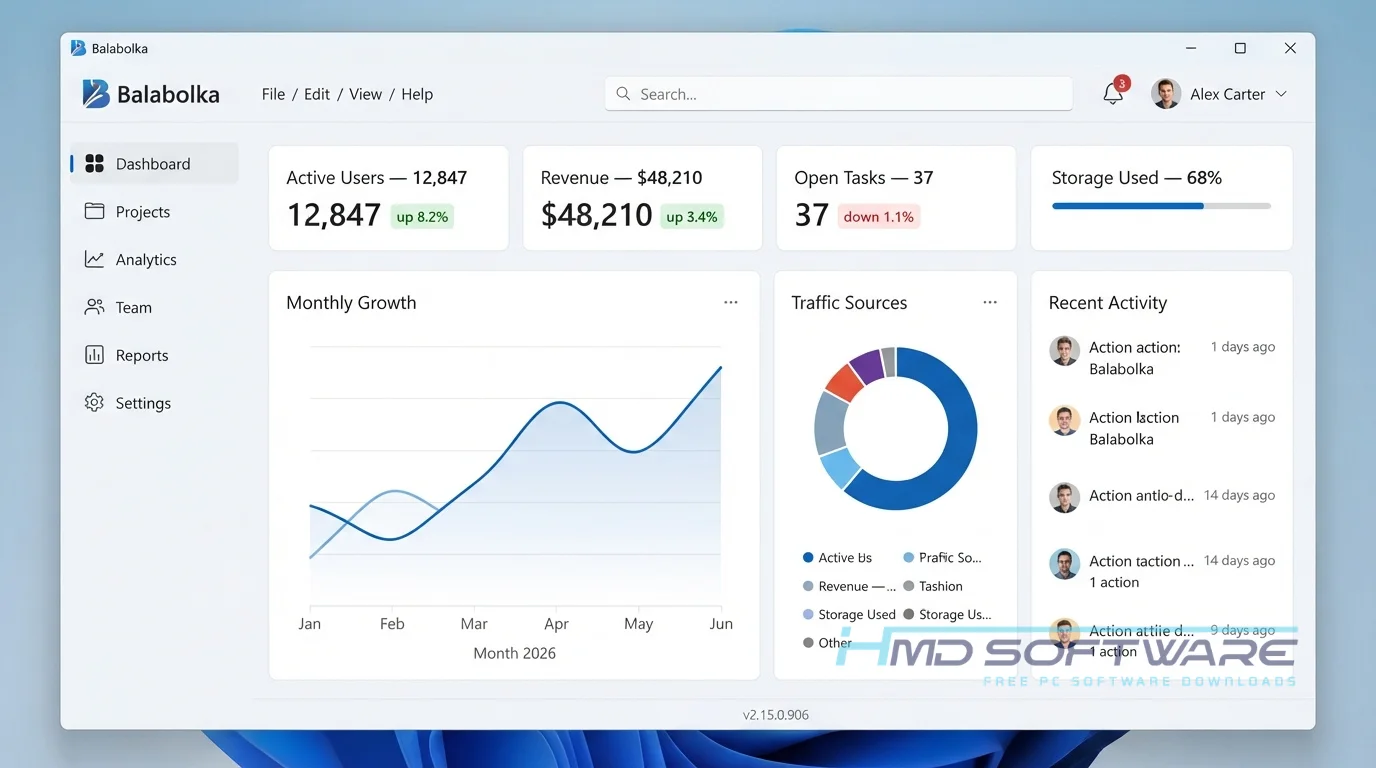
Balabolka 2026 is a text-to-speech software tool developed by Ilya Morozov that converts written documents into spoken audio.
Available exclusively for the Windows platform under a freeware license, this application uses standard Windows TTS engines to read text aloud. It supports multiple file formats, allowing users to listen to screen text or save it as audio files.
What Does Balabolka Do?
This document reader software takes any text file you throw at it and reads it back to you. You can paste text directly from your clipboard or open large EPUB and PDF documents right in the application.
Many people use this voice synthesis program as an audiobook creator tool to convert standard ebooks into MP3 files for their daily commute. You can also use it to generate a synchronized LRC subtitle file, creating a karaoke-style text-sync effect where the text highlights as the voice speaks.
It lets you customize the pronunciation of specific words using a substitution list, which is highly useful when reading technical documents aloud.
How Does Balabolka Work?
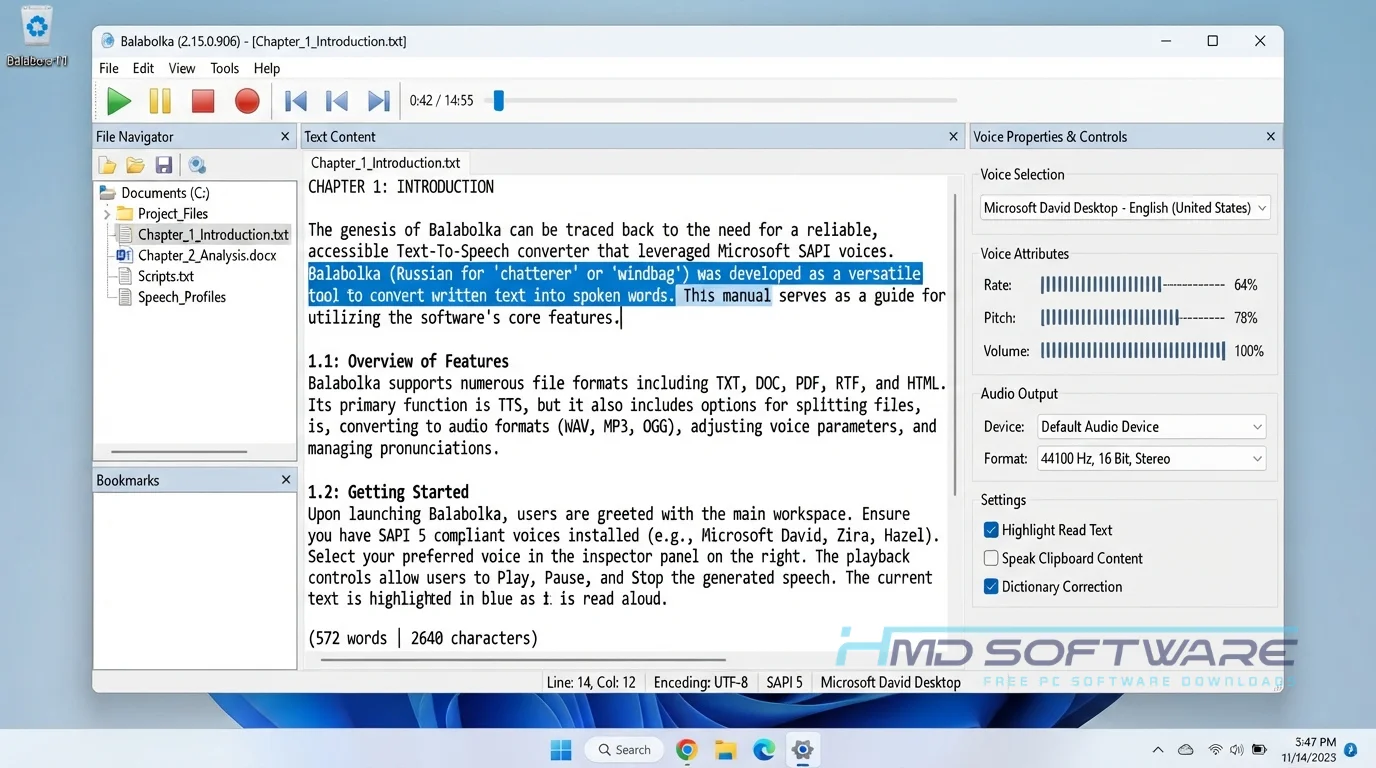
The program serves as a user interface for the SAPI voices already built into your operating system. When you load a document, the software breaks it down into readable segments.
You select a voice from a dropdown menu, adjust the voice pitch and speed using simple sliders, and press play. It is built for anyone who prefers listening over reading on a screen.
Because it runs locally as a Windows TTS engine controller, it eliminates the need for an active internet connection to generate speech.
Key Features of Balabolka 2026
- Broad File Compatibility: The app supports many document types, including DOC, PDF, EPUB, and RTF.
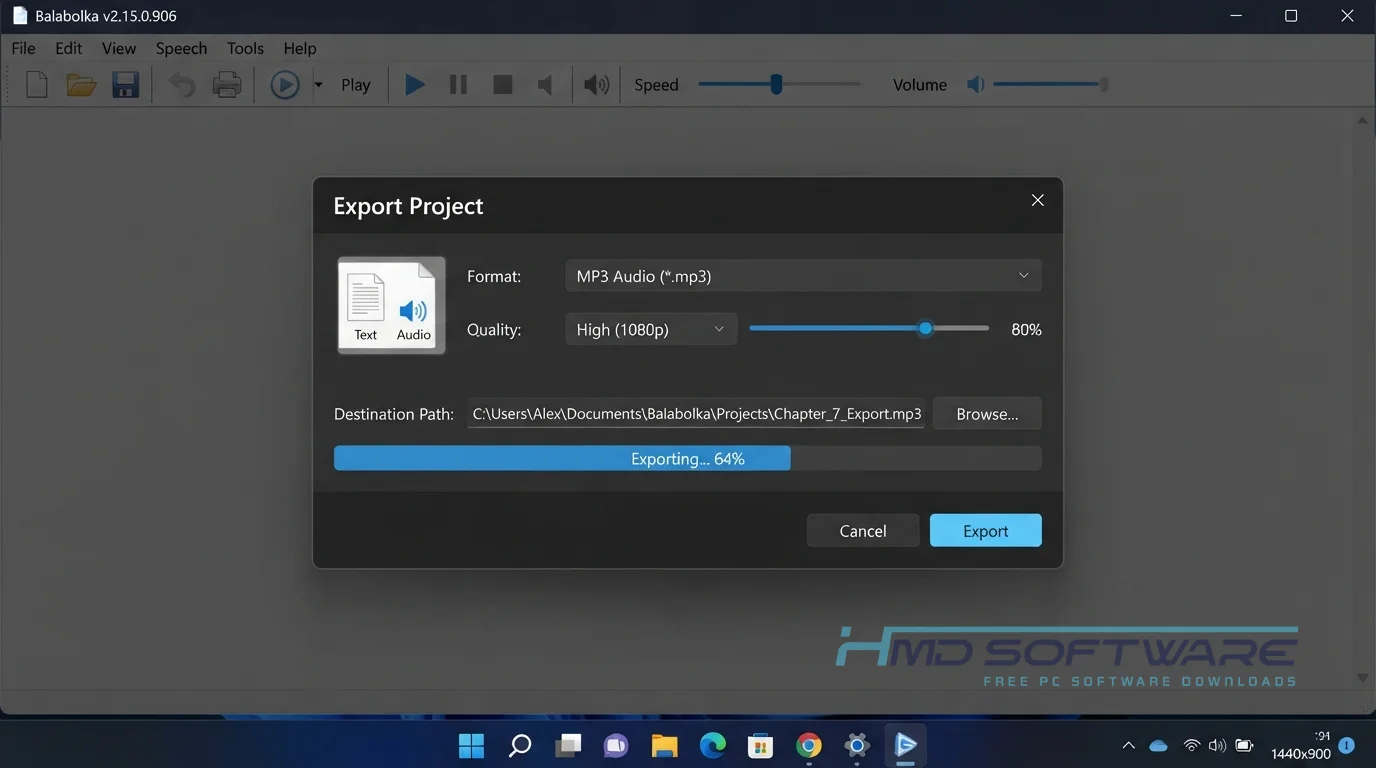
- Audio Export: Text can be converted to speech and saved directly as MP3, WAV, or OGG audio files.
- Pronunciation Correction: Fix how the software says specific words by creating custom dictionary rules in the substitution list.
- Clipboard Monitoring: Tell the application to watch your clipboard and automatically read aloud any text you copy from your web browser.
- Portable Mode: Run the Balabolka portable version straight from a USB flash drive without modifying your system registry.
- Batch Text Conversion: Select multiple documents at once and convert them all into separate audio tracks simultaneously.
Pros and Cons
Pros
- It is entirely free with no locked features or hidden paywalls.
- The software runs flawlessly even on older, low-spec computers.
- You can easily save massive documents as MP3 or WAV files.
- The portable version requires absolutely no installation.
Cons
- The user interface looks quite dated compared to modern Windows apps.
- Voice quality depends entirely on the standard Microsoft SAPI voices installed on your PC, which can sometimes sound a bit robotic.
How To Download Balabolka 2026
Getting this text-to-audio converter running on your machine is very straightforward.
- Open your web browser and search for the official developer site or a secure software archive.
- You can find a safe, verified download link on HMD Software, a reliable platform for PC software downloads.
- Choose between the standard Balabolka offline installer or the portable ZIP download depending on your needs.
- Click the download button to grab the setup file, which is around 25 MB.
- Save the file to your standard Windows downloads folder.
Always scan the executable with your antivirus to ensure a safe download.
How To Install Balabolka Step by Step
- Navigate to your PC downloads folder and locate the downloaded ZIP or executable file.
- Double-click the setup application to launch the main installation wizard.
- Click Yes when Windows asks for permission to make changes to your device.
- Choose your preferred language and select a destination folder on your hard drive.
- Follow the remaining prompts and click Finish to complete the setup process.
- Launch the program from the new desktop shortcut to start reading text aloud.
System Requirements
Before you start the download, review these hardware specifications. Because this software relies on the built-in Windows TTS engine, it demands very little from your computer. You can run it comfortably on almost any machine built in the last fifteen years. Here is what you need for optimal performance.
| Requirement | Minimum | Recommended |
| Operating System | Windows 7 (32-bit) | Windows 11 (64-bit) |
| RAM | 512 MB | 2 GB or more |
| Storage | 50 MB available | 100 MB free space |
| Processor | Intel Pentium 4 | Intel Core i3 or higher |
| Internet | Not required | Optional for updates |
| Additional | Microsoft Speech API 4/5 | Additional SAPI 5 voices |
Is Balabolka Safe To Download?
Balabolka is safe to download and use. The official installer does not have adware, tracking scripts, or harmful code. It works like a regular desktop app and does not upload your private documents to the cloud.
For safety, download the setup file from the official developer or a trusted site, such as HMD Software. Avoid unverified third-party forums, as they might change the freeware license files.
Best Alternatives To Balabolka 2026
- NaturalReader: This is a modern screen reader with high-quality AI voices, but the free version limits how much you can read.
- Panopreter Basic: Another straightforward free application that reads text files aloud and exports them to audio without forcing you to navigate complicated menus.
- TTSReader: This is a simple web-based text reader that works in your browser, so you do not have to install anything on your computer.
Conclusion
Balabolka 2026 remains a reliable and easy-to-use tool for converting text into spoken audio. It is a good choice if you want a lightweight app to read long PDFs or make simple MP3 audiobooks without paying for a subscription.
Grab the latest version and download it today, load up your favorite document, and give your eyes a well-deserved rest.
Frequently Asked Questions
Is Balabolka 2026 free or paid?
Balabolka is a completely free software application distributed under a freeware license. You do not have to pay for the program, and there are no hidden premium tiers or subscription fees. While the application is free, you can choose to donate to the Balabolka developer if you find the tool useful.
Keep in mind that while the software is free, buying high-quality third-party SAPI voices from companies like Ivona or CereProc will cost money.
Does Balabolka 2026 work on Windows 11?
Yes, the software offers full compatibility with Windows 11 and runs flawlessly on modern 64-bit systems. Despite having an older user interface, the underlying code correctly hooks into the latest Windows TTS engine without crashing.
Whether you use the Balabolka 32-bit or 64-bit download, it performs excellently on newer hardware. You can easily access the default Windows 11 voices to read your EPUB or PDF documents aloud.
What is the latest version of Balabolka 2026?
The new version of Balabolka is Balabolka 2.15.0.906. This version came out in the 2026 update cycle. It has some fixes that make it work better. Balabolka 2026 is also better at extracting text from poorly formatted PDF files. It is more stable when you save audio files.
Because the software does not feature an aggressive auto-updater, you will need to manually download the latest executable to take advantage of these subtle program improvements.
Is Balabolka 2026 safe to download and use?
Yes, Balabolka 2026 is very safe to use. You have to get it from a website or the official site of the person who made Balabolka. People have checked Balabolka for viruses. They did not find any.
Unlike some modern cloud-based apps, it converts your text locally on your machine, meaning your private documents never leave your computer. Just ensure you avoid sketchy sites that offer altered zip files to keep yourself safe.
Latest Posts:
- Microsoft Office 365 Enterprise Free Download: Full Offline Setup
- Macrium Reflect Rescue Free Download: Bootable WinPE ISO Setup
- JPLAY Femto Free Download: Bit-Perfect Audiophile PC Player
- Milestone XProtect Corporate 2025 Free Download: VMS Setup for PC
- Microsoft Office 2010 Pro Plus Free Download: Full PC Setup