




Avast Ransomware Decryption Tools: Free Download, Features & Recovery Steps

Quick Answer: You can safely download Avast Ransomware Decryption Tools for free from sources to unlock your encrypted files. It works on Windows 11 and older versions, and is easy to set up and install in minutes. You do not need to pay a ransom.
Introduction
Avast Ransomware Decryption Tools is a cybersecurity utility developed by Gen Digital that unlocks files encrypted by malicious software.
People look for this software when they wake up to find their family photos, work documents, or entire hard drives locked behind a ransom demand. Instead of paying hackers, use this free tool to recover your data safely.
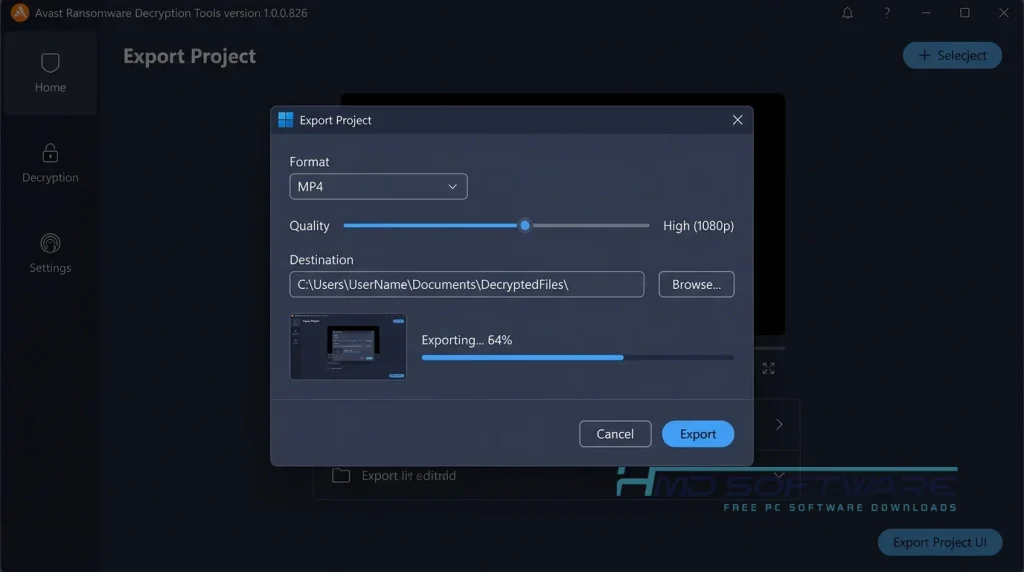
You can download the latest version, including Avast Ransomware Decryption Tools 1.0.0.826, to restore your system. Getting your life back online is easier than you might think.
What Is Avast Ransomware Decryption Tools?
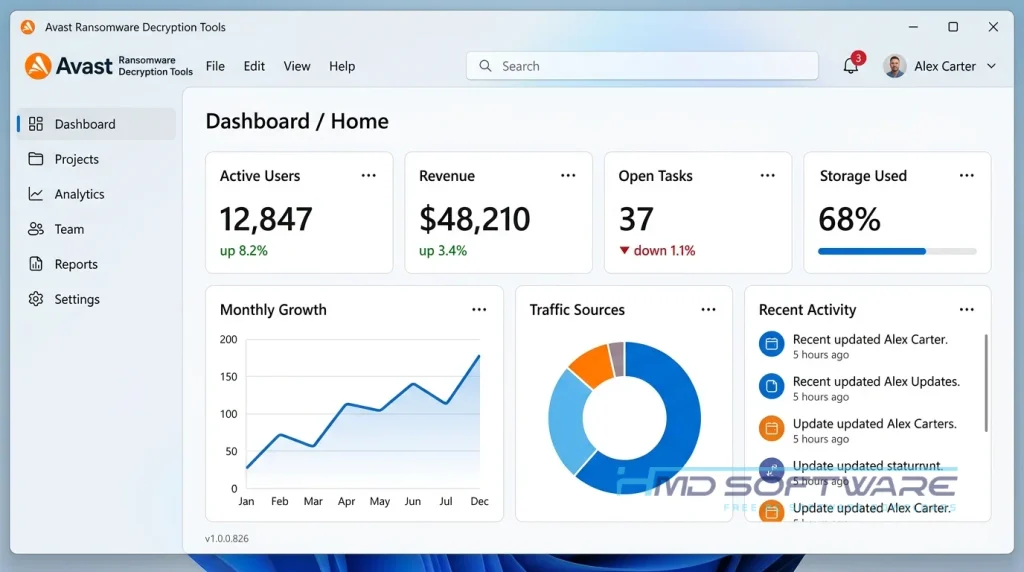
Avast Ransomware Decryption Tools is a free cybersecurity tool from Gen Digital that restores access to locked files. It is mainly designed for Windows PCs and is available as freeware.
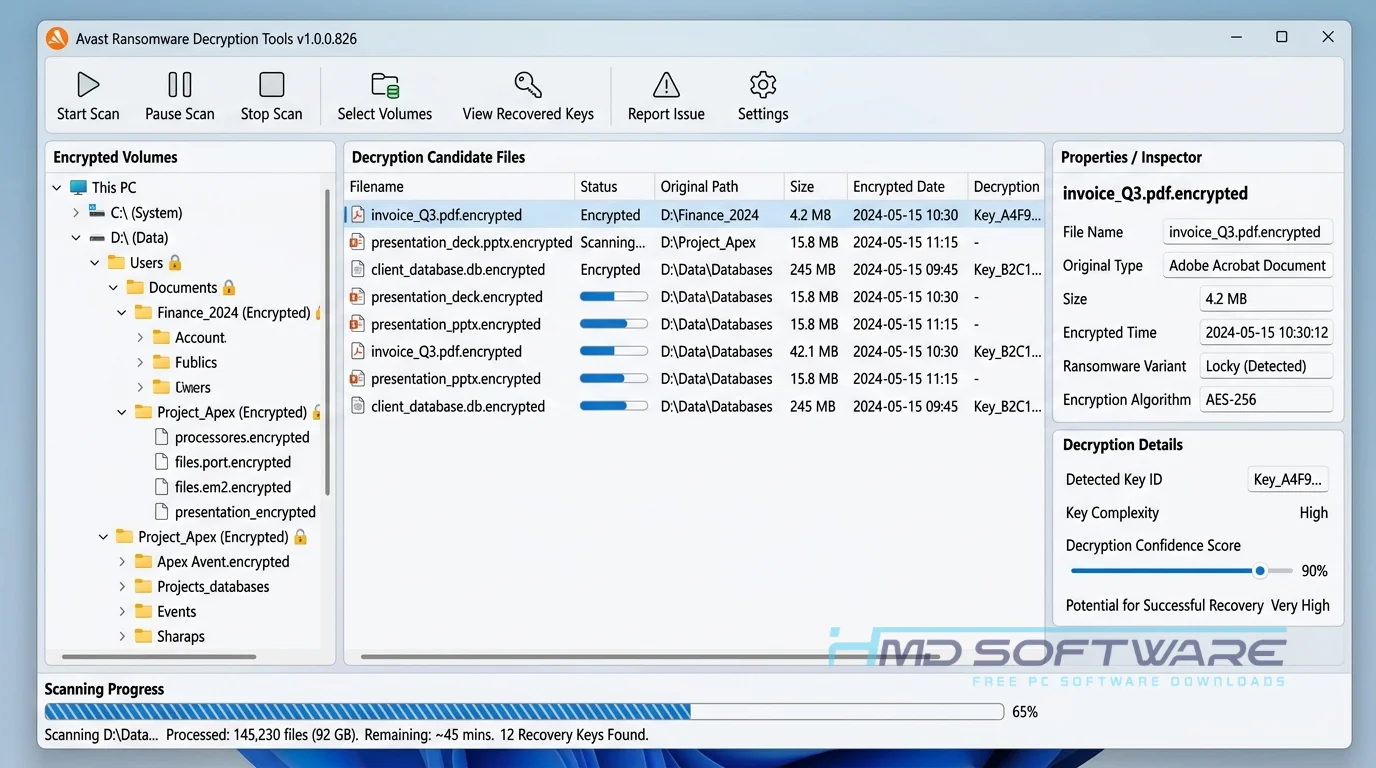
It identifies the specific ransomware strain infecting your computer and applies the correct decryption keys to unlock your encrypted files without paying attackers.
What Do Avast Ransomware Decryption Tools Do?
This software is designed to break the encryption left by cybercriminals. If a virus like Akira, CrySiS, or Jigsaw locks your computer and scrambles your files, this tool can reverse the process using its database of known decryption keys.
If a student has their thesis locked the night before submission, they can use this free file decryption utility to recover their work. A small business hit by the GandCrab virus can use the ransomware decryptor pack download to regain access to their customer databases. It literally acts as a digital locksmith for a victimized computer.
How Do Avast Ransomware Decryption Tools Work?
The tool works by matching your locked files against a massive database of known decryption keys. It is built for everyday people who suddenly find their computer held hostage. The main problem it solves is giving you a way out without handing money to criminals.
You feed the software one encrypted file and, if possible, the original unencrypted version of that same file. It uses those two samples to crack the attacker’s password. Once it figures out the lock’s math, it automatically decrypts everything else.
Key Features of Avast Ransomware Decryption Tools
- Decryption Engine: It cracks complex AES and ChaCha20 encryption methods quickly without destroying the original corrupted data.
- Malware Identification: The tool automatically scans your ransom note to figure out exactly which ransomware strain infected your computer.
- Offline Functionality: You can run the Avast ransomware decryption tools standalone offline installer on a disconnected PC to prevent the virus from spreading further.
- Backup Protection: It creates a secure backup of your encrypted files before attempting to unlock them, preventing accidental data loss during recovery.
- Cross-Version Support: This free ransomware decryption tool for Windows 10 and 11 works smoothly across all modern operating systems.
Pros and Cons
Pros:
- Completely free to download and use forever.
- Supports dozens of common ransomware strains like TargetCompany, Akira, and Rhysida.
- Does not require an active internet connection to work.
- Developed by a highly trusted cybersecurity brand.
Cons:
- Cannot unlock newer, undocumented ransomware strains if researchers do not yet discover the decryption key.
- The brute-force password cracking process can sometimes take several hours on older computers.
How To Download Avast Ransomware Decryption Tools Safely
- Open your web browser and search for the official download page or a verified software directory.
- HMD Software is a trusted platform where you can find the verified setup file for Avast Ransomware Decryption Tools.
- Choose the specific tool matching your ransomware strain, or grab the complete pack if you are unsure.
- Click the direct download link to save the offline installer to your hard drive.
- Transfer the downloaded executable file to a clean USB drive if your main computer is heavily infected.
Always ensure you are getting the software from a legitimate source to avoid downloading malware disguised as software.
How To Install Avast Ransomware Decryption Tools Step by Step
- Plug your USB drive into the infected computer and locate the downloaded executable file.
- Double-click the file to run the installer directly on your desktop.
- Click “Yes” when Windows asks for permission to make changes to your device.
- Accept the End User License Agreement to proceed with the setup.
- Choose your preferred install location or leave it at the default C: drive path.
- Click “Finish” to complete the installation process.
- Launch the program from the new shortcut on your desktop and begin the decryption wizard.
System Requirements
Before you run the decryption process, check that your computer meets these basic specifications. Because the password-cracking phase requires heavy processing power, having a slightly faster CPU will significantly reduce the time it takes to unlock your encrypted files. Here is what you need to run the software successfully on your desktop or laptop.
| Requirement | Minimum | Recommended |
| Operating System | Windows 7 (32-bit) | Windows 10 or Windows 11 (64-bit) |
| RAM | 1 GB | 4 GB or more |
| Storage | 50 MB | 200 MB free space |
| Processor | Intel Core 2 Duo | Intel Core i5 or higher |
| Internet | Not required | Optional for database updates |
| Additional | Administrator rights | .NET Framework 4.5 |
Is Avast Ransomware Decryption Tools Safe To Download?
Yes, Avast Ransomware Decryption Tools is completely safe to download and use. It contains no bundled adware, passes all major antivirus scans, and comes directly from a reputable security company. The program only reads your locked files and never deletes anything without asking.
To stay safe, always download the setup file from a trusted software site or the official developer website. Never download decryption tools from links in emails or random forum posts.
Best Alternatives To Avast Ransomware Decryption Tools
- Emsisoft Decryptor Tools: An excellent free ransomware decryptor alternative that frequently updates its database to combat newer strains like STOP Djvu and Makop.
- Kaspersky RakhniDecryptor: A highly reliable malware decryption software free from Kaspersky that specifically targets older but persistent threats like CoinVault.
- Trend Micro Ransomware File Decryptor: A great choice if you need a free decryption tool for TeslaCrypt ransomware download with an extremely simple user interface for beginners.
Conclusion
Recovering from a cyber attack can feel overwhelming, but paying criminals is never the right solution. Avast Ransomware Decryption Tools offers a safe way to get your data back and return to normal.
Anyone dealing with locked photos, frozen work documents, or a hijacked hard drive should grab this utility immediately. Grab the latest version from a safe download link and take control of your computer again.
Frequently Asked Questions
Is Avast Ransomware Decryption Tools free or paid?
This software is completely free to download and use. Avast provides these specific tools as a public service to help victims recover their files without funding cybercriminals. You will never be asked to pay a subscription fee, buy a premium license, or enter credit card information to unlock your data. If a website asks you to pay for this specific tool, you are on a scam site.
Does Avast Ransomware Decryption Tools work on Windows 11?
Yes, the latest release works perfectly on Windows 11 and on older systems like Windows 10, Windows 8, and Windows 7. Because ransomware often targets legacy systems, the developers intentionally built the software to be compatible across almost all Microsoft platforms. You need basic administrator privileges to run the executable file and start the decryption process on your machine.
What is the latest version of Avast Ransomware Decryption Tools?
The most widely circulated package includes Avast Ransomware Decryption Tools 1.0.0.826, though individual decryptors for specific strains receive frequent independent updates. Security researchers update software whenever they crack a new encryption key, as with recent patches for the Akira and Qilin viruses. Always download the latest release to ensure you have the best chance of successfully recovering your locked files.
Is Avast Ransomware Decryption Tools safe to download and use?
It is incredibly safe as long as you get the installer from a verified source. Gen Digital digitally signs the program and does not contain any hidden tracking software or adware. Furthermore, it operates in read-only mode during the initial scan, so it will never accidentally delete or further damage your encrypted files while trying to determine the unlock key.
Latest Posts:
- Microsoft Office 365 Enterprise Free Download: Full Offline Setup
- Macrium Reflect Rescue Free Download: Bootable WinPE ISO Setup
- JPLAY Femto Free Download: Bit-Perfect Audiophile PC Player
- Milestone XProtect Corporate 2025 Free Download: VMS Setup for PC
- Microsoft Office 2010 Pro Plus Free Download: Full PC Setup