
Adobe FrameMaker 2022 Offline Installer: Safe Download & Setup Guide

Quick Answer: You can safely download Adobe FrameMaker 2022 to your computer. It is an authoring tool that has a 30-day free trial. It works well on Windows 11. The Adobe FrameMaker installer is very large, so it takes about 15 to 20 minutes to install. This depends on how fast your hard drive is
Introduction
Technical writers often have to deal with large manuals that can make their word processors stop working. That is why many professionals use Adobe FrameMaker 2022.
This software is built to handle thousands of pages, support XML/DITA formatting, and manage multilingual publishing without slowing down.
The Adobe FrameMaker 2022 17.0.2.431 release brought major stability improvements to the core PDF engine. You are getting the industry standard for long document authoring. While the learning curve is steep, people who write manuals for aviation or software engineering rely on it daily.
What Is Adobe FrameMaker 2022?
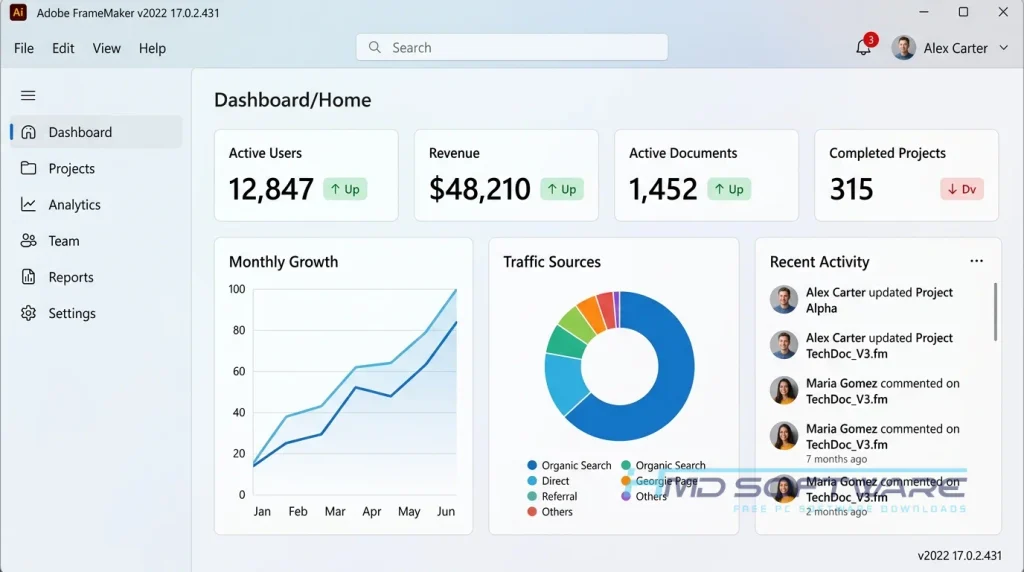
Adobe FrameMaker is a structured document publishing software developed by Adobe Inc. that allows technical writers to create, manage, and publish large, complex documents.
FrameMaker is only available for Windows and comes with a subscription license; the 2022 version is particularly strong in XML and DITA authoring, making it the best option for producing enterprise-level technical manuals.
What Does Adobe FrameMaker 2022 Do?
This software converts large amounts of text into responsive HTML5, EPUB, or print-ready PDFs. You can type or import your content, apply structural templates, and let the program handle the formatting automatically.
For example, a software team might use this XML DITA authoring tool to write a massive API guide, using conditional text so they only have to write the core information once.
Alternatively, a manufacturing company can use Adobe FrameMaker 2022 Update 2 to manage a hardware manual translated into RTL languages like Arabic and Hebrew.
It handles cross-references and bidirectional text beautifully. Most importantly, it prevents the layout breaking that plagues regular text editors when you hit page 500.
How Does Adobe FrameMaker Work?
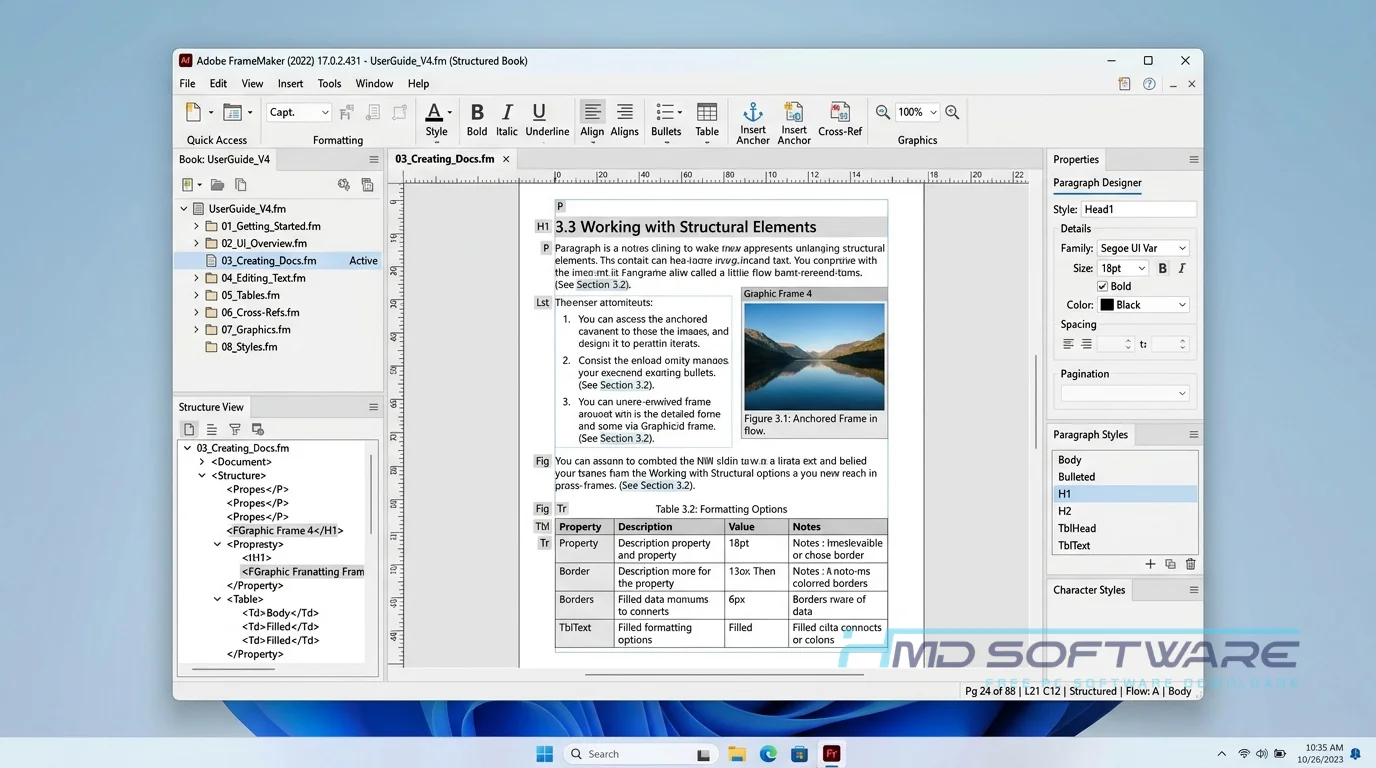
You start by creating a workspace based on either structured (XML/DITA) or unstructured templates. Instead of styling every single paragraph by hand, you apply predefined tags to your text. The software separates your content from its visual design.
When you are ready to publish, the ditafm-output engine compiles your raw text into the exact layout you specified. It is built strictly for technical writing teams who need to single-source their content.
The main problem it solves is maintaining consistency in massive, multi-author documents across different formats and languages without constant manual formatting.
Key Features of Adobe FrameMaker 2022
- All-New PDF Engine: Processes massive files up to 65% faster than older versions while keeping cross-references intact.
- Structured XML/DITA Authoring: Provides an intuitive workspace to write DITA-compliant content without needing to look at raw code.
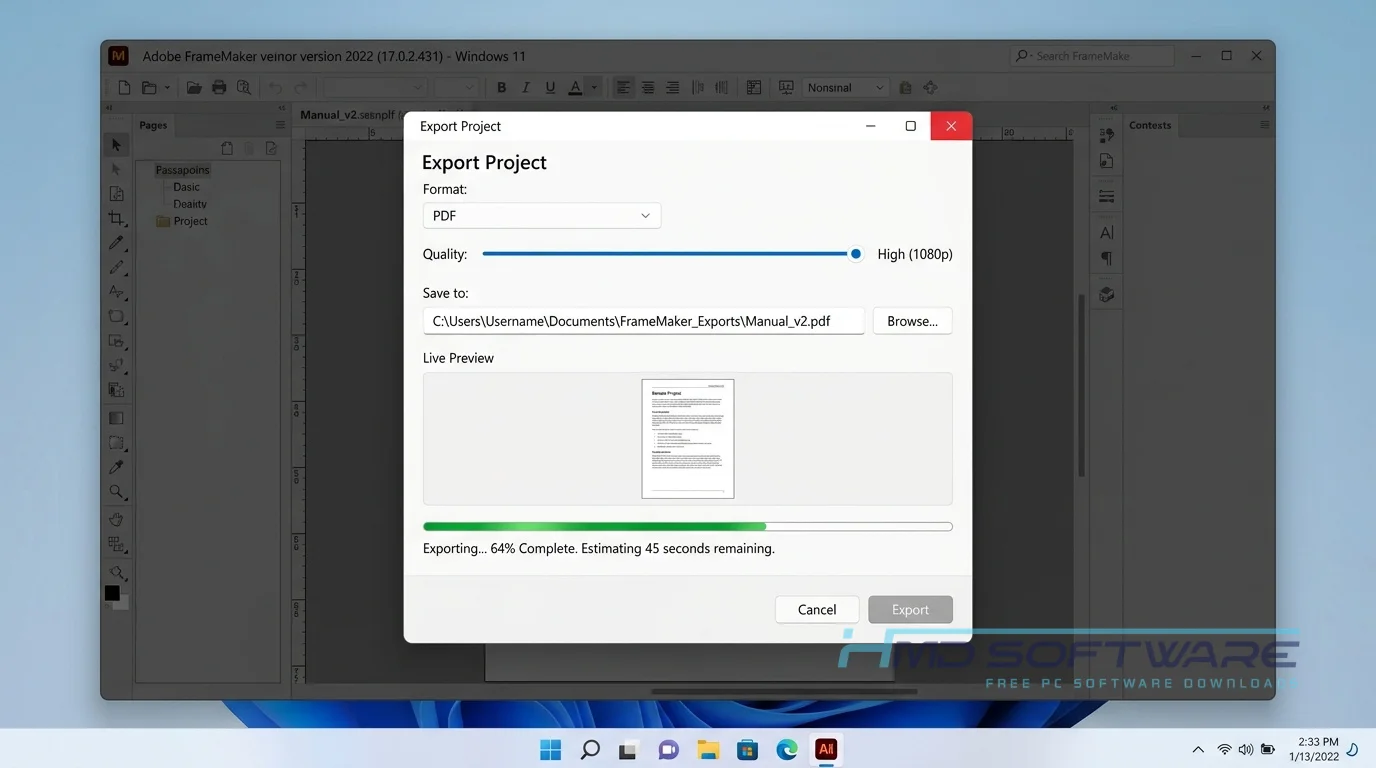
- Multichannel Publishing: Exports your single source document directly to responsive HTML5, PDF, EPUB, and Kindle formats simultaneously.
- RTL Language Support: Natively handles bidirectional text and complex scripts for Arabic and Hebrew translations.
- Section 508 Accessibility: Automatically generates tagged PDFs to meet strict government and enterprise accessibility standards.
- Just-in-Time Updates: The new version of Adobe FrameMaker, version 2022 Build 17.0.2.431, fixes some small problems with how it looks and makes the search work better so you can find things faster when you are using Adobe FrameMaker.
Pros and Cons
Pros
- Handles 1,000+ page documents without crashing or lagging.
- Excellent multichannel publishing directly out of the box.
- Deep integration with Adobe RoboHelp and Adobe Illustrator.
- Native support for DITA 1.3 and LwDITA.
Cons
- The learning curve is brutal for anyone used to standard word processors.
- Only available on Windows; there is no FrameMaker download for Mac.
- The subscription cost is high for solo freelancers.
How To Download Adobe FrameMaker 2022
Getting the setup file is straightforward if you know where to look.
- Start by navigating to a secure software directory to find the verified setup file. You can find a safe, verified download link on HMD Software, a reliable platform for PC software downloads.
- Choose the FrameMaker single-app download or the full Creative Cloud bundle, depending on your license.
- Click the download button to grab the initial installer package.
- Wait for the small setup file to finish downloading before running it.
Make sure you have at least a few gigabytes of space ready, as the FrameMaker offline installer download requires a lot of room once extracted. Always pause your VPN to avoid broken downloads.
How To Install Adobe FrameMaker Step by Step
- Locate the downloaded executable file in your default downloads folder.
- Double-click the file to launch the Adobe setup wizard.
- Accept the software license agreement and sign in with your Adobe ID.
- Choose your primary solid-state drive as the install location for better performance.
- Let the progress bar finish, which takes a bit longer than most standard apps.
- Launch the application from your Windows Start menu to begin your technical writing workflow.
System Requirements
Before beginning the installation, make sure that your PC hardware is suitable. Since working with long documents demands a good amount of processing power, this is especially true when exporting large PDFs with extensive media.
Older laptops might struggle with multichannel publishing tasks. Here are the exact specifications you need to run this technical writing software smoothly on your machine.
| Requirement | Minimum | Recommended |
| Operating System | Windows 10 (64-bit) | Windows 11 (64-bit) |
| RAM | 4 GB | 8 GB or more |
| Storage | 3 GB available space | Fast SSD with 5 GB free |
| Processor | Intel Core i5 or AMD Ryzen 5 | Intel Core i7 or equivalent |
| Internet | Required for activation | Required for subscription checks |
| Display | 1080p resolution | 4K with custom scaling |
Is Adobe FrameMaker Safe To Download?
Yes, the Adobe FrameMaker download is entirely safe if you get it through an official or verified source. The genuine installer is free of adware, hidden crypto miners, and malicious background scripts. Because enterprise software is expensive, pirated copies are everywhere, and they almost always contain malware.
To keep your system secure, never search for a FrameMaker 2022 crack download. Always check the digital signature by right-clicking the downloaded setup file to verify Adobe Inc. is the official publisher before running it.
Best Alternatives To Adobe FrameMaker
- MadCap Flare: a competitor that excels at topic-based authoring. It is often the favorite of teams who want an interface for web-based help systems.
- Adobe RoboHelp: A great alternative within the same ecosystem, better suited for creating online help files and knowledge bases rather than massive print PDFs.
- Paligo: A cloud-based component content management system (CCMS) that is an excellent choice for distributed teams who need a FrameMaker alternative that works entirely inside a web browser.
Conclusion
Adobe FrameMaker 2022 17.0.2.431 is a tool for technical writers. If you work with manuals or you need to publish in many languages, Adobe FrameMaker is very stable and reliable.
FrameMaker isn’t designed for casual writing, but it’s unmatched for serious documentation. You can download the latest version from the verified link above and try its features on your own projects.
Frequently Asked Questions
Is Adobe FrameMaker free or paid?
Adobe FrameMaker is paid software that requires a subscription to use. There is no permanent free version available. However, Adobe offers a 30-day free trial for its technical documentation software.
This way, you can see all the features, including the XML and DITA environment and the PDF engine, before you decide to buy it. After the 30 days are over, you have to pay for a subscription to keep using it.
Does Adobe FrameMaker work on Windows 11?
Yes, the latest version of Adobe FrameMaker is fully compatible with Windows 11. Adobe FrameMaker 2022 Update 2 was specifically optimized to utilize the Windows 64-bit architecture and thread management.
This means you will experience much faster rendering times and fewer crashes when working with high-resolution graphics and 1,000-page documents on newer Windows operating systems. Just ensure your graphics drivers are up to date.
What is the latest version of Adobe FrameMaker?
The most current major release is Adobe FrameMaker 2022. The specific build number currently rolling out to users is Adobe FrameMaker 2022 17.0.2.431. This recent update patched several minor interface bugs, improved the Duden hyphenation dictionary, and enhanced the stability of the data-output engine for smoother PDF exports. You can verify your exact version by clicking the Help menu and selecting the About screen inside the application.
Is Adobe FrameMaker 2022 safe to download and use?
It is completely safe to download and use on your PC, provided you get the installer from a trusted source. The official software contains no bundled spyware or browser hijackers.
To protect your data, you should always avoid third-party sites offering a full version of Framemaker for free. Those modified setup files are a major security risk and are frequently used to distribute ransomware to corporate networks.
Latest Posts:
- Adobe Photoshop Elements 2026 Free Download: Generative AI & PC Setup
- Adobe InDesign 2026 PC Setup: Download Offline Installer for Flex Layouts
- Adobe InCopy 2026 Full Setup Download: System Requirements & Installation
- Adobe After Effects 2026 Offline Installer: Safe Download & Setup Guide
- Adobe Photoshop Lightroom 2026 Download: Windows Setup & AI Features