




Adobe After Effects 2026 Offline Installer: Safe Download & Setup Guide

Quick Answer: You can download the Adobe After Effects 2026 installer for Windows 11 without any worries. To do this, you need a paid Creative Cloud subscription. However, if you are new to Adobe After Effects, you can try it for free for 14 days. The Adobe After Effects setup takes 10 minutes to complete because the file is very large.
Introduction
Adobe After Effects is motion graphics software developed by Adobe Inc. that enables video editors and animators to create complex visual effects. You will often see professionals looking for an Adobe After Effects download when putting together a new post-production workstation.
The newly released Adobe After Effects 26.0 brings noticeable speed improvements, especially with lossless-compressed frame playback. Most people rely on it daily to build title sequences, track 3D cameras, and remove objects from video clips. It is an essential part of the industry-standard workflow.
What Is Adobe After Effects?
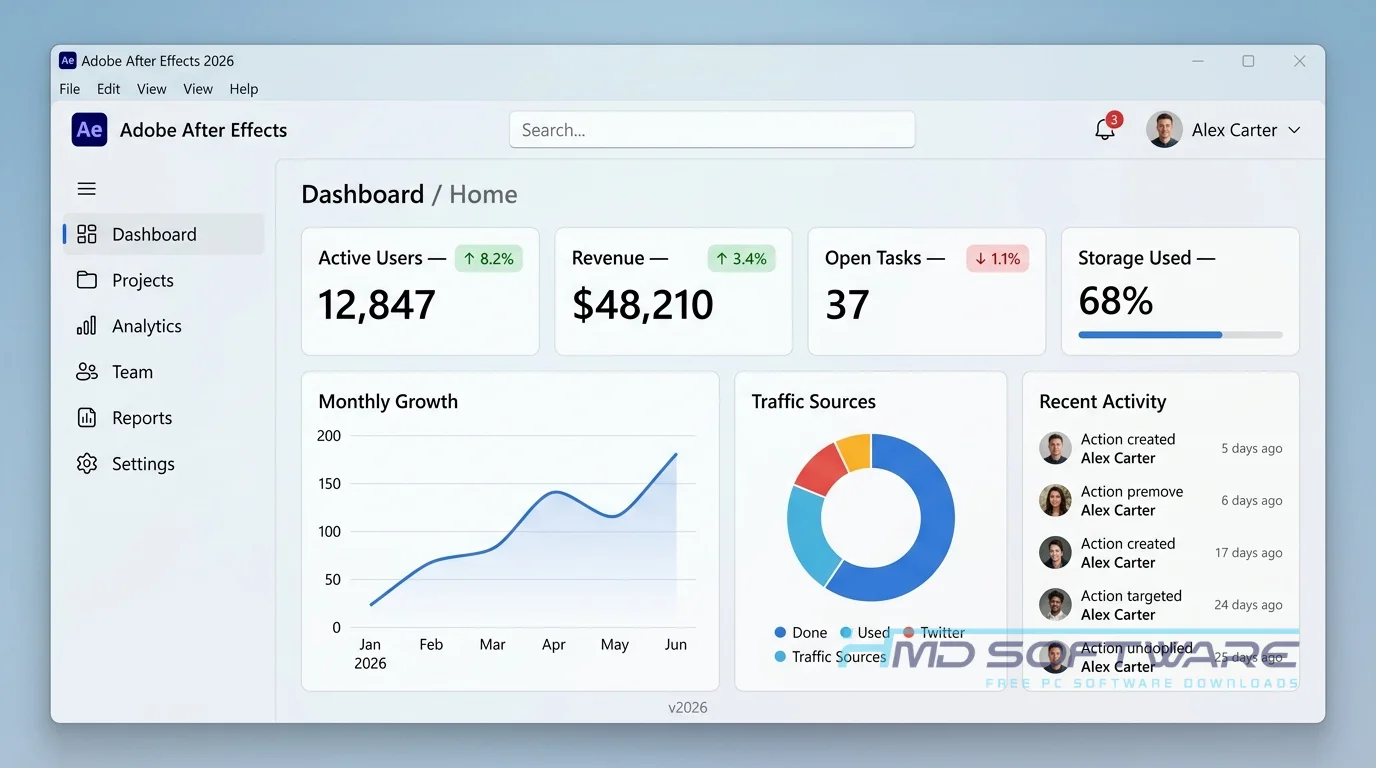
Adobe After Effects 2026 is a professional video compositing tool made by Adobe Inc. It works on both Windows and macOS and uses a subscription license through Creative Cloud.
The software allows users to combine video footage, graphics, and audio into layered compositions, with a focus on advanced motion design and visual effects.
What Does Adobe After Effects Do?
At its core, this software takes raw video clips and provides the tools you need to add professional motion graphics and visual effects. You might use this compositing software to create kinetic typography for a YouTube intro.
Alternatively, a broadcast designer could use the native 3D shape creation features to build a spinning logo for a news network. It acts as a digital canvas for moving pictures.
Instead of just cutting clips together, the program lets you manipulate pixels, add a Warp Stabilizer VFX to shaky footage, or remove a green screen using the Unmult effect. You export the final rendered composition for sharing.
How Does Adobe After Effects Work?
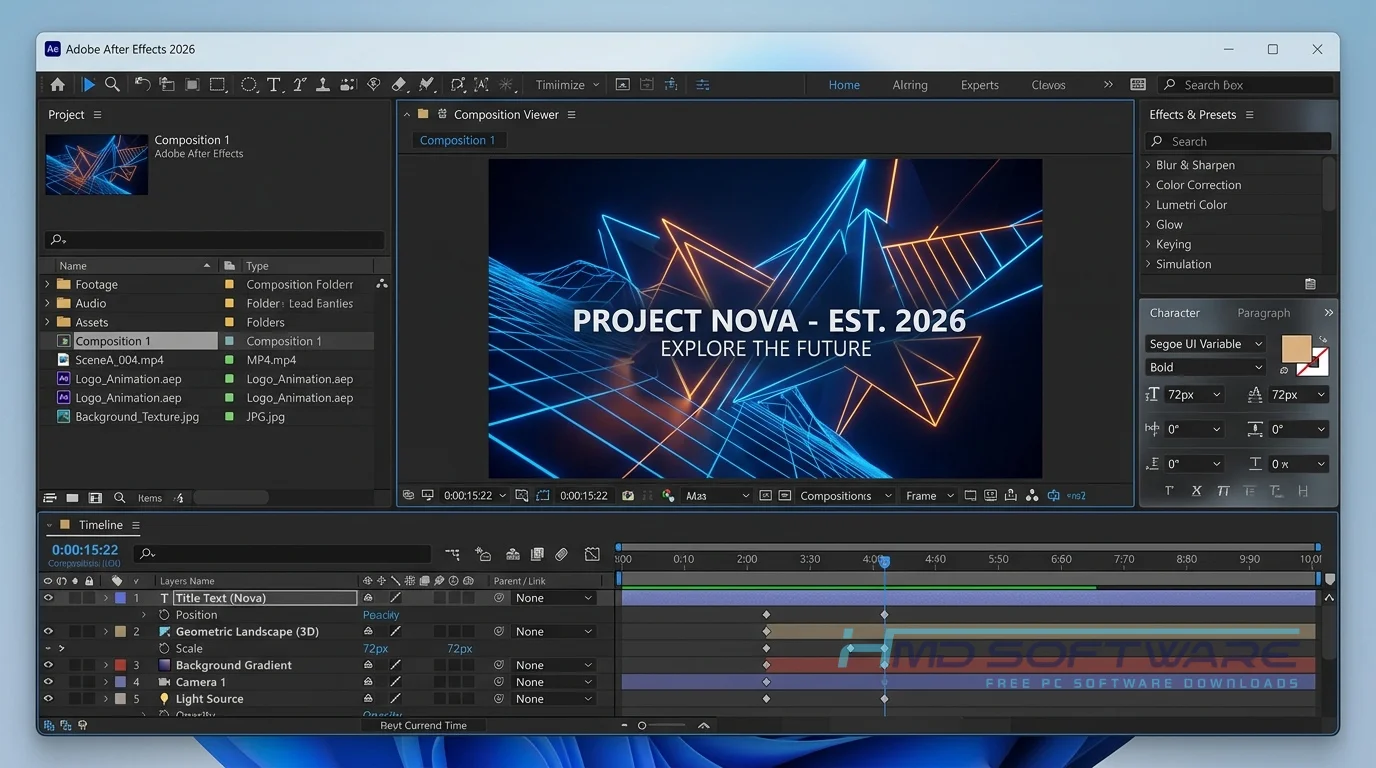
You start by importing your media files into the project panel. This creates a library where you can organize your assets before dragging them onto a timeline. When you build a composition, you stack layers of video, text, and graphics on top of each other.
It is built strictly for animators and VFX artists who need to manipulate visual elements over time using keyframes. The main problem it solves is giving creators absolute control over how digital assets move, blend, and react to lighting in a scene.
Key Features of Adobe After Effects 2026
- Global Performance Cache: The system saves your preview renders in the background at all times. This keeps playback fast and responsive while you work.
- Variable Type Animation: Variable Type Animation gives you control over font weights and styles. This makes Variable Type Animation title animation very precise and smooth.
- Advanced Tracking: The built-in 3D Camera Tracker accurately maps the physical space in your video, letting you easily drop digital objects into real-world scenes.
- Substance 3D Integration: You get access to over 1300 high-quality materials to texture your 3D objects directly within the application.
- Dynamic Link Compatibility: Any changes you make in After Effects automatically update in Premiere Pro, so you don’t have to keep rendering new files.
Pros and Cons
Pros
- Handles complex 3D motion design without freezing your timeline.
- Pixel motion blur adds incredible realism to fast-moving graphics.
- The integration with other Adobe applications saves hours of rendering time.
- Massive library of third-party plugins available.
Cons
- Requires a paid subscription; there is no permanent license.
- The timeline gets extremely cluttered when working on large compositions.
- RAM, when previewing complex scenes, quickly eats up all your available computer memory.
How To Download Adobe After Effects 2026
Safely obtaining the setup file requires first downloading the official package.
- Start by finding a reliable source for your After Effects installation download to ensure you get a clean file. HMD Software is a trusted platform where you can find the verified setup file for Adobe After Effects.
- Click the Download After Effects button to grab the initial Creative Cloud installer.
- Save the executable file directly to your desktop or primary hard drive.
- Wait for the large offline installer download to finish before opening it.
- Temporarily pause your VPN to prevent network interruptions during the file transfer.
How To Install Adobe After Effects Step by Step
This quick install guide walks you through the basic setup.
- Locate the downloaded installer file in your default Windows downloads folder.
- Double-click the file to launch the official Adobe installation wizard.
- Accept the user permissions and sign in with your active Adobe ID account.
- Choose your fastest solid-state drive as the main install location to ensure smooth frame rendering.
- Let the setup process finish extracting all the necessary background files, which takes several minutes.
- Launch the motion graphics software from your Windows Start menu and start a new project.
System Requirements
Before you start the After Effects download, check your PC hardware. Motion graphics processing demands high computing power and plenty of memory. If you plan to use new features such as native 3D shape creation, you really need to meet the recommended specifications outlined below for Windows 11 environments.
| Requirement | Minimum | Recommended |
| Operating System | Windows 10 (64-bit) | Windows 11 (64-bit) |
| RAM | 16 GB | 32 GB or more |
| Storage | 15 GB available space | Fast NVMe SSD with 64 GB free |
| Processor | Intel Core i5 or AMD Ryzen 5 | Intel Core i7 / Ryzen 7 or higher |
| Internet | Required for activation | Required for cloud sync |
| Graphics Card | GPU with 2 GB VRAM | GPU with 4 GB VRAM or more |
Is Adobe After Effects Safe To Download?
Yes, the Adobe After Effects download is completely safe as long as you use an official or verified source. The genuine application contains no malware or hidden tracking scripts. Because professional software is expensive, many users search for a full version of After Effects for free and end up with infected system files. To keep your computer secure, always verify the installer’s digital signature and never ignore your antivirus warnings about an unverified setup file.
Best Alternatives To Adobe After Effects 2026
- DaVinci Resolve Fusion: An excellent node-based visual effects software free trial built directly into a video editor, ideal for heavy compositing work.
- HitFilm Express: A genuinely capable After Effects alternative free of charge, offering great tools for beginners looking to learn motion graphics without a subscription.
- Blender: A completely free 3D modeling and animation software that handles complex 3D motion design better than most paid applications on the market.
Conclusion
Adobe After Effects 26.0 remains the standard for creating high-end motion graphics and visual effects. It is built for animators and video professionals who need absolute control over their digital composites. If you regularly build title sequences or track 3D objects, this application will easily speed up your daily workflow. You can grab the latest version of After Effects for download using the verified link above and test the features on your next project.
Frequently Asked Questions
Is Adobe After Effects 2026 free or paid?
Adobe After Effects 2026 is a paid application that requires an active monthly or annual Creative Cloud subscription to use. There is no totally free desktop version available permanently. However, Adobe offers a 14-day After Effects trial download so you can test the compositing tools before committing. You have to provide a payment method upfront, so remember to cancel before the billing cycle starts if you choose not to subscribe.
Does Adobe After Effects 2026 work on Windows 11?
Yes, the newest release of Adobe After Effects runs perfectly on Windows 11. The development team specifically optimized this version to take advantage of modern 64-bit architecture and newer graphics cards. You will notice much faster rendering times when playing back lossless compressed frames on a compatible machine. Just make sure your PC graphics drivers are updated regularly to prevent any hardware acceleration glitches during playback.
What is the latest version of Adobe After Effects 2026?
The most current stable release for desktop users is Adobe After Effects 26.0, often referred to as the 2026 edition. This specific build introduced major improvements to variable type animation and expanded the Substance 3D materials library. You can check your current version number by opening the Help menu inside the application and clicking on the System Info panel. Regular software updates are pushed automatically through your Creative Cloud desktop client.
Is Adobe After Effects 2026 safe to download and use?
It is completely safe to install on your computer if you get it directly from Adobe or a verified software directory. The official After Effects offline installer download is free of adware and viruses. To avoid malware infections, avoid third-party sites that offer pre-activated or cracked versions. Those altered files are incredibly risky and frequently bypass basic Windows Defender security protocols to install ransomware.
Latest Posts:
- Microsoft Office 365 Enterprise Free Download: Full Offline Setup
- Macrium Reflect Rescue Free Download: Bootable WinPE ISO Setup
- JPLAY Femto Free Download: Bit-Perfect Audiophile PC Player
- Milestone XProtect Corporate 2025 Free Download: VMS Setup for PC
- Microsoft Office 2010 Pro Plus Free Download: Full PC Setup