




Adobe Acrobat Reader DC 2026 Free Download (Offline Installer)

Quick Answer: You can download Adobe Acrobat Reader DC 2026 for free. It works well on Windows 11 with the offline installer, and the setup process takes about two minutes. Adobe now calls it “Acrobat Reader,” but the DC version is still a PDF viewer.
Introduction
Adobe Acrobat Reader DC 2026 is a tool for opening and reading PDF files. If you work with documents, you probably use them a lot. Many students, professionals, and home users trust it because it preserves any PDF’s layout.
The Adobe Acrobat Reader DC 26.001.21431 release brings better security and faster loading times. Even though Adobe is dropping the “DC” from the name this year, everyone still looks for it by its classic title.
What Is Adobe Acrobat Reader DC?
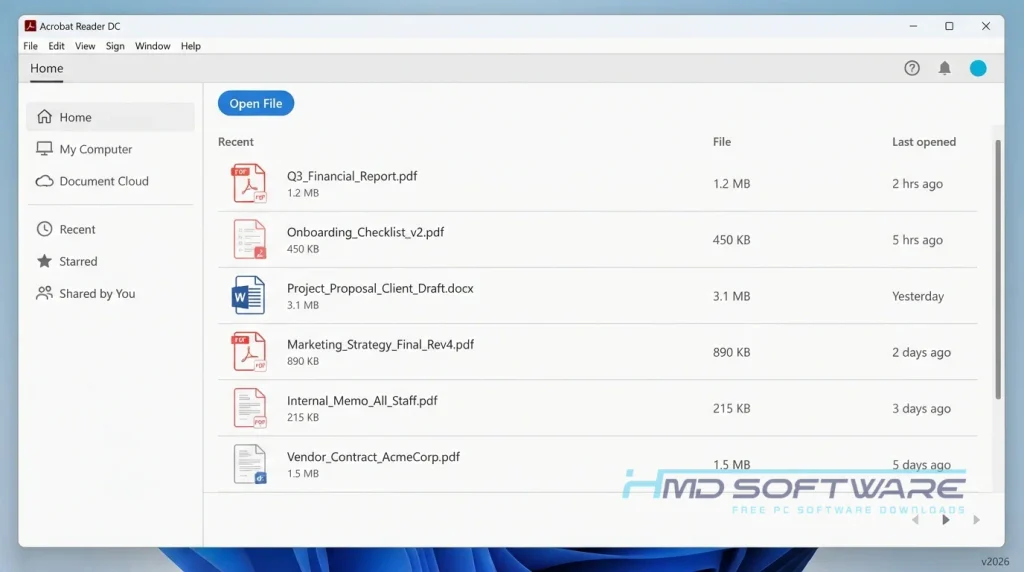
Adobe Acrobat Reader DC 2026 is a free PDF viewer software tool developed by Adobe Inc. that lets you view, print, and comment on PDF documents.
Available for Windows, macOS, and mobile platforms, it is licensed under a freeware license. Originally launched decades ago, the modern Document Cloud version handles everything from basic reading to digital signatures.
What Does Adobe Acrobat Reader DC 2026 Do?
This Document Cloud PDF reader gives you a reliable way to view PDF documents exactly as the creator intended. Whether you are opening a textbook or a short invoice, the layout stays perfectly intact.
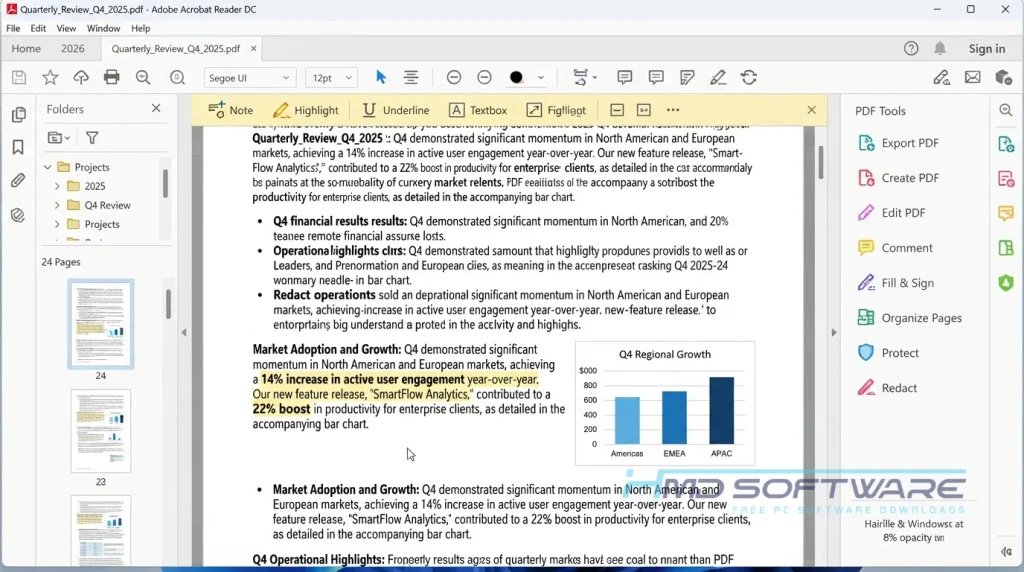
Beyond basic reading, it works as a capable PDF signing and annotation tool. You can highlight text, type notes directly onto the page, and fill and sign forms electronically.
Many users also rely on its cloud document storage. By signing into Adobe Document Cloud, you can read a file on your PC and finish it on your phone. For businesses, the Acrobat Reader DC enterprise version helps IT admins easily deploy the software across office computers.
How Does Adobe Acrobat Reader DC Work?
The software acts as a universal translator for digital documents. When you open a file, it reads the embedded code and locks the fonts, images, and layout in place. It is built for anyone who needs to share information without worrying about formatting issues.
The main problem it solves is cross-platform compatibility. An invoice created on a Mac looks identical when opened on a Windows PC. You double-click your file, and the program instantly renders the pages on your screen.
Key Features of Adobe Acrobat Reader DC 2026
Here is what you can expect when you install the latest release on your computer.
- Fill & Sign: A usability feature that lets you type your name on digital forms and draw a legal signature without printing anything.
- Document Cloud Sync: A storage feature connecting your desktop to your mobile app so your recent files follow you everywhere.
- Protected Mode: A security feature that isolates malicious PDF files in a sandbox to keep your computer safe from viruses.
- Tabbed Interface: An interface feature allowing you to open multiple PDFs in a single window, much like a web browser.
- Volume Distribution: A platform support feature enabling an Acrobat Reader DC silent install for enterprise network environments.
- AcroViewA26 Support: A compatibility feature resolving the Acrobat Reader DC DDE server error when interacting with third-party tools like TeXnicCenter.
Pros and Cons
Pros
- It opens heavy, complex PDF files much faster than a standard web browser.
- The free fill-and-sign form tools are incredibly easy to use.
- It integrates smoothly with Windows 11 file explorer.
- The interface is clean and familiar.
Cons
- The program constantly prompts you to upgrade to the paid Acrobat Pro version.
- It is a heavy application that takes up a lot of storage space for just a reader.
How To Download Adobe Acrobat Reader DC 2026
Getting the right Acrobat Reader DC installer is easy if you know where to look.
- Decide if you need the standard version or the Acrobat Reader DC enterprise deployment package.
- You can find a safe, verified download link on HMD Software, a reliable platform for PC software downloads.
- Click the direct download link to grab the Acrobat Reader DC offline installer instead of the web setup.
- Save the 64-bit download file to your standard downloads folder.
- Verify your internet connection if you chose the smaller web installer.
- Always decline bundled software offers, like random antivirus tools, before hitting the download button on official pages.
How To Install Adobe Acrobat Reader DC 2026 Step by Step
Follow these quick steps to get the software running on your system.
- Open your downloads folder and locate the saved setup file.
- Double-click the installer and accept the Windows security permissions to begin.
- Allow the extraction process to finish, which usually takes a few seconds.
- Choose your preferred install location or leave it on the default C drive.
- Wait for the progress bar to complete the full installation.
- Launch the program, skip the sign-in prompt if you prefer, and set it as your default PDF viewer.
System Requirements
If you have a computer, it might have trouble with large files. So you should check your computer before you install the version. The rules for using the 2026 version are not too bad for computers. Having enough memory helps big, graphics-heavy documents load smoothly, and a solid-state drive can also make a difference.
| Requirement | Minimum | Recommended |
| Operating System | Windows 10 (64-bit) | Windows 11 (64-bit) |
| RAM | 2 GB | 4 GB or more |
| Storage | 900 MB | 1.5 GB free space (SSD) |
| Processor | Intel Core i3 or equivalent | Intel Core i5 or higher |
| Internet | Required for setup | Optional after setup |
| Additional | 1024×768 screen resolution | 1920×1080 screen resolution |
Is Adobe Acrobat Reader DC Safe To Download?
Yes, Adobe Acrobat Reader DC 2026 is completely safe to download and use. Because Adobe Inc. builds it, the official setup file contains no malicious code and passes all Windows Defender scans. It even includes a protected mode feature that stops infected PDFs from harming your computer.
To stay safe, always download from the official site instead of using random third-party torrents. Also, be sure to get Acrobat Reader DC security updates regularly to fix any new security issues.
Best Alternatives To Adobe Acrobat Reader DC
If you want a different free PDF viewer, here are some good alternatives.
- Foxit PDF Reader: A lightweight alternative that loads incredibly fast and uses far less system memory than Adobe.
- Sumatra PDF: A minimalist, open-source reader perfect for older laptops because it strips away all heavy editing tools.
- Microsoft Edge: The built-in Windows browser actually functions as a surprisingly capable PDF viewer with basic drawing tools.
Conclusion
Adobe Acrobat Reader DC 2026 remains the industry standard for opening and interacting with digital documents. Whether you need to sign a contract or just read an ebook, it gets the job done without corrupting the layout.
Everyone should have a reliable PDF reader on their computer. Scroll back up to download the latest version, run the quick installer, and handle your daily paperwork easily.
Frequently Asked Questions
What happened to Acrobat Reader DC?
Many people have noticed the Adobe Acrobat Reader DC 2026 naming consolidation for 2026 and wonder whether the software has disappeared. Adobe dropped the “DC” (Document Cloud) from its official branding to streamline its product lines.
The software has not changed or been discontinued. If you download the latest version, you will still get the same reliable PDF reader, just with a shorter name on your desktop.
Is Acrobat Reader DC the same as Acrobat Reader?
Yes, they are the same program. The “DC” stood for Document Cloud, which Adobe added a few years ago to highlight its cloud syncing features.
Recently, they decided to simplify things and revert to calling it just Acrobat Reader. Your older Acrobat Reader DC installation is perfectly safe, but updating it will change the icon name to match the new 2026 branding.
How do I fix the Acrobat Reader DC DDE server error?
This error usually occurs when third-party tools like TeXnicCenter try to open a PDF, but the registry still points to an old application path.
To fix the Acrobat Reader DC DDE server error, update the server name in your external software settings. Change the DDE server command from “AcroviewR21” to the new AcroViewA26 format, which matches the Adobe Acrobat Reader DC 26.001.21431 registry key.
Is Adobe Acrobat Reader DC 2026 free or paid?
The standard Acrobat Reader DC free download costs nothing and never expires. It allows you to view, print, and sign forms indefinitely.
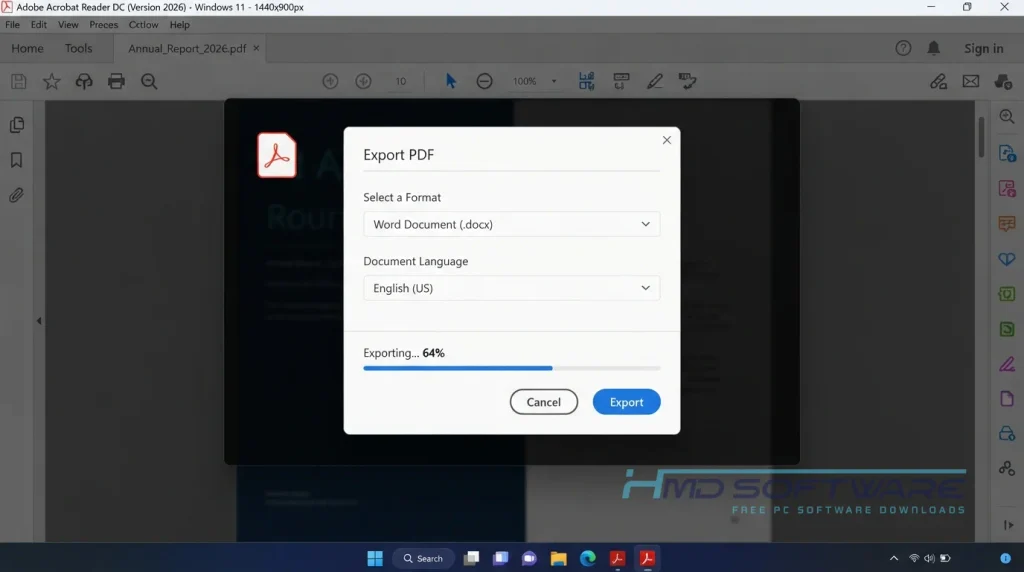
However, Adobe frequently displays ads inside the program, pushing you to buy the paid version, known as Acrobat Pro. You only need to pay if you want advanced features such as editing existing text, combining multiple PDFs, or exporting files directly to Microsoft Word.
Latest Posts:
- Microsoft Office 365 Enterprise Free Download: Full Offline Setup
- Macrium Reflect Rescue Free Download: Bootable WinPE ISO Setup
- JPLAY Femto Free Download: Bit-Perfect Audiophile PC Player
- Milestone XProtect Corporate 2025 Free Download: VMS Setup for PC
- Microsoft Office 2010 Pro Plus Free Download: Full PC Setup