




Adobe Acrobat 2026 Review: Free Download, Features & Installation

Quick Answer: You can get Adobe Acrobat Reader at no cost to look at or sign PDFs. Adobe Acrobat Reader is really useful for viewing PDFs. If you want to edit text or images, you need to start a paid Pro trial, which requires a credit card. Both versions work well on Windows 11, and setup takes about five minutes.
Introduction
To start, Adobe Acrobat 2026 is the industry standard for a reason. Most people search for Adobe Acrobat when they need to fill out a tax form or sign a digital contract.
If you handle digital paperwork daily, having this installed saves you from constantly printing and scanning physical pages.
The latest 2026 release adds some AI summary tools. Honestly, they actually do save time if you are staring at a 40-page legal document and need the main points.
You open a file, and you can instantly edit text or highlight paragraphs without breaking the original formatting.
What Is Adobe Acrobat 2026?
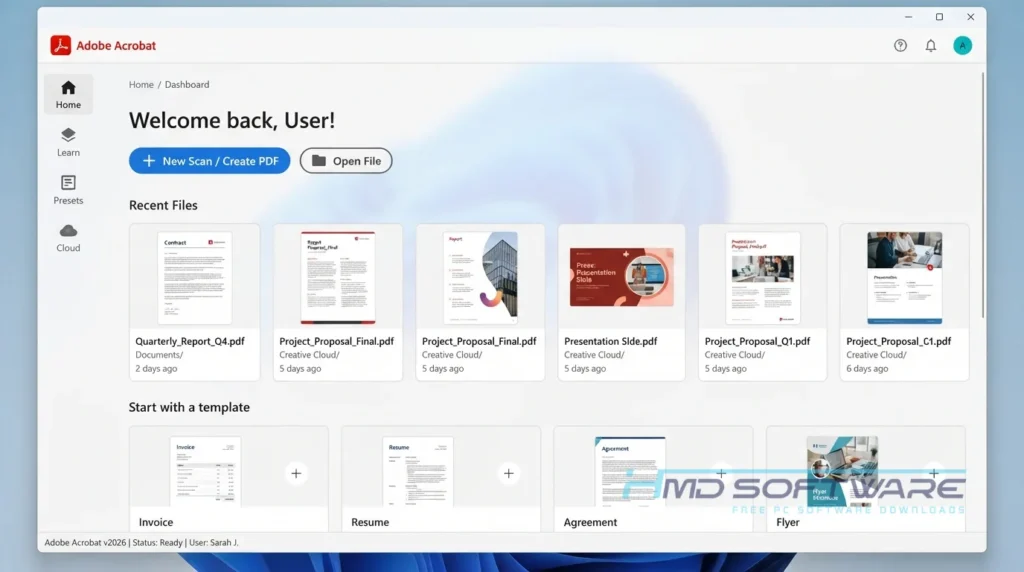
It is Adobe’s main application for reading and altering PDF files. It exists because PDFs are essentially fixed images. You cannot just open them in a basic text editor like Notepad.
Acrobat breaks down that fixed image, recognizes the letters, and lets you interact with them. It comes in two versions: the free Reader for viewing and signing, and the paid Pro version for complete editing control.
What Does Adobe Acrobat 2026 Do?
This software replaces your physical filing cabinet and office printer. If someone emails you a contract, you do not have to print it, sign it with a pen, and scan it back into your computer. You open the free Reader, type your signature on the dotted line, and hit send.
Business users usually opt for the Pro version for the conversion tools. Pushing a PDF back into Microsoft Word usually ruins the margins and messes up the fonts.
Acrobat handles this transition better than the free web converters you find on Google. You can also merge several different files. This saves you from sending five separate attachments in a single email.
How Does Adobe Acrobat 2026 Work?
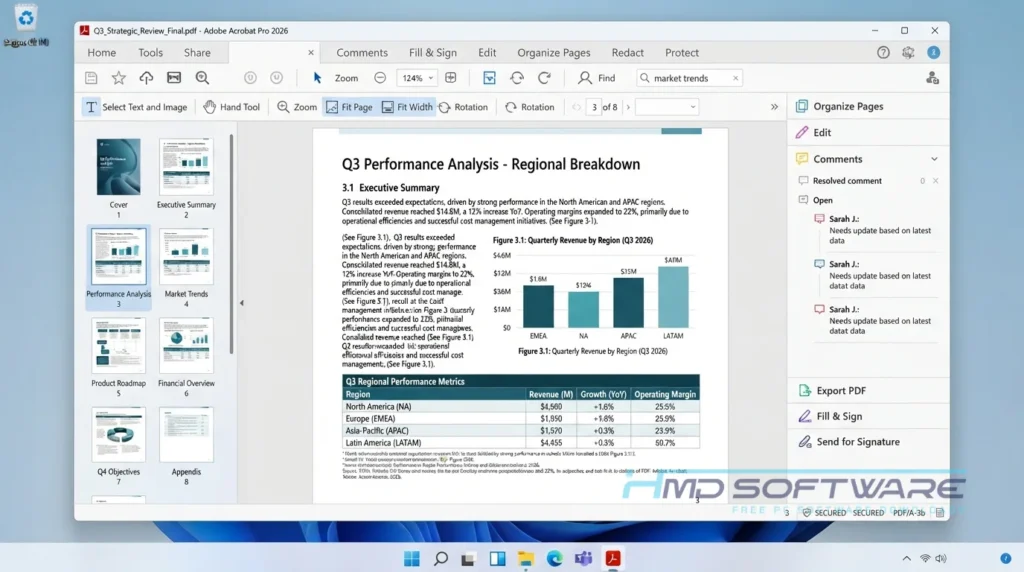
The program processes the underlying code of a PDF file to make the visual elements selectable. When you open a scanned document, it uses built-in optical character recognition to read the text shapes and turn them into editable words.
It solves the frustration of receiving a locked document that you need to alter. You get direct control over the text layout.
Key Features of Adobe Acrobat 2026
Here is exactly what you get when you install the latest release.
- Direct Text Editing: You click a paragraph, and you can type new words. The fonts automatically match the original document.
- Format Conversion: It converts your PDF to an Excel spreadsheet or a Word document while preserving the original margins.
- Cloud Sync: You can start reading a report on your laptop and finish it on your phone during your commute.
- Acrobat Sign: You can send legally binding contracts to other people and track exactly when they sign them.
- AI Assistant: A new sidebar tool that reads long documents and generates a bulleted summary of the core facts.
Pros and Cons
Pros
- The layout stays exactly as the creator intended. You never open a file to find the images pushed off the page.
- The conversion tool is highly accurate compared to browser-based alternatives.
- The digital signature tool saves massive amounts of time on paperwork.
- The new AI assistant cuts down hours of reading time.
Cons
- It is a heavy program. Opening a simple text file takes slightly longer here than in a lightweight browser tab.
- The monthly subscription fee for Pro is steep if you only need to fix one typo a month.
How To Download Adobe Acrobat 2026
Grabbing the correct setup file is straightforward.
- Decide if you want the free Reader or the paid Pro trial.
- Click the download link on this page to get the official offline installer.
- Save the executable file to your desktop or downloads folder.
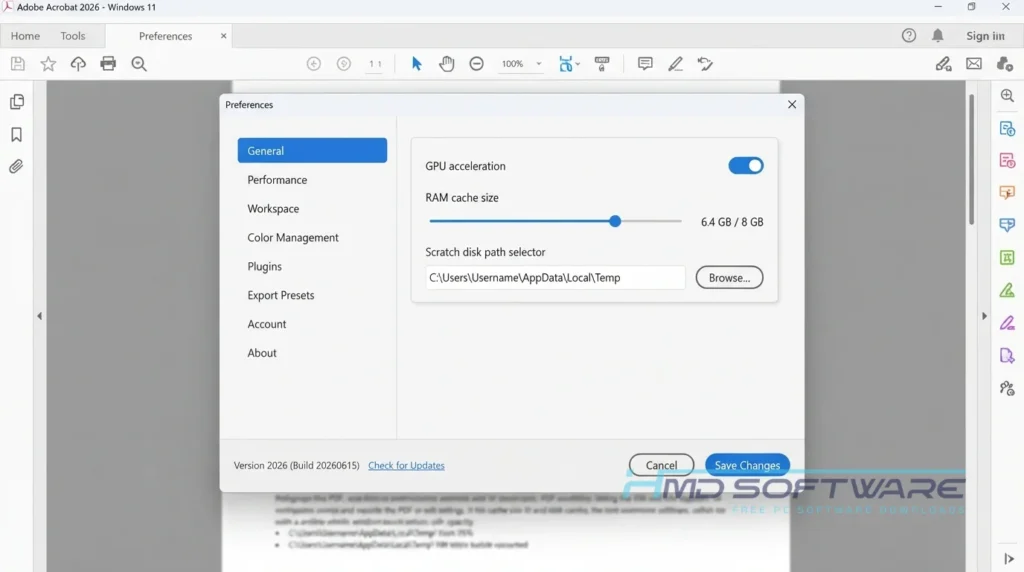
- Verify that you have enough hard drive space for the 1GB installation. For context, 1GB is roughly the size of a standard high-definition movie download.
- Always download from trusted sources and HMD software to avoid getting bundled adware on your machine.
How To Install Adobe Acrobat 2026 Step by Step
Follow these exact steps to get the software running on your computer.
- Open your downloads folder and find the setup file you saved.
- Double-click the installer and accept the Windows security prompt.
- Read the terms, then click Next to continue.
- Choose where you want to install the program, or use the default location.
- The progress bar will take about three to five minutes to extract the files.
- Click Finish, launch the application, and sign in with a free Adobe account to start reading.
System Requirements
You do not need a high-end gaming PC to read digital paperwork. That said, using the advanced AI features requires a modern machine. If your computer is more than five years old, you might notice some lag when opening massive files.
| Requirement | Minimum | Recommended |
| Operating System | Windows 10 (64-bit) | Windows 11 (64-bit) |
| RAM | 2 GB | 4 GB or more |
| Storage | 4.5 GB | 5 GB free space |
| Processor | Intel Core i3 | Intel Core i5 |
| Internet | Required for activation | Required for cloud features |
| Additional | 1024×768 screen resolution | 1920×1080 display |
Is Adobe Acrobat 2026 Safe To Download?
Yes, this official release is completely safe to download and install on your machine. Adobe builds specific security measures into this software because it handles sensitive business and government data. The program uses sandboxing.
If you download a malicious PDF by mistake, Acrobat isolates the file so a virus can’t spread to your Windows system files. Always use official download links. Downloading cracked versions from forums is a common way for computers to get infected.
Best Alternatives To Adobe Acrobat Pro
If Adobe’s pricing or software size doesn’t work for you, consider these options.
- Foxit PDF Editor: This looks almost exactly like Microsoft Office. It runs faster on older computers and costs a bit less.
- Nitro PDF Pro: A solid choice if you want to buy the software once and never pay a monthly subscription fee.
- PDF24 Creator: It is not pretty, but it handles basic merging and splitting entirely for free, without adding watermarks to your pages.
Conclusion
Dealing with digital paperwork doesn’t have to be frustrating. Installing the latest version of this software gives you full control over viewing, signing, and converting your documents.
If you regularly work with digital files, it is absolutely worth keeping on your computer. Scroll up to grab the free download and get your documents organized today.
Frequently Asked Questions
Does the Adobe Acrobat free trial require a credit card?
Yes. When you start the 7-day Pro trial, Adobe asks for a credit card or PayPal account. They do this so they can automatically bill you at the end of the week. If you only want to test the editing tools, set an alarm on your phone to cancel before the seventh day.
How to cancel the Adobe Acrobat free trial?
Log in to your account on Adobe’s website to avoid being billed. Go to the “Plans and Payment” section, click “Manage Plan” on your active trial, and click the cancel button. Follow the prompts until you get a confirmation email.
Do this at least 24 hours before the deadline so the automated billing system doesn’t accidentally charge your card.
Does Adobe Acrobat Reader work on Windows 11?
Yes, the 64-bit offline installer is fully optimized for Windows 11. It opens quickly and will not cause system crashes or software conflicts on your PC.
If you’re upgrading from Windows 10, the setup file will detect your system version and install the right framework without you needing to change any settings.
Is Adobe Acrobat Reader really free?
Yes. The basic Reader has always been free. You can view, print, and sign files forever without paying. You do not need to create an Adobe account or enter credit card information to open a document.
You only hit a paywall if you click one of the premium tools on the right-side menu, like the text editor or the file converter.
Latest Posts:
- Microsoft Office 365 Enterprise Free Download: Full Offline Setup
- Macrium Reflect Rescue Free Download: Bootable WinPE ISO Setup
- JPLAY Femto Free Download: Bit-Perfect Audiophile PC Player
- Milestone XProtect Corporate 2025 Free Download: VMS Setup for PC
- Microsoft Office 2010 Pro Plus Free Download: Full PC Setup