




4K Video Downloader Plus: Free Download & Install Guide


Quick Answer: Yes, you can safely download 4K Video Downloader Plus 6.3.5 for free. The offline installer works well on Windows 11 and only takes a few minutes to set up. With the free version, you can save your favorite clips every day without paying.
Introduction
4K Video Downloader Plus 6.3.5 makes it incredibly easy to grab videos from the internet and watch them offline. Content creators and students usually look for a reliable YouTube video downloader software so they do not have to worry about buffering or disappearing content.
I use it to back up my uploaded videos. The 2026 update gives 4K Video Downloader a cleaner look and faster performance. You paste a link, and the software handles the rest in seconds.
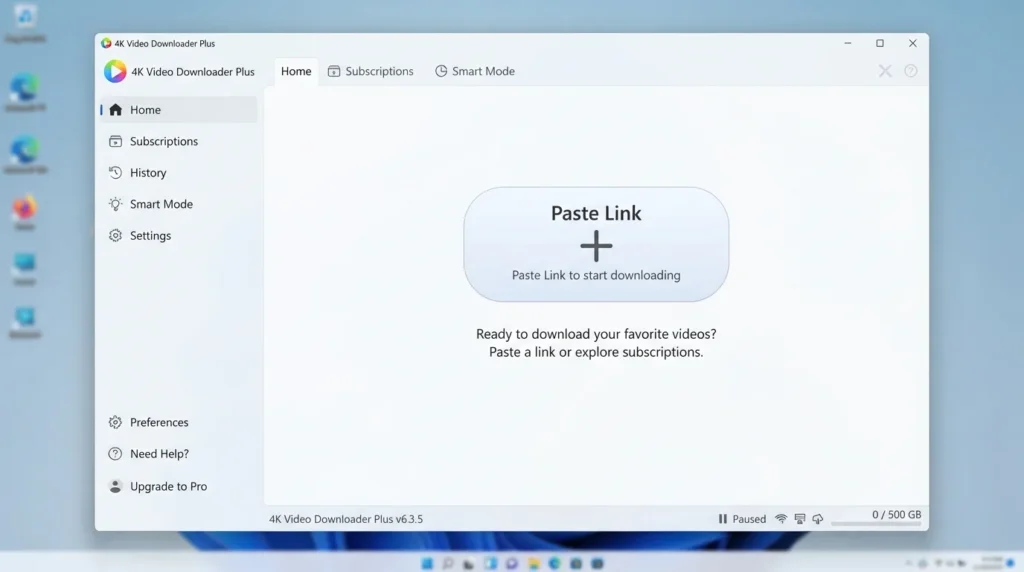
What Is 4K Video Downloader Plus?
4K Video Downloader Plus is an offline video saver developed by Open Media that extracts and saves media from popular websites.
It functions primarily as a video and audio downloader for Windows, macOS, and Linux. The application operates under a freemium license, offering a free basic tier and paid upgrades for heavier users.
What Does 4K Video Downloader Plus Do?
This video download tool takes a link from sites like YouTube, Vimeo, or TikTok and saves the actual media file straight to your hard drive. If you want to download an entire YouTube playlist for a long flight, paste the main playlist URL and grab all the videos at once.
You can also use it to extract audio from videos if you only want the music or a podcast. Many teachers use it to save educational content offline for classrooms with weak internet. It supports 8K-resolution files so that you can keep the original video quality.
How Does 4K Video Downloader Plus Work?
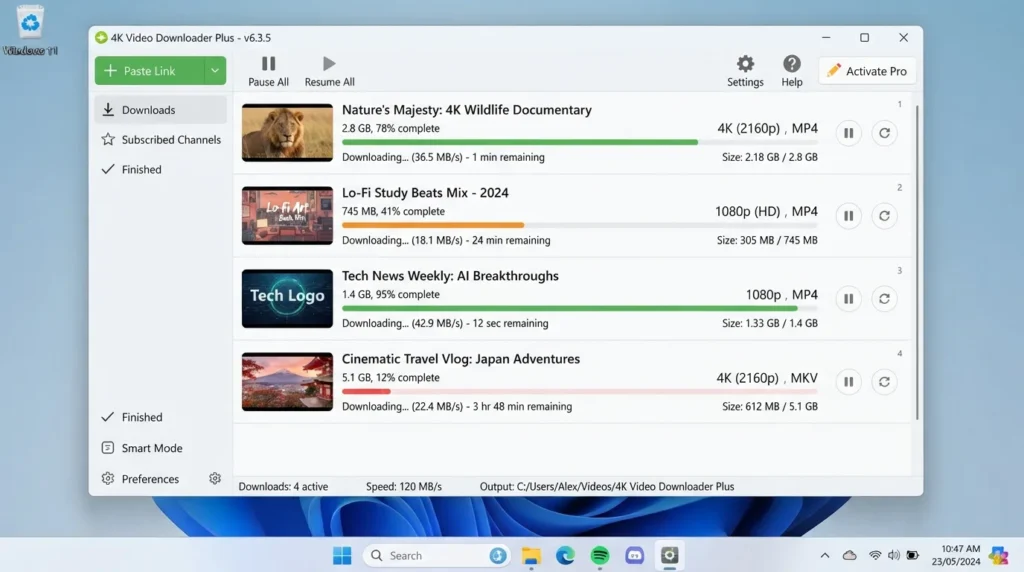
The pThe program acts as a bridge between a website’s media server and your computer. When you paste a link, it scans the page’s code to find the hidden video files. It is built for everyday users frustrated by buffering or ads that interrupt their viewing experience.
It solves the headache of losing access to your favorite tutorials if a creator deletes their channel. You literally copy a web address, click the paste button in the app, and watch the progress bar fill up.
Key Features of 4K Video Downloader Plus
These are the main features you will see when you open the dashboard.
- Smart Mode: A usability feature that lets you set default quality and format preferences so every video downloads with one click.
- Batch Download: A speed feature that allows you to download YouTube channel libraries or massive playlists simultaneously.
- Subtitle Download: Lets you extract captions and save them as separate SRT files with your video.
- Private Video Access: A privacy feature that lets you securely log in to save videos from your personal YouTube or Vimeo accounts.
- Cross-Platform Support: A platform feature giving you dedicated versions for Windows, macOS, and Ubuntu Linux.
Pros and Cons
Pros
- The free version lets you download up to 15 single videos each day.
- It natively supports crisp 4K and 8K resolution downloads.
- The interface is incredibly clean and free of annoying banner ads.
- Extracting audio as MP3 files is fast and reliable.
Cons
- The discontinuation of the 4K Video Downloader lifetime license frustrated many older users who had to upgrade.
- You cannot download playlists with more than 10 videos unless you buy a paid plan.
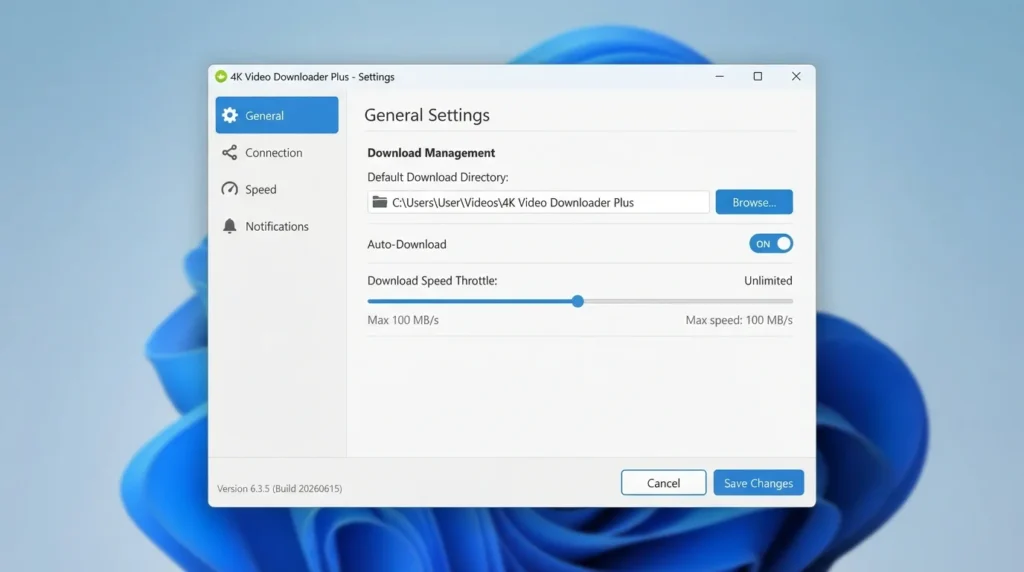
How Do I Download 4K Video Downloader Plus For PC?
Getting the setup file onto your computer takes only a minute.
- Decide if you need the 4K Video Downloader Plus for Windows or the Mac version.
- You can find a safe, verified download link on HMD Software, a reliable platform for PC software downloads.
- Click the direct download link to grab the 64-bit offline installer.
- Save the setup exe file directly to your primary downloads folder.
- Make sure you have about 150MB of free space for the installation.
- Always run a quick virus scan on the downloaded file just to be completely safe.
How To Install 4K Video Downloader Plus Step by Step
Follow these simple steps to get the software running on your machine.
- Open your downloads folder and locate the installer file you just saved.
- Double-click the file, then click Yes when Windows asks for permission.
- Read and accept the standard end-user license agreement.
- Choose where you want the program installed on your hard drive.
- Click the install button and wait for the status bar to finish.
- Check the box to launch the program and start grabbing videos.
System Requirements
You do not need a high-end gaming computer to run this offline video saver. It runs very lightly in the background, though having a bit more storage space is essential if you plan to save large media files. Here are the hardware specifications needed to run the software smoothly.
| Requirement | Minimum | Recommended |
| Operating System | Windows 10 (64-bit) | Windows 11 (64-bit) |
| RAM | 2 GB | 4 GB or more |
| Storage | 150 MB | 10 GB free space (for videos) |
| Processor | Intel Core i3 or equivalent | Intel Core i5 or higher |
| Internet | Required to download | Broadband connection |
| Additional | Standard display | 1080p display resolution |
Is 4K Video Downloader Plus Safe To Download?
Yes, it is completely safe to install on your computer. Open Media builds a clean application that does not secretly bundle annoying adware or track your personal browsing history. The 4K Video Downloader Plus antivirus safe reputation holds because the installer passes all major security scans.
To keep your PC secure, never download cracked versions from random forums. Always grab the latest version downloaded from official or trusted software libraries to avoid hidden malware.
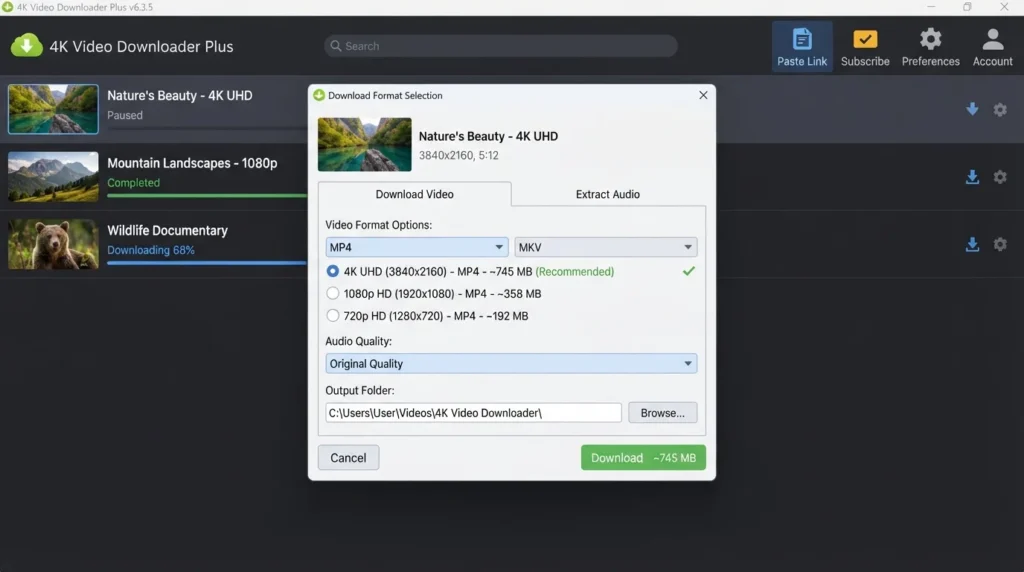
Best Alternatives To 4K Video Downloader Plus
If you want to look at a few other options, check out these similar programs.
- yt-dlp: A completely free, command-line-based alternative that requires technical knowledge but bypasses almost all website restrictions.
- JDownloader 2: A very capable open-source download manager that handles massive batches of files, though the interface feels quite outdated.
- SnapDownloader: A paid video downloader that offers a built-in video trimmer and supports over 900 different websites out of the box.
Conclusion
Getting media from the internet does not have to be complicated or risky. This program gives you a simple, safe way to build your own offline library.
If you want to save a few tutorials or back up a playlist, the free tier is more than enough. Grab the safe download today and try pasting a few links yourself.
Frequently Asked Questions
Is 4K Video Downloader Plus free or paid?
The software has a version that lets you download 15 videos per day. You can also upgrade to a paid plan for more. Many users ask, “Does my old 4K Video Downloader license still work?” The original Classic version licenses do not automatically transfer to the new Plus version.
If you have an older lifetime key, you will need to claim a 4K Video Downloader Plus cross-grade discount to unlock premium features on the newest software.
Does 4K Video Downloader Plus work on Windows 11?
Yes, the latest 6.3.5 version is optimized for Windows 11 and works well on it. It is also fully compatible with Windows 10.
The 64-bit installer integrates seamlessly with your system, ensuring your video files are saved exactly where you want them without causing any software conflicts.
What is the latest version of 4K Video Downloader Plus?
Right now, 4K Video Downloader Plus 6.3.5 is the latest stable release. The 2026 update improved the software’s interpretation of links and fixed many errors that had previously blocked YouTube downloads.
If you notice your older software failing to grab links, updating to this newest build usually solves the problem immediately.
Is 4K Video Downloader Plus safe to download and use?
Yes, the official application is entirely safe and free of malware. When considering if downloading YouTube videos is legal, remember that saving content for strictly personal, offline use generally falls under fair use in most regions.
However, you should never download copyrighted material to redistribute or sell it. Always stick to saving videos for your own private viewing.
Latest Posts:
- Microsoft Office 365 Enterprise Free Download: Full Offline Setup
- Macrium Reflect Rescue Free Download: Bootable WinPE ISO Setup
- JPLAY Femto Free Download: Bit-Perfect Audiophile PC Player
- Milestone XProtect Corporate 2025 Free Download: VMS Setup for PC
- Microsoft Office 2010 Pro Plus Free Download: Full PC Setup