




Macrium Reflect Rescue Free Download: Bootable WinPE ISO Setup


Quick Answer: You can safely download the Macrium Reflect setup file to make your own bootable rescue media. The basic disk-cloning software includes a 30-day free trial. It works well on Windows 11 and only takes about five minutes to install. After installation, you can create a rescue ISO or bootable USB straight from the menu.
Introduction
Macrium Reflect Rescue is a recovery tool built into the main Macrium Reflect backup software. PC builders and IT admins look for a free download of Macrium Reflect when they need to restore a crashed hard drive or clone a failing disk. I have used version 10 to recover several dead laptops.
You plug in your USB drive, boot into the recovery environment, and restore your system image. This guide covers how to get the latest version installed so you can build your own emergency boot disk.
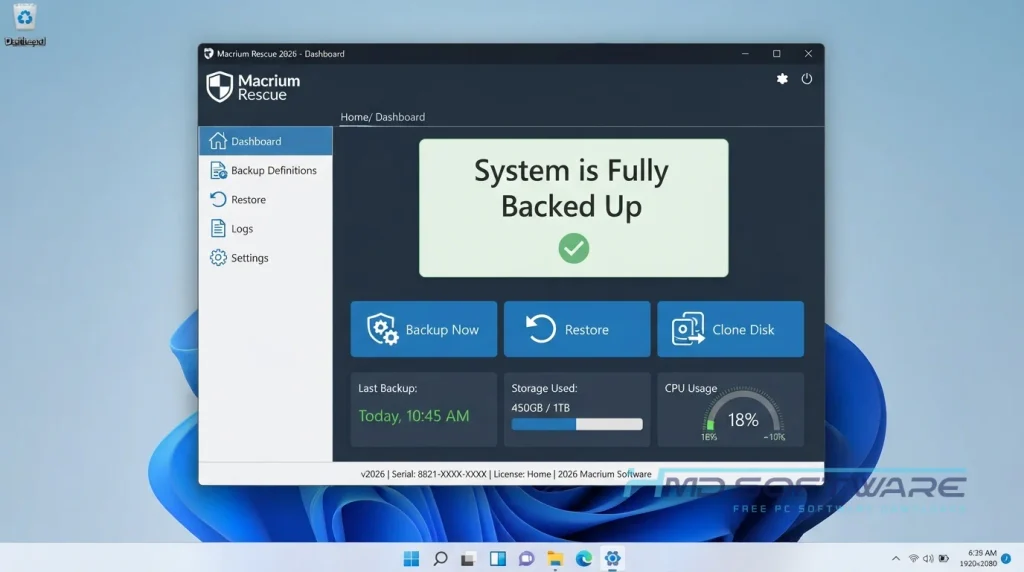
What Is Macrium Reflect Rescue?
Macrium Reflect Rescue is a program by Macrium Software for creating a bootable recovery disk, and it can be used on Windows PE (WinPE) or Windows Recovery Environment (WinRE) systems.
The software is offered via paid and trial commercial licenses, and its main function is to restore system image backups or fix Windows boot problems if your primary operating system fails to load.
What Does Macrium Reflect Rescue Do?
This disk cloning software helps bring a dead computer back to life. If a recent Windows update corrupts your operating system, the Macrium Reflect rescue media lets you boot your PC from a USB stick instead of your hard drive.
From that safe environment, you can browse your previous system image backups and restore the entire C drive to exactly how it was yesterday. It also handles bare-metal restore tasks perfectly.
If you buy a blank hard drive, you can use a bootable USB drive to copy an existing Windows installation directly onto the new disk.
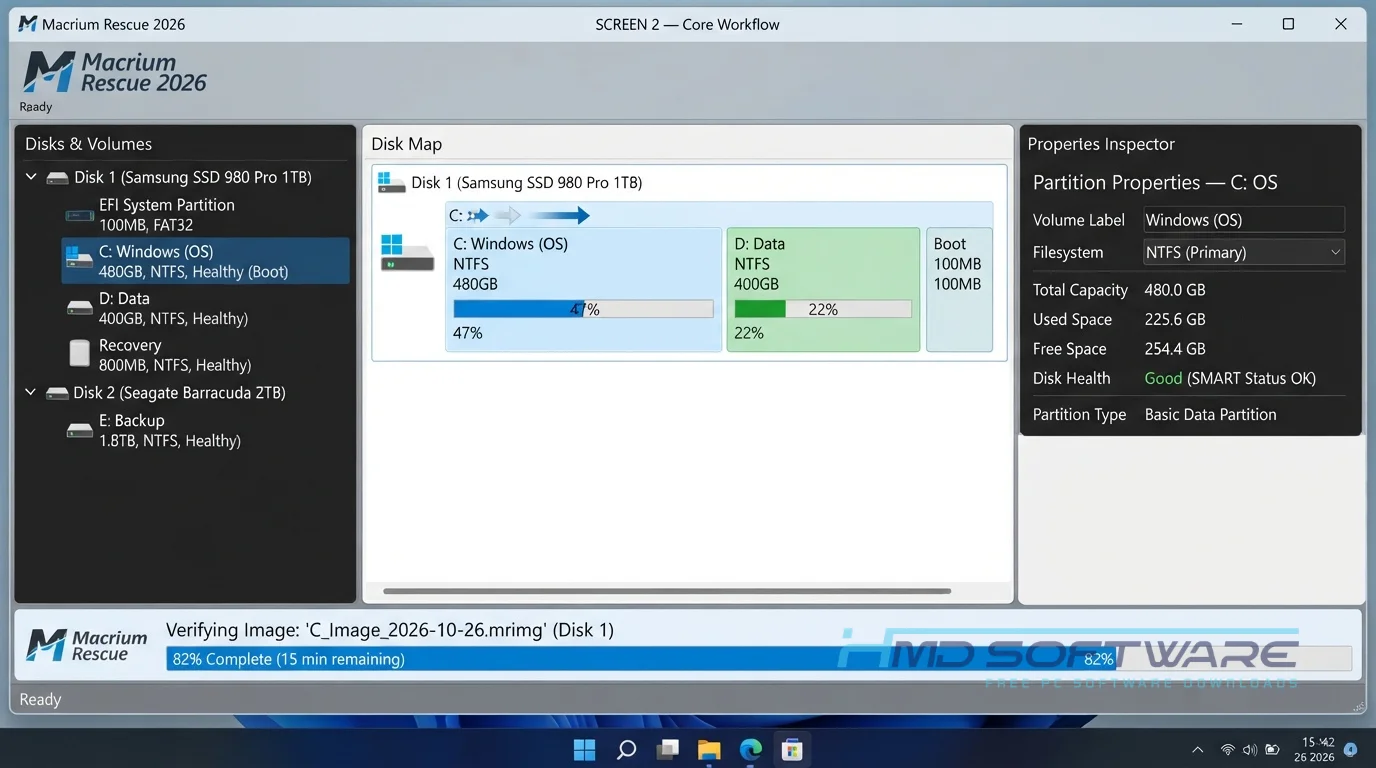
How Does Macrium Reflect Rescue Work?
The tool loads a tiny, independent version of Windows directly into your computer’s memory. It is built for anyone who wants to protect their data from sudden hardware failure. The main problem it solves is accessing a hard drive that refuses to boot normally.
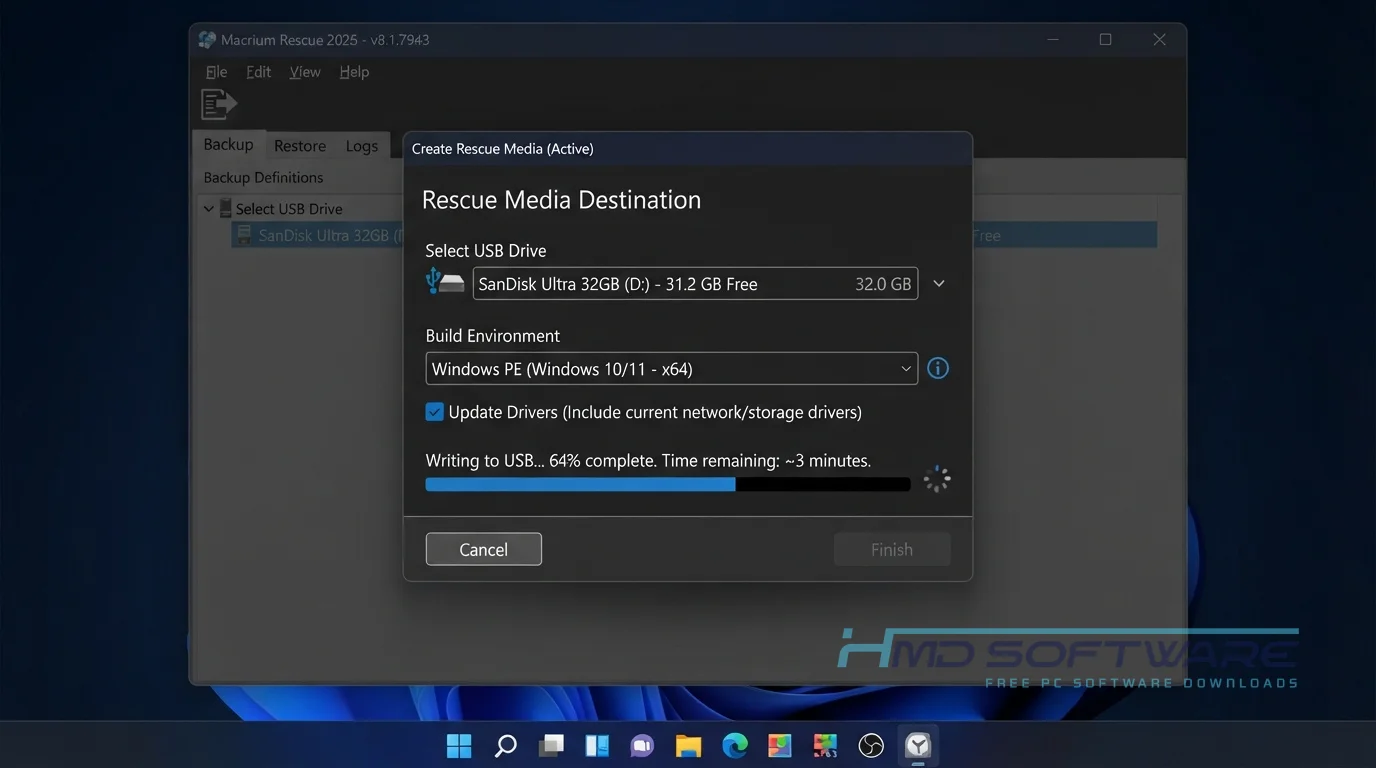
Start Macrium Reflect Rescue Media Builder in the desktop app, let it download the necessary WinPE files, and it writes the recovery environment to your USB flash drive.
Key Features of Macrium Reflect Rescue
- Windows PE Builder: Automatically downloads the right Microsoft recovery files to make your bootable USB drive.
- Macrium ReDeploy: A hardware compatibility feature allowing you to restore a Windows backup onto a completely different motherboard.
- BitLocker Support: A security feature that correctly unlocks and restores encrypted hard drives without losing data.
- ISO Export: A file format feature letting you save the Macrium Reflect rescue media ISO to your desktop for virtual machine use.
- Network Support: A feature that lets you browse Wi-Fi or Ethernet network folders to find your backup files.
- VSS Integration: A processing feature using Volume Shadow Copy Service to ensure backup images remain consistent during system recovery operations.
Pros and Cons
Pros
- It automatically fixes corrupted MBR and GPT boot partitions.
- The bootable interface looks exactly like the desktop software.
- You can inject custom Wi-Fi drivers when creating the USB.
- Restoring a disk image is incredibly fast.
Cons
- Macrium Reflect Home is quite expensive for casual home users.
- The rescue media builder sometimes fails if your third-party antivirus blocks the USB format command.
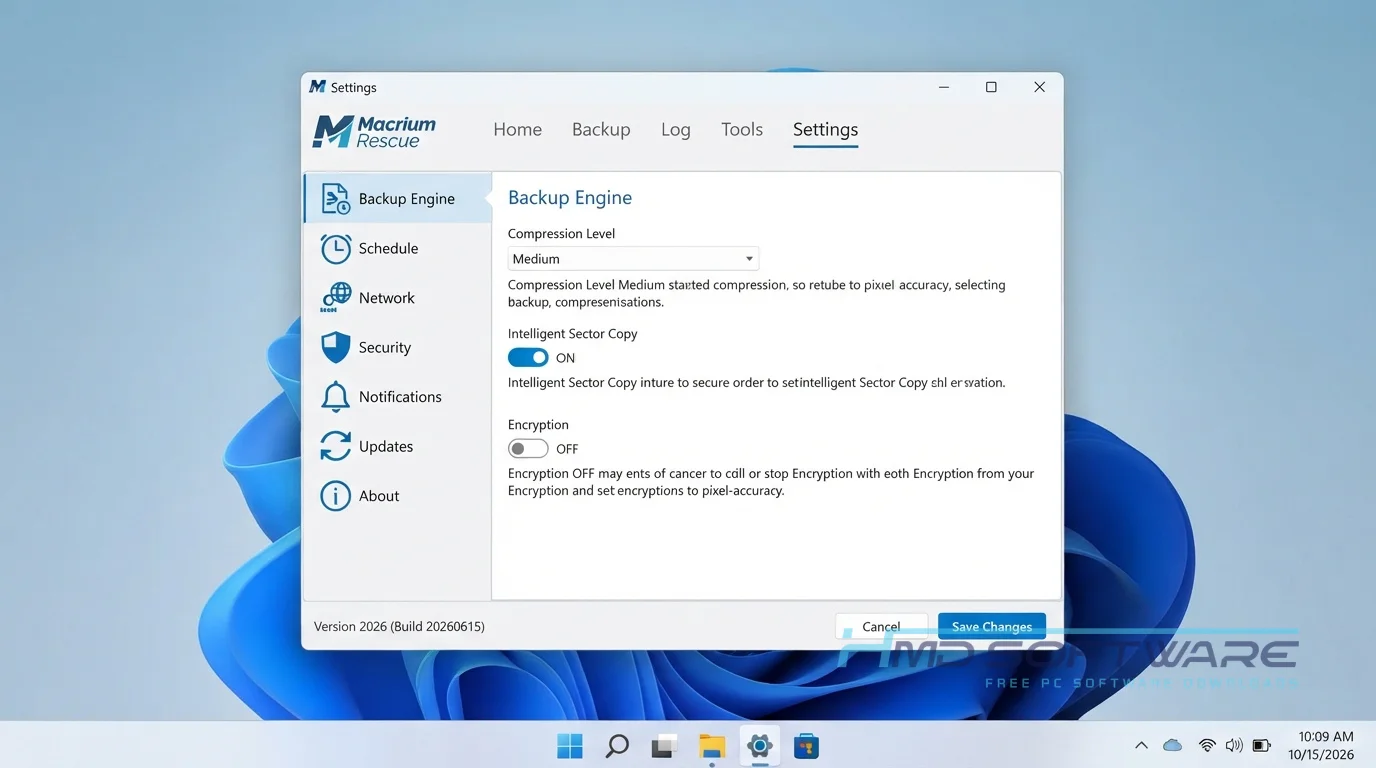
How To Download Macrium Reflect Rescue
- Make sure you have an empty 8GB USB flash drive ready to create bootable media.
- You can find a safe, verified download link on HMD Software, a reliable platform for PC software downloads.
- Click the Macrium Reflect 64-bit download button to grab the main offline installer package.
- Save the setup .exe file directly to your local Downloads folder.
- Select the correct Home or Workstation edition based on your license type.
- Always use the official setup file to ensure your bootable recovery environment is free of hidden malware.
How To Install Macrium Reflect Step by Step
- Open your downloads folder and double-click the Macrium Reflect setup .exe file.
- Accept the software license agreement and click Next.
- Enter your trial email or paste your purchased license key into the activation box.
- Leave the default installation path exactly as it is.
- Click Install and wait for the files to copy to your system drive.
- Launch the program, click the rescue media icon on the toolbar, and follow the prompts to format your USB drive.
System Requirements
You do not need a high-end gaming PC to run this hard drive backup tool. Macrium Reflect’s system requirements are very forgiving, even for older office laptops. Please review the hardware specifications below before installing the software and creating your bootable USB rescue media.
| Requirement | Minimum | Recommended |
| Operating System | Windows 10 (64-bit) | Windows 11 (64-bit) |
| RAM | 1 GB | 4 GB or more |
| Storage | 500 MB | 1 GB free space |
| Processor | Intel Pentium 4 | Intel Core i3 or higher |
| Internet | Required for WinPE | Optional after setup |
| Additional | USB 2.0 port | USB 3.0 flash drive |
Is Macrium Reflect Rescue Safe To Download?
Yes, the Macrium Reflect download is completely safe to install. It is a highly respected system-image backup tool used by corporate IT departments worldwide. A clean virus scan shows no bundled adware or hidden tracking scripts in the installer.
To keep your computer safe, don’t download the Macrium Reflect installer from random websites. Only get it from people you trust. Before you run the installer, make sure it has a signature from Macrium Software confirming it is safe. This way, you can be sure you have the Macrium Reflect installer.
Best Alternatives To Macrium Reflect
If this tool does not fit your workflow, try these reliable options.
- Acronis Cyber Protect Home Office: A premium alternative that includes excellent cloud backup features and active background ransomware protection.
- AOMEI Backupper: A very popular free disk imaging software for Windows, offering a simpler, visual interface for beginners.
- Clonezilla: An open-source bare-metal restore tool requiring advanced technical knowledge, but it clones drives perfectly without recurring licensing costs.
Conclusion
Creating a Macrium boot disk is one of the smartest things you can do for your PC. It gives you a reliable way to recover your files when Windows completely crashes.
Anyone running a desktop computer should have a recovery USB tucked away in a drawer. Scroll up to the download section, install the software, and build your rescue media today.
Frequently Asked Questions
Is Macrium Reflect Rescue free or paid?
The rescue media builder is included in all versions of the software. While the older Macrium Reflect free edition lets you build basic recovery disks, version 10 requires a paid license. You can use the 30-day trial to create a bootable USB drive and test the interface, but for long-term use, you need to buy a Macrium Reflect Home license.
Does Macrium Reflect work on Windows 11?
Yes, the software is fully compatible with Windows 11. The rescue media builder automatically downloads the correct Windows PE files needed to safely boot modern UEFI systems. If your laptop requires specific storage drivers to access the internal NVMe drive, the Macrium Reflect rescue media builder lets you inject those Windows 11 drivers directly into the bootable USB drive.
What is the latest version of Macrium Reflect?
The current major release is Macrium Reflect 10. This version replaced the older version 8 line and introduced faster backup speeds. It also updated the Macrium boot media signing certificate to comply with modern secure boot requirements. If you still have an older rescue USB, you should recreate it using this latest release.
Why is my Macrium rescue media not booting?
If your Macrium rescue disk does not boot, your computer’s BIOS is likely blocking the USB drive. Restart your PC, enter the BIOS settings, and temporarily disable Secure Boot. Also verify that you used the Macrium Reflect Rescue Media Builder correctly, rather than copying the raw Macrium Reflect rescue media ISO file to the flash drive.
Latest Posts:
- Microsoft Office 365 Enterprise Free Download: Full Offline Setup
- Macrium Reflect Rescue Free Download: Bootable WinPE ISO Setup
- JPLAY Femto Free Download: Bit-Perfect Audiophile PC Player
- Milestone XProtect Corporate 2025 Free Download: VMS Setup for PC
- Microsoft Office 2010 Pro Plus Free Download: Full PC Setup