




Dolphin Emulator 2026 Free Download: Play GameCube & Wii Games on PC

Quick Answer: You can safely download Dolphin Emulator 2026 for free. This well-known open-source program works smoothly on Windows 11 and is easy to set up. In just a couple of minutes, you can start playing classic GameCube and Wii games on your computer.
Introduction
Dolphin Emulator lets you play Nintendo GameCube and Wii games on today’s computers. Many gamers use it to enjoy classic titles with better graphics than the original consoles offered.
The latest Dolphin Emulator 2026 version offers great compatibility and better performance. I use it on my main computer because it lets me play my old game discs with modern controllers and much better graphics.
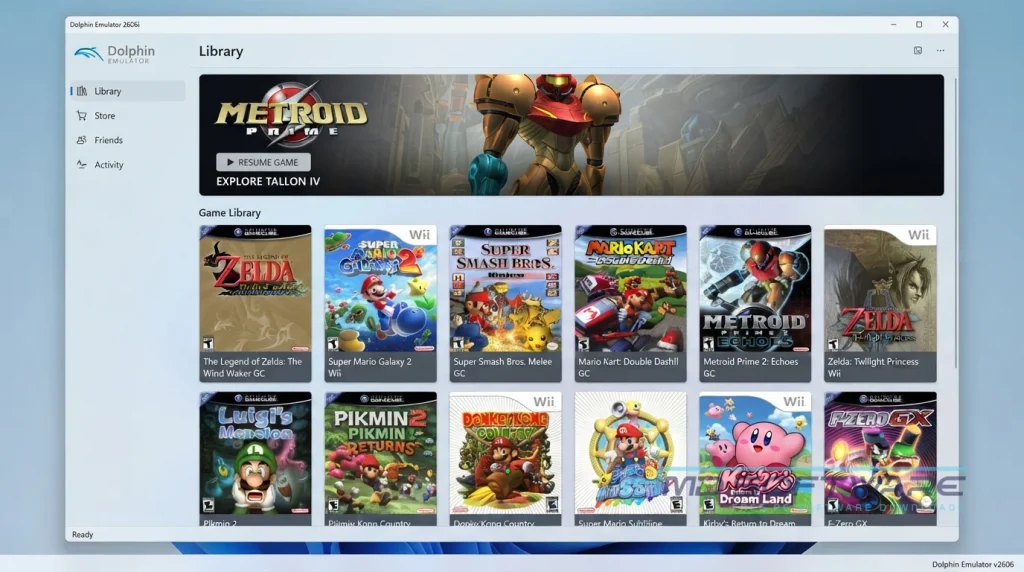
What is a Dolphin Emulator 2026?
Dolphin Emulator is an open-source emulator project developed by the Dolphin Team that replicates GameCube and Nintendo Wii hardware.
Available on Windows, Mac, Linux, and Android, it is licensed under the GNU GPLv2. This retro gaming emulator allows users to run classic console software directly on modern computer hardware.
What Does a Dolphin Emulator Do?
This software acts as a virtual console inside your computer. When you load a legally obtained game file, it translates the original code so your PC can understand and display it. Many people use it as a dedicated GameCube emulator on PC to play old multiplayer games online using the built-in netplay feature.
It also serves as an excellent Wii emulator for PC, supporting actual Wiimotes via Bluetooth. You can even apply a widescreen hack to stretch older 4:3 games to fit your modern monitor. By tweaking the emulator’s performance settings, you can render classic games at full 4K resolution with custom HD texture upscaling.
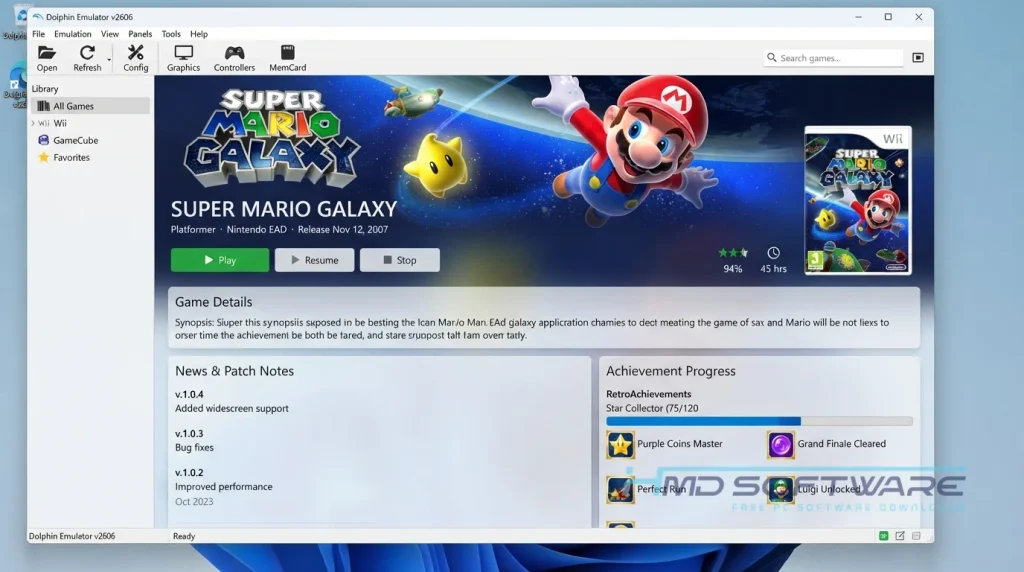
How Does Dolphin Emulator Work?
The program uses high-level GPU rendering emulation to mimic classic Nintendo hardware. It is built for gamers who want to preserve and enjoy their physical game library without dragging out aging consoles and tangles of obsolete video cables.
Dolphin addresses display compatibility issues. Even though older consoles look unclear on flat-screen TVs, the emulator runs games at modern resolutions, so titles from twenty years ago look clear on your monitor.
Key Features of Dolphin Emulator 2026
- Resolution Scaling: For older games, resolution scaling lets you display them in sharp 1080p or 4K.
- Vulkan Support: A feature that speeds up performance and greatly enhances frame rates on graphics cards that are more recent.
- Local Save States: A security and privacy feature allowing you to instantly freeze and back up your game progress at any exact moment.
- Custom Controller Mapping: An interface usability feature letting you bind classic buttons to your modern Xbox or PlayStation gamepad.
- Texture Packs: A file format compatibility feature that lets you load fan-made HD art directly over the original graphics.
- Cross-Platform Play: A platform support feature enabling Windows and Android users to play together online.
Pros and Cons
Pros
- The software is completely free and includes no hidden charges.
- Built-in netplay makes hosting multiplayer easy.
- The original Nintendo Wii controllers work with standard Bluetooth adapters.
- Community-made texture packs enable massive visual upgrades.
- Allows you to create instant save states at any point in a game.
Cons
- Simulating complex motion controls with a standard mouse feels highly inaccurate.
- You will experience minor visual stuttering when the program compiles new shaders.
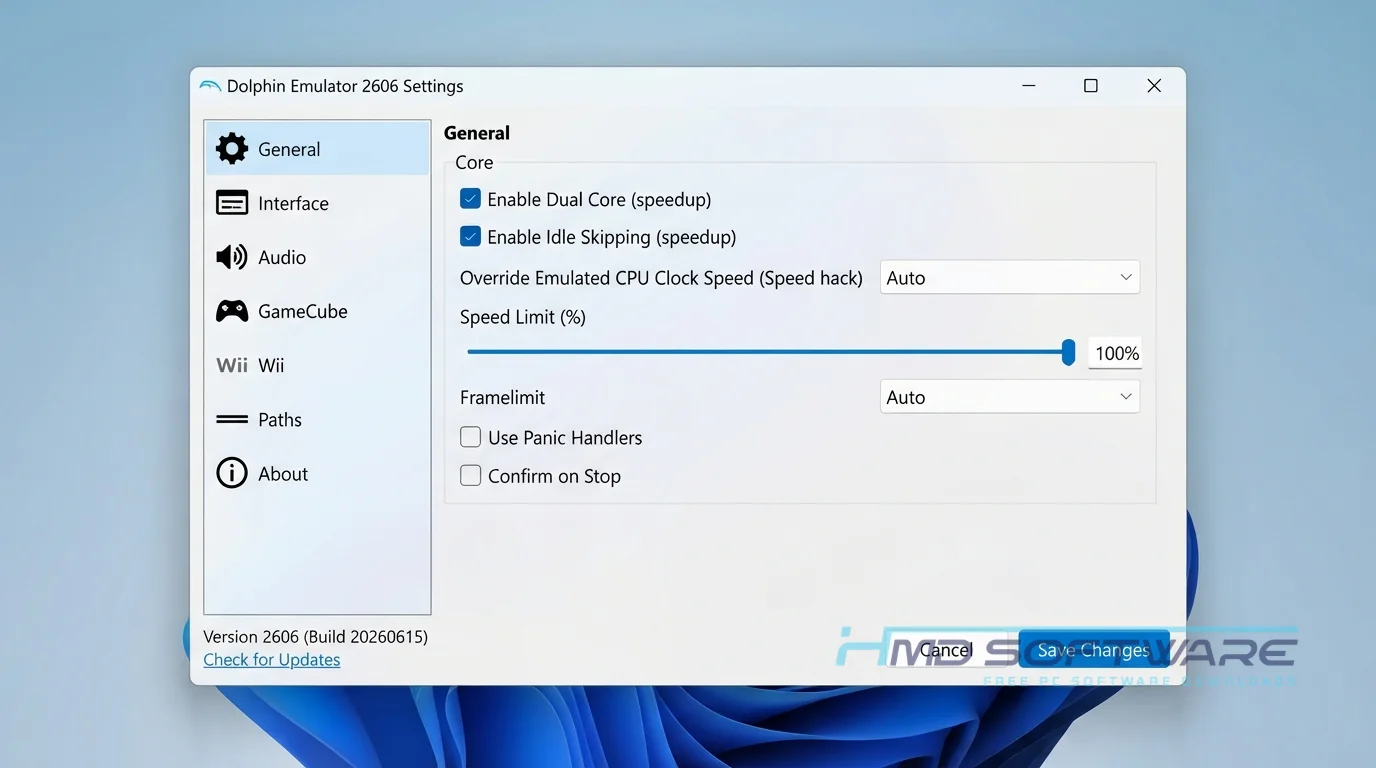
How To Download Dolphin Emulator 2026
Follow these simple steps to get the exact files you need.
- Open your browser and search for the latest Dolphin Emulator build for your operating system.
- You can find a safe, verified download link on HMD Software, a reliable platform for PC software downloads.
- Choose either the stable release or the newer Dolphin Emulator nightly build, depending on your preference.
- Save the compressed archive, which is usually around 25 megabytes, to your local drive.
- Avoid websites that bundle the emulator in a custom installer, as unwanted browser extensions can hijack your computer.
How To Install Dolphin Emulator Step by Step
Since the primary PC version doesn’t use a traditional setup wizard, it’s quick to get running.
- Locate the downloaded ZIP file in your main downloads folder.
- Right-click the archive and extract all the contents into a new, dedicated folder.
- Open the newly created folder and find the main Dolphin application file.
- Double-click the executable file to launch the program directly.
- Accept the prompt asking if you want to allow anonymous usage statistics.
- Click the controller icon at the top to configure your inputs before playing.
System Requirements
I have a used gaming PC that works fine. I still need a good processor if I want to play older console games. For graphics and clear sound, you need to check the system requirements. A fast CPU is more important than a graphics card.
| Requirement | Minimum | Recommended |
| Operating System | Windows 10 (64-bit) | Windows 11 (64-bit) |
| RAM | 4 GB | 8 GB or more |
| Storage | 100 MB | 500 MB free space |
| Processor | Intel Core i5 (4th Gen) | Intel Core i5 or AMD Ryzen 5 |
| Internet | Optional | Required for netplay |
| Additional | Visual C++ Redistributable | Bluetooth adapter for Wiimotes |
Is Dolphin Emulator Safe To Download?
You can download the Dolphin Emulator from people you trust. The people who make the Dolphin Emulator give you files. They don’t include adware or hidden programs. When you download from the official site, your antivirus software usually won’t flag it as a problem.
To stay safe, download the original ZIP file, not a third-party installer. Also, keep in mind that downloading copyrighted game ROMs is illegal, so only use files you copied from your own discs.
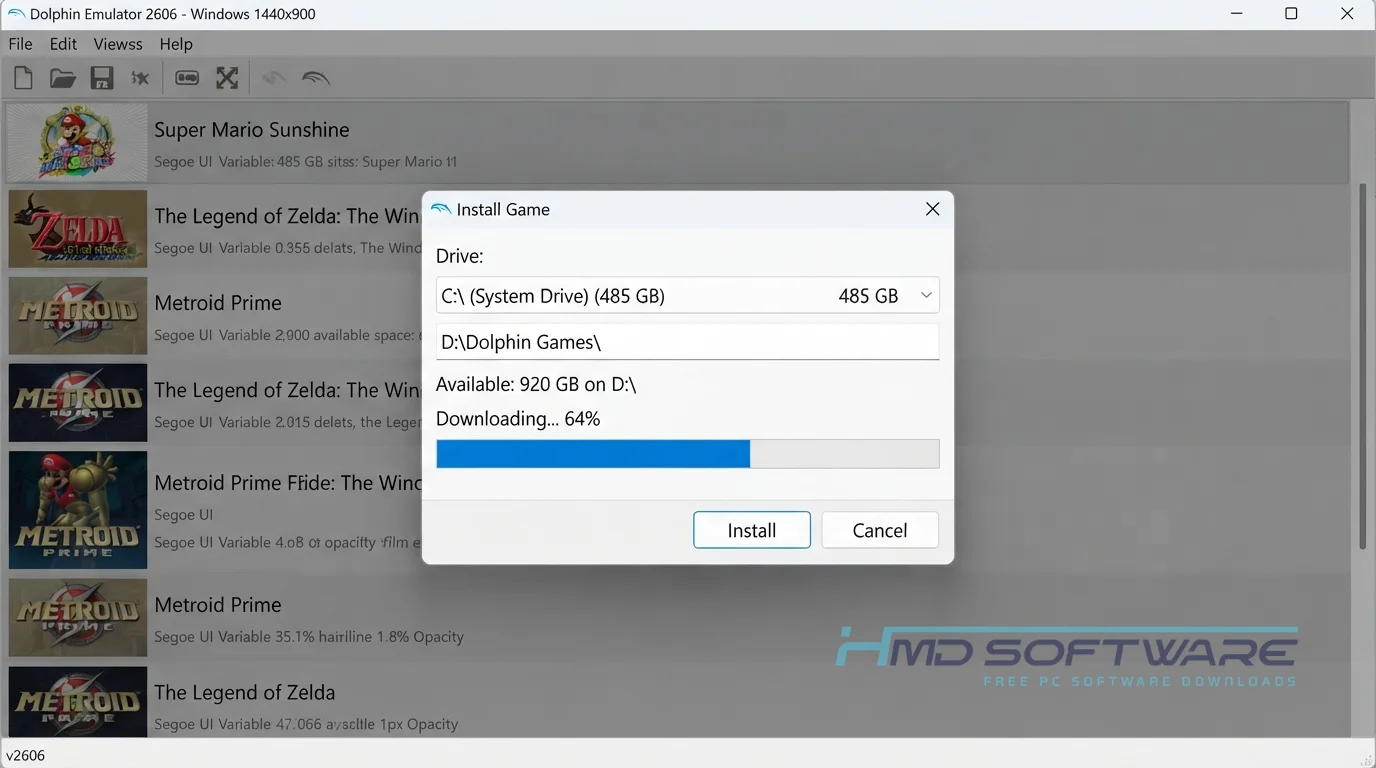
Best Alternatives To Dolphin Emulator 2026
If this program doesn’t fit your needs, try these other gaming options.
- PCSX2: An incredibly popular emulator dedicated entirely to running PlayStation 2 games with massive visual upgrades.
- Cemu: A highly optimized emulator designed specifically for playing Nintendo Wii U titles on modern desktop computers.
- RetroArch: An all-in-one frontend interface that uses various processing cores to emulate dozens of older vintage gaming consoles perfectly.
Conclusion
The Dolphin 2606 release stands out as an incredible piece of community-driven software that successfully preserves the history of classic video games for future generations.
If you want to reexperience your favorite games with enhanced graphics, online multiplayer, and support for modern controllers, you should definitely try this program. Go back to the verified download link and start playing now.
Frequently Asked Questions
Is Dolphin Emulator 2026 free or paid?
It is entirely free and strictly open-source, meaning you will never have to pay a single cent to use it. The community development team relies on donations rather than hiding features behind a paywall.
There is no premium version, so if you ever see a website asking you to buy a license or an activation key for this software, you are looking at a scam.
Does Dolphin Emulator 2026 work on Windows 11?
Yes, the current release works flawlessly on Windows 11 machines. The developers consistently update the core code to ensure it leverages modern operating system features and current graphics drivers.
You do not need to run the application in compatibility mode. Extract the standard 64-bit archive to your drive, and the interface will launch perfectly on your modern desktop environment.
What is the latest version of Dolphin Emulator 2026?
Since Dolphin Emulator is frequently updated, its version number changes a lot, particularly when you are using development builds. Although the most recent major update is called Dolphin Emulator 2026, many people still download the latest nightly build.
These frequent nightly updates offer the best performance fixes, repairing minor graphical glitches in specific game titles almost immediately.
Is Dolphin Emulator 2026 safe to download and use?
The emulator itself is safe to download and use when you get it from reputable sources. It does not contain viruses or track your personal data. However, the legal and safety risks come from how you acquire your game files.
While the application is perfectly legal, downloading copyrighted game copies from sketchy internet forums often exposes your computer to severe malware threats.
Latest Posts:
- Microsoft Office 365 Enterprise Free Download: Full Offline Setup
- Macrium Reflect Rescue Free Download: Bootable WinPE ISO Setup
- JPLAY Femto Free Download: Bit-Perfect Audiophile PC Player
- Milestone XProtect Corporate 2025 Free Download: VMS Setup for PC
- Microsoft Office 2010 Pro Plus Free Download: Full PC Setup