




Cxbx Reloaded Free Download: Open-Source Xbox Emulator for Windows


Quick Answer: Cxbx Reloaded is an emulator that lets you play old Xbox games on your computer. You can play these games on a Windows 11 computer. To start playing, you need to extract some files. You are ready to go.
Introduction
Cxbx Reloaded is a console emulator that lets you play original Xbox games on your computer. Many retro gamers use it to enjoy old favorites without having to find their old consoles.
The Cxbx Reloaded 2026 builds offer incredible performance upgrades and graphical fixes. If you grab the latest version, you get immediate access to hundreds of playable titles.
This quick install guide strips away the complex setup normally associated with retro console emulation tools, giving you a straightforward way to enjoy gaming history.
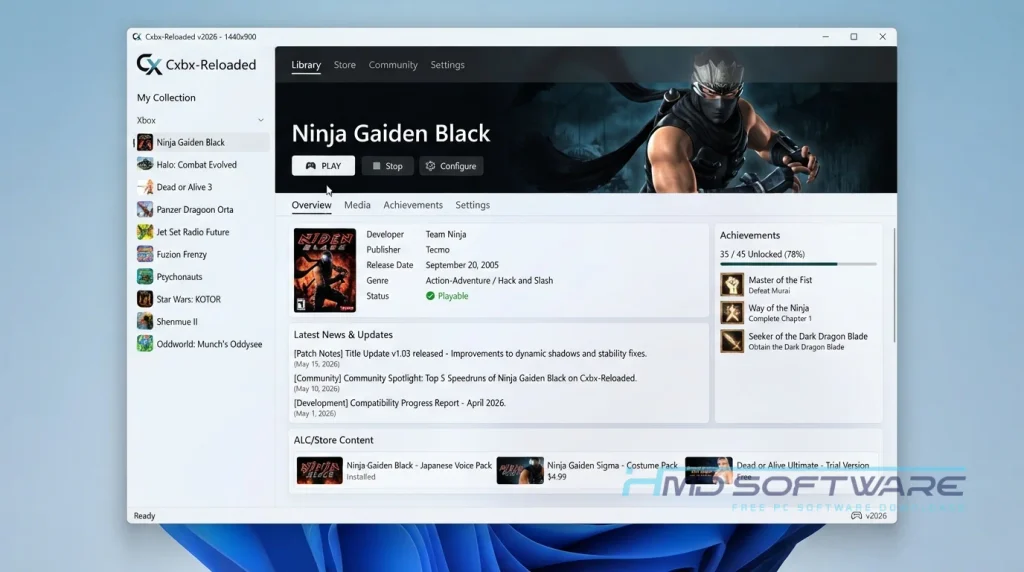
What Is Cxbx Reloaded?
Cxbx-Reloaded is an open-source emulator project originally developed by Luke Usher and maintained by the GitHub community. This Windows-based retro console emulation tool translates original Xbox executable files directly into native Windows applications.
Released under the free GNU General Public License, it provides a fast, accurate environment for running original Xbox games on PC.
What Does Cxbx Reloaded Do?
This Xbox emulation software tricks your computer into acting like a classic 2001 gaming console. You load a legal copy of a game file, and the program translates those old instructions into something your modern graphics card understands.
Many users test homebrew applications originally built with the Xbox Development Kit. You can also run popular retail titles using higher resolutions than the original hardware supported.
If you want to configure Xbox controller mapping for PC inputs, the program natively supports modern gamepads. It breathes new life into your old game discs by enhancing visual fidelity while preserving the classic gameplay.
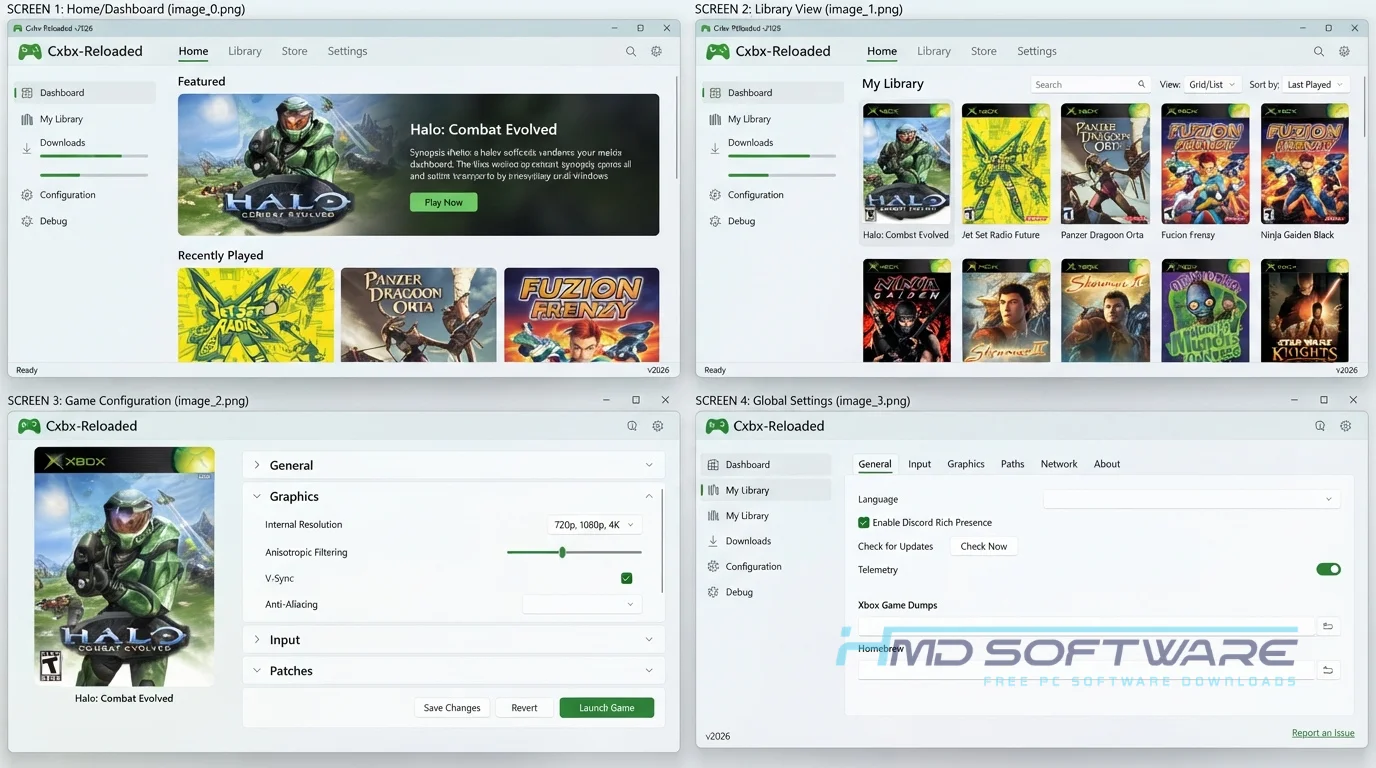
How Does Cxbx Reloaded Work?
Most emulators try to simulate every single piece of hardware inside a console, which requires massive processing power. CxbxReloaded takes a different approach, using High-Level Emulation (HLE).
Because the original Xbox was essentially a modified Windows computer, this software intercepts the game’s internal commands and routes them directly to your PC hardware.
It applies a Direct3D 8-9 translation to enable smooth GPU rendering emulation. This means it requires far less processing power to run games at full frame rates than traditional emulators.
Key Features of Cxbx Reloaded
- High-Level Emulation: A main performance feature that takes game code and changes it into Windows APIs instead of using hardware simulation.
- D3D9 Wrapper Support: A speed-processing feature that converts old Direct3D 8 calls into modern graphics instructions.
- Offline Portability: A privacy feature that lets you run the emulator completely offline without phoning home or checking licenses.
- Native Gamepad Support: An interface usability feature allowing you to plug in modern controllers without complicated button mapping.
- XBE File Execution: A compatibility feature that reads raw Xbox executable files natively, just like the original hardware.
- Nightly Updates: A version management feature hosted on GitHub, ensuring the emulator receives constant game compatibility fixes.
Pros and Cons
Pros
- Runs directly on Windows without using many system resources.
- Free, open-source, and without any hidden fees.
- Upscales classic 3D games to look incredible on modern monitors.
- Does not require you to rip an actual console BIOS.
Cons
- The Cxbx Reloaded compatibility list is still missing support for many popular games.
- Audio stuttering is common in highly demanding 3D titles.
- Requires some technical patience to configure game folders properly.
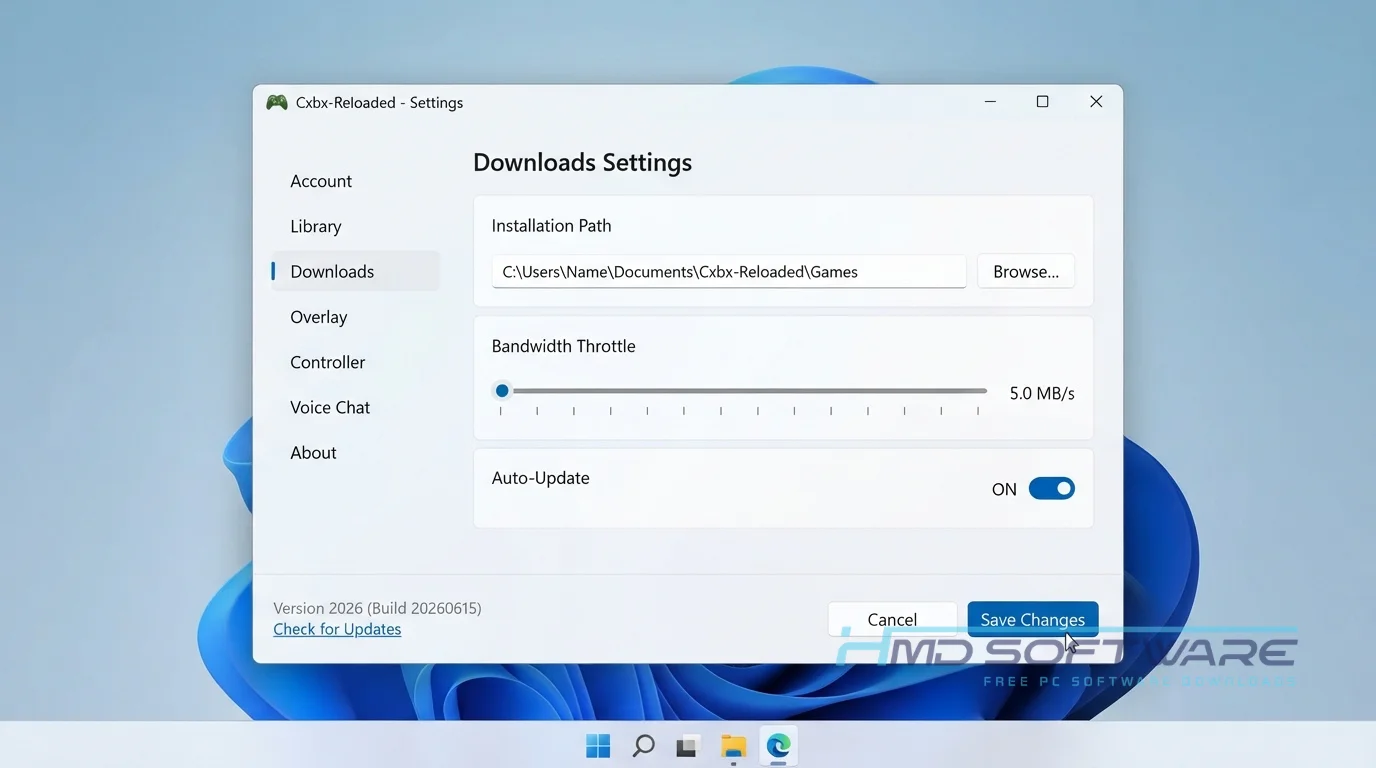
How To Download Cxbx Reloaded
Finding the correct version of this Xbox emulator for PC takes just a few clicks.
- Open your web browser and search for the newest emulator release.
- You can find a safe, verified download link on HMD Software, a reliable platform for PC software downloads.
- Choose between the stable release and the newer Cxbx Reloaded nightly build, depending on your needs.
- Save the standard ZIP file, which is usually under 10 megabytes, to your computer.
- Always confirm your antivirus is active to ensure a safe download when fetching independent open-source files.
How To Install Cxbx Reloaded Step by Step
You do not have to run a traditional installer to get this emulator working.
- Locate the downloaded ZIP file in your default downloads folder.
- Right-click the archive and extract the contents to a permanent folder on your C: drive.
- Open the newly extracted folder and locate the main executable.
- Double-click the program file to launch the emulator interface.
- Accept any initial Windows Defender firewall prompts if they pop up.
- Select your game directory and start configuring your video settings.
System Requirements
Since this software uses high-level translation rather than emulating all the hardware, you do not need a powerful gaming computer. Most modern desktops run most games without problems.
Ensure your graphics drivers are fully updated before playing. Here are the exact hardware specifications you need to run this classic console emulator smoothly on your PC.
| Requirement | Minimum | Recommended |
| Operating System | Windows 10 (64-bit) | Windows 11 (64-bit) |
| RAM | 4 GB | 8 GB or more |
| Storage | 50 MB (for emulator) | 50 GB free space for games |
| Processor | Intel Core i3 or AMD equivalent | Intel Core i5 / AMD Ryzen 5 |
| Graphics | Direct3D 9.0c compatible | Modern Dedicated GPU |
| Internet | Not required | Optional for updates |
Is Cxbx Reloaded Safe To Download?
Yes, it is safe to install on your computer. The official GitHub page offers clean files with no adware, crypto miners, or hidden trackers. Virus scans show the program is safe. Keep in mind, the emulator does not include any games.
Getting copyrighted game ROMs from random websites is risky and can lead to malware. Always use your own legally purchased game discs to keep your PC safe and comply with copyright laws.
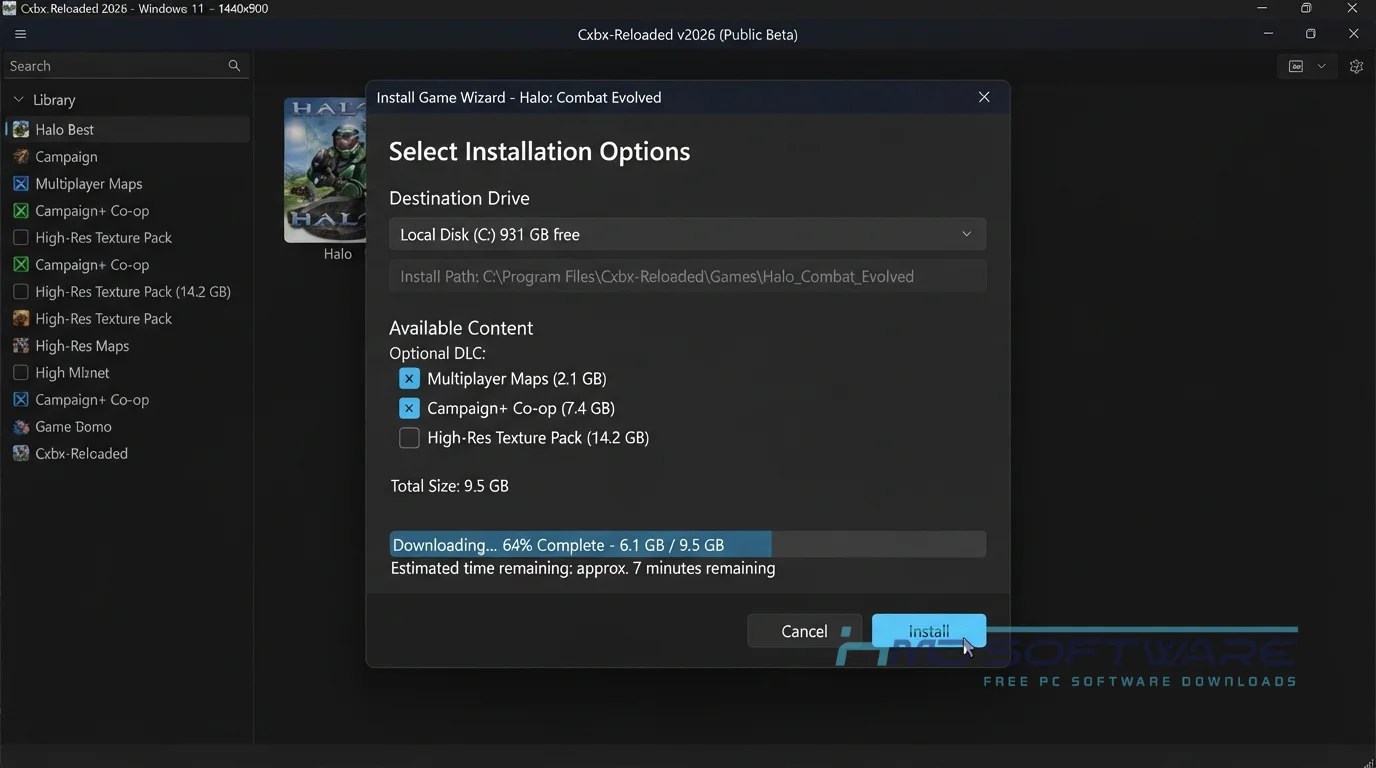
Best Alternatives To Cxbx Reloaded
If a specific game refuses to boot properly, try these other options.
- Xemu: A highly accurate low-level emulator that offers a massive compatibility list but requires a much stronger computer to run.
- Xenia: The leading emulator for the Xbox 360, perfect if you want to play games from the next console generation.
- RetroArch: A popular all-in-one frontend that supports older console cores, though its original Xbox support remains highly experimental.
Conclusion
Cxbx Reloaded is a way to play old console games on new computers. It is perfect for people who want to play games without having the old machines.
The high-level emulation keeps your computer running cool while delivering sharp visuals. Grab the free download from the links above, map your controller, and jump right back into the golden era of 2001 gaming.
Frequently Asked Questions
Is Cxbx Reloaded free or paid?
The software can be downloaded and used entirely at no cost. It is a community-driven, open-source project on GitHub and therefore has no paywalls, subscriptions, or trial limitations.
The developers volunteer their time to improve the code. You get full access to the emulator and all its advanced visual features without spending a single dime.
Does Cxbx Reloaded work on Windows 11?
Yes, the latest version of the emulator works well on Windows 11. The developers update it regularly to keep it compatible with new Windows versions.
You get full support for modern 64-bit architecture and recent graphics drivers. Just make sure you install the necessary Visual C++ redistributable files if your PC prompts you during the first launch.
What is the latest version of Cxbx Reloaded?
The team updates the software often, so the “latest version” changes regularly with nightly builds. The 2026 updates have brought big performance improvements and fixed many graphics issues.
Checking the official GitHub releases page ensures you always grab the latest version, which usually includes the best game compatibility fixes for your specific titles.
Is Cxbx Reloaded safe to download and use?
Yes, the emulator program itself is perfectly safe for your computer. The official releases do not contain any viruses, spyware, or bundled junk software.
Because the source code is public, hundreds of programmers review it regularly to ensure security. Just remember that you must legally acquire your own game files. Downloading shady ISO files from untrusted websites is where users typically encounter malware.
Latest Posts:
- Microsoft Office 365 Enterprise Free Download: Full Offline Setup
- Macrium Reflect Rescue Free Download: Bootable WinPE ISO Setup
- JPLAY Femto Free Download: Bit-Perfect Audiophile PC Player
- Milestone XProtect Corporate 2025 Free Download: VMS Setup for PC
- Microsoft Office 2010 Pro Plus Free Download: Full PC Setup