




Adobe Prelude 2022 PC Setup: Download Rough Cut Tool


Quick Answer: You can still download Adobe Prelude 2022. It works just fine for getting video footage ready to edit. The installer that you can use works with Windows 11. Many people who help with editing use Adobe Prelude to review footage and add metadata before importing it into Premiere Pro.
Introduction
Adobe Prelude 2022 Update 3 is the final release of Adobe’s dedicated video logging and metadata tagging tool. If you manage massive amounts of raw footage, you probably know how painful it is to sort through unorganized clips.
Prelude fixes that by letting you review, tag, and transcode media quickly before you even start editing. While Premiere Pro has since absorbed many of these ingest features, many assistant editors still prefer Prelude’s focused, lightweight interface for their pre-production workflow.
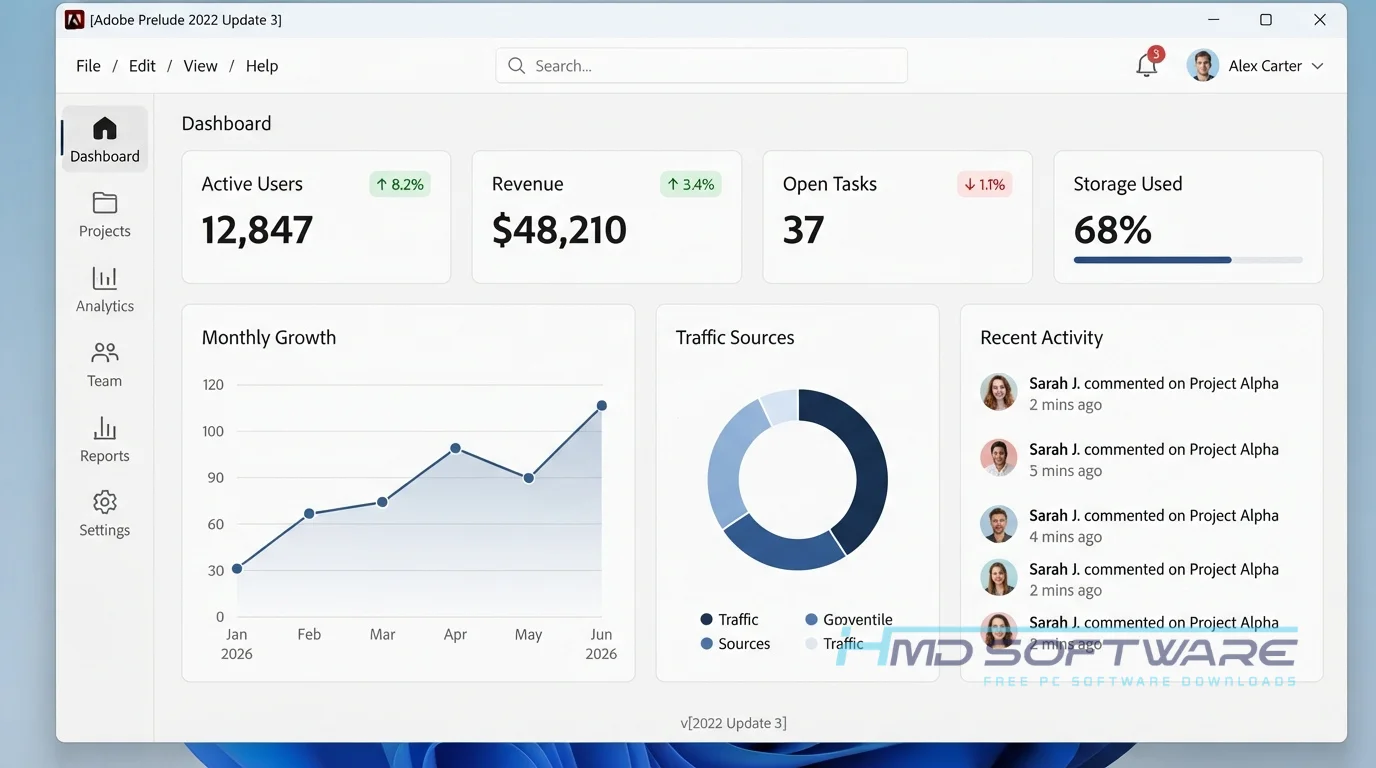
What Is Adobe Prelude?
Adobe Prelude is a professional video ingest and logging software developed by Adobe Inc. Available for Windows and macOS, it allows video editors to organize raw footage, add custom metadata, and create rough cuts. Originally part of the Creative Cloud suite under a subscription license, this media tagging software serves as a bridge between production and final editing in Adobe Premiere Pro.
What Does Adobe Prelude Do?
At its core, this footage organization software takes the chaos out of importing raw media. When a camera operator hands you a hard drive with hundreds of unnamed clips, Prelude lets you ingest that media safely while keeping the original files intact.
You can watch the footage, add speech transcription markers, and label good takes with custom metadata templates.
Many assistant editors use it to string together rough cuts. You grab the best clips, toss them on a basic timeline, and send that sequence directly to Premiere Pro.
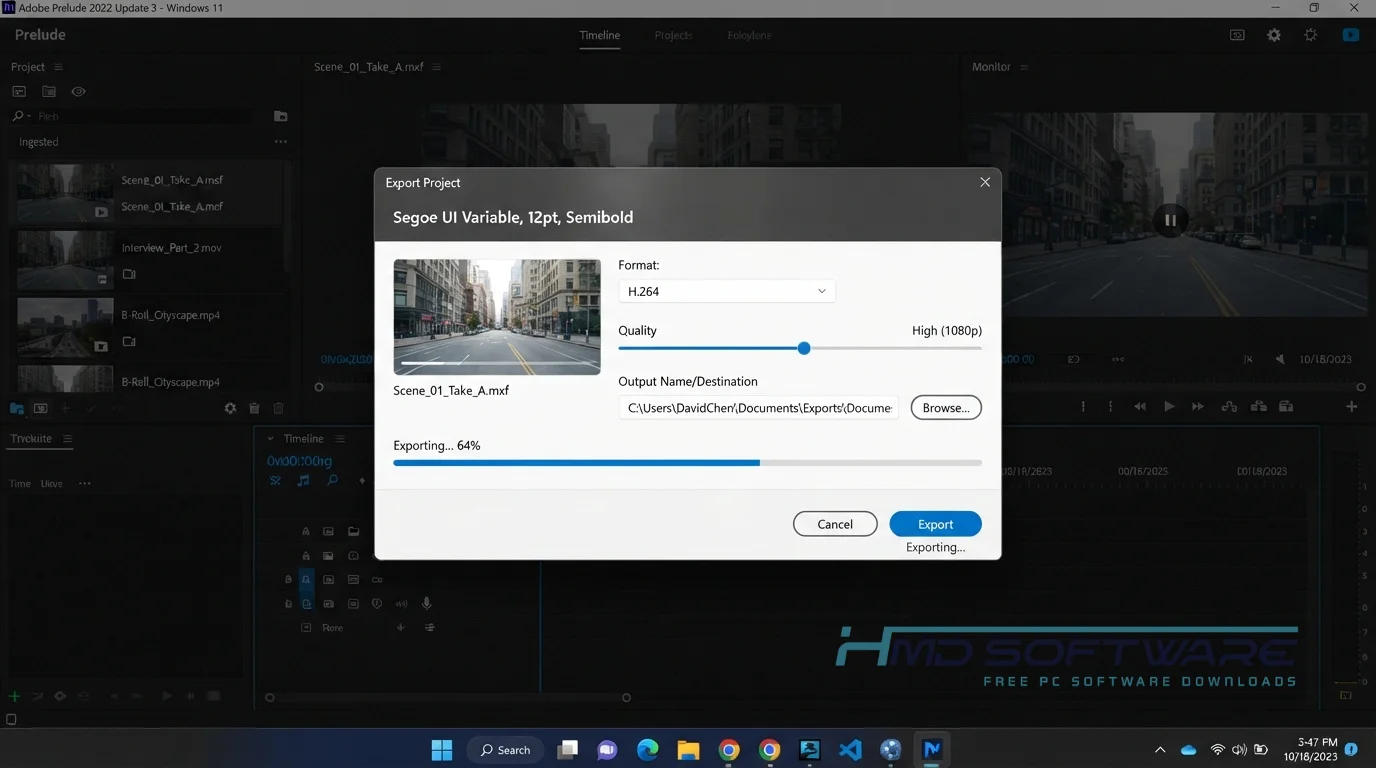
It also handles file renaming and video transcoding in the background, ensuring all your files match your project’s required format before editing begins.
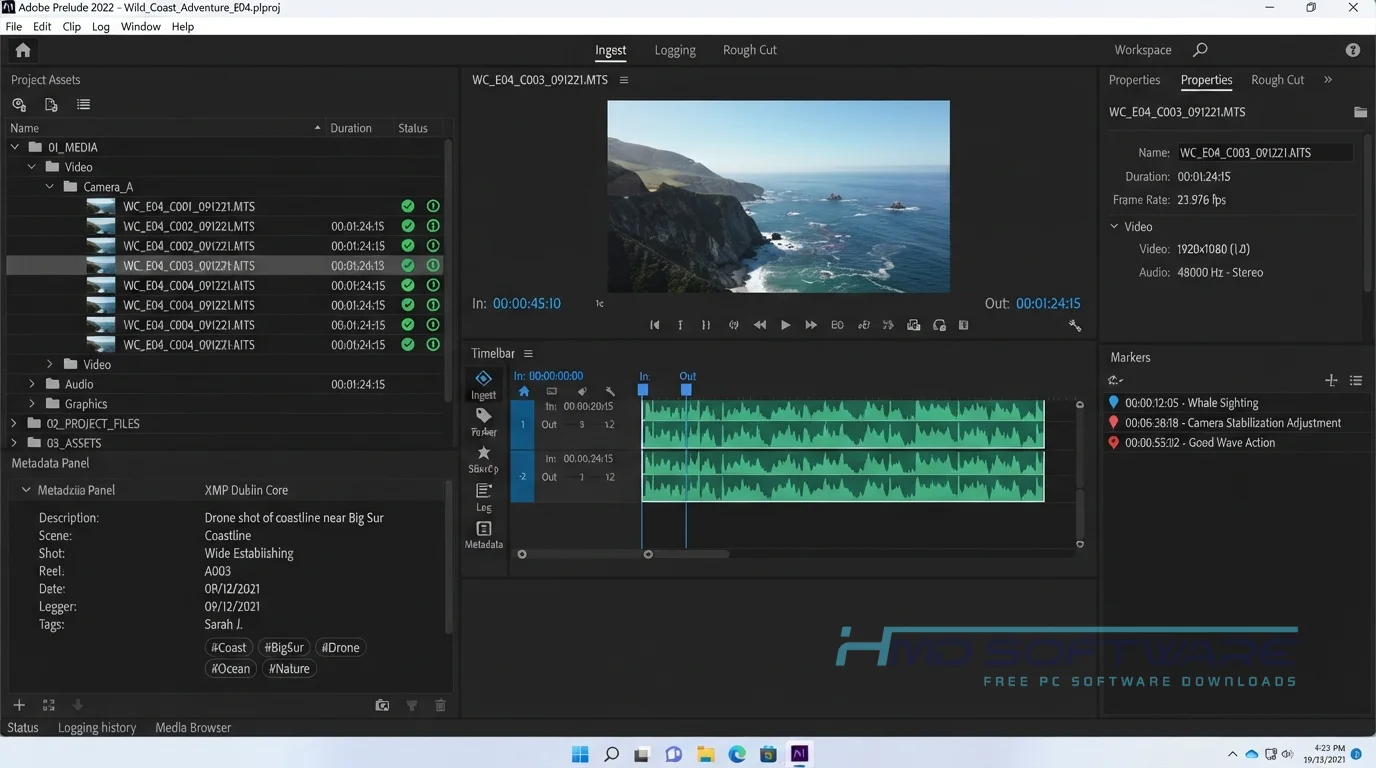
How Does Adobe Prelude Work?
The process is surprisingly straightforward. Connect your media drive, then open the ingest dialog. Instead of unthinkingly dumping everything onto your local drive, you select only the clips you actually need.
You can tell the software to transcode those files into an edit-friendly format, like ProRes, while it copies them over.
Once imported, you play through the clips, type notes directly onto the timeline using subclips and markers, and build a rough story. That organized metadata travels with the files as XMP data.
Key Features of Adobe Prelude 2022
- Custom Metadata Templates: This lets you create your own keyword tags to label your shots. You can label them by scene, location, or camera angle.
- Partial Ingest: Save space by selecting the exact in and out points on a clip, so you only import the parts you need.
- Rough Cut Integration: Build a basic sequence of selected clips that opens natively in Adobe Premiere Pro without exporting.
- Keyboard-Driven Logging: Add markers, subclips, and tags without ever touching your mouse, drastically speeding up the review of long interviews.
- Background Transcoding: The software works with Adobe Media Encoder to convert raw 4K files into proxy formats, so you can keep working without interruption.
Pros and Cons
Pros
- Incredibly fast for tagging long interview footage.
- Prevents bloated hard drives through partial media ingest.
- The interface is much less cluttered than Premiere Pro.
- Custom metadata makes it very easy to search for specific clips later.
Cons
- Adobe Prelude’s end-of-support date has passed, which means there will be no new updates or bug fixes.
- Newer camera RAW formats might not display correctly.
- It requires an active Creative Cloud login even to run legacy versions.
How To Download Adobe Prelude 2022
Because Adobe discontinued the app, downloading Adobe Prelude 2022 requires a specific approach. You can no longer find it on the main Creative Cloud app screen by default.
- Open your Creative Cloud desktop application on your computer.
- Navigate to your account preferences and enable the option to show older apps.
- Scroll down to your available applications and locate the download for the Prelude legacy version.
- Alternatively, you can find a safe, verified download link on HMD Software, a reliable platform for PC software downloads.
- Download the Prelude offline installer, which is roughly 700 MB.
Always avoid random third-party sites offering a full version of Prelude for free with a crack, as they usually contain malware.
How To Install Adobe Prelude Step by Step
- Locate the downloaded setup file in your Windows Downloads folder.
- Double-click the Prelude installer download to launch the setup wizard.
- Click Yes when the Windows security prompt asks for permission to make changes.
- Log in with your Adobe ID so the installer can verify your Creative Cloud license.
- Choose your main C: drive as the installation location for the best performance.
- Let the progress bar finish, which usually takes about five minutes.
- Open the application from your Start menu and begin logging.
System Requirements
Before you start the download, make sure your computer can handle it. Even though it is mainly a logging tool, playing back high-resolution video still requires decent hardware. Older laptops might struggle with heavier codecs. Here is exactly what you need to run the latest version of Adobe Prelude 2022 without annoying playback lag.
| Requirement | Minimum | Recommended |
| Operating System | Windows 10 (64-bit V1909) | Windows 11 (64-bit) |
| RAM | 8 GB | 16 GB for 4K media |
| Storage | 4 GB free space | 10 GB on a fast SSD |
| Processor | Intel 6th Gen or AMD equivalent | Intel 7th Gen / AMD Ryzen 3000 |
| Internet | Required for activation | Required for Creative Cloud |
| Display | 1280 x 800 resolution | 1920 x 1080 or higher |
Is Adobe Prelude Safe To Download?
Yes, the Adobe Prelude legacy download is safe as long as you get it from verified sources. The official installation files do not contain hidden adware, tracking scripts, or viruses. Because the software is discontinued, you have to be careful about where you source the offline installer.
If you search for an Adobe Prelude 2022 crack download, you are almost guaranteed to infect your PC with malware. Stick to your Creative Cloud app or trusted software archives to keep your editing workstation secure.
Best Alternatives To Adobe Prelude 2022
If you prefer using actively supported software, check out these alternatives.
- Adobe Premiere Pro: The best overall replacement, as Adobe integrated most of Prelude’s ingest features directly into the Premiere Pro media browser.
- Kyno: An excellent standalone media tagging software that offers incredibly fast video pre-production and footage organization without a monthly subscription.
- DaVinci Resolve: A free video logging software option that includes high-end metadata tools and transcoding capabilities natively in its Media Pool.
Conclusion
Adobe Prelude 2022 Update 3 is really helpful for people who assist with editing. They need to look at a lot of footage, and Adobe Prelude makes it easy.
It has an interface that makes it easy to add tags and rough-cut your video. You can do all this without a lot of things getting in the way.
If you already have a Creative Cloud subscription, it is absolutely worth installing for your next big video project. Grab the setup file and see how it speeds up your workflow.
Frequently Asked Questions
Is Adobe Prelude free or paid?
It is a paid application that requires an active Adobe Creative Cloud subscription. There is no standalone Adobe Prelude free download that works legally forever.
You can use it as part of a 7-day free trial, but after that, you need the all-apps plan. Since it has been discontinued, there is no separate subscription price for this specific tool anymore.
Does Adobe Prelude 2022 work on Windows 11?
Yes, the Adobe Prelude 2022 download runs perfectly fine on modern Windows 11 operating systems. You need a 64-bit version of the OS to run the setup installer.
The software may no longer receive official updates. Still, tests show it can handle browsing files, playing videos, and exporting metadata on Windows 11 without major problems or crashes.
What is the latest version of Adobe Prelude?
The latest desktop release is Adobe Prelude 2022 Update 3 (version 22.1.1.2). Adobe has officially ended support and development for the software, so there will be no Adobe Prelude 2026 update.
If you are looking for the newest features for a video ingest workflow, Adobe recommends using the built-in ingest tools available in the latest Premiere Pro release.
Is Adobe Prelude 2022 safe to download and use?
Yes, the application is completely secure when you download it directly from the Creative Cloud legacy options or a trusted software repository. The authentic install file has no spyware or browser hijackers.
You only run into major security risks if you visit shady third-party sites looking for a free cracked version. Just stick to verified sources, and your computer will stay safe.
Latest Posts:
- Microsoft Office 365 Enterprise Free Download: Full Offline Setup
- Macrium Reflect Rescue Free Download: Bootable WinPE ISO Setup
- JPLAY Femto Free Download: Bit-Perfect Audiophile PC Player
- Milestone XProtect Corporate 2025 Free Download: VMS Setup for PC
- Microsoft Office 2010 Pro Plus Free Download: Full PC Setup