




Adobe Substance 3D Designer Free Download & Setup Guide for PC

Quick Answer: Yes, you can safely download Adobe Substance 3D Designer 16.0.0 for PC, and it runs perfectly on Windows 11. It is premium paid software, though you can get a trial. The offline installer setup takes about ten minutes and gives you full access to its procedural material generation tools.
Introduction
If you need to create custom materials for 3D models, Adobe Substance 3D Designer is where you start. Adobe Substance 3D Designer 16.0.0 is a 3D texture authoring software developed by Adobe Inc. that generates procedural materials from scratch.
Game developers, VFX artists, and freelance texture artists use this application to build tileable textures and material libraries. You are probably looking to download Adobe Substance 3D Designer because it remains the industry standard for node-based workflows.
It handles everything from simple noise patterns to complex photogrammetry scan processing without breaking a sweat.
What Is Adobe Substance 3D Designer?
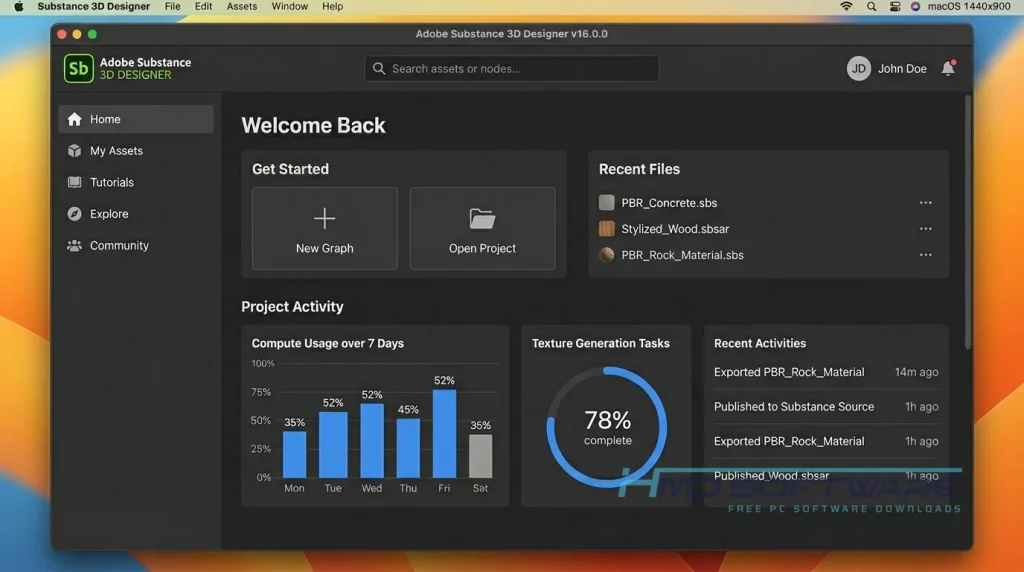
Adobe Substance 3D Designer is a procedural material authoring software developed by Adobe Inc. that allows 3D artists to create complex textures and materials using a node-based workflow. Available on both Windows and Mac, this commercial application is offered as part of the Substance 3D Collection subscription or as a standalone Steam edition license.
What Does Adobe Substance 3D Designer Do?
At its core, the software lets you build textures mathematically rather than painting them by hand. If you are doing AAA game production, you can link nodes together to create realistic brick walls, rusty metals, or alien skin that automatically tile across any 3D mesh.
Another common use case is processing photogrammetry scans. You can take real-world photos, bring them into the node-based material editor, and extract displacement maps or fix lighting issues using the Color Equalizer Tool.
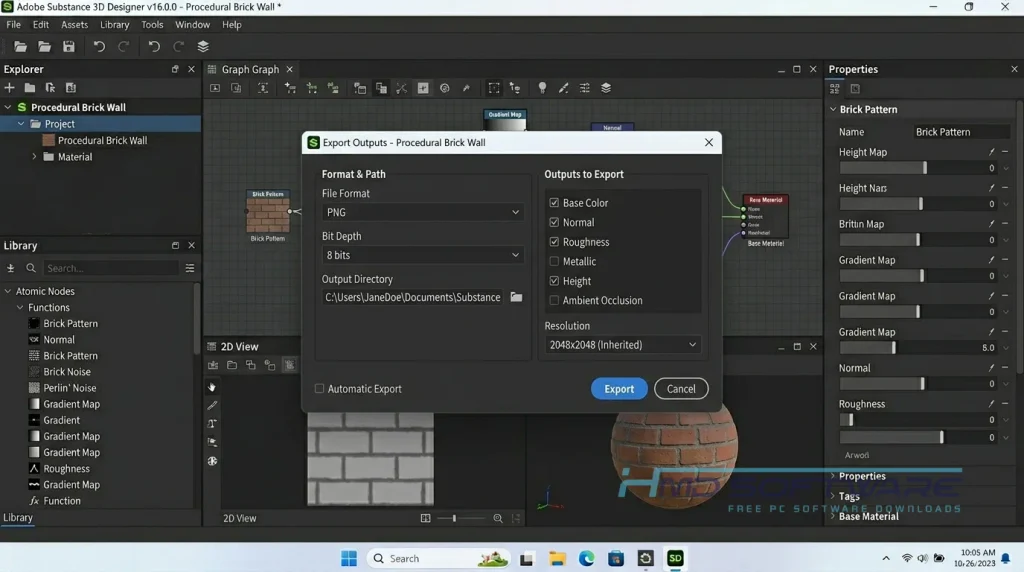
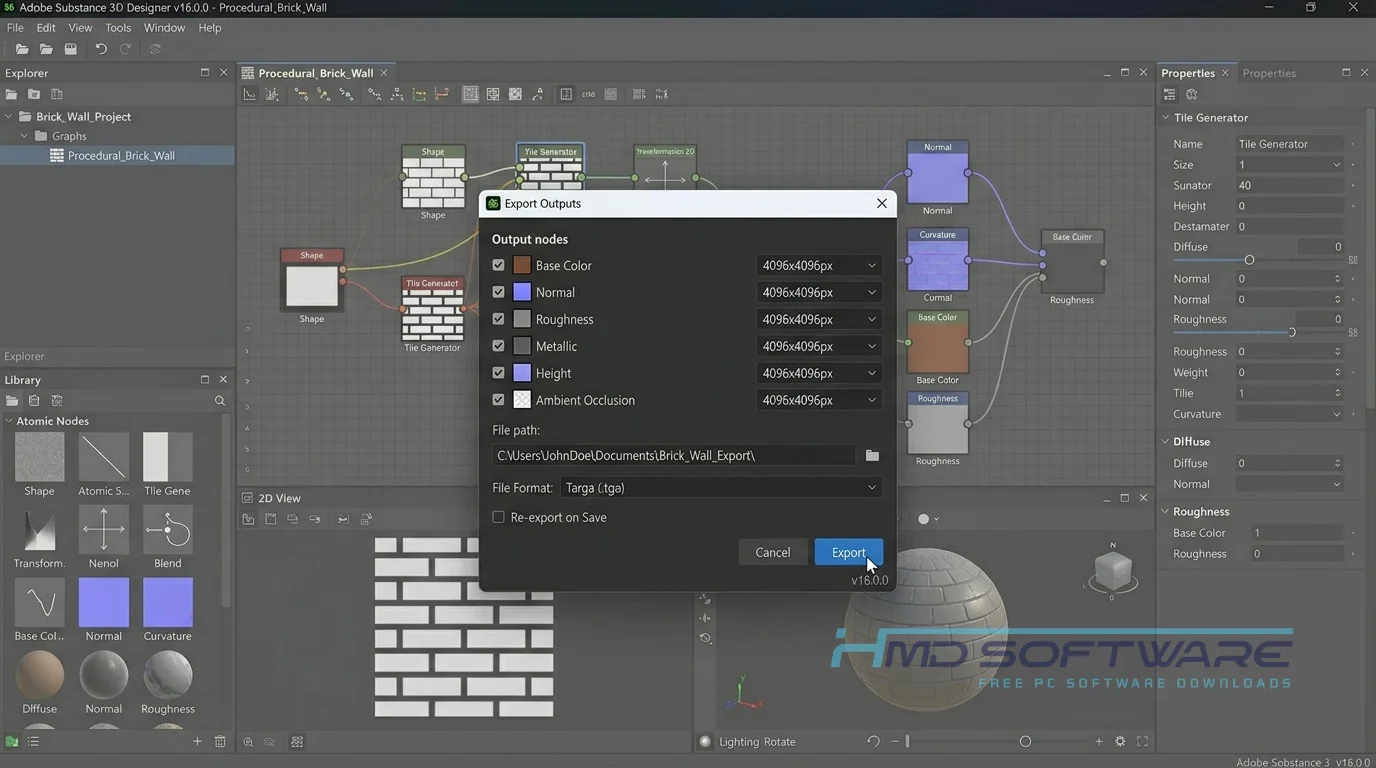
You can also export your finished work as an SBS or SBSAR file, which integrates directly with Unreal Engine, Unity, or Blender. It saves you from having to start from scratch every time you need new material.
How Does Adobe Substance 3D Designer Work?
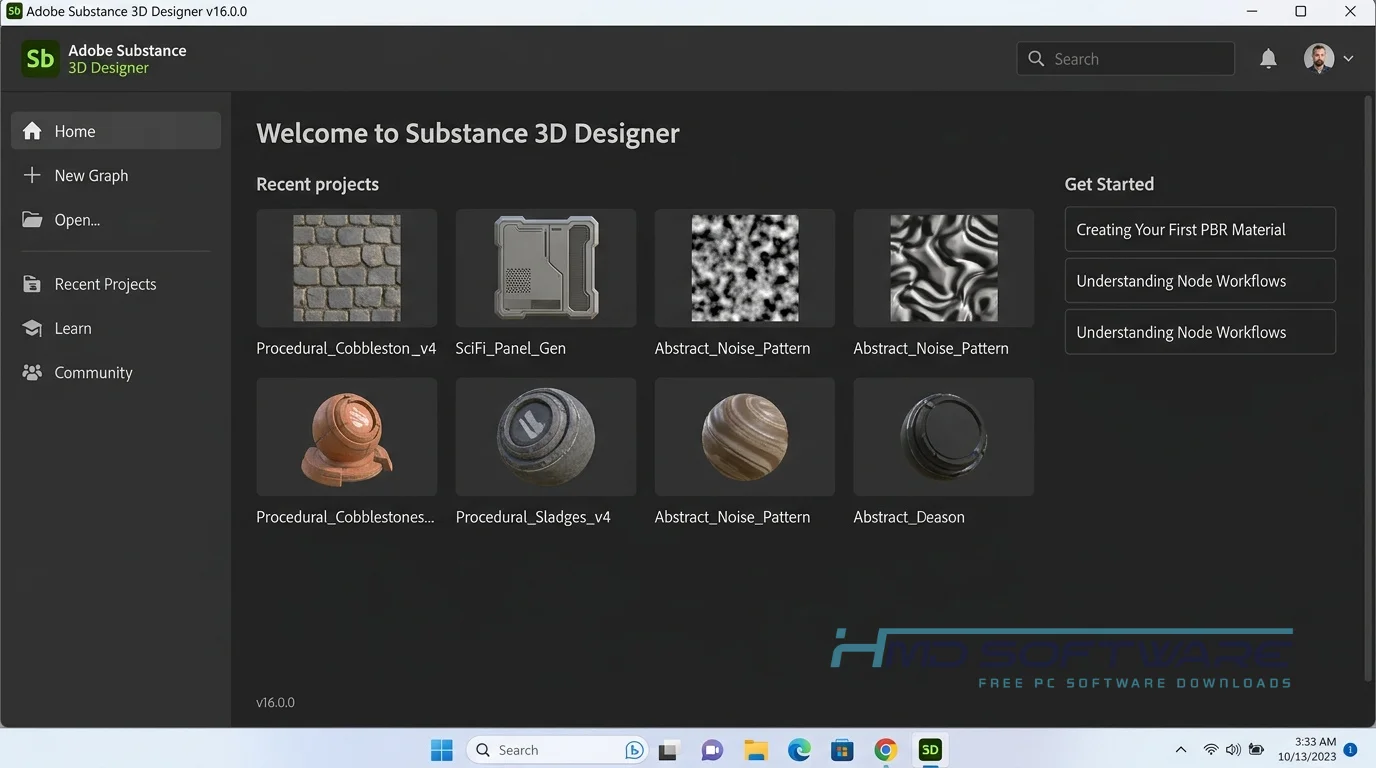
You begin with an empty workspace and a collection of simple shapes and noise patterns. Instead of painting, you drag and drop visual nodes onto a graph. Each node performs a specific task, such as mixing colors, blurring shapes, or adding a worn look.
By linking these nodes together, you slowly build up the final surface texture. It is built mainly for 3D artists who need non-destructive editing. If your client decides they want larger bricks at the last minute, you change one slider instead of redrawing the entire image.
Key Features of Adobe Substance 3D Designer
- Node-Based Workflow: You can make complicated 3D things and see what they look like without having to write any code. This makes the Node-Based Workflow useful because it doesn’t affect your work.
- OpenPBR and MDL Materials: Use common shading models to create realistic lighting and surface effects, including full OpenPBR support for accurate results.
- Shape Spatter v2: Quickly scatter objects across a surface, saving hours when creating things like rocky terrain or leaf-covered ground.
- Local File Processing: Keep your studio assets secure, as all texture generation occurs locally on your machine rather than relying on cloud servers.
- Unreal Engine Plugin Integration: Send your SBSAR files directly into major game engines or other Adobe Creative Cloud apps easily.
- Cross-Platform Support: Run the standalone offline installer perfectly on Windows 11 and recent macOS releases.
Pros and Cons
Pros:
- The non-destructive node graph can save you hours on revisions.
- There is a large default library of noises, grunge maps, and patterns.
- Excellent photogrammetry texture software capabilities.
- Direct integration with Unreal Engine and Unity workflows.
Cons:
- Steep learning curve if you are used to traditional layer-based painting.
- The Substance 3D Collection subscription price is too high for occasional users.
- Computing 4K or 8K procedural textures heavily taxes older graphics cards.
How Can I Safely Download Adobe Substance 3D Designer 16.0.0?
- Make sure your computer has enough storage for the setup file, which is roughly 1 GB.
- You can find a safe, verified download link on HMD Software, a reliable platform for PC software downloads.
- Choose the trial option or log in for the Adobe Substance Designer download if you own a license.
- Click the link to grab the Substance Designer 16.0.0 standalone offline installer.
- Save the .exe file to your local drive.
Always scan any new installer file with your antivirus software before you open it to keep your Windows PC protected.
How To Install Adobe Substance 3D Designer Step by Step
- Locate the downloaded setup file in your Windows downloads folder.
- Double-click the installer executable to start the setup process.
- Accept the User Account Control prompt when Windows asks if you want to allow changes.
- Read and accept the end-user license agreement on the first screen.
- Choose your preferred installation location, or leave it at the default C: drive path.
- Wait a few minutes for the installation bar to complete.
- Click Finish and launch the program to start creating your first procedural material.
System Requirements
To make textures, you need a good graphics card and a lot of memory on your computer. Before downloading Adobe Substance 3D Designer 16.0.0 for PC, check the hardware requirements below. Make sure your Windows PC can handle complex node-based work, detailed 3D scans, and 4K material exports without slowing down.
| Requirement | Minimum | Recommended |
| Operating System | Windows 10 (64-bit) | Windows 11 (64-bit) |
| RAM | 8 GB | 16 GB or 32 GB |
| Storage | 5 GB available space | 10 GB SSD space |
| Processor | Intel Core i5 or AMD Ryzen 5 | Intel Core i7 or AMD Ryzen 7 |
| Graphics | Nvidia GeForce GTX 1060 (4GB) | Nvidia GeForce RTX 2080 (8GB) |
| Internet | Required for activation | Optional after setup |
Is Adobe Substance 3D Designer Safe To Download?
Yes, it is completely safe to download as long as you get it from a legitimate source. Because it is an official Adobe Inc. product, the genuine standalone offline installer contains no bundled adware or malicious scripts. Security scans on the official files always return clean results.
To keep your computer safe, do not look for cracked versions of Substance Designer, as these often contain ransomware. Always check the digital signature in the installer properties before running it to ensure the file has not been altered.
Best Alternatives To Adobe Substance 3D Designer
- Blender: This is a fantastic free, open-source Substance Designer alternative that includes its own highly capable node-based shader editor for material creation.
- Quixel Mixer: An excellent choice if you prefer a free layer-based approach that blends scanned Megascans data instead of relying entirely on procedural math.
- ArmorPaint: A lightweight, standalone 3D texture authoring software that handles PBR painting and node-based materials at a much lower one-time cost for indie game developers.
Conclusion
Adobe Substance 3D Designer is the tool for people who want to create high-quality materials from the start. It is great for people who do 3D modeling, game development, or visual effects. If you use Adobe Substance 3D Designer, you can learn how to make things faster.
It can save you a lot of time that you would spend painting textures by hand. When you are ready to build your own material library, scroll up to grab the verified install file and start exploring the node graph.
Frequently Asked Questions
Is Adobe Substance 3D Designer free or paid?
It is a paid commercial software application, though Adobe does offer a free 30-day trial so you can test the node-based workflow. For permanent access, you must purchase a Substance 3D Collection subscription or buy the perpetual Steam edition license. Students and teachers can often apply for an education license to use the software at no cost for personal learning projects.
Does Adobe Substance 3D Designer work on Windows 11?
Yes, the latest version is fully optimized to run natively on Windows 11 64-bit operating systems. You will not experience any compatibility issues using the modern interface or processing complex MDL materials. Just ensure your graphics card drivers are up to date with the latest version, as procedural rendering relies heavily on your GPU for smooth performance in the 3D viewport.
What is the latest version of Adobe Substance 3D Designer?
The newest release available to download is Adobe Substance 3D Designer 16.0.0. This major update introduced several requested tools, including full support for the OpenPBR material model and the new Shape Spatter v2 feature. If you have an active Creative Cloud subscription, you can pull this update directly through the desktop application to access the improved parametric lighting tools.
Is Adobe Substance 3D Designer safe to download and use?
Yes, the application is entirely safe for your PC when downloaded through official channels or trusted platforms. The genuine installer contains no hidden malware, spyware, or third-party adware toolbars. You should always avoid downloading cracked versions from torrent sites, as those altered executable files are the most common way hackers sneak Trojans and cryptocurrency miners onto Windows rendering machines.
Latest Posts:
- Microsoft Office 365 Enterprise Free Download: Full Offline Setup
- Macrium Reflect Rescue Free Download: Bootable WinPE ISO Setup
- JPLAY Femto Free Download: Bit-Perfect Audiophile PC Player
- Milestone XProtect Corporate 2025 Free Download: VMS Setup for PC
- Microsoft Office 2010 Pro Plus Free Download: Full PC Setup