




Venus Retouch Panel 2026 for Photoshop: Download, Installation & Features


Quick Answer: You can get the Venus Retouch Panel 2026 from trusted plugin sites or the official developer website. Since it is a paid extension, free downloads are often cracked and unsafe. The plugin works well on Windows 11, and installation in Photoshop takes less than two minutes.
Introduction
Venus Retouch Panel is a professional photo editing tool that makes skin smoothing and color grading much easier. Many portrait photographers choose version 3.0.0 because it saves a lot of time compared to editing faces by hand.
If you shoot weddings or studio portraits, this plugin handles the heavy lifting of frequency separation. You can grab the Venus Retouch Panel for Adobe Photoshop to speed up your daily workflow.
I have used the Venus Retouch Panel 2026 update extensively, and it makes getting magazine-quality skin tones incredibly easy.
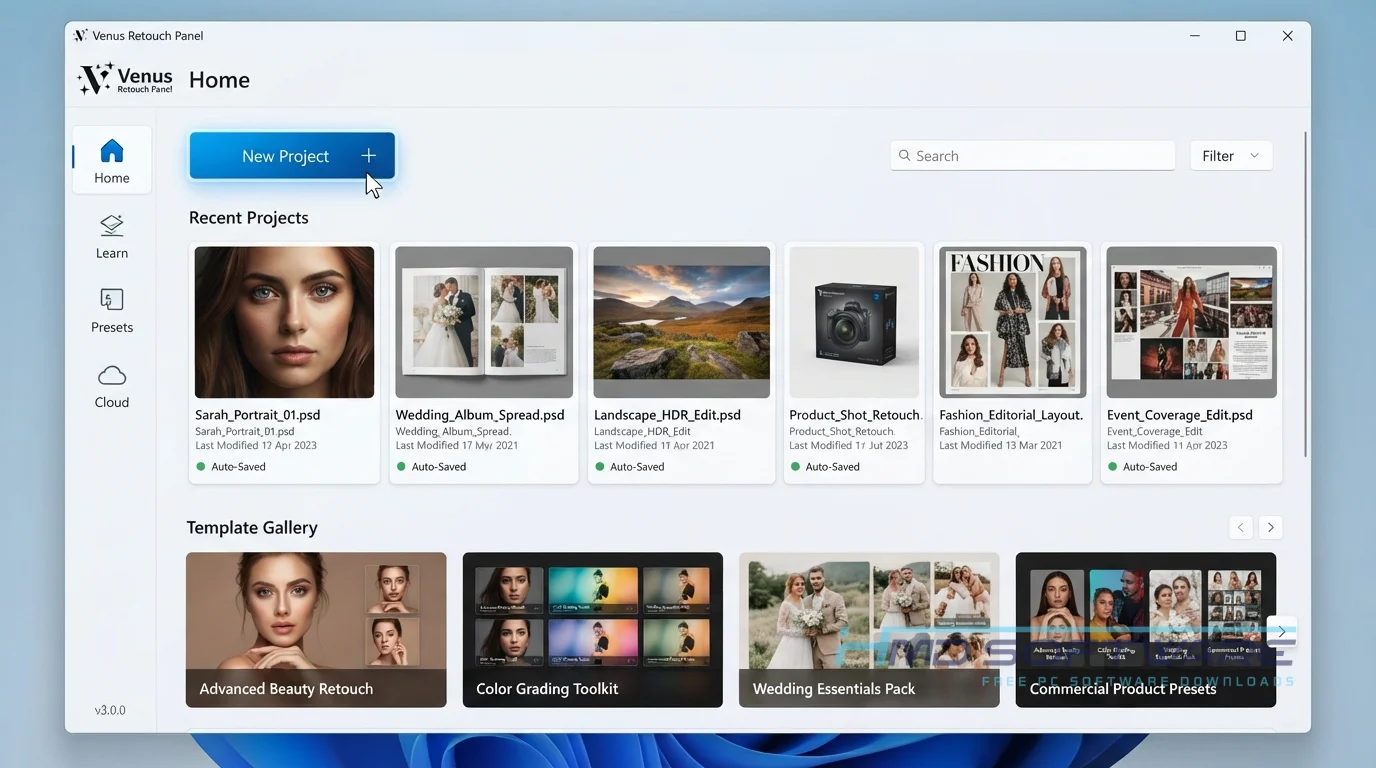
What is the Venus Retouch Panel?
Venus Retouch Panel 2026 is a skin retouching Photoshop extension developed by the M&J Studio team. It operates as a dedicated workspace within Adobe Photoshop CC for Windows and macOS.
This commercial portrait retouching plugin requires a paid license and automates dodging, burning, and color correction to help professional photographers save time on editing.
What Does the Venus Retouch Panel Do?
The automated retouching software converts complicated, multi-step editing methods into simple single-click buttons; if a client’s skin tone is uneven, you manually correct it by using the dodge and burn tool without having to set up your own complex curve layers.
Photographers also use it to add instant atmospheric effects, such as sun flare overlays, to outdoor shots. You can quickly fix red skin, whiten teeth, or enhance eyes with dedicated brushes.
Reading a Venus Retouch Panel review often highlights how it replaces the need for dozens of messy Lightroom presets by keeping your entire editing process neatly organized right inside your main workspace.
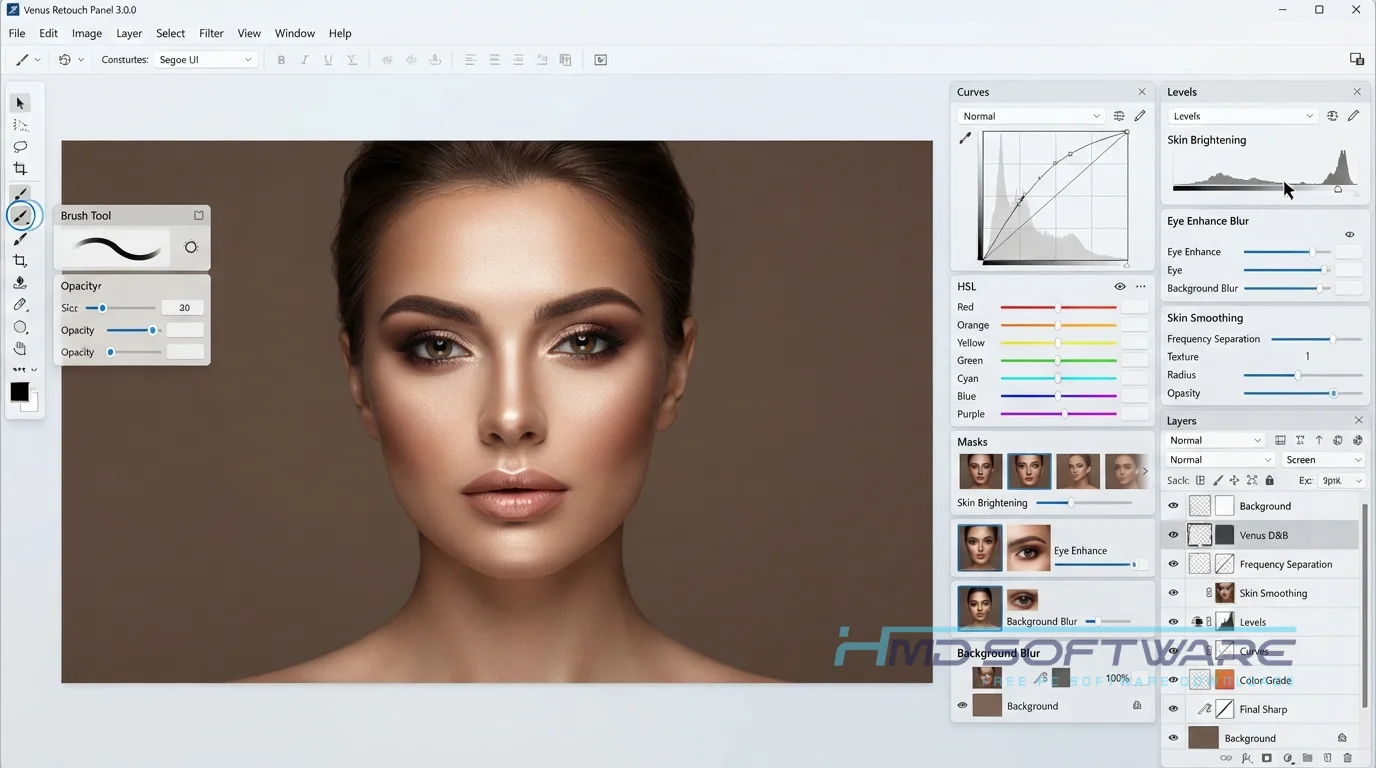
How Does the Venus Retouch Panel Work?
The plugin works by grouping Photoshop’s native adjustment layers into automated scripts that run instantly. It is built for photographers who know what they want a photo to look like but hate doing the tedious manual layer setups.
The main problem it solves is fatigue from repetitive tasks. When you click a skin smoothing option, the panel automatically creates the necessary frequency-separation groups, applies the appropriate blur radii, and hands you a brush. You paint over the areas you want to fix.
Key Features of Venus Retouch Panel 2026
- Frequency Separation: This thing can take your picture. Break it down into two parts. The texture and the color. It helps make the skin look really smooth and realistic.
- Dodge and Burn Tools: Create instant curve-adjustment layers with black masks for fast contouring.
- Luminosity Masks: Allow you to target specific highlights or shadows without affecting the midtones of your photo.
- Atmosphere Effects: Adds realistic sun flare overlays, snow, or rain to instantly change the mood of an outdoor portrait.
- Color Grading: Offers quick tonality and HSL masks to perfectly match different lighting conditions.
- Workflow Interface: Organizes everything neatly so you never have to hunt through Photoshop menus again.
Pros and Cons
Pros
- It speeds up repetitive portrait editing by logically organizing tools.
- You can create complex luminosity masks with a single click.
- Greatly simplifies the dodge-and-burn process for beginners.
- Includes excellent built-in color grading and mood-enhancing overlays.
Cons
- The price of the Venus Retouch Panel 2026 is slightly high for casual hobbyists.
- It only works directly within Adobe Photoshop CC, leaving Lightroom-only users out.
- Applying too many atmosphere effects simultaneously can slow down older computers.
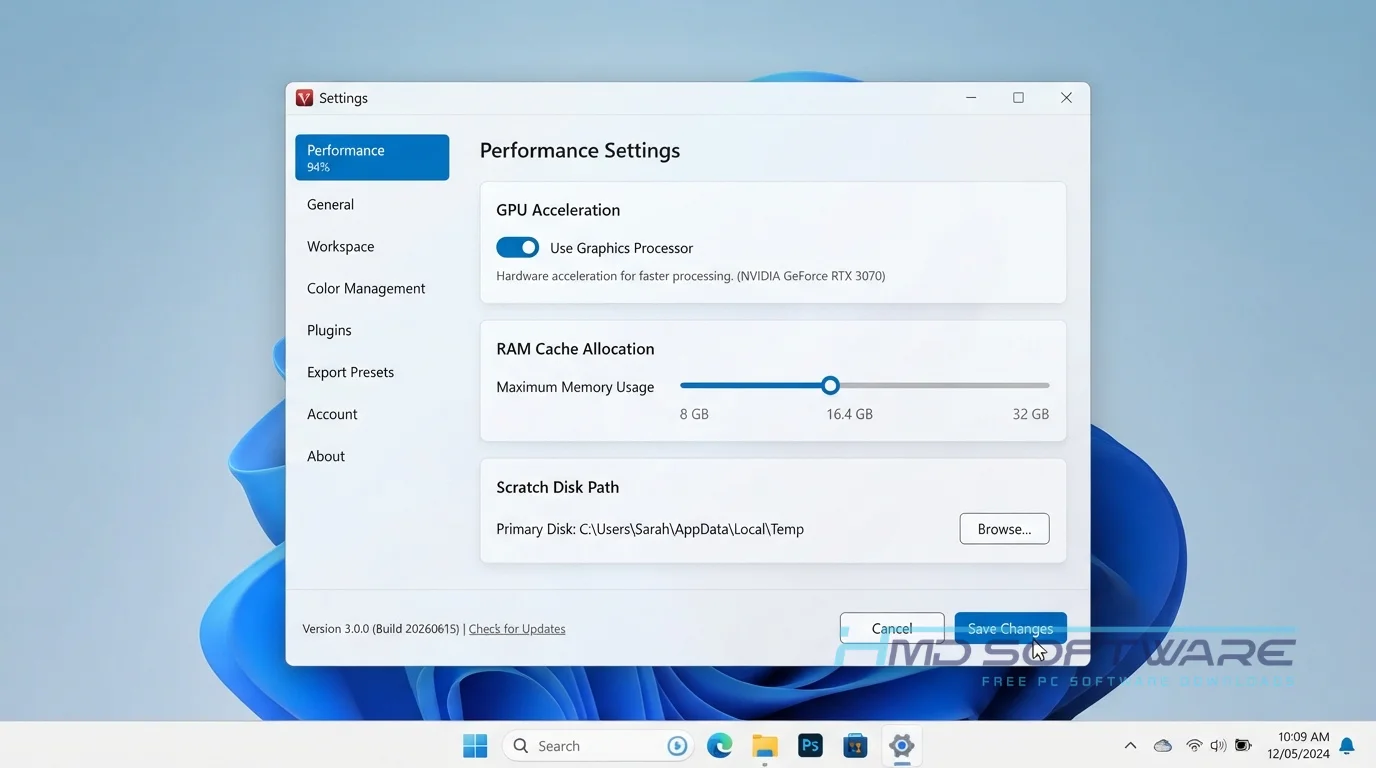
How To Download Venus Retouch Panel 2026
To find an offline installer for editing plugins, you need to download from places you can trust. A good place to find a verified download link is HMD Software, a reliable source for software for your computer.
- Open your browser and search for the latest version of the Venus Retouch Panel.
- Visit the trusted HMD Software directory or the official developer marketplace.
- Purchase the license to receive your secure setup file via email.
- Download the ZXP extension file directly to your desktop or downloads folder.
- Avoid any site offering a cracked free download, as they frequently bundle malware into Photoshop extensions.
How To Install Venus Retouch Panel Step by Step
You do not need a complicated installation guide to get this working.
- Close Adobe Photoshop completely before starting the installation process on your PC.
- Download a reliable plugin installer, such as Anastasiy’s Extension Manager.
- Open the manager application and drag your downloaded ZXP file into the main window.
- Follow the on-screen prompts to accept the necessary developer permissions.
- Launch Photoshop, navigate to the top main menu, and select the Window tab.
- Hover over Extensions and click the newly added panel to open your workspace.
System Requirements
Before you buy the Venus Retouch Panel, make sure your current computer can handle the extra processing load. Checking the Venus Retouch Panel-compatible Photoshop versions ensures the plugin actually appears in your menu. Here is exactly what you need to run the extension smoothly on your daily editing machine.
| Requirement | Minimum | Recommended |
| Operating System | Windows 10 (64-bit) | Windows 11 (64-bit) |
| RAM | 8 GB | 16 GB or more |
| Storage | 100 MB free space | 500 MB on SSD |
| Processor | Intel Core i5 | Intel Core i7 or equivalent |
| Photoshop Version | Adobe Photoshop CC 2019 | Adobe Photoshop CC 2026 |
| Additional | ZXP Installer utility | Active internet for activation |
Is Venus Retouch Panel Safe To Download?
Yes, it is entirely safe if you purchase it directly from the official developer or a trusted photography software vendor. Because it is a highly requested tool, many shady websites advertise a fake free download of Venus Retouch Panel 3.0.0 to trick users into installing viruses.
To protect your computer, always verify that the download source is legitimate. You should also scan the ZXP file with your local antivirus software before dragging it into your extension manager.
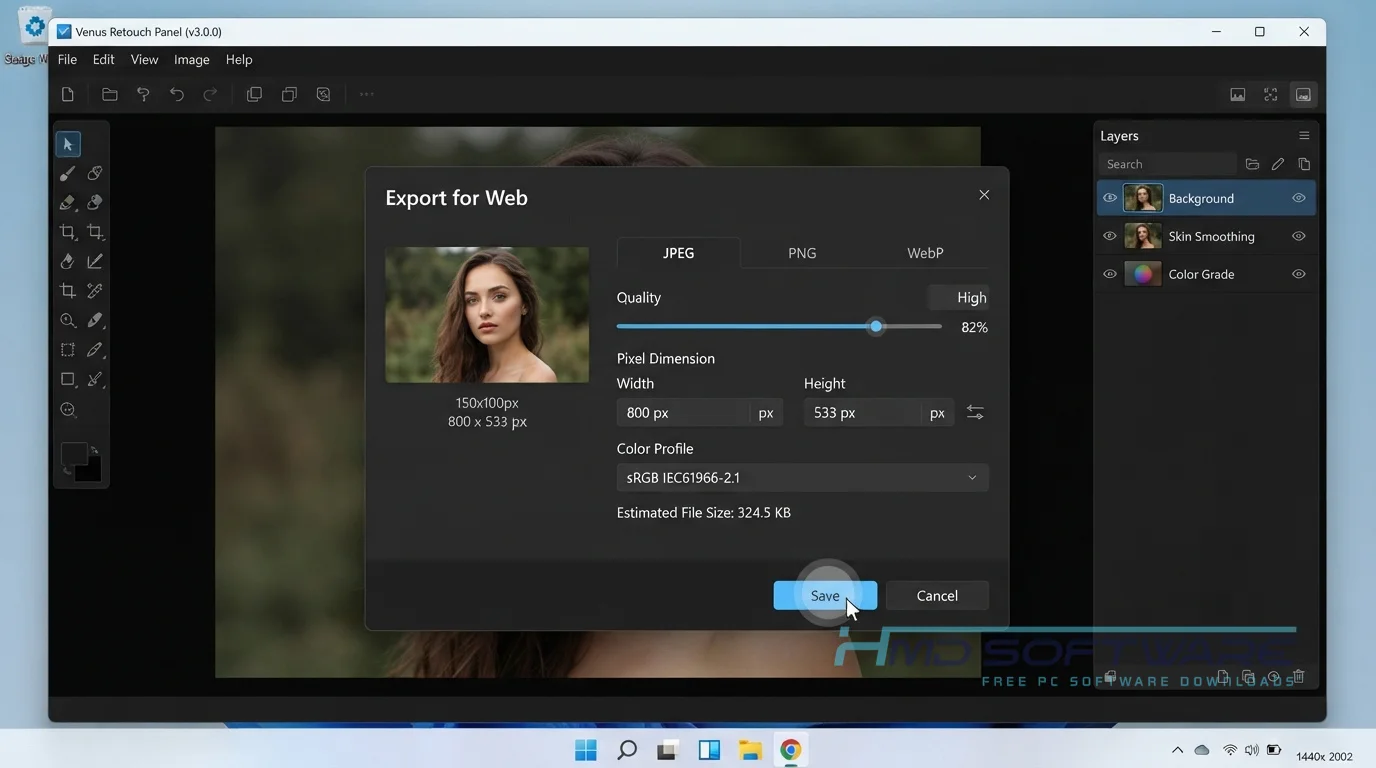
Best Alternatives To Venus Retouch Panel 2026
- Retouch Pro Panel: A major competitor that offers very similar frequency separation features but includes a slightly larger library of color grading presets.
- Beauty Panel: Excellent for users who want artificial intelligence to handle face recognition and eye enhancements automatically.
- Infinite Color Panel: The best choice if you already know how to retouch skin manually and only want a tool dedicated entirely to randomizing cinematic color grades.
Conclusion
The Venus Retouch Panel 3.0.0 for Adobe Photoshop takes the frustration out of high-end portrait editing by putting every essential tool in one convenient menu. Professional wedding and studio photographers should definitely add this extension to their workflow to save hours of manual layer adjustments.
If you want to stop struggling with messy frequency separation techniques, grab the safe download today and see how quickly your editing process speeds up.
Frequently Asked Questions
Is the Venus Retouch Panel free or paid?
It is a paid commercial plugin, meaning there is no legal free version available for long-term use. If you want to test the workflow, the developer occasionally offers a short trial period.
The Venus Retouch Panel pricing is a one-time fee, which makes it much cheaper over time than paying for a monthly subscription to access basic skin retouching tools in the Photoshop extension.
Does the Venus Retouch Panel work on Windows 11?
Yes, the extension runs perfectly on Windows 11, provided you have a compatible version of Adobe Photoshop installed. Because the panel lives entirely inside the host application, your operating system version matters less than your software version.
It responds quickly in modern Windows environments and rarely causes any crashes when applying heavy atmosphere effects or complex luminosity masks.
What is the latest version of Venus Retouch Panel 2026?
The latest release is Venus Retouch Panel 3.0.0, which offers improved compatibility with the latest Adobe updates. This version improved the speed of the dodge and burn tools and added several new sun flare overlays.
If you are comparing the Venus Retouch Panel vs. the Retouch Pro Panel, make sure you have the latest 3.0.0 update for the fairest comparison of features.
Is the Venus Retouch Panel safe to download and use?
It is completely safe as long as you get the installer from official digital storefronts or verified software directories. You only risk your computer’s security if you search for pirated copies on random forums.
Always double-check where to buy the Venus Retouch Panel safely to ensure you receive a clean, malware-free ZXP file that will not corrupt your main editing software.
Latest Posts:
- Microsoft Office 365 Enterprise Free Download: Full Offline Setup
- Macrium Reflect Rescue Free Download: Bootable WinPE ISO Setup
- JPLAY Femto Free Download: Bit-Perfect Audiophile PC Player
- Milestone XProtect Corporate 2025 Free Download: VMS Setup for PC
- Microsoft Office 2010 Pro Plus Free Download: Full PC Setup