




UPX Free Download for Windows – Complete Guide


Quick Answer: You can safely download UPX for free from its official GitHub page or trusted software sites. This open-source tool works well on Windows 11 and is completely free. Because it is a portable command-line utility, you only need to extract the archive and start using it right away.
Introduction
UPX 5.1.1 is a command-line tool that reduces the size of compiled program files. Developers and IT admins use it to reduce distribution costs and speed up downloads.
If you build desktop apps or manage large software deployments, UPX can reduce your binary sizes by half without affecting how your programs run. The 2026 update also supports newer processor types.
People use this compressor to save server bandwidth, speed up downloads, or fit portable apps onto small flash drives.
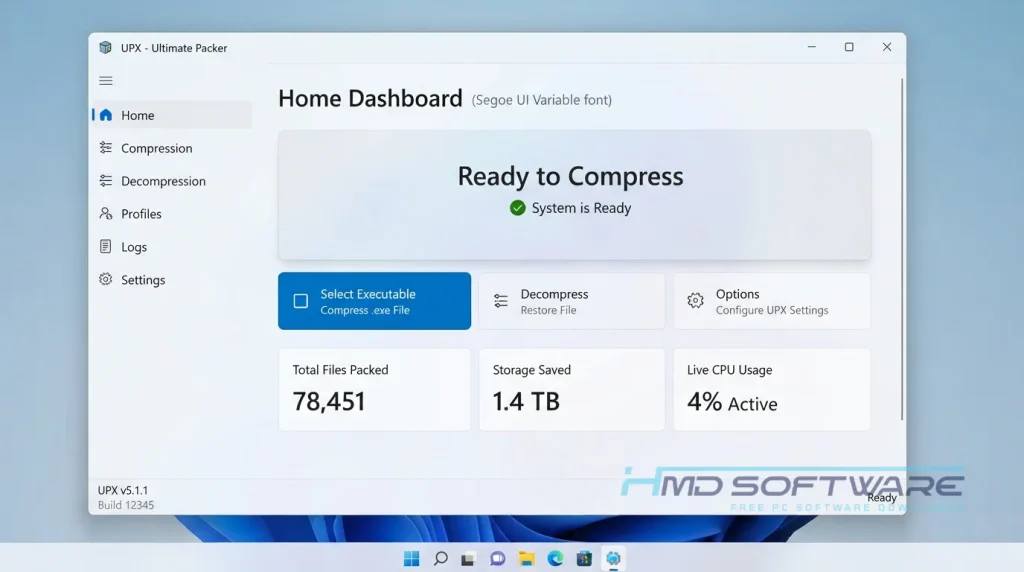
What is UPX?
UPX (Ultimate Packer for Executables) is a cross-platform tool made by Markus Oberhumer, Laszlo Molnar, and John Reiser. It compresses executable files on Windows, Linux, and macOS.
UPX is free and open-source under the MIT license. It uses LZMA compression to shrink PE, ELF, and Mach-O files, and they can be decompressed instantly at runtime.
What Does UPX Do?
This exe file compressor takes large, compiled software binaries and squashes them down to a fraction of their original size. When you compress an exe file size with this utility, the resulting application functions exactly like the uncompressed original.
For example, a game developer can shrink a 50MB engine binary to about 15MB, saving on hosting costs. Many independent creators use UPX to reduce app sizes before uploading them online.
Instead of requiring users to unzip an archive first, the packed file behaves like a self-extracting executable, unpacking directly into memory when launched. It gives your applications a much smaller footprint on the hard drive.
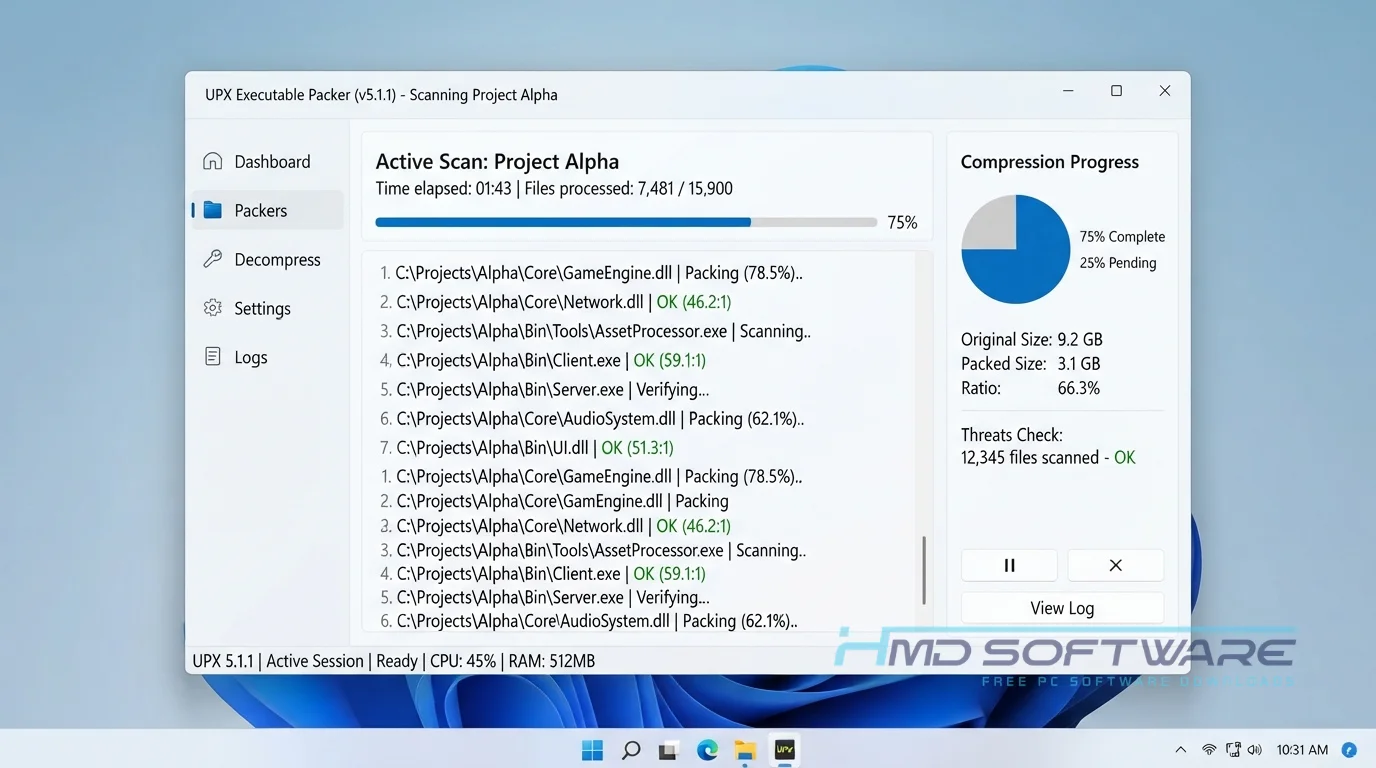
How Does UPX Work?
The tool works by wrapping your original program file inside a very tiny decompression stub. When a user double-clicks your compressed software, the operating system actually runs this small stub first.
That tiny piece of code rapidly reads the compressed data, unpacks the original program directly into the computer’s RAM, and immediately hands control back to your software.
You never see this happen because the in-place decompression takes a fraction of a second. It is built specifically for programmers who want to optimize their final releases without requiring end users to install additional third-party unzipping software.
Why Does Antivirus Flag UPX-Packed Files?
Many developers panic when Windows Defender suddenly flags their newly packed software. This happens frequently because malware authors also use the UPX packer to hide malicious code from simple signature scanners.
Antivirus engines often spot the compression stub and trigger a generic UPX antivirus false positive, assuming the file is suspicious just because its contents are hidden. To fix this, you should digitally sign your executables with a valid certificate after packing them.
Allowing UPX in the antivirus settings on your local build machine also prevents your development folders from being blocked during daily work.
Key Features of UPX
- Excellent Compression Ratio: The LZMA engine shrinks files by up to 70%, depending on the original binary code structure and resources.
- Fast In-Place Decompression: Packed software extracts directly into system memory at over 500 MB/sec, meaning users rarely notice any startup delays.
- Broad Cross-Platform Support: You can grab a download for Windows, Linux, or Mac to pack PE, ELF, and Mach-O executable formats, respectively.
- Open Source Transparency: The source code download via GitHub allows any developer to audit the actual compression algorithms for long-term safety.
- Reversible Packing Process: If you ever need the original binary back, you can easily unpack a UPX-compressed file with a simple command-line flag.
Pros and Cons
Pros
- Massively reduces executable file sizes for much easier web distribution.
- 100% free for commercial use thanks to a very permissive MIT license.
- The portable version runs instantly anywhere without requiring administrative installation.
- Supports modern 64-bit systems alongside newer ARM64 architectures.
Cons
- Frequently triggers annoying false positive antivirus warnings for end-users.
- Completely lacks a graphical user interface, which frustrates users who dislike the command line.
- Slightly increases the initial startup load time for massive, resource-heavy packed applications.
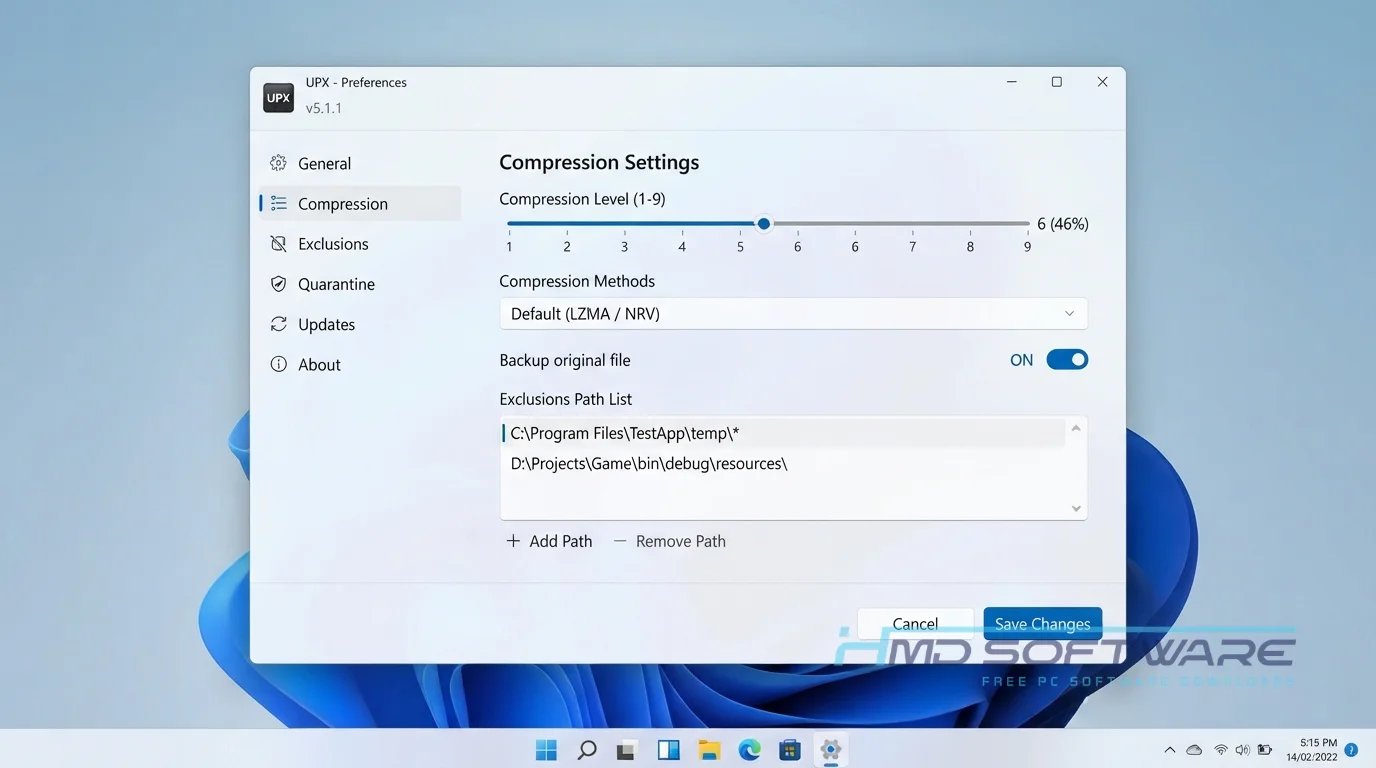
How To Download UPX
Grabbing the correct package is straightforward since the project hosts its binaries publicly. You can find a safe, verified download link on HMD Software, a reliable platform for PC software downloads.
- Open your web browser and search for the latest UPX version.
- Navigate directly to the official GitHub releases page or the trusted HMD Software directory.
- Select the 64-bit download zip file labeled specifically for your current operating system.
- Save the tiny, portable executable-packing archive to your downloads folder or desktop.
- Always avoid shady third-party sites that offer modified setup files, as the official project never distributes traditional graphical installers.
How To Install UPX Step by Step
Because this utility is a portable command-line tool, you do not actually install UPX through a typical setup wizard.
- Locate the downloaded zip archive on your computer.
- Right-click the file and extract the contents to a permanent folder on your C: drive.
- Open your Windows System Properties to access the Environment Variables menu.
- Edit the System PATH variable and add the directory path where you extracted the tool.
- Open Command Prompt and type upx –version to check that the system recognizes the command.
System Requirements
This tool is lightweight and works on almost any computer from the last twenty years. Check the basic requirements before adding it to your build scripts.
| Requirement | Minimum | Recommended |
| Operating System | Windows 7 (32-bit) | Windows 11 (64-bit) |
| RAM | 512 MB | 2 GB or more |
| Storage | 10 MB free space | 50 MB free space |
| Processor | Intel Pentium 4 | Intel Core i3 or higher |
| Internet | Not required for use | Optional for source code download |
| Additional | Command Prompt | PowerShell for advanced scripting |
Is UPX Safe To Download?
Yes, the official UPX tool is safe to download and use. It has no adware, tracking scripts, or malicious code if you get it from the developer’s GitHub page.
However, because bad actors sometimes use this exact packer to obfuscate malware, security scanners often mistakenly flag perfectly clean packed files.
To stay secure, only download the tool from trusted programming archives or the official developers. Never run an unpacked executable if you do not recognize the original software creator, as the compression layer itself cannot protect you from inherently bad code.
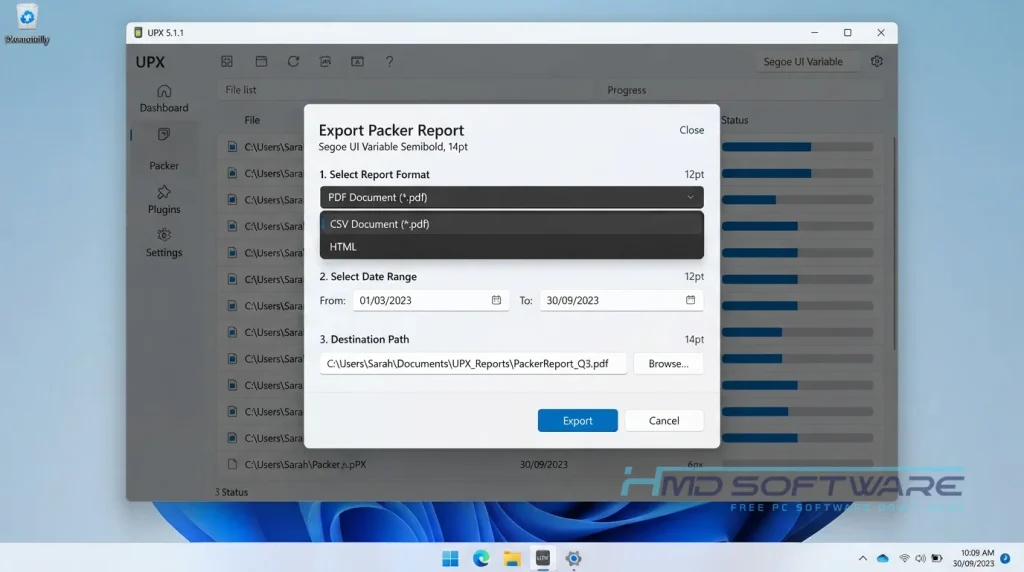
Best Alternatives To UPX
If the constant false positive antivirus warnings become too annoying for your software distribution, check out these alternatives.
- Themida: An advanced commercial protector that prevents reverse engineering rather than focusing purely on simple file compression.
- Enigma Protector: Focuses heavily on application licensing and anti-cracking features for premium Windows software developers.
- MPRESS: A free alternative that compresses PE and .NET executables very efficiently, though it sees fewer active developer updates these days.
Conclusion
The Ultimate Packer for Executables is a tool for developers who want to reduce the size of their software. This is helpful if you want to save money on cloud hosting or build apps you can take with you. The Ultimate Packer for Executables is easy to use and works well.
Be sure to digitally sign your packed files to avoid antivirus blocks for your users. Download UPX and see how much disk space you can save on your next project.
Frequently Asked Questions
Is UPX free or paid?
The UPX packer is 100% free and open-source under a very permissive MIT license. You do not need to buy an activation key or subscription to use it for commercial software development.
You can freely compress your proprietary business applications, sell them to clients, and distribute them online without owing any royalties to the original creators.
Does UPX work on Windows 11?
Yes, the latest version of UPX runs flawlessly on Windows 11, including both standard Intel processors and modern ARM64 systems.
Since UPX runs through the command line or PowerShell, it rarely has compatibility issues with new operating systems. Make sure you use the correct 64-bit version for your Windows setup.
What is the latest version of UPX?
As of 2026, UPX version 5.1.1 is the one to use for real work. This new version makes LZMA compression faster and fixes issues with Mach-O files on new Apple devices.
Checking the official GitHub repository every few months ensures you always have the most secure iteration of the packing tool.
How do you use the UPX command-line tool?
Using the UPX command-line interface is very simple once you open your terminal window. To compress an application, you type upx yourfile.exe and press Enter.
The background script automatically replaces the original binary with the newly compressed version. If you ever need to decompress the file back to its original state, type upx -d yourfile.exe.
Latest Posts:
- Microsoft Office 365 Enterprise Free Download: Full Offline Setup
- Macrium Reflect Rescue Free Download: Bootable WinPE ISO Setup
- JPLAY Femto Free Download: Bit-Perfect Audiophile PC Player
- Milestone XProtect Corporate 2025 Free Download: VMS Setup for PC
- Microsoft Office 2010 Pro Plus Free Download: Full PC Setup